Help
Create your event
From a game night at home to a full convention: create the event, open sign-ups, build the program and keep it all under control on the day.
← All guides
37 guides with a screenshot of every screen. Follow them in order or go straight to what you need.
Create the Meeplay
The event and its basic details.
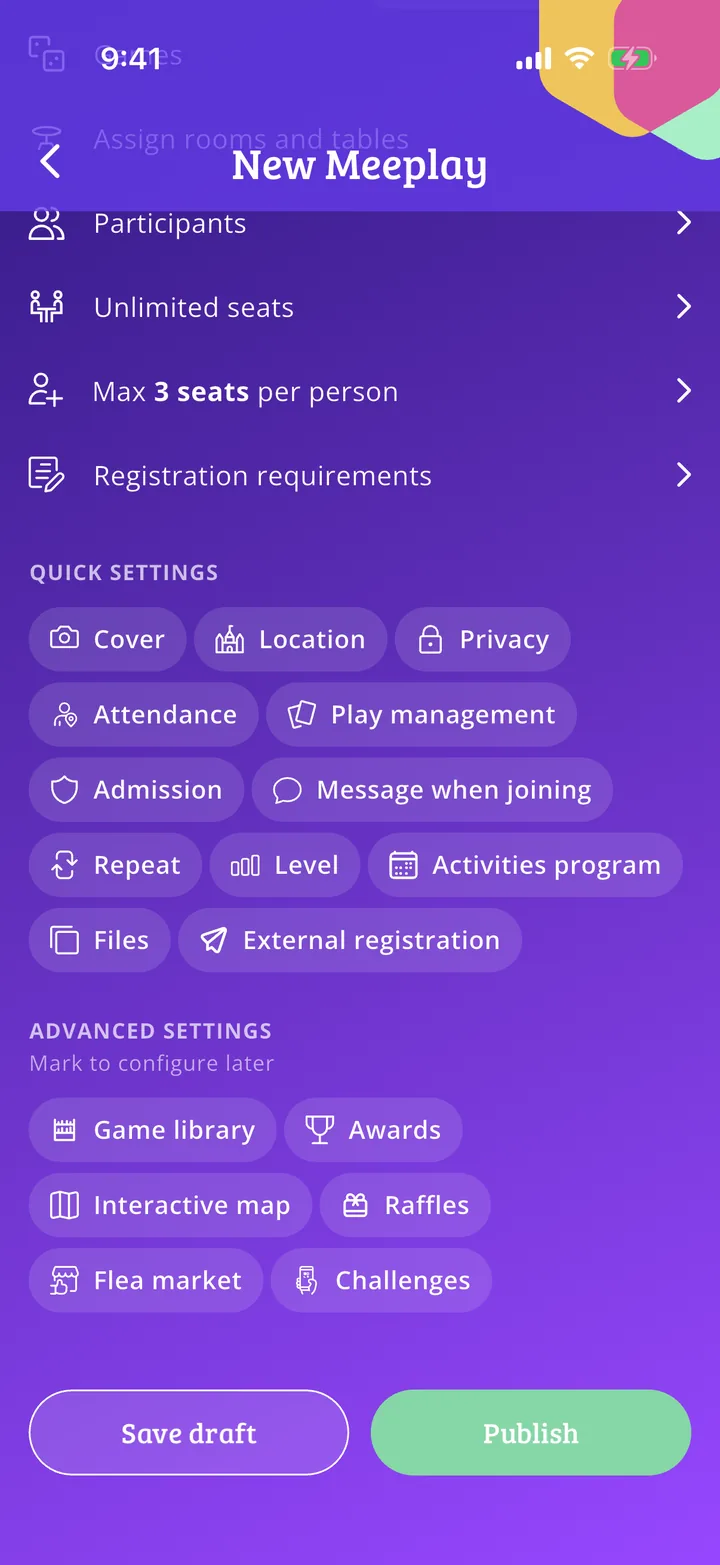
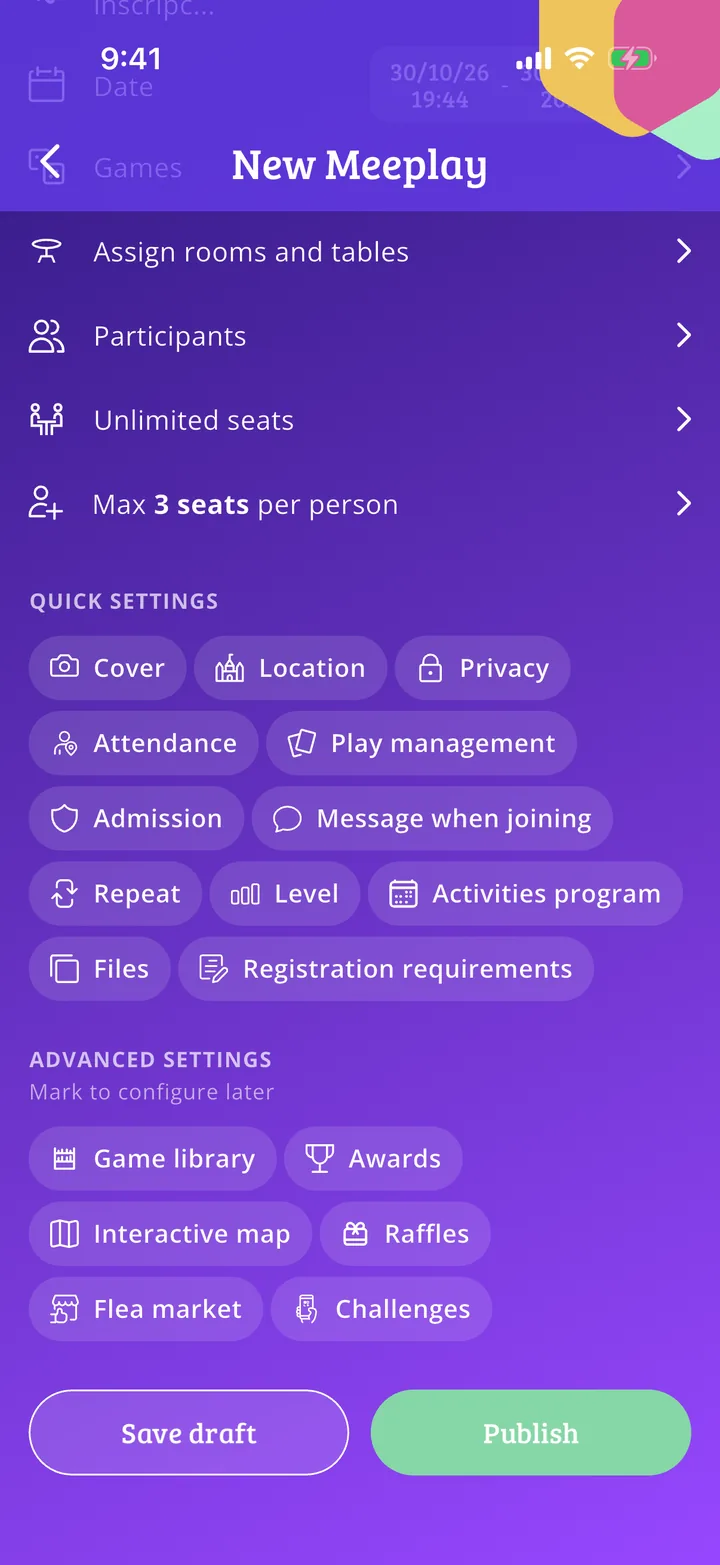
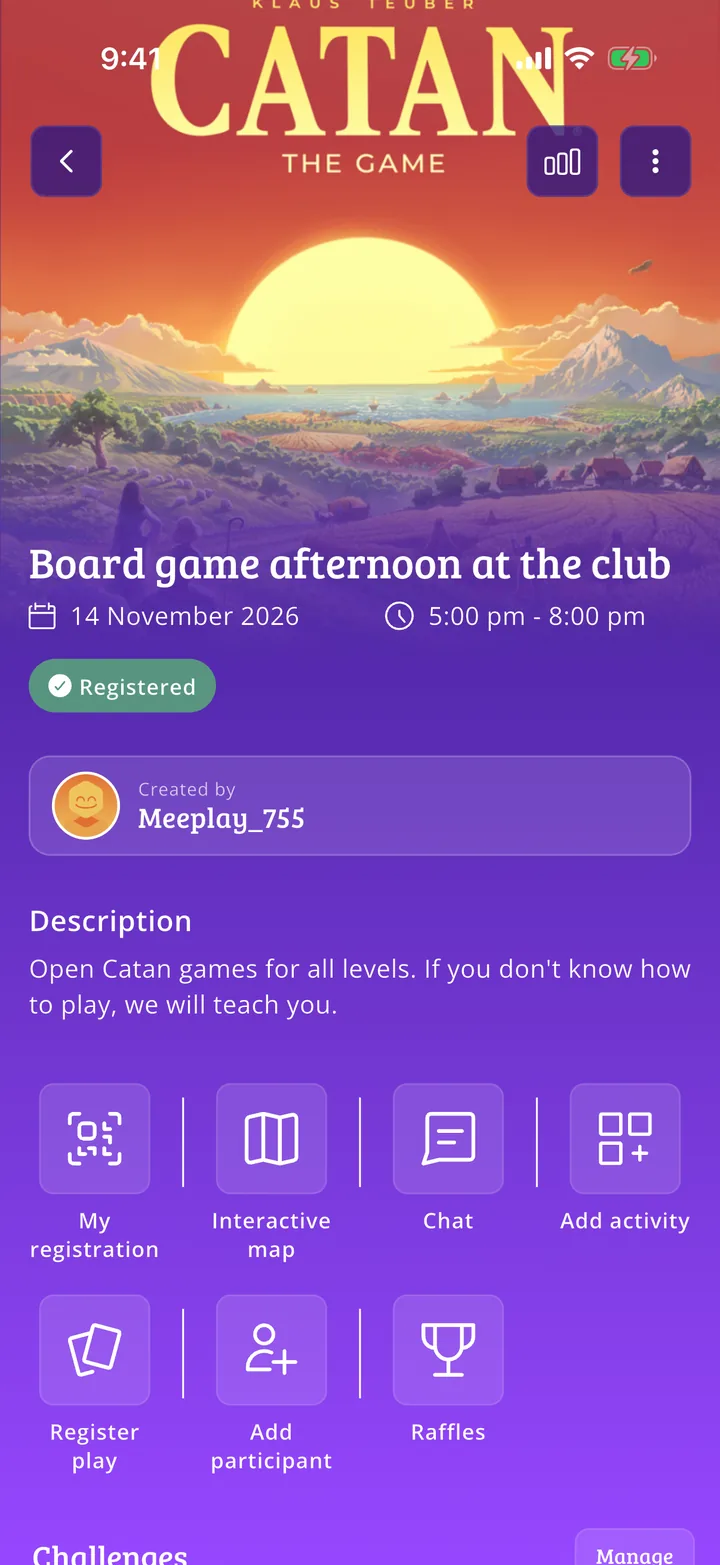 How to create your first Meeplay20 steps
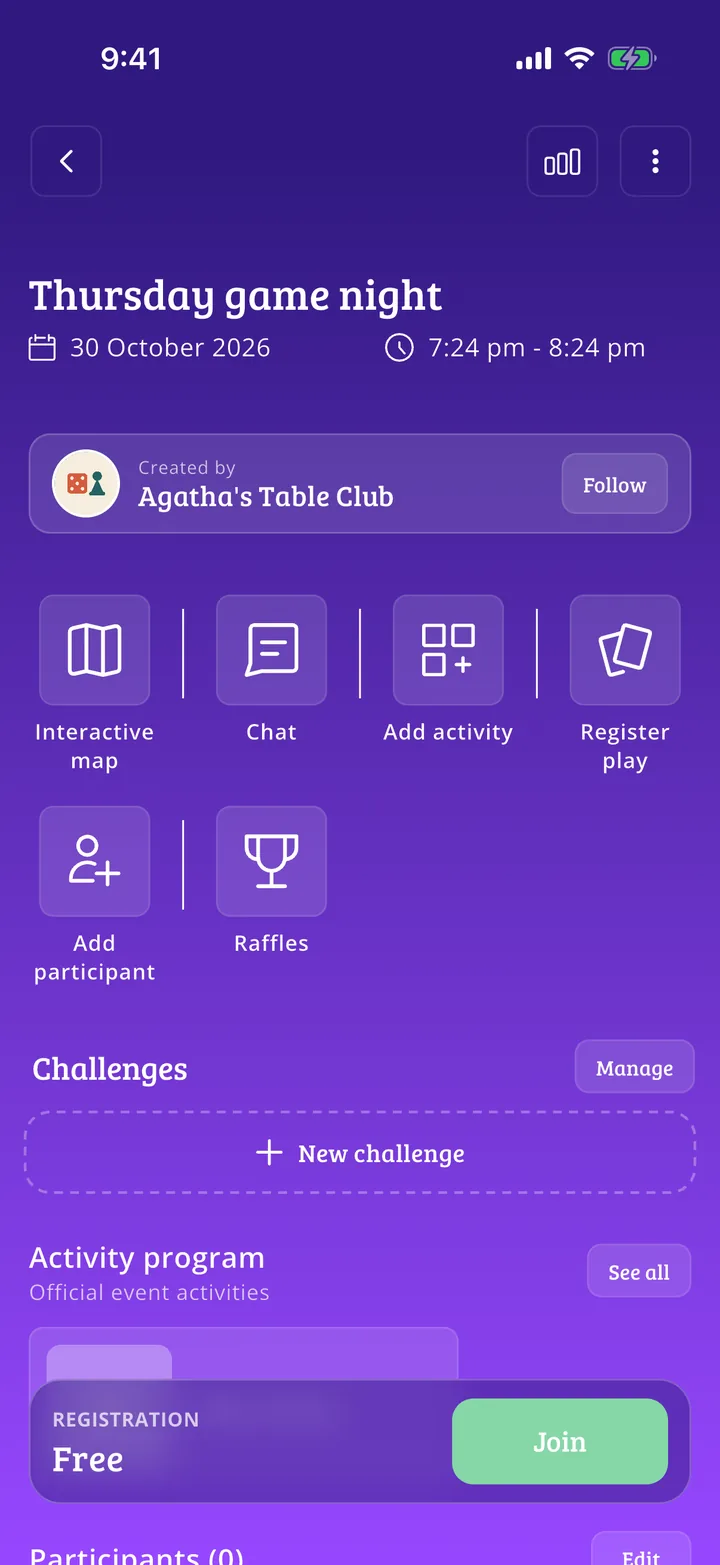 How to create Meeplays from your organizer account5 steps
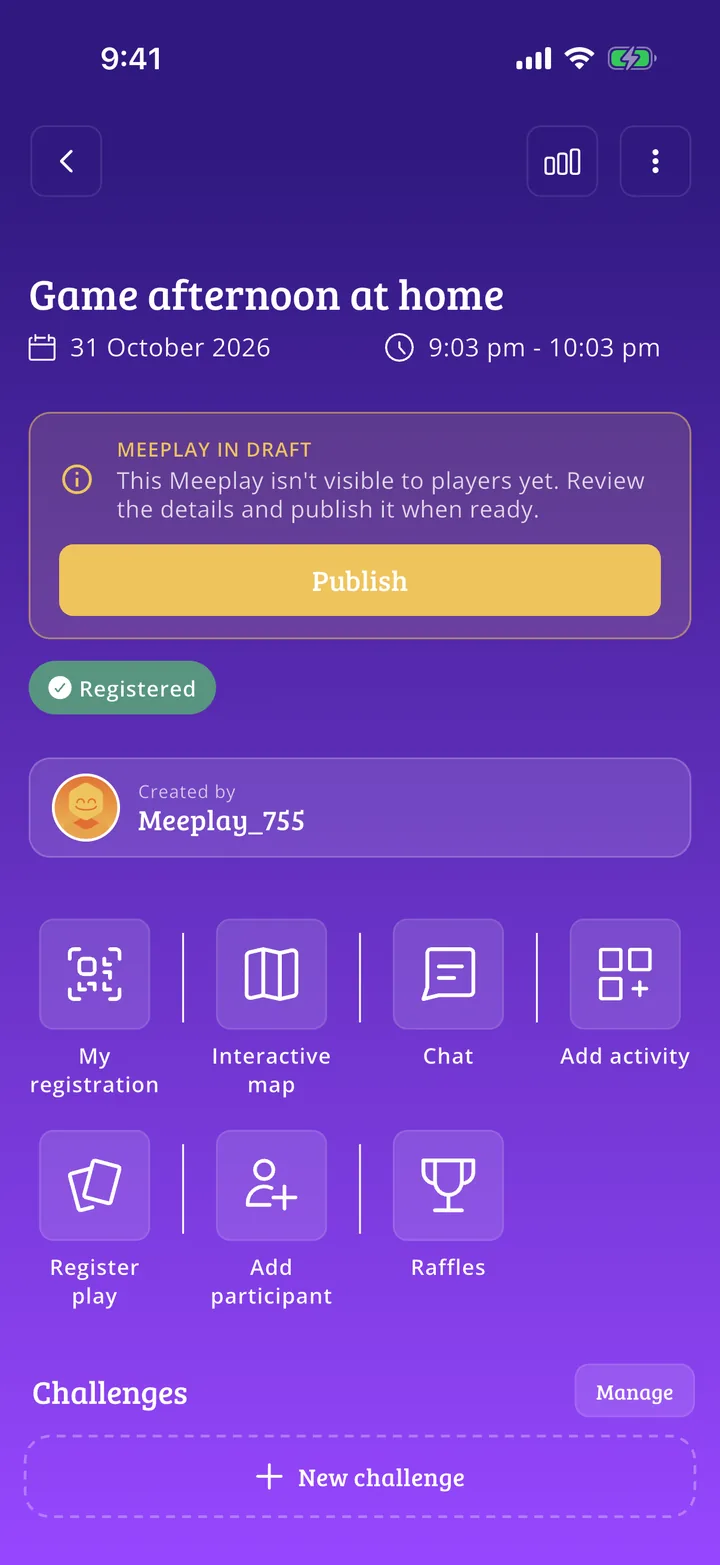 How to save a Meeplay as a draft6 steps
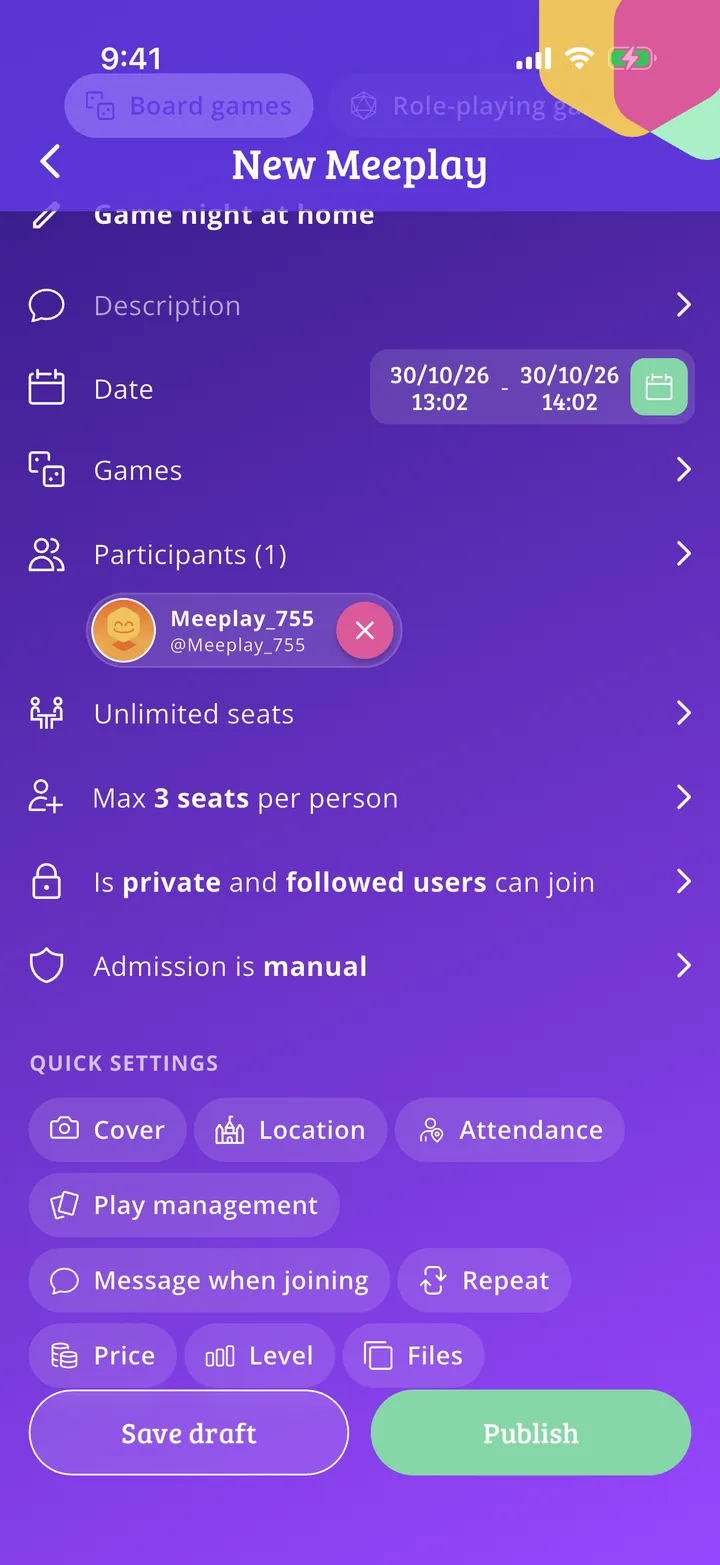 Privacy and admission: how to control who joins your Meeplay6 steps
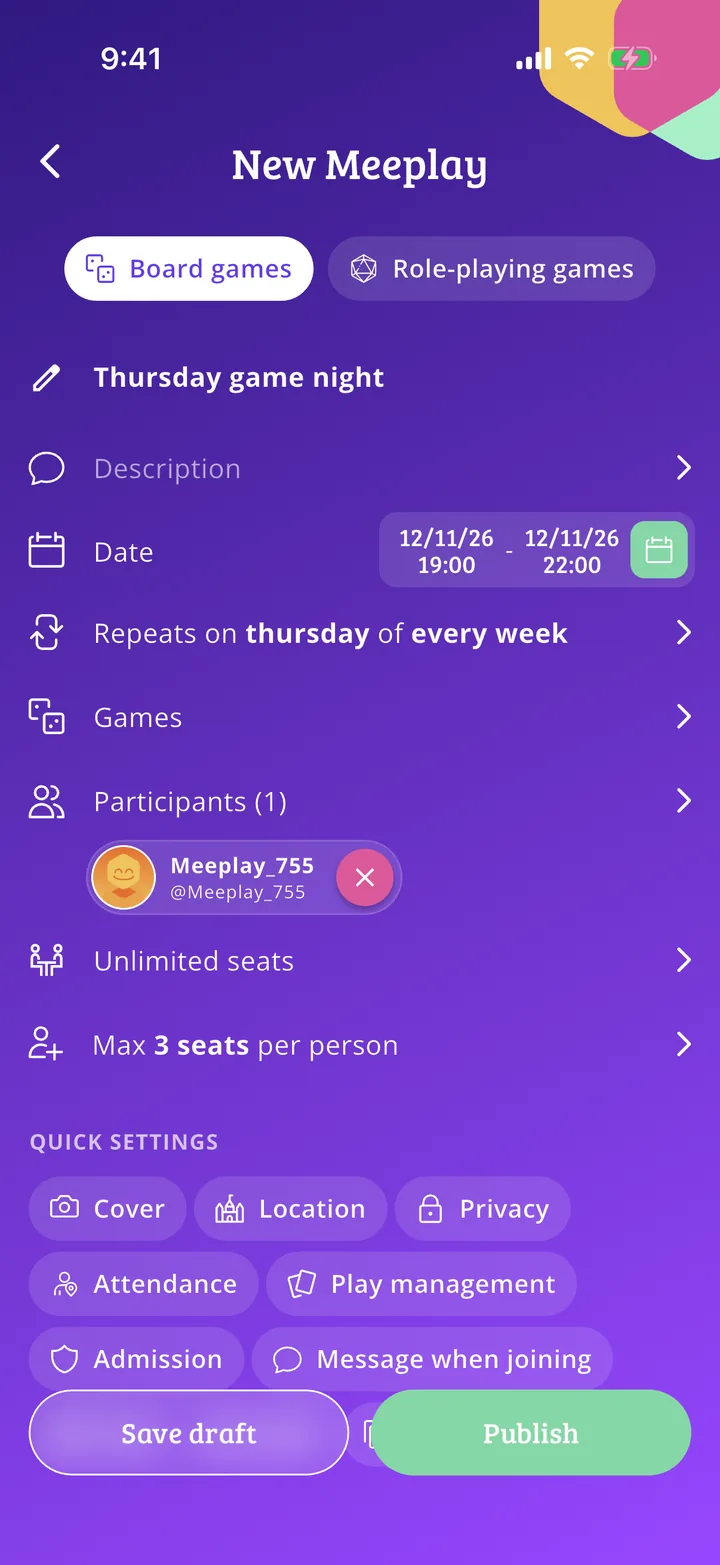 Recurring Meeplays: how to schedule them automatically7 steps
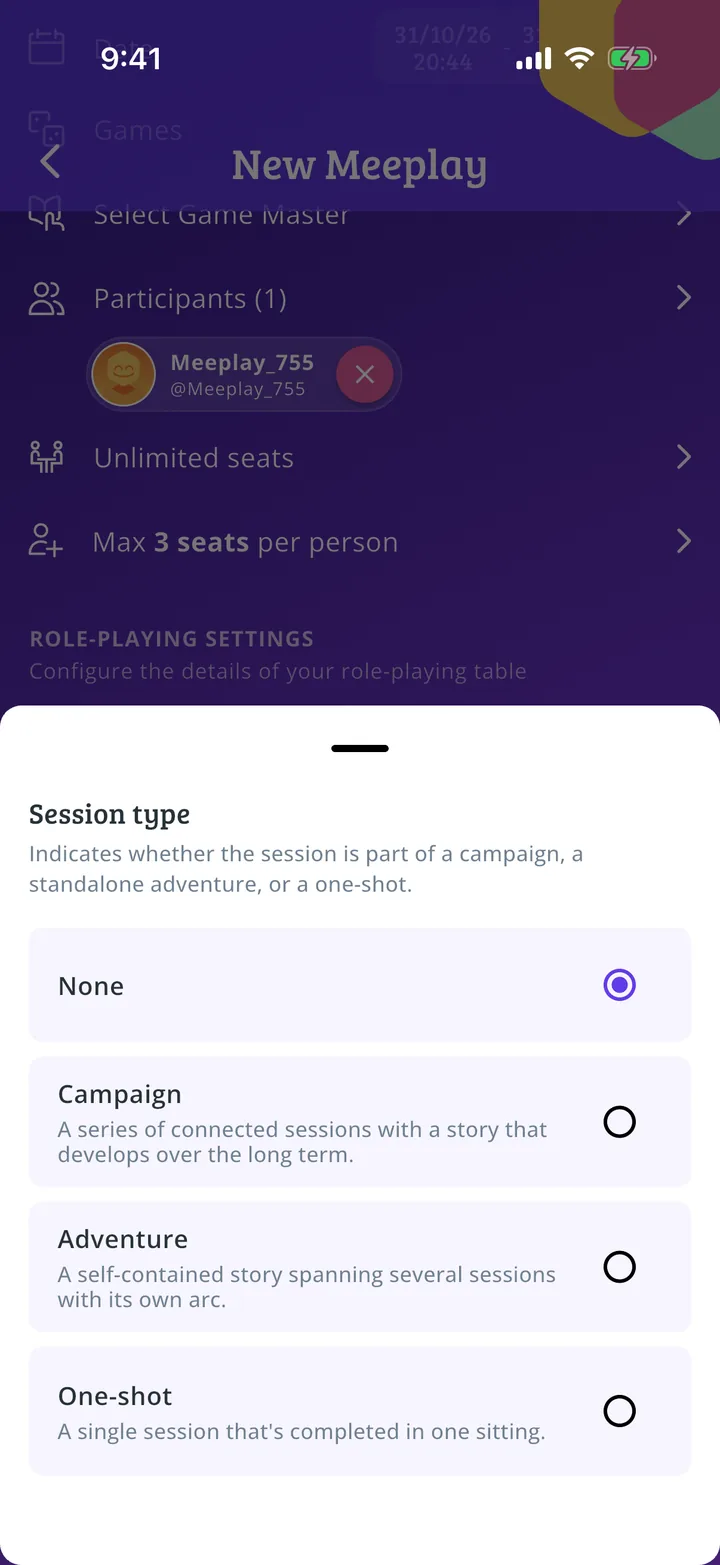 How to create a roleplaying Meeplay5 steps
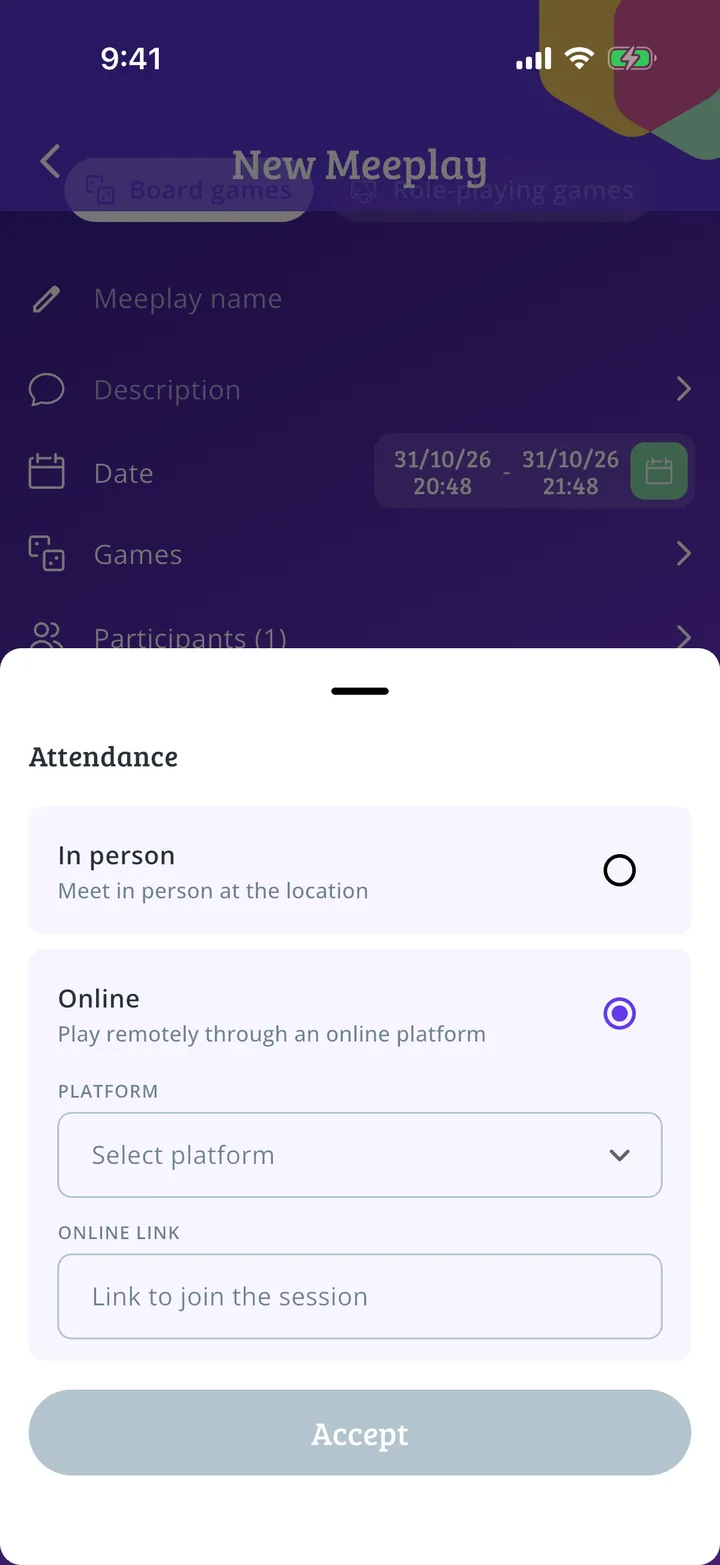 How to create an online Meeplay5 steps
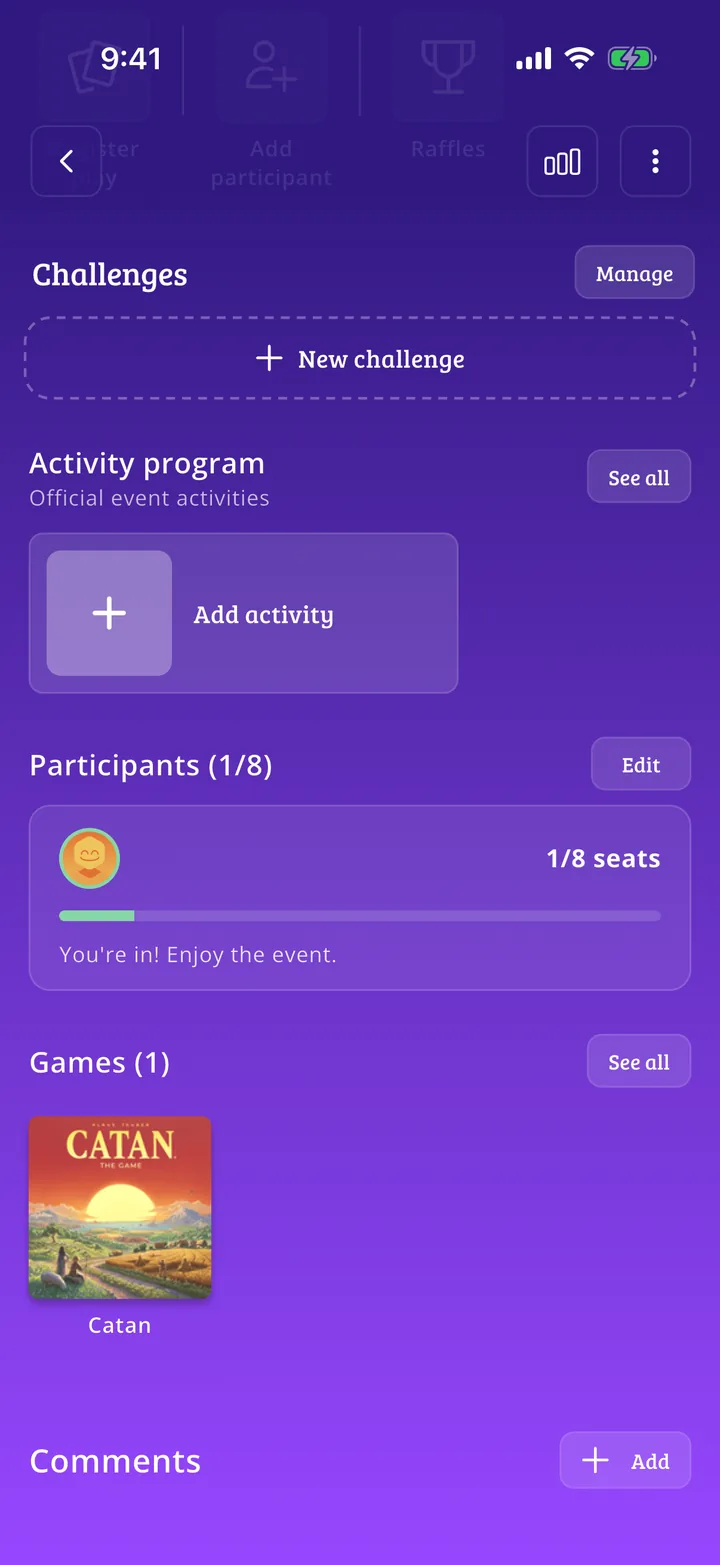 How to edit a Meeplay you already created8 steps
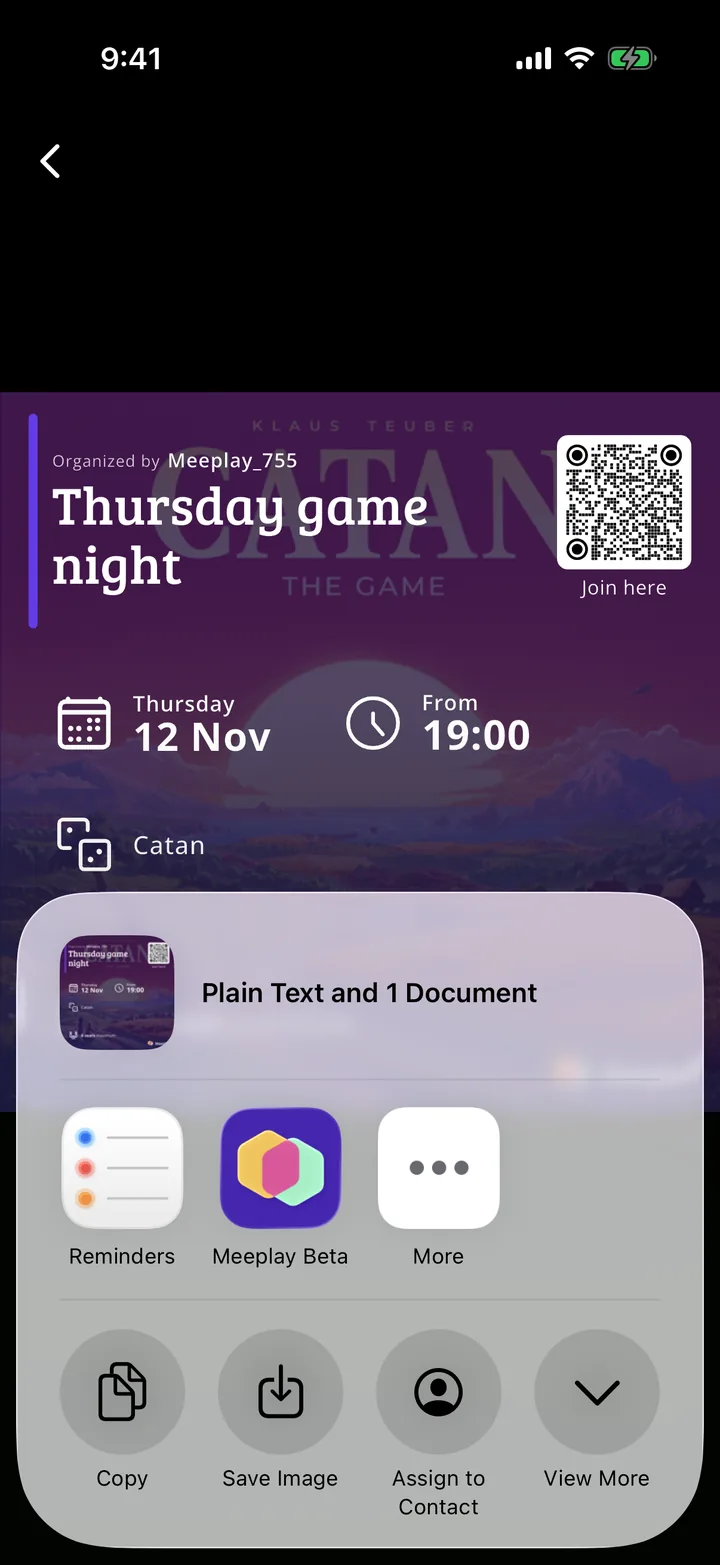 How to share a Meeplay you created5 steps
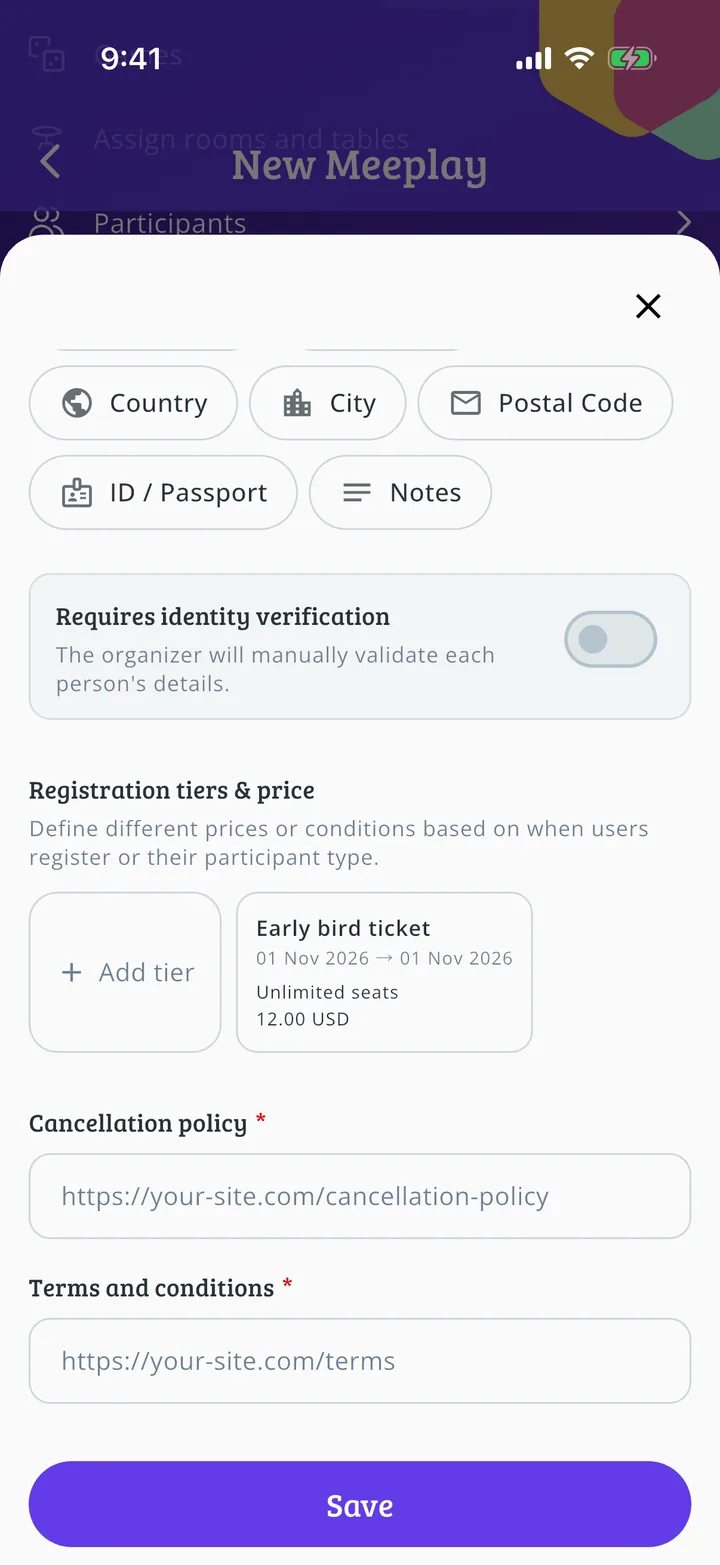
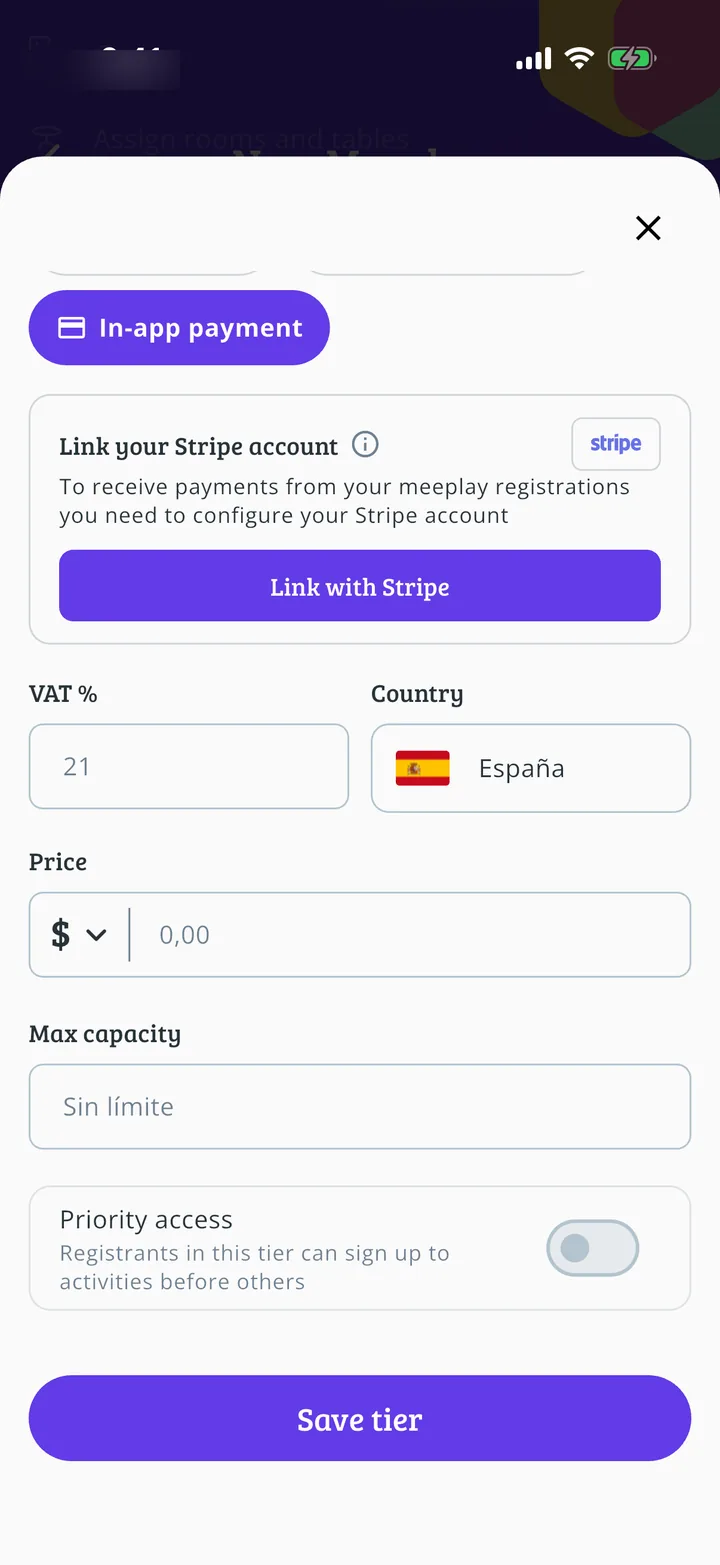
Open sign-ups
Who gets in, on what terms and at what price.
Build the program
Activities, map, tournaments, game library and awards.
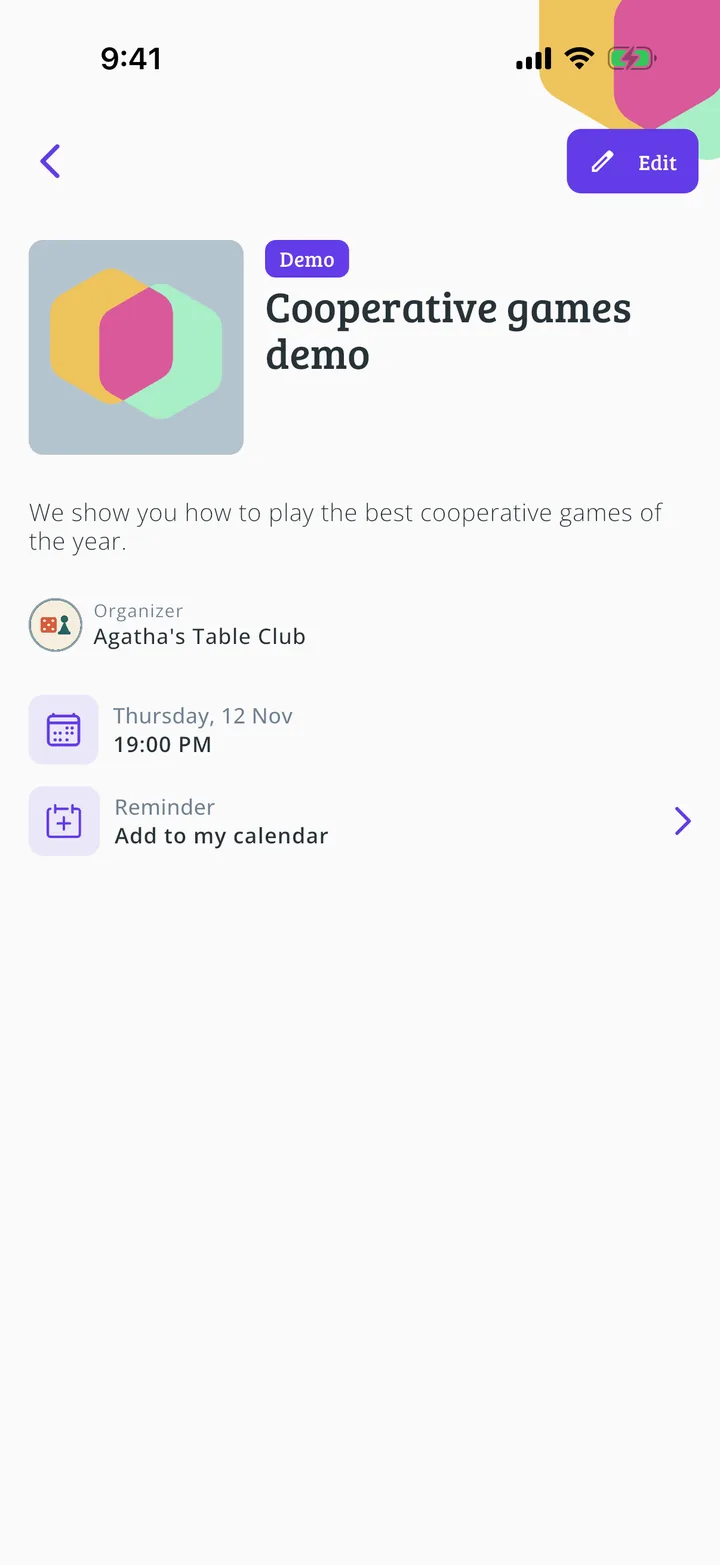 How to create the activity schedule11 steps
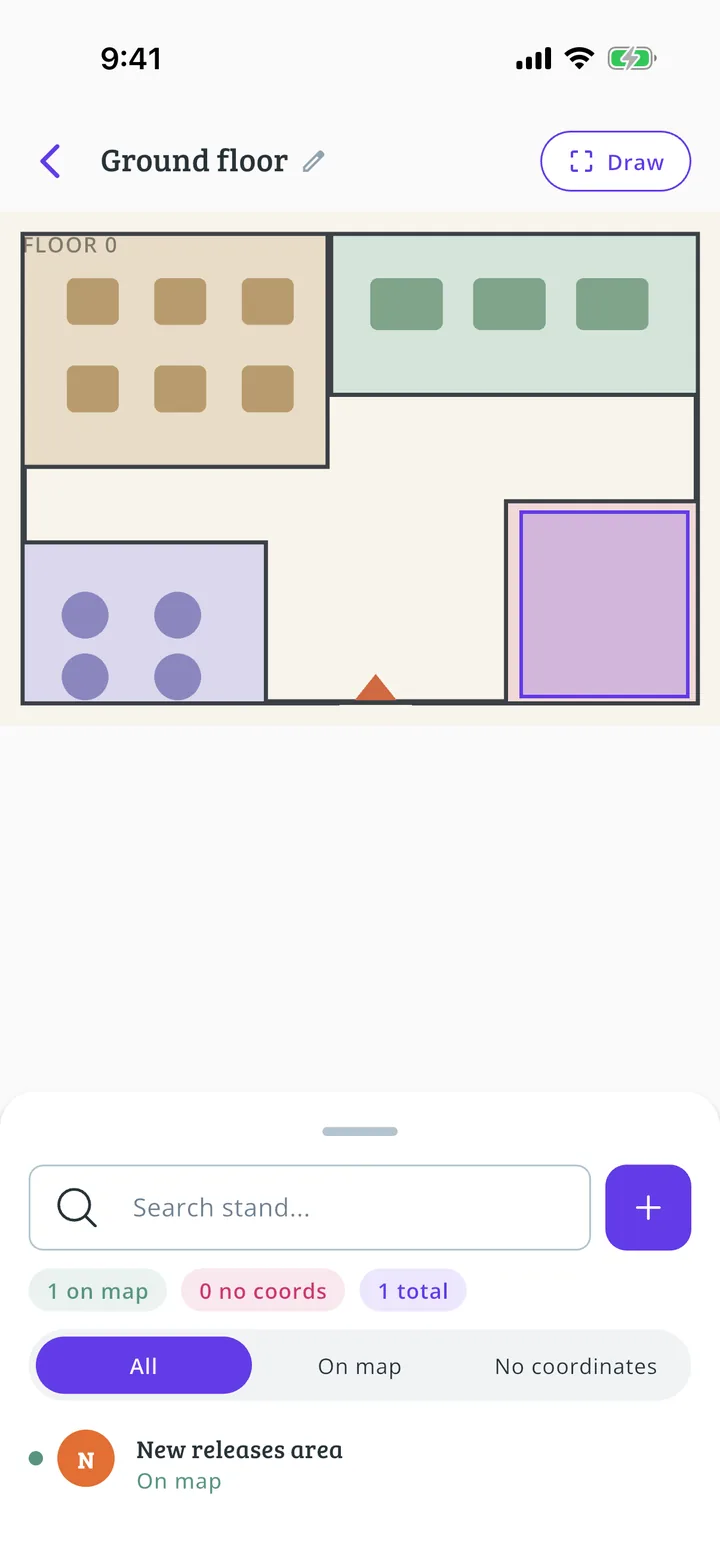 How to set up your Meeplay's interactive map14 steps
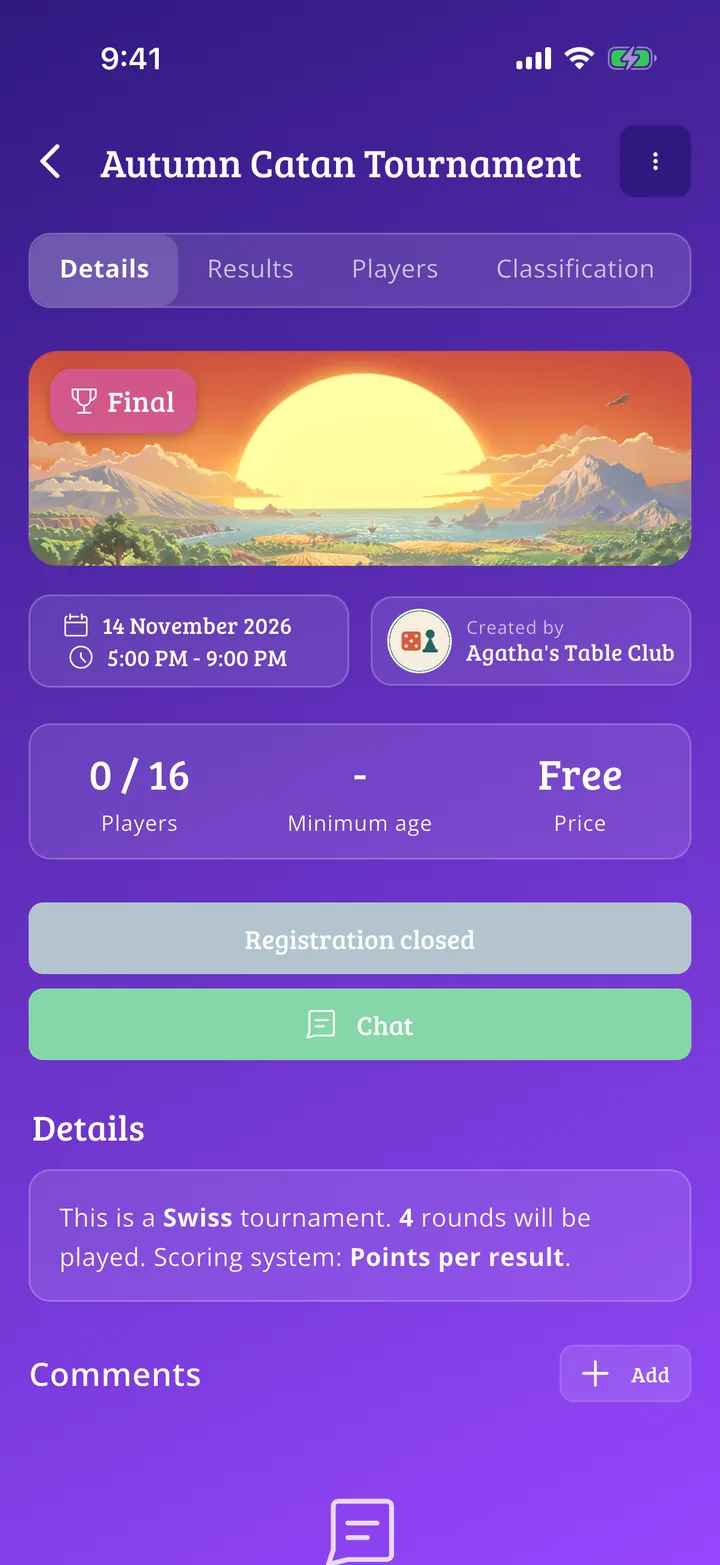 How to create a tournament17 steps
 How to run a group stage and knockout tournament21 steps
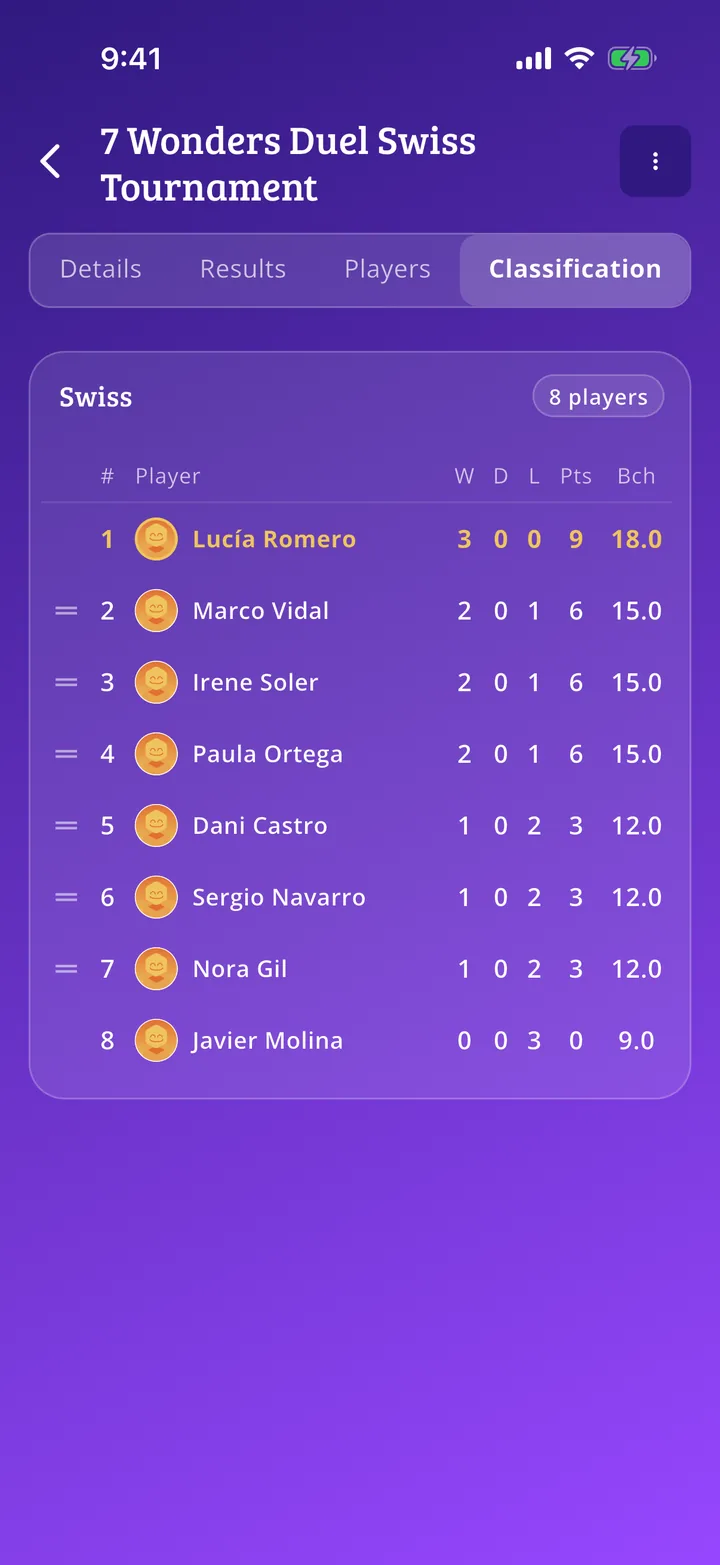 How to run a Swiss tournament18 steps
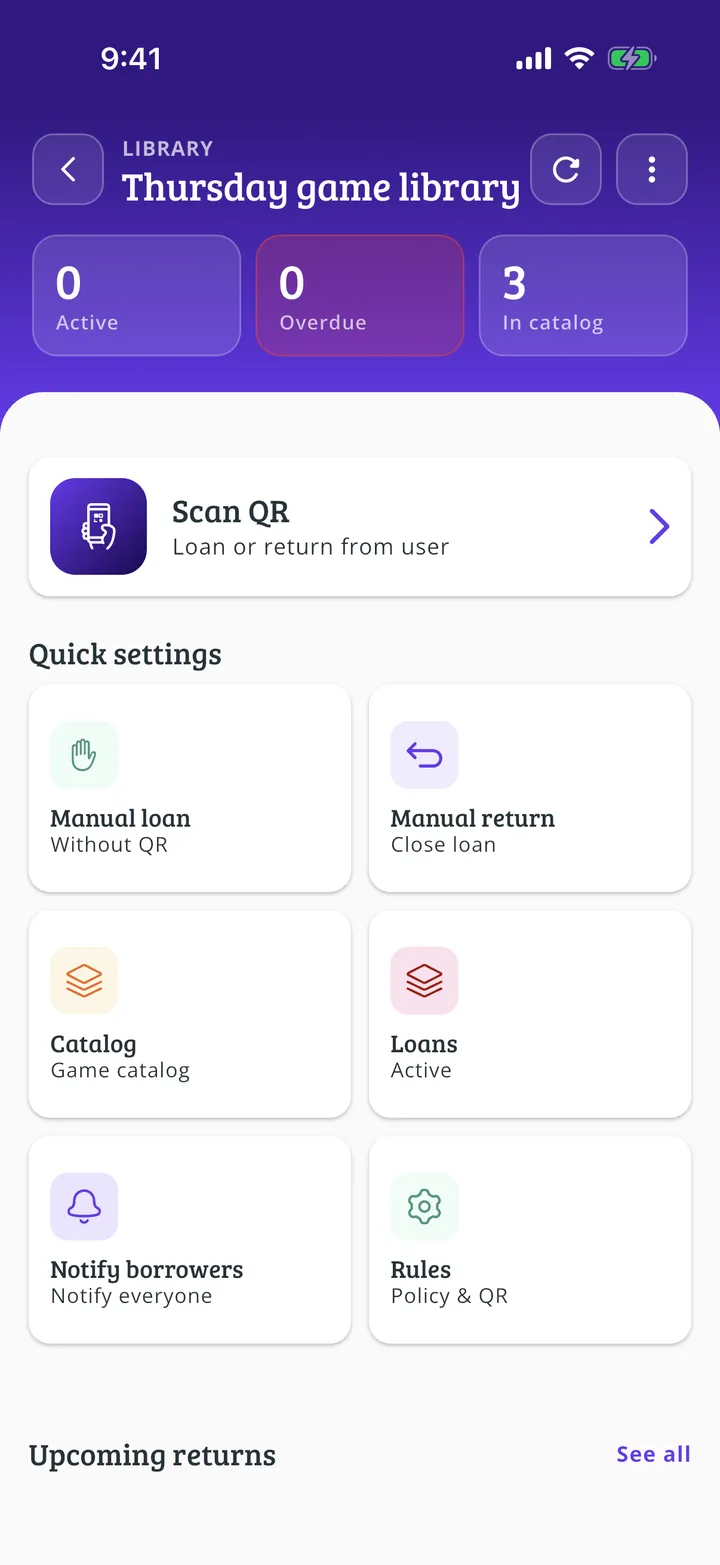
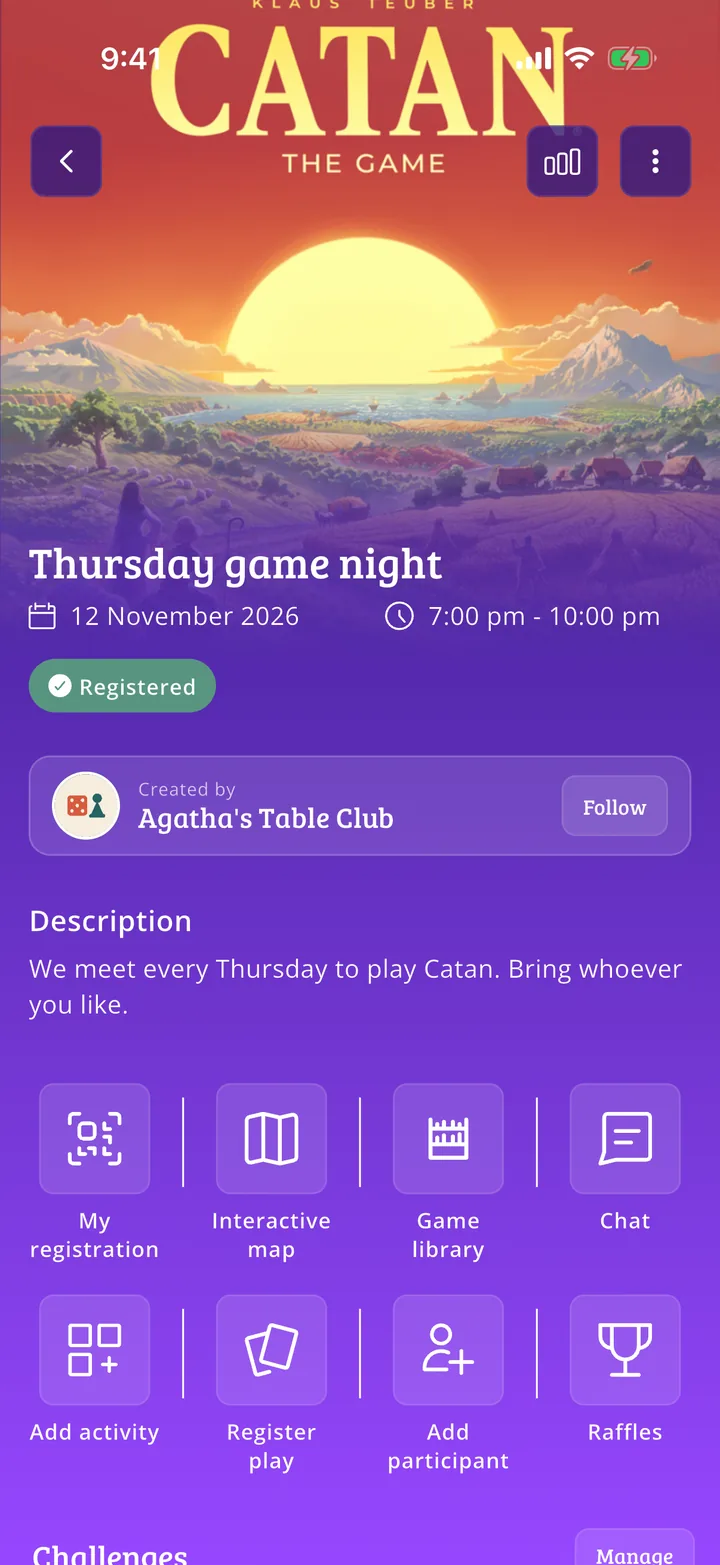 How to add a game library to a Meeplay13 steps
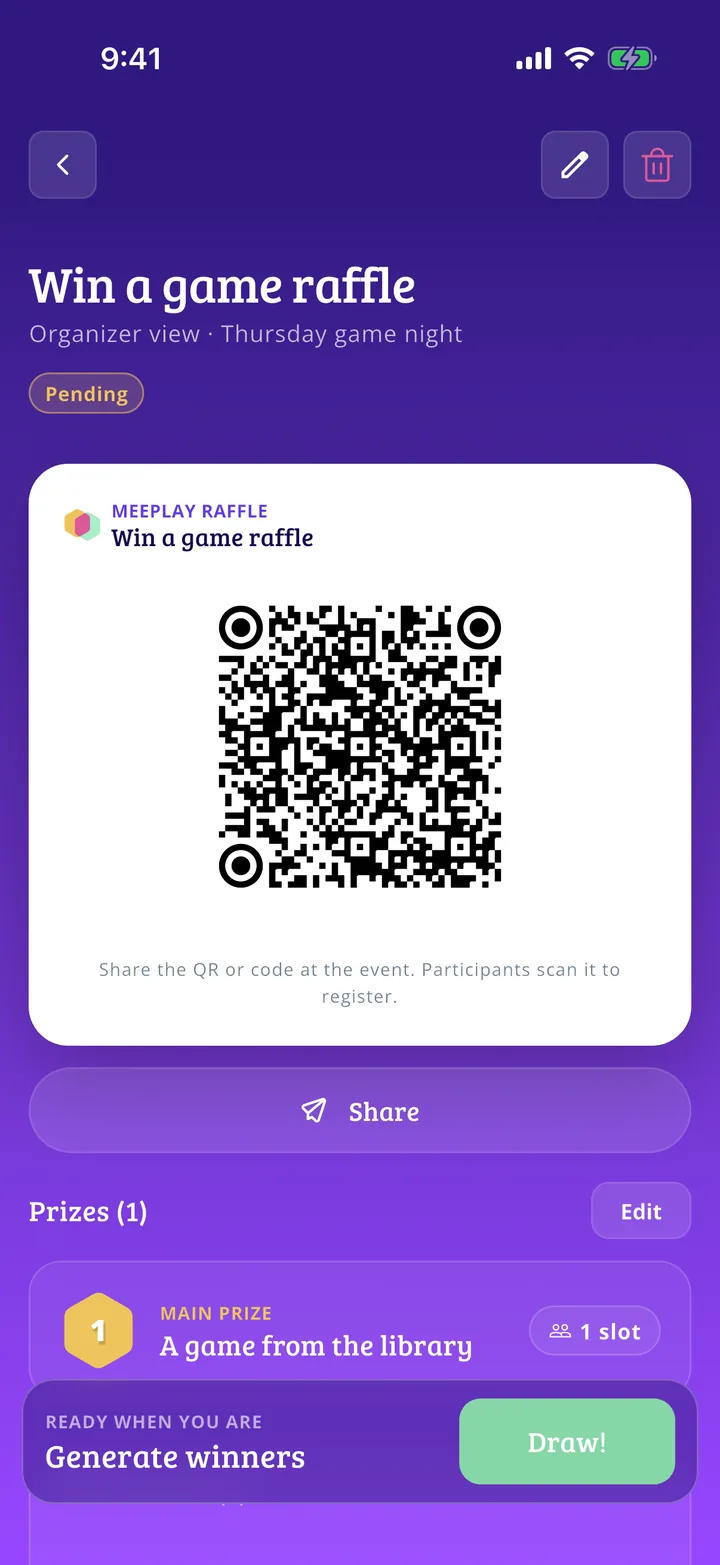 How to set up a prize or raffle in a Meeplay9 steps
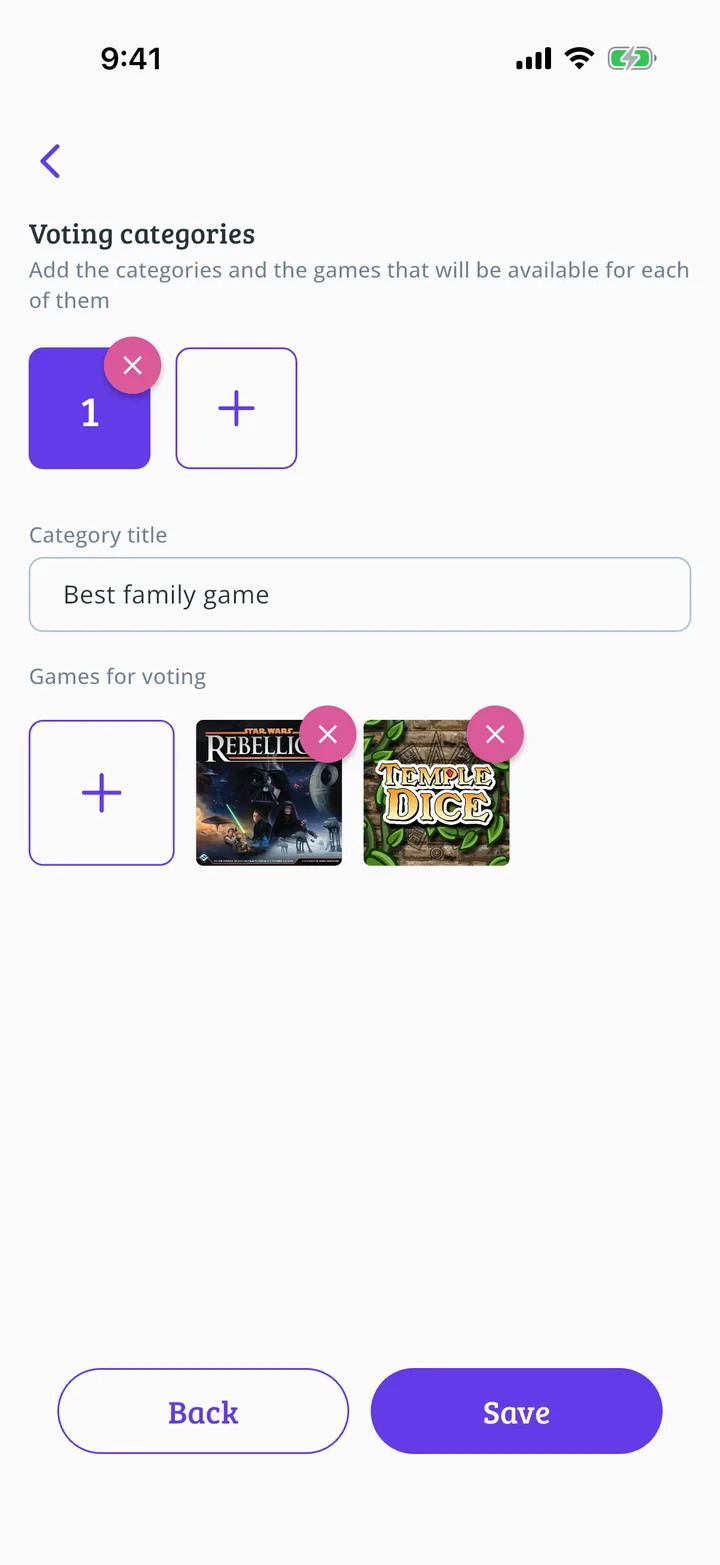 How to create awards with voting15 steps
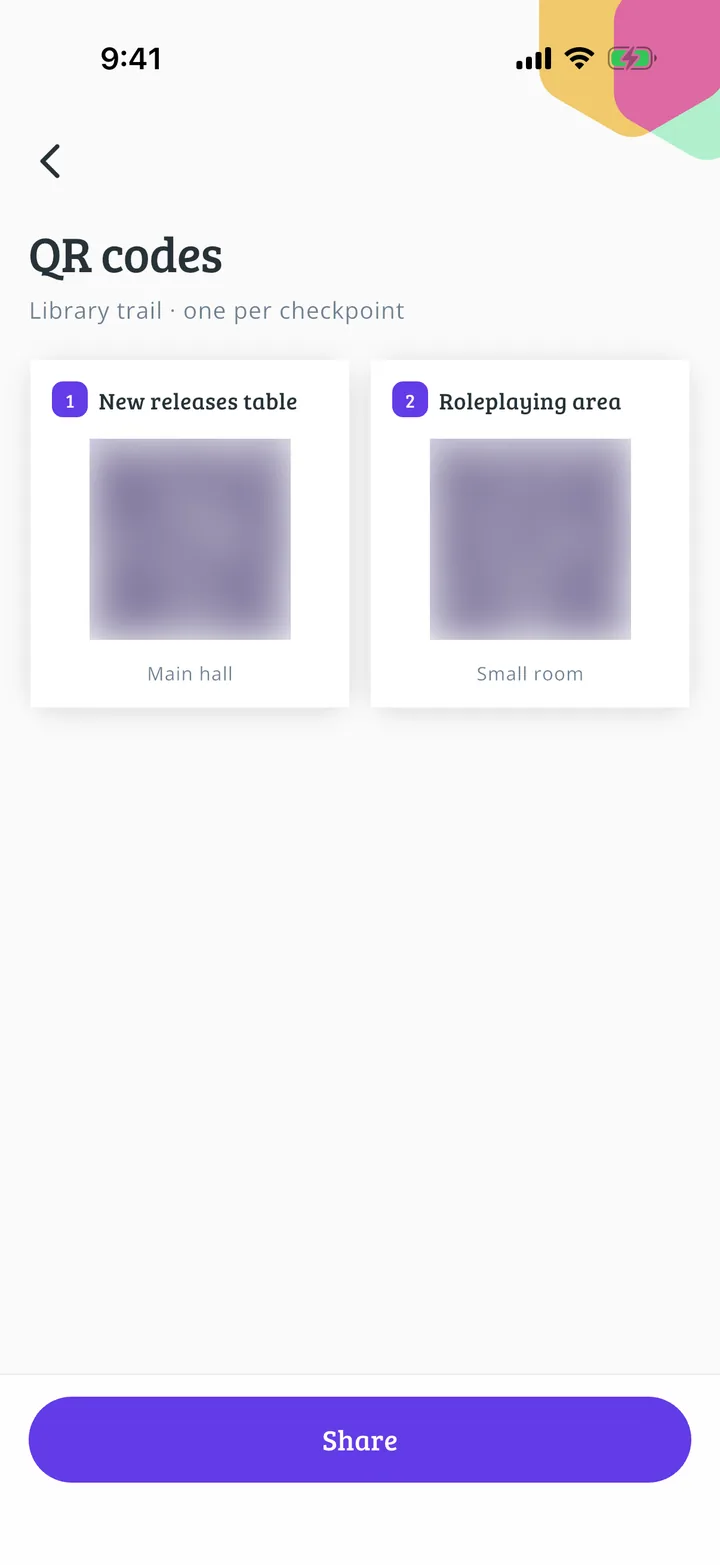 How to create a challenge in a Meeplay13 steps
Add a flea market
From approving stalls to settling with each seller.
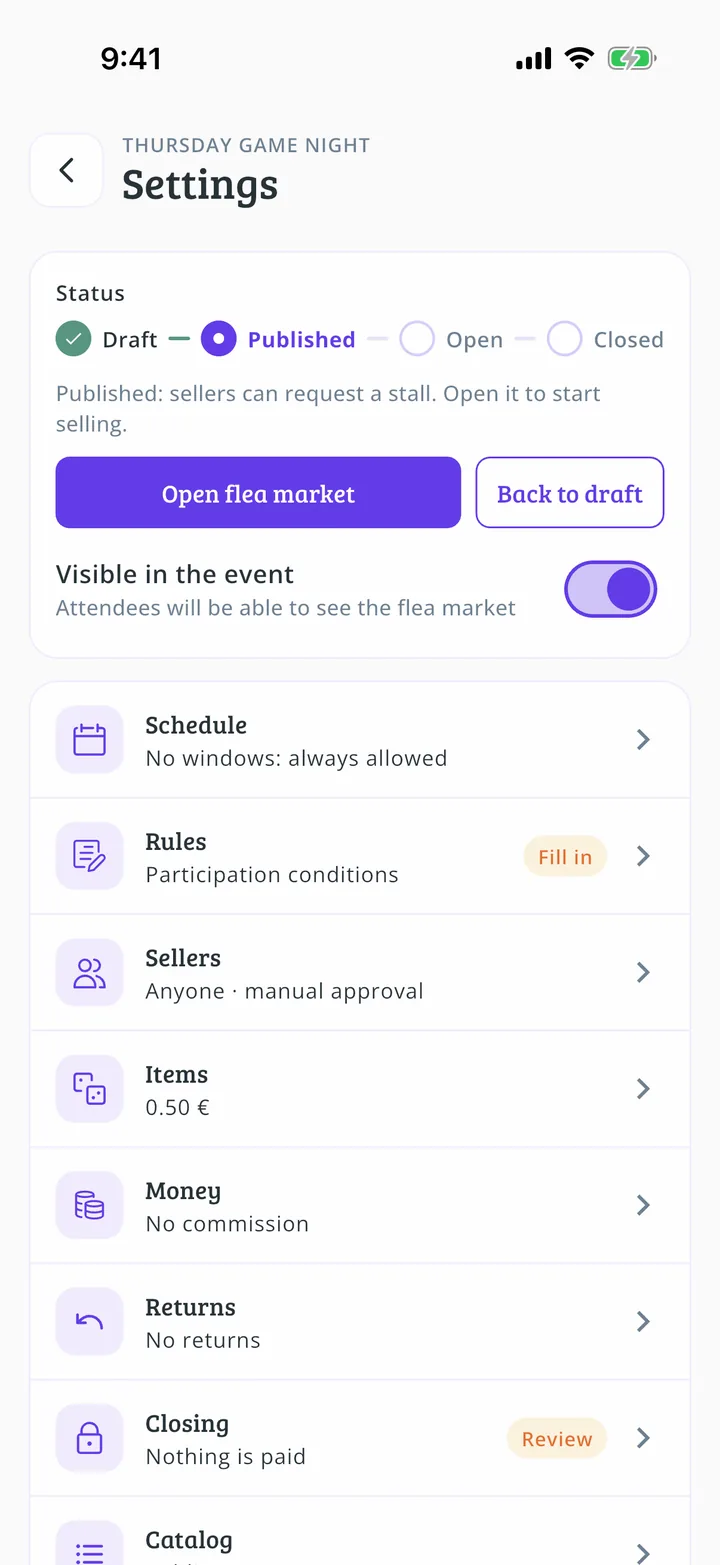 How to create a flea market in your Meeplay13 steps
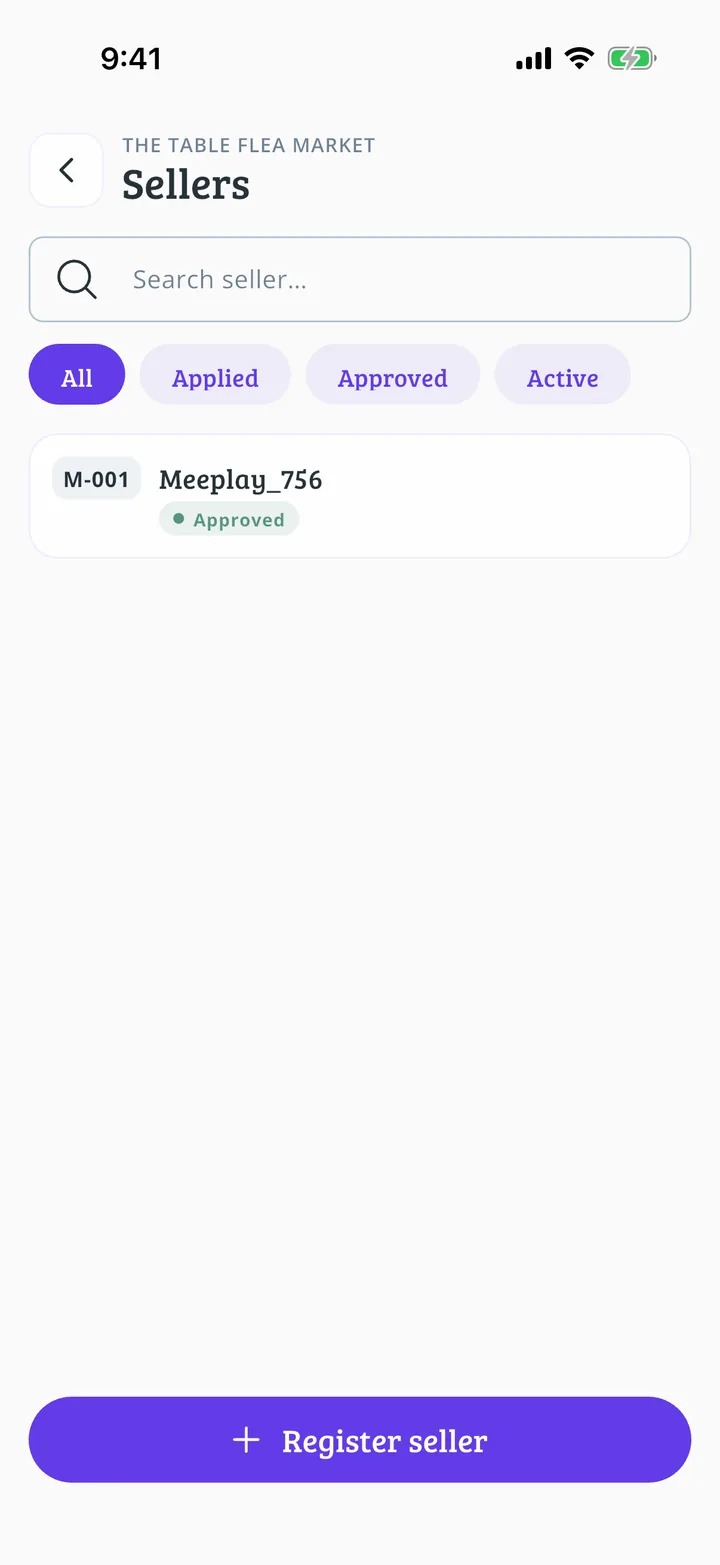 How to approve flea market stalls10 steps
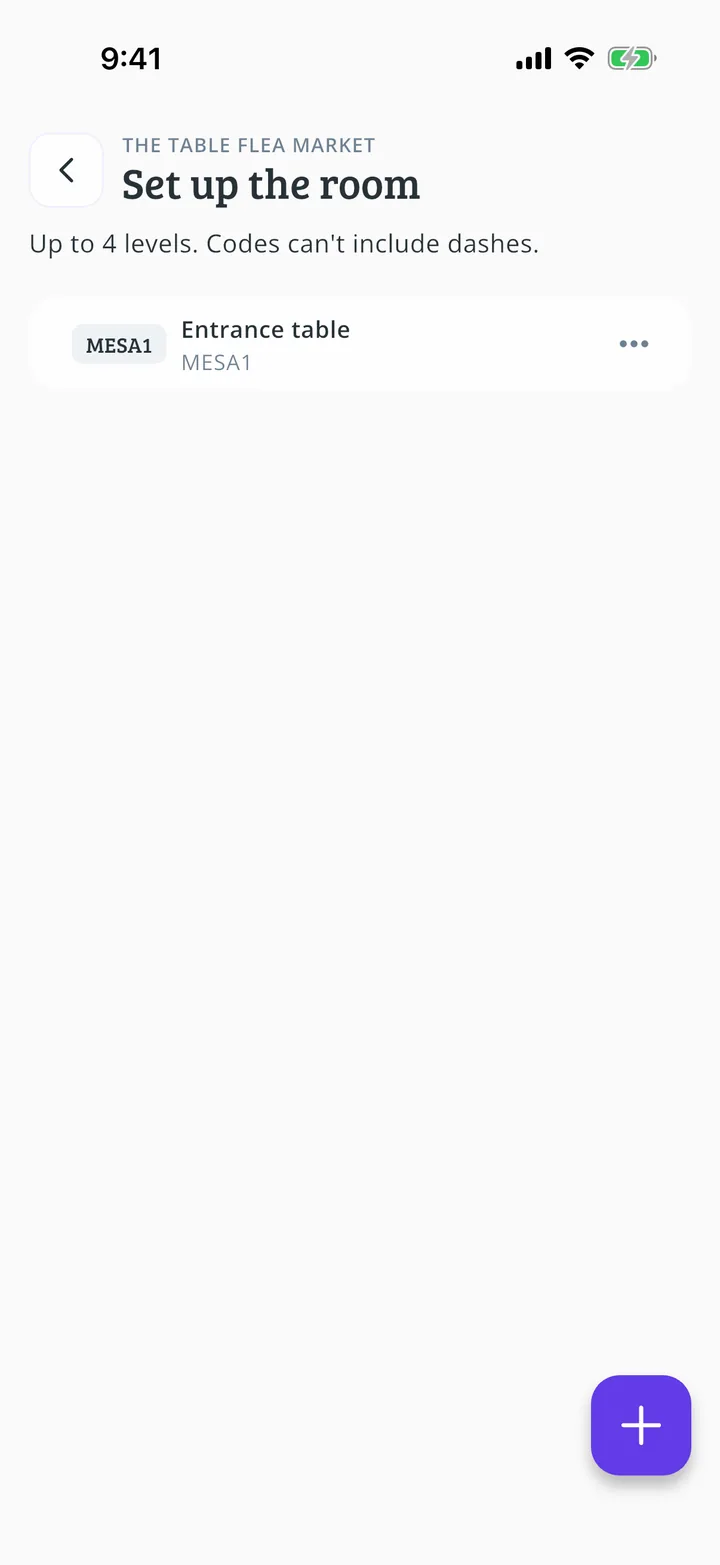 How to set up the flea market room11 steps
 How to print the flea market labels9 steps
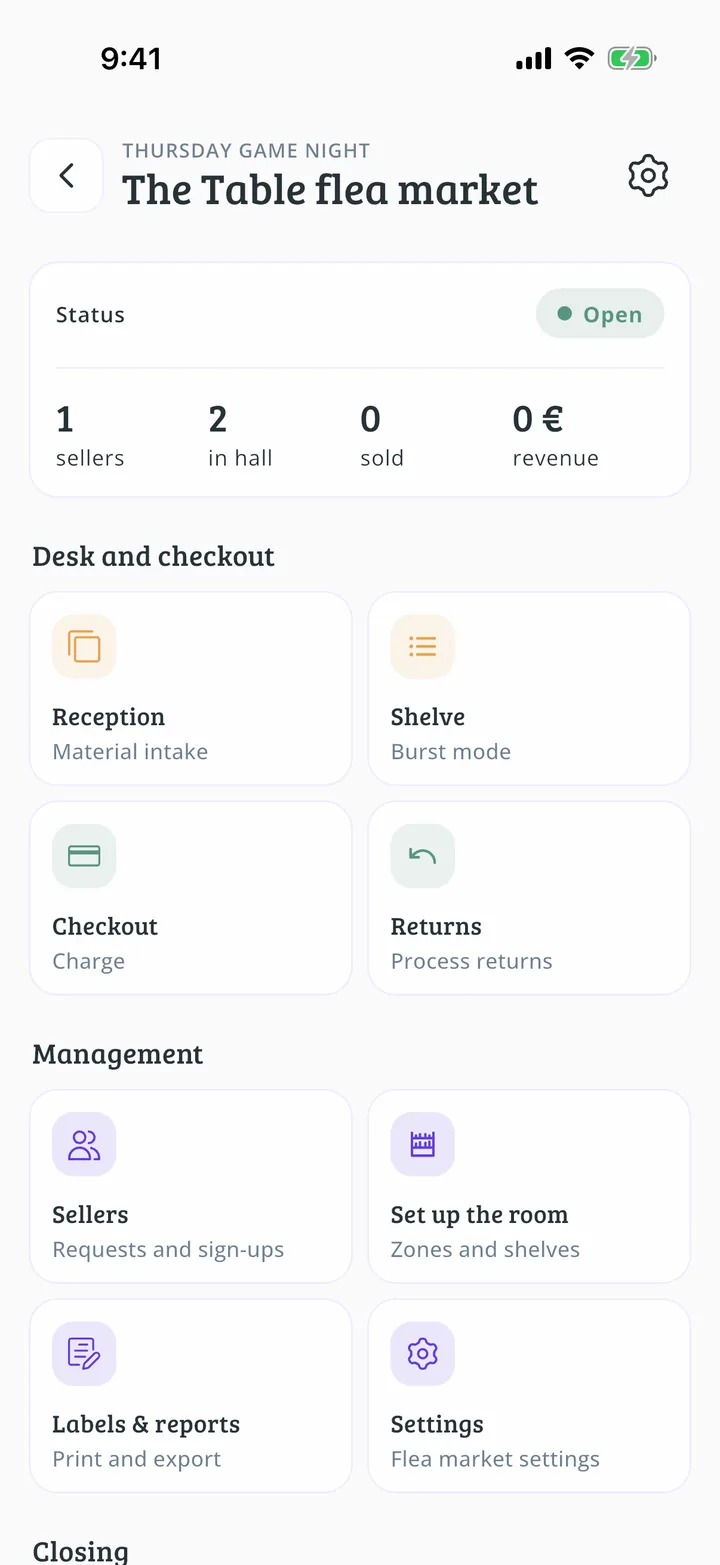 How to receive games at the flea market desk12 steps
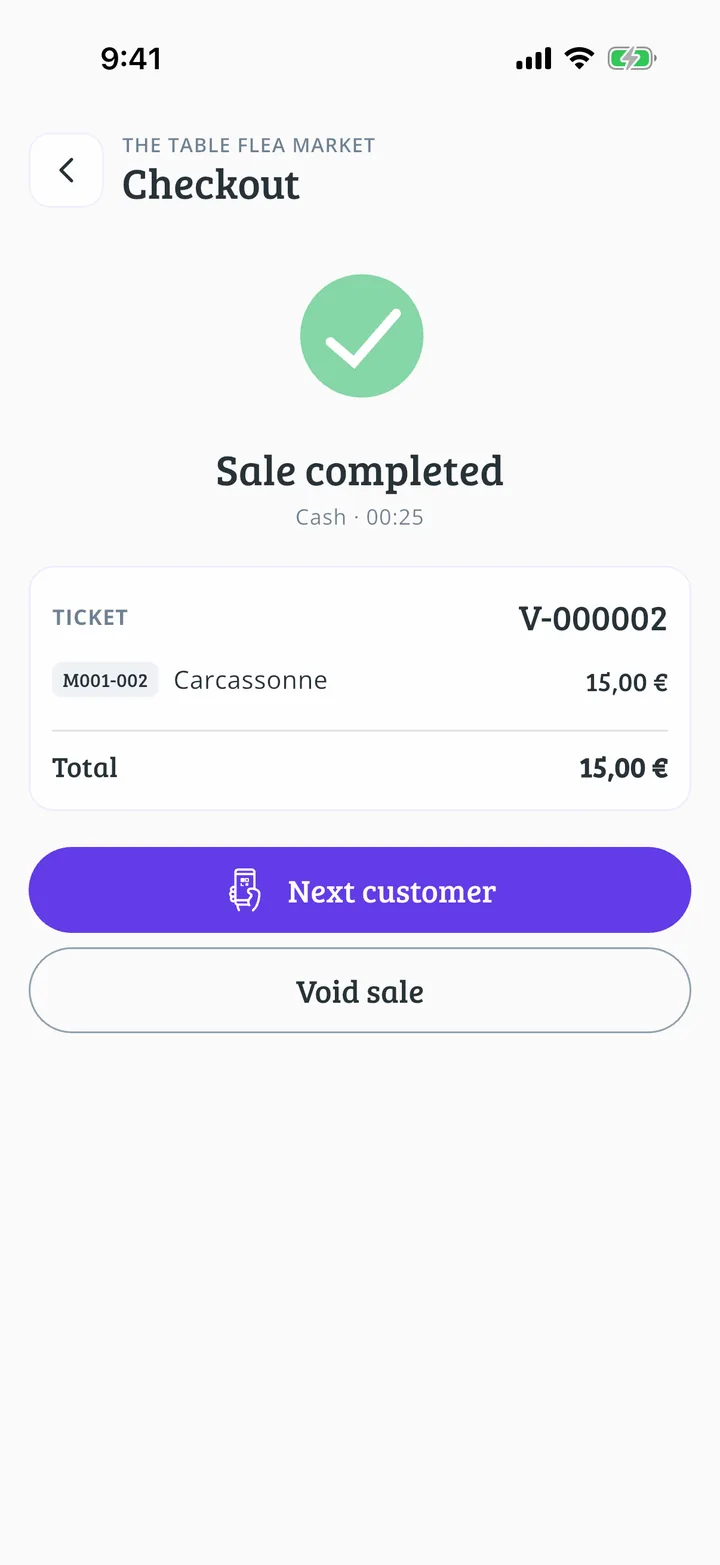 How to take payment at the flea market till11 steps
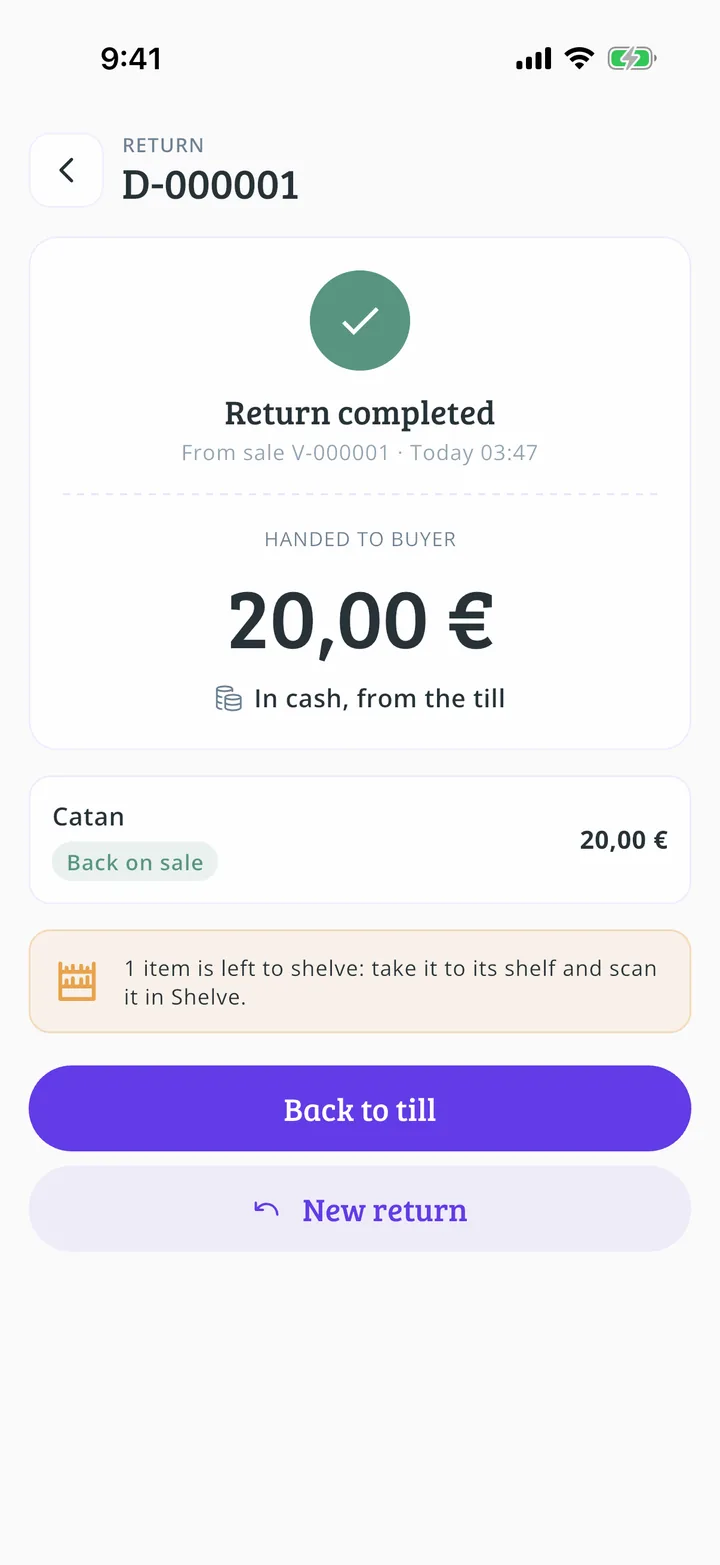 How to process a flea market return13 steps
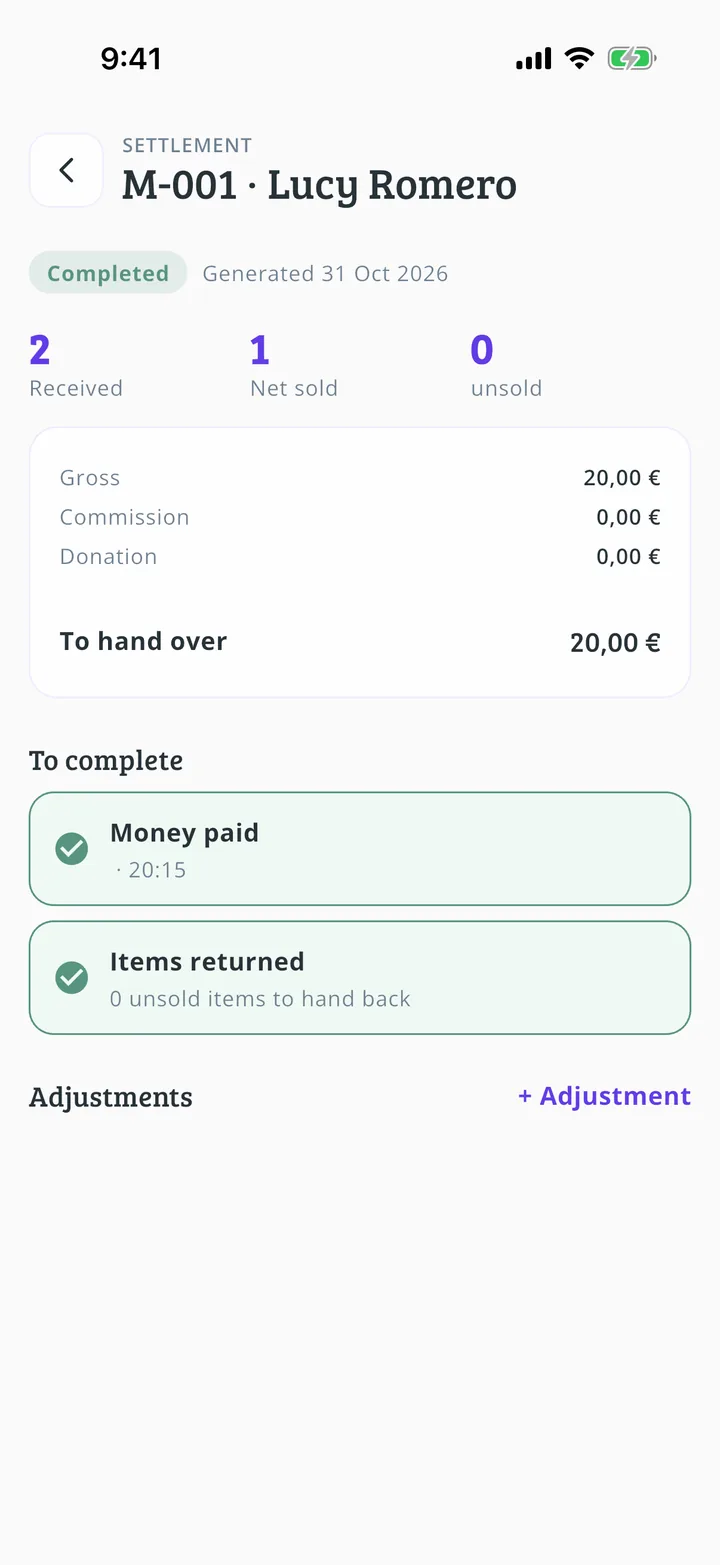 How to settle a flea market stall12 steps
On the day
Your team, the door and the game loans.
After the event
See how it went.