
How do I do it on Meeplay?
Step-by-step guides with screenshots of the app. On every screen we mark exactly where you need to tap.
Guides by profile
Choose your profile and follow the guides in order.
For players
Find people to play with, log your games, keep your collection and follow your stats, step by step.
See the path →24 guidesFor shops
Set up your shop's profile, list your games for sale, run events and manage your tables, step by step.
See the path →41 guidesFor associations
Create your association, manage members, load your game library and run your activities, step by step.
See the path →19 guidesFor publishers
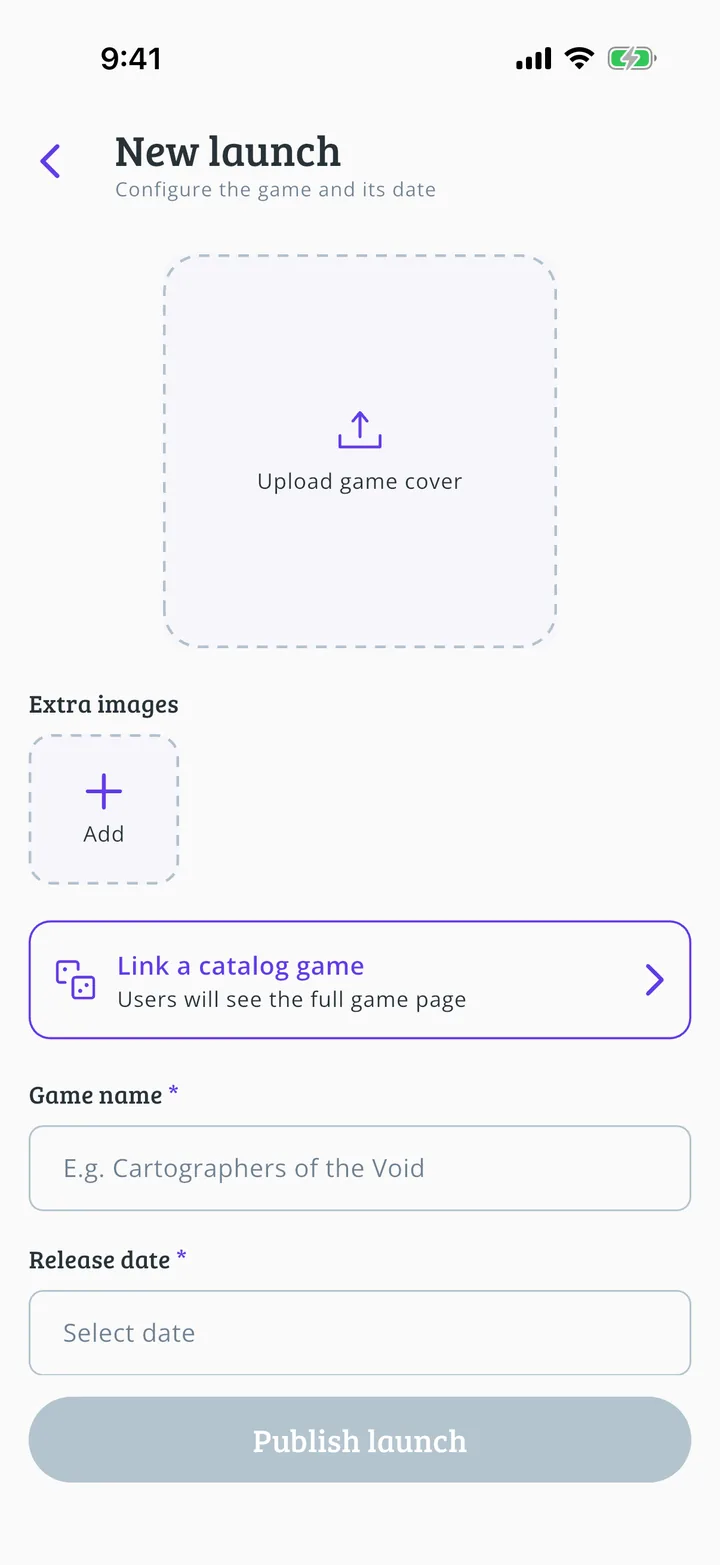
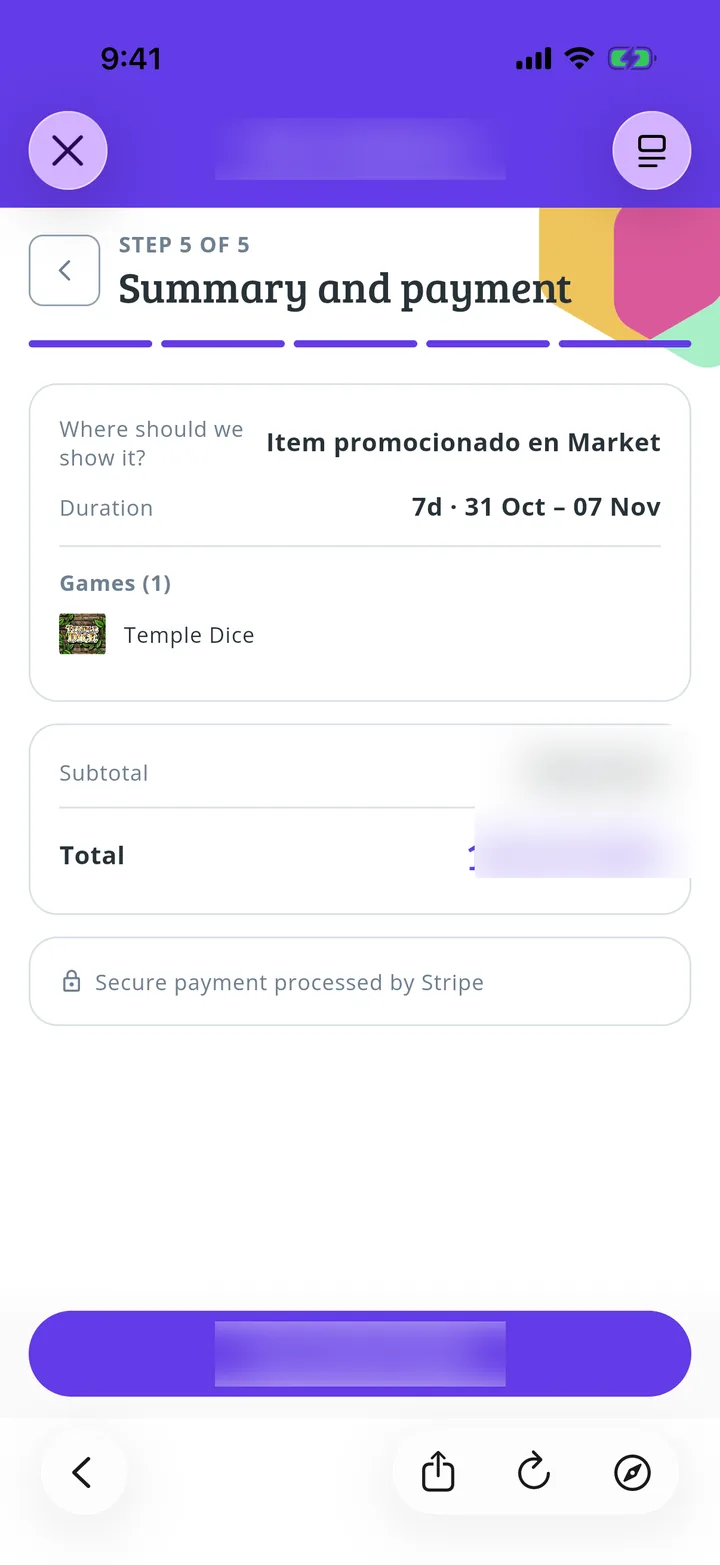
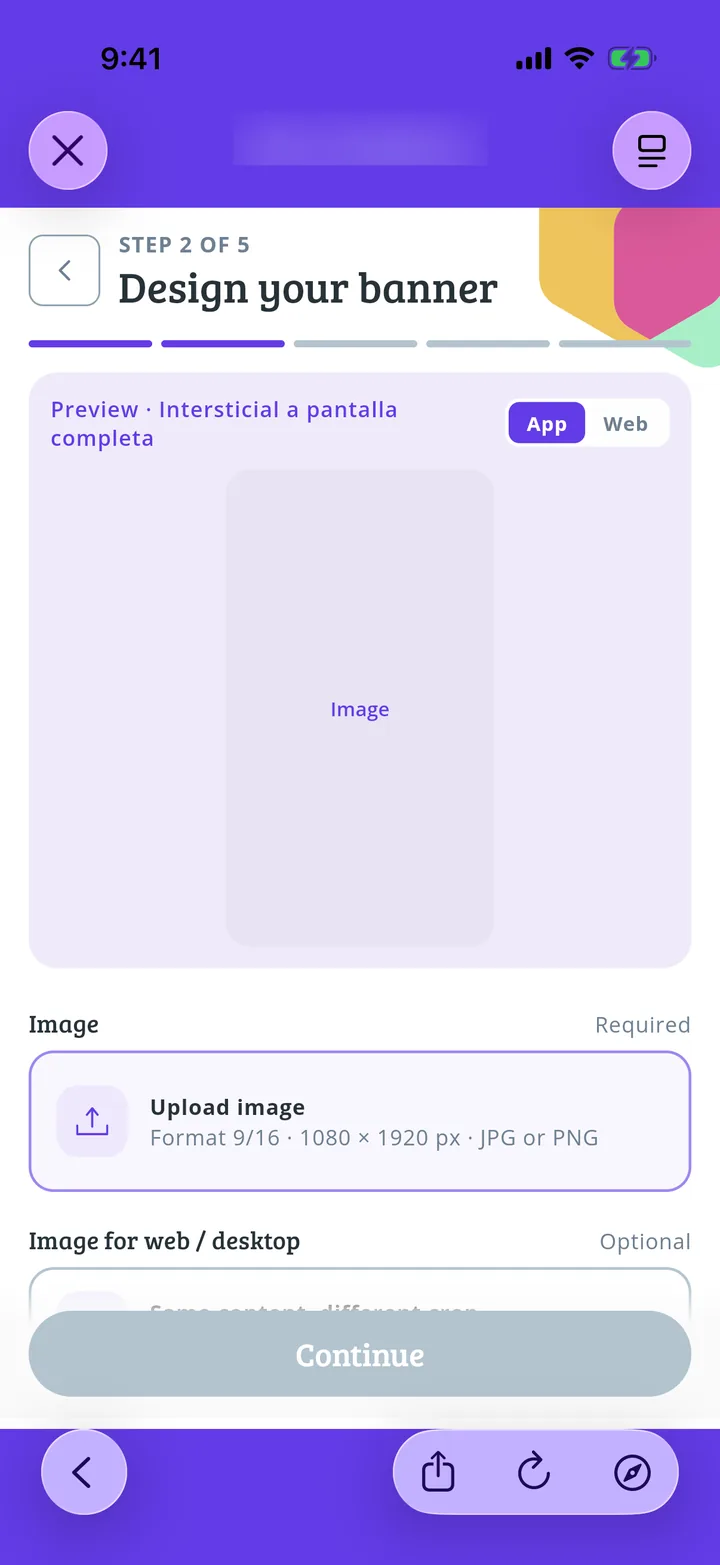
Create your publisher profile, announce releases, promote your games and see how your audience responds, step by step.
See the path →45 guidesCreate your event
From a game night at home to a full convention: create the event, open sign-ups, build the program and keep it all under control on the day.
See the path →Guides by feature
All the guides, ordered by what you want to do.
Getting started
Your account and profile
Create your account, get your profile ready and decide what people see.
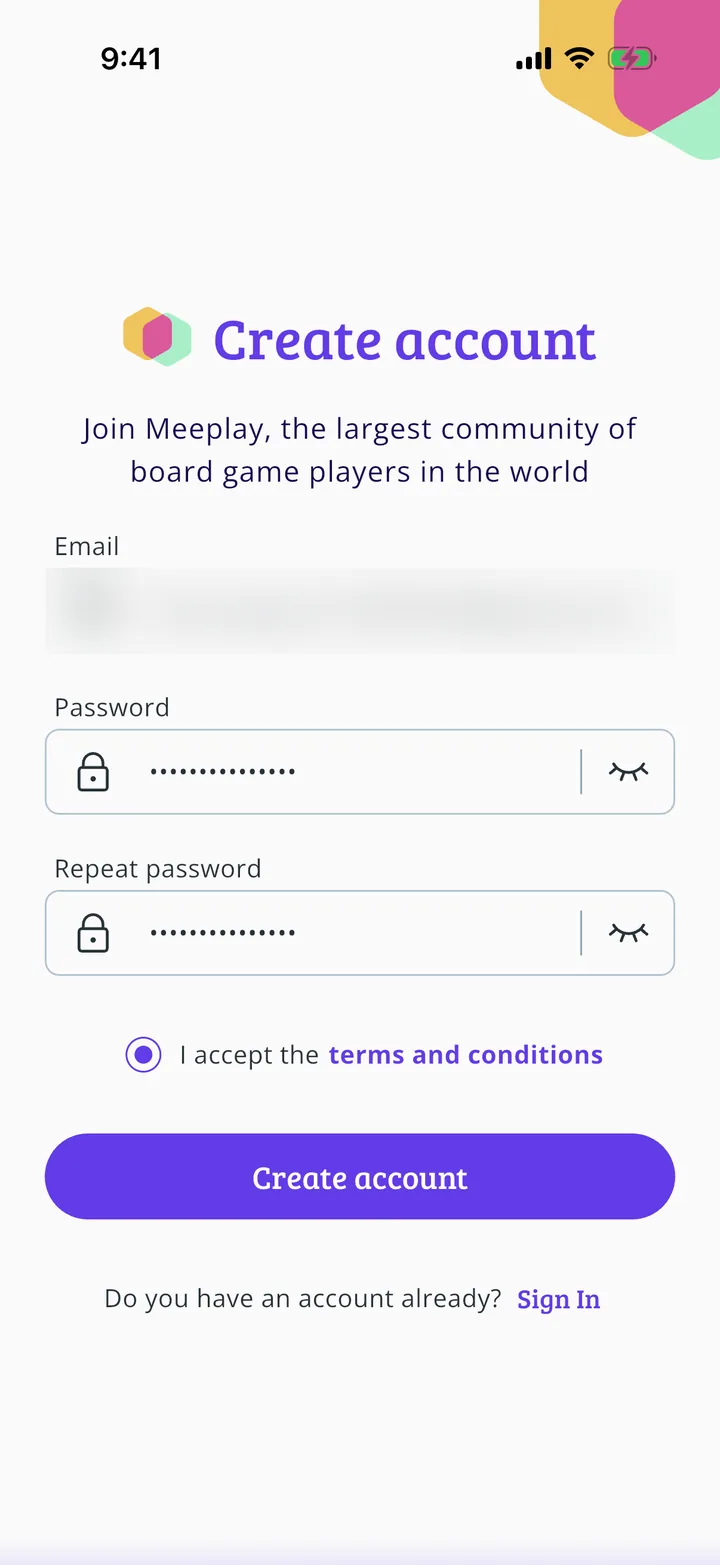 How to create your Meeplay account5 steps
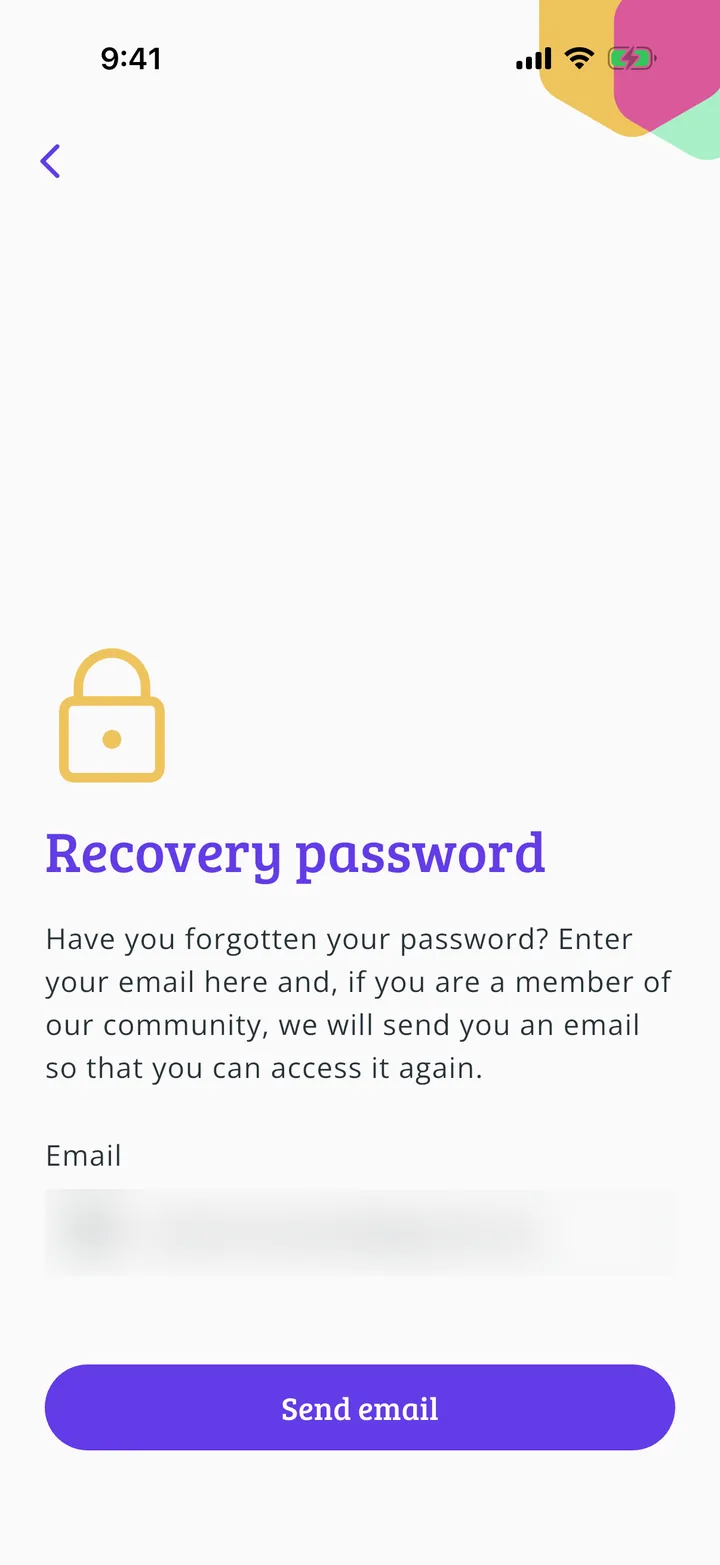 How to recover your password if you forgot it3 steps
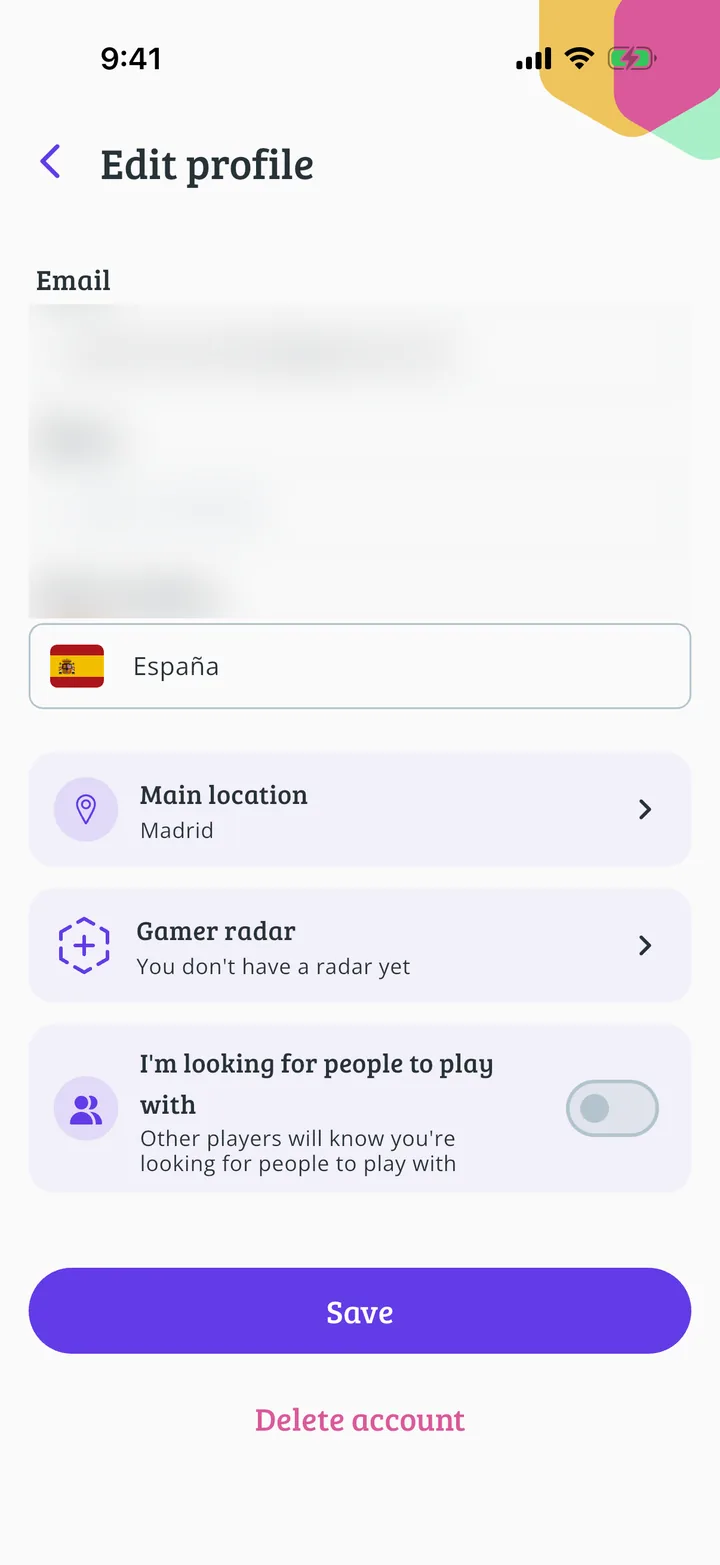 How to edit your profile6 steps
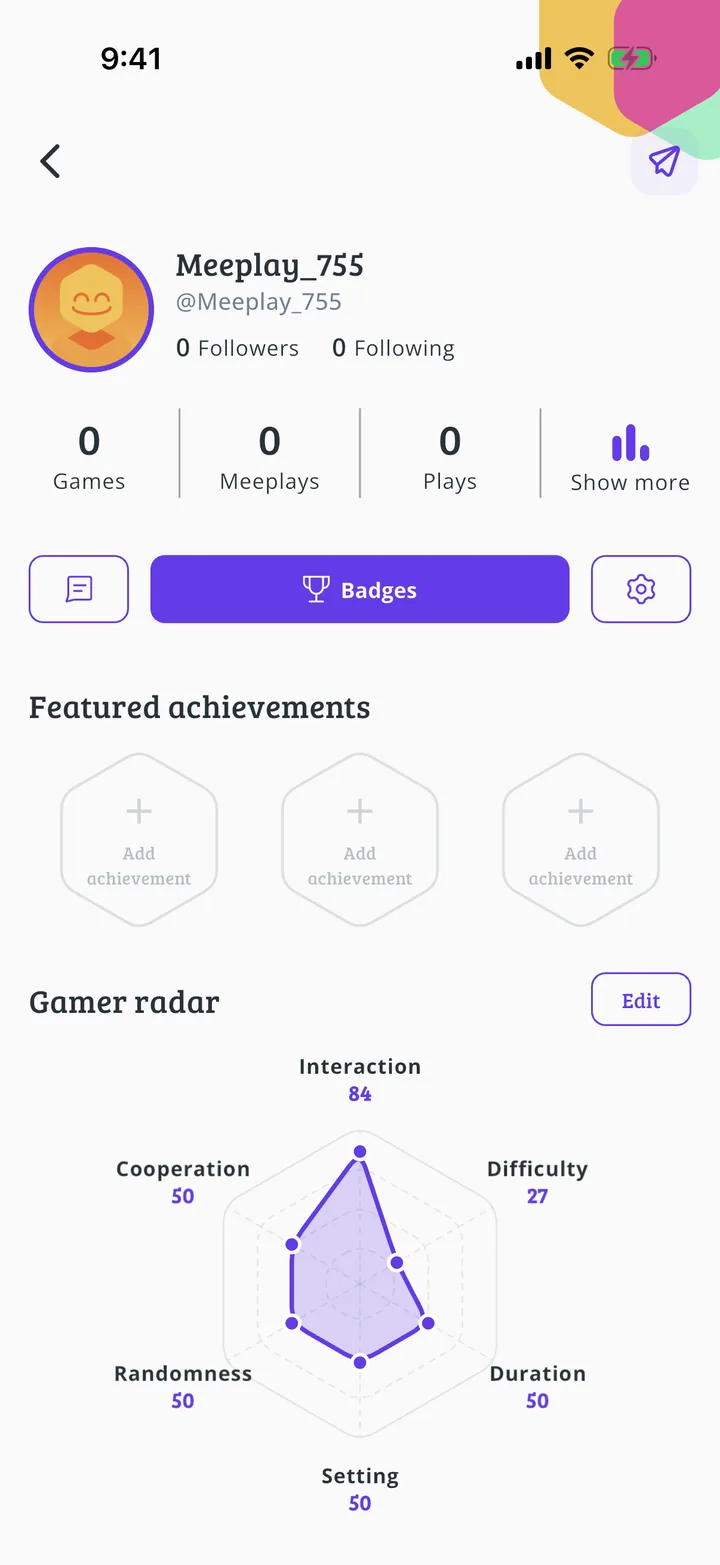 How to create your gamer radar5 steps
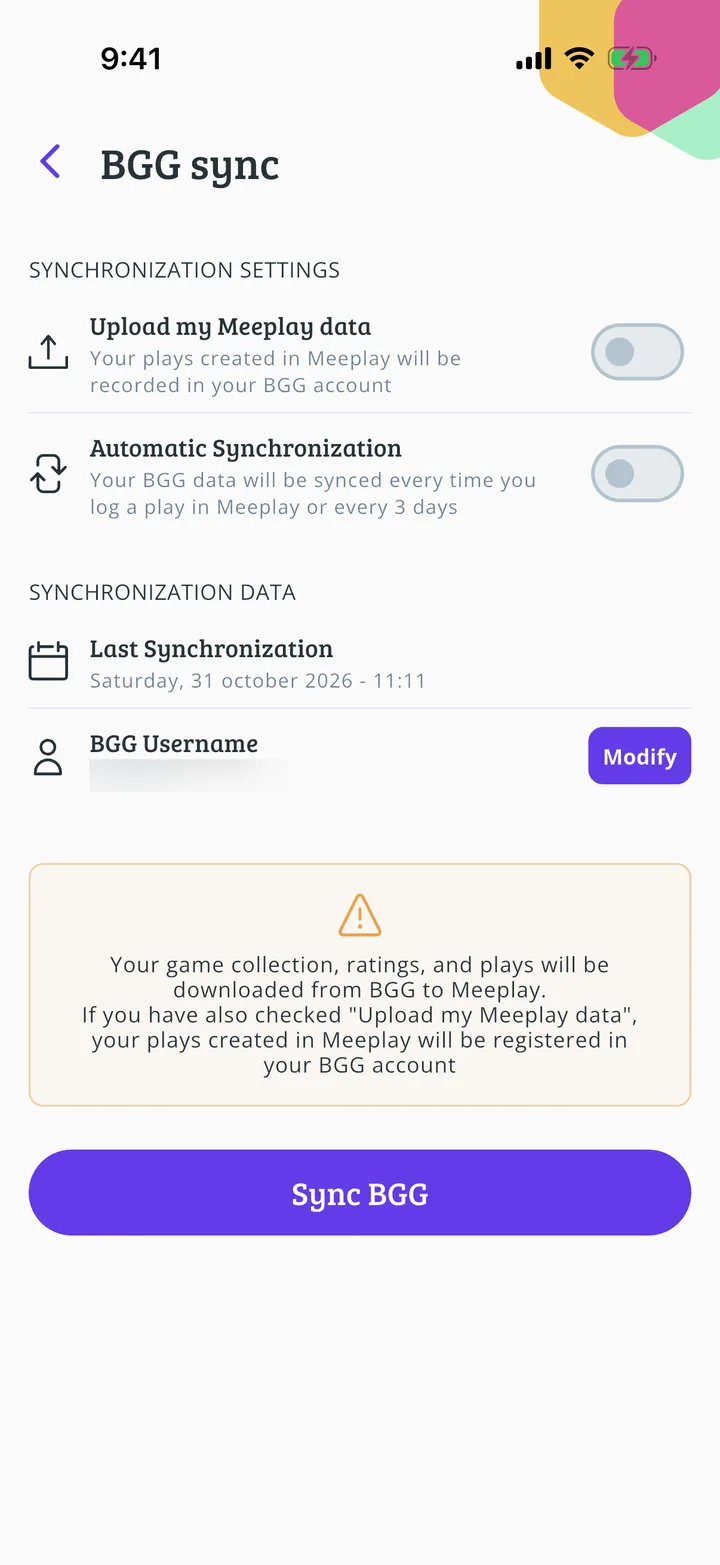 How to sync your account with BoardGameGeek7 steps
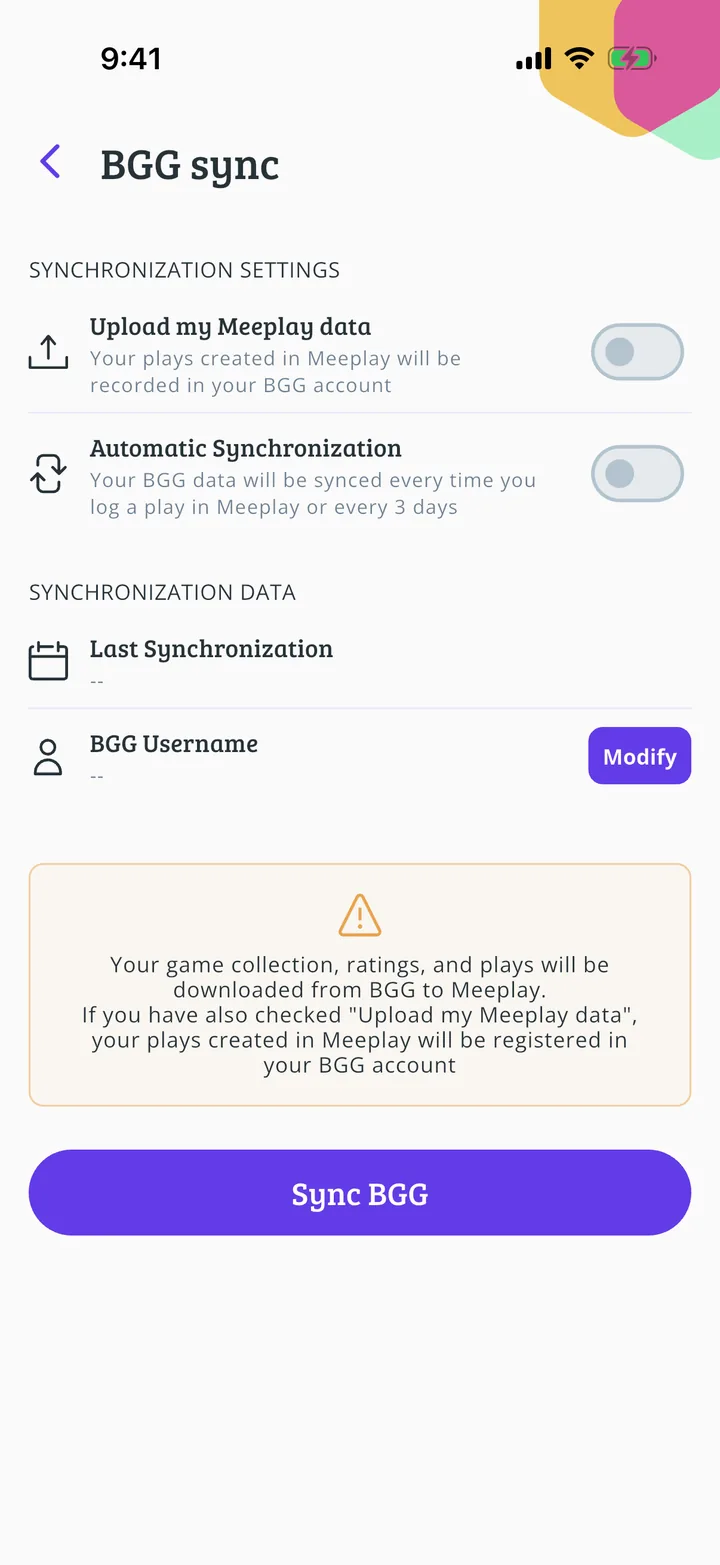 What Meeplay syncs with BoardGameGeek4 steps
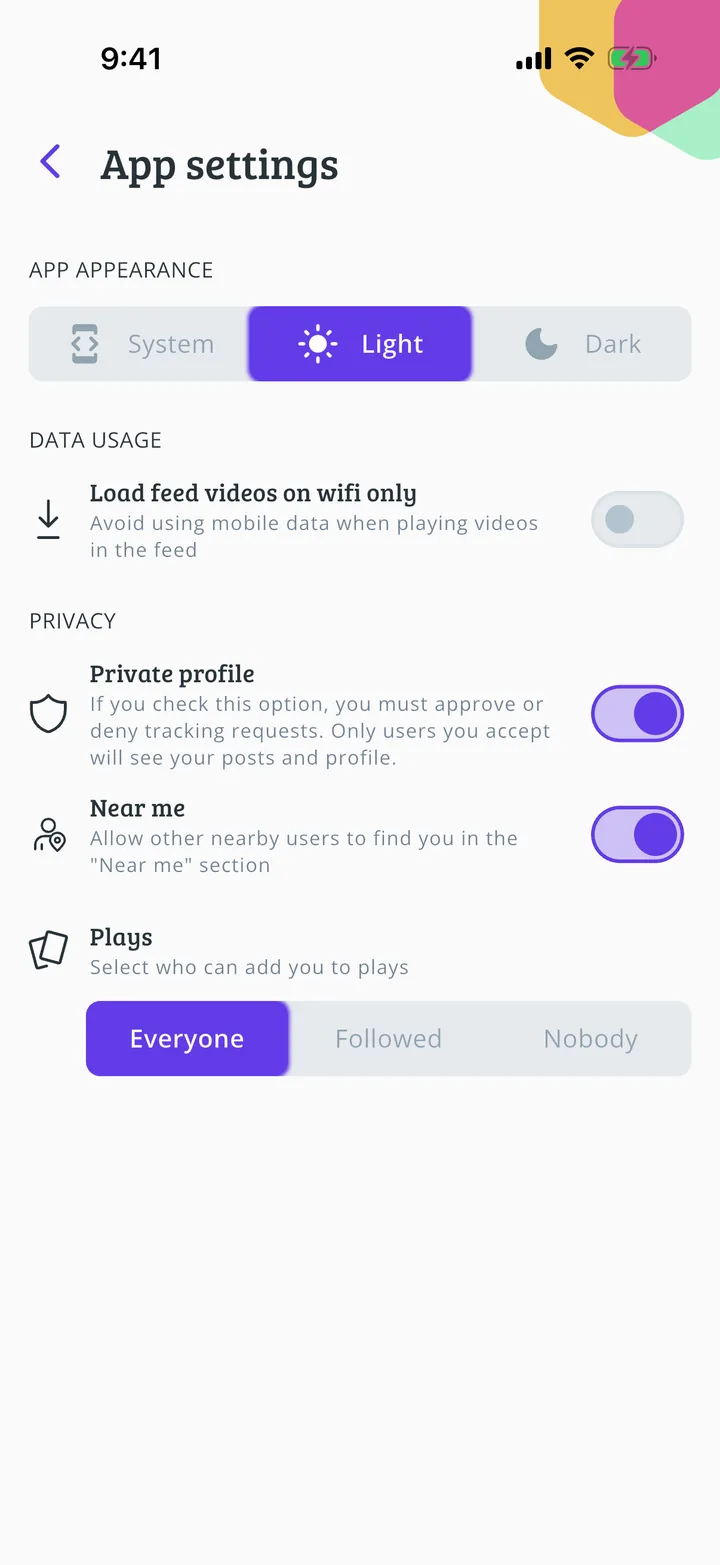 How to make your profile private and what people will see5 steps
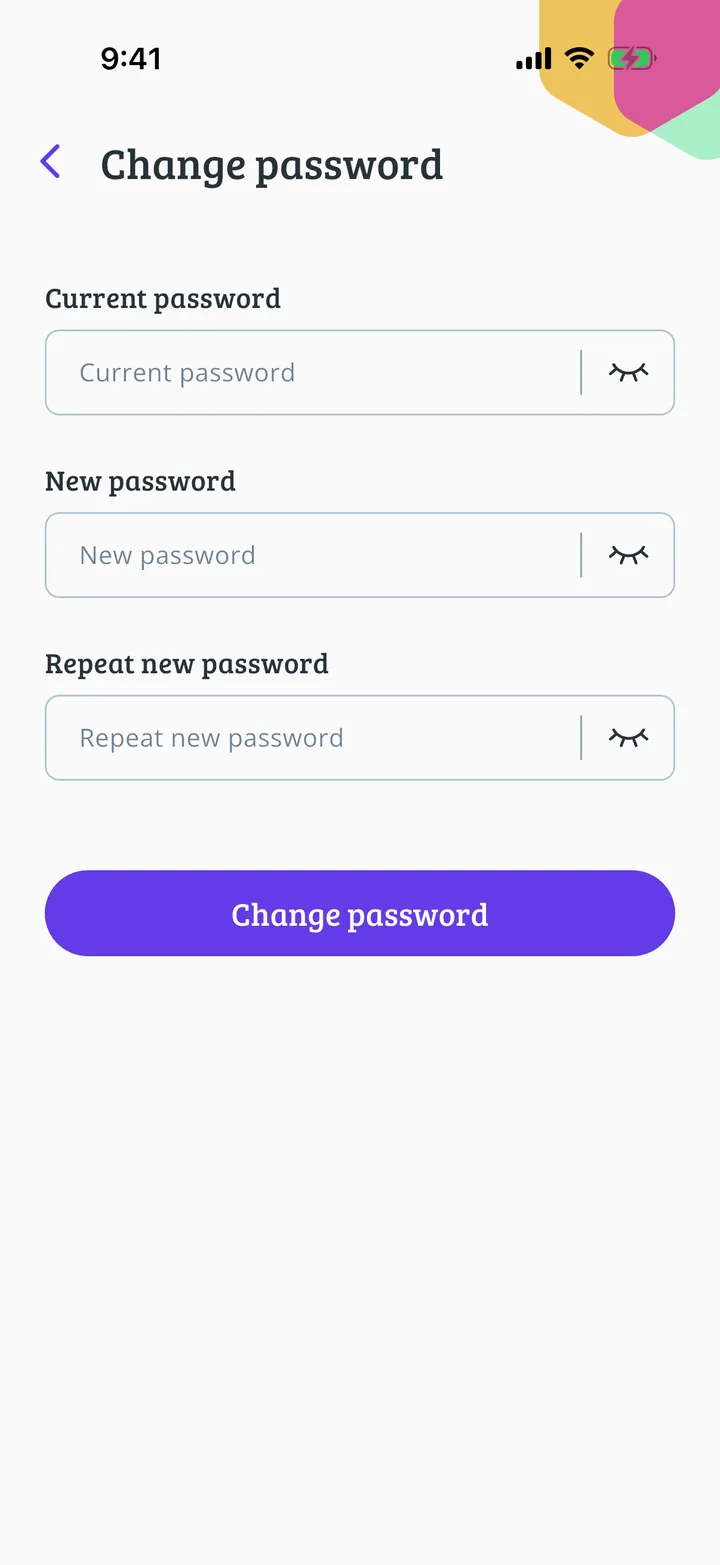 How to change your password5 steps
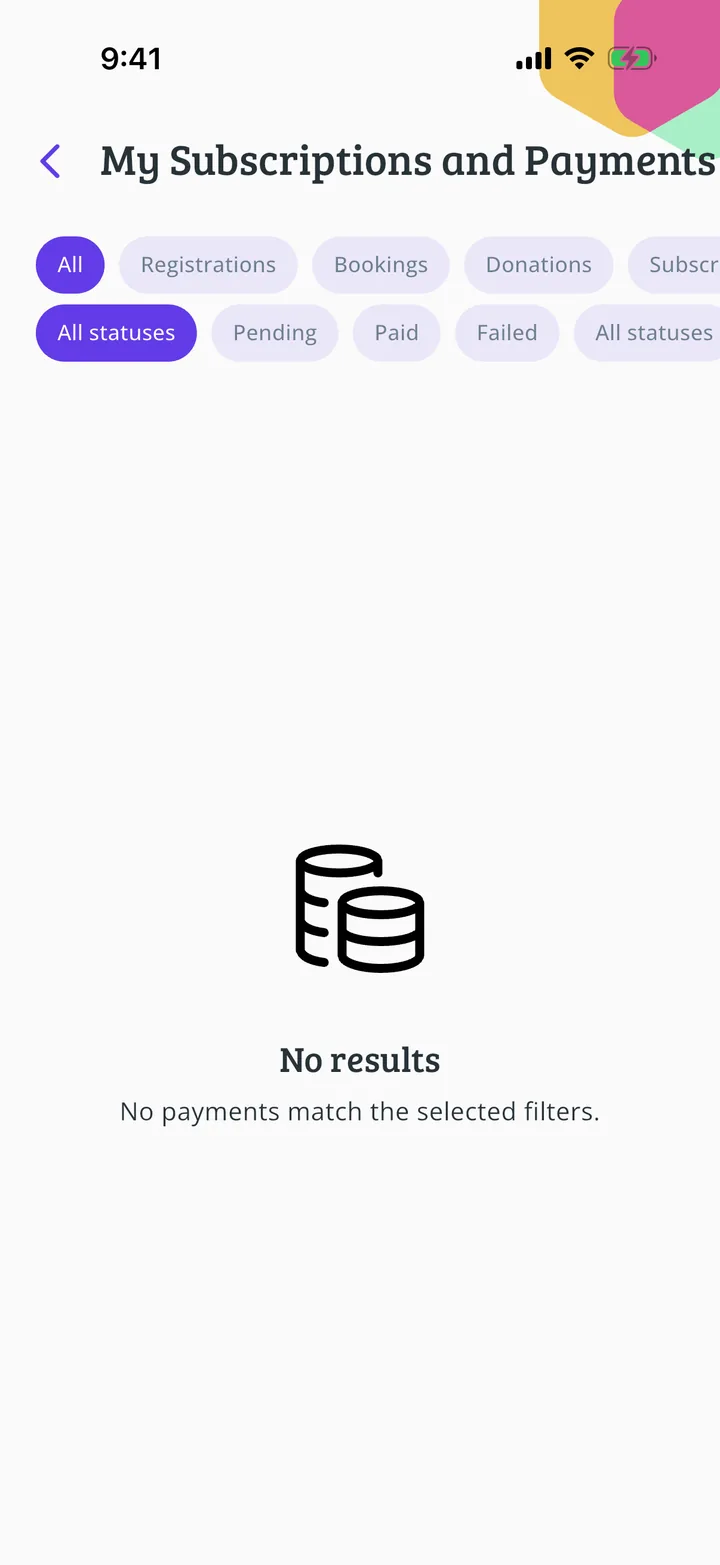 Where to see your subscriptions and payments5 steps
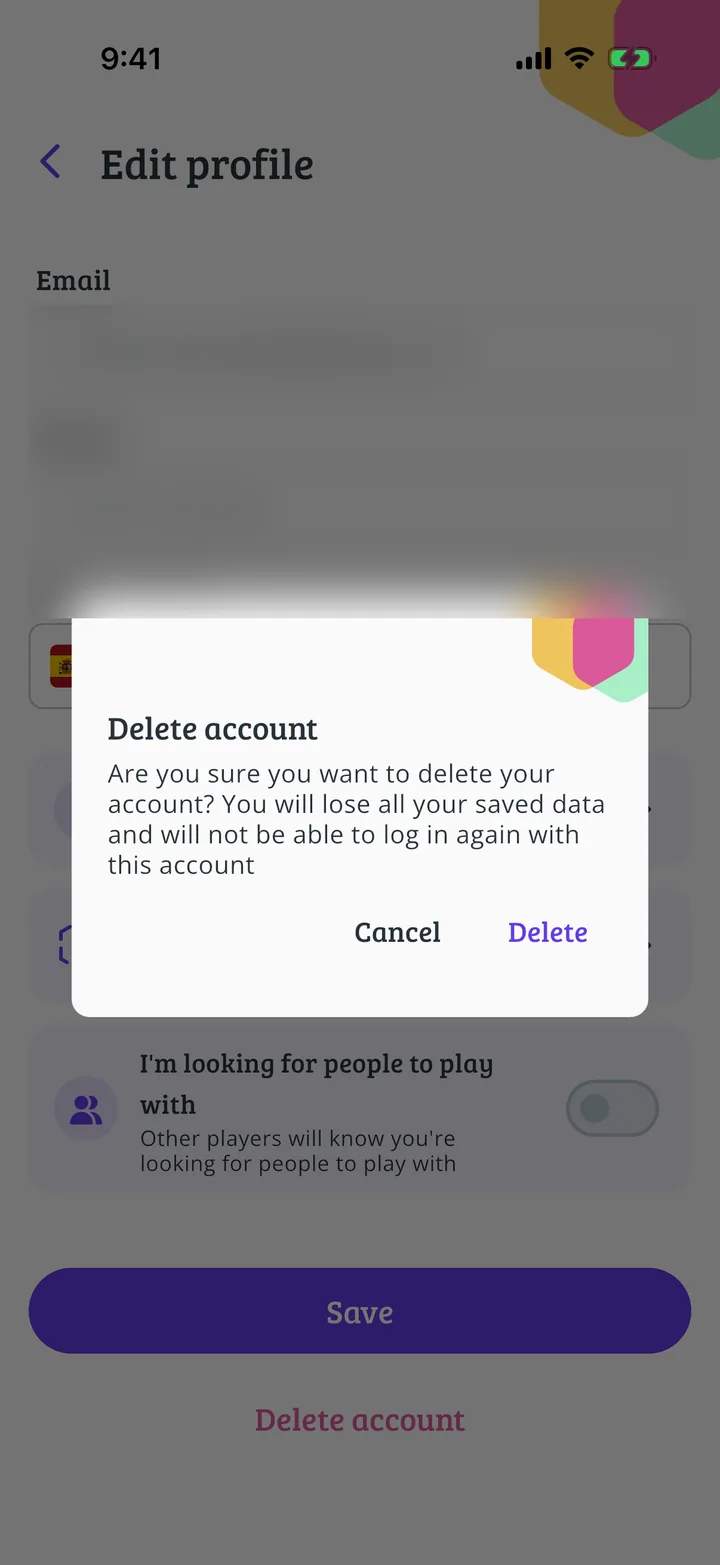 How to delete your Meeplay account6 steps
For playing
Games and collection
Find games, save yours and decide what to play.
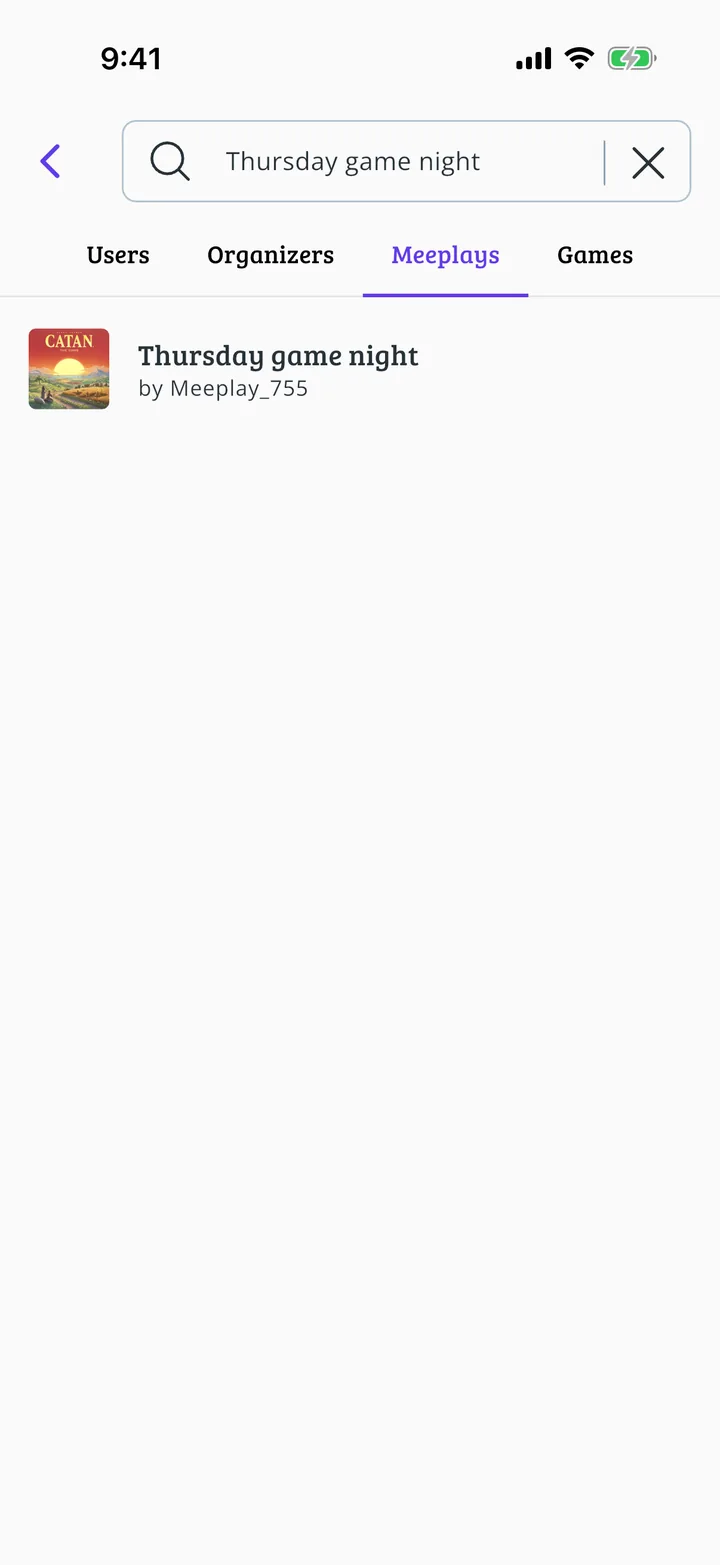 How to find a specific game or Meeplay3 steps
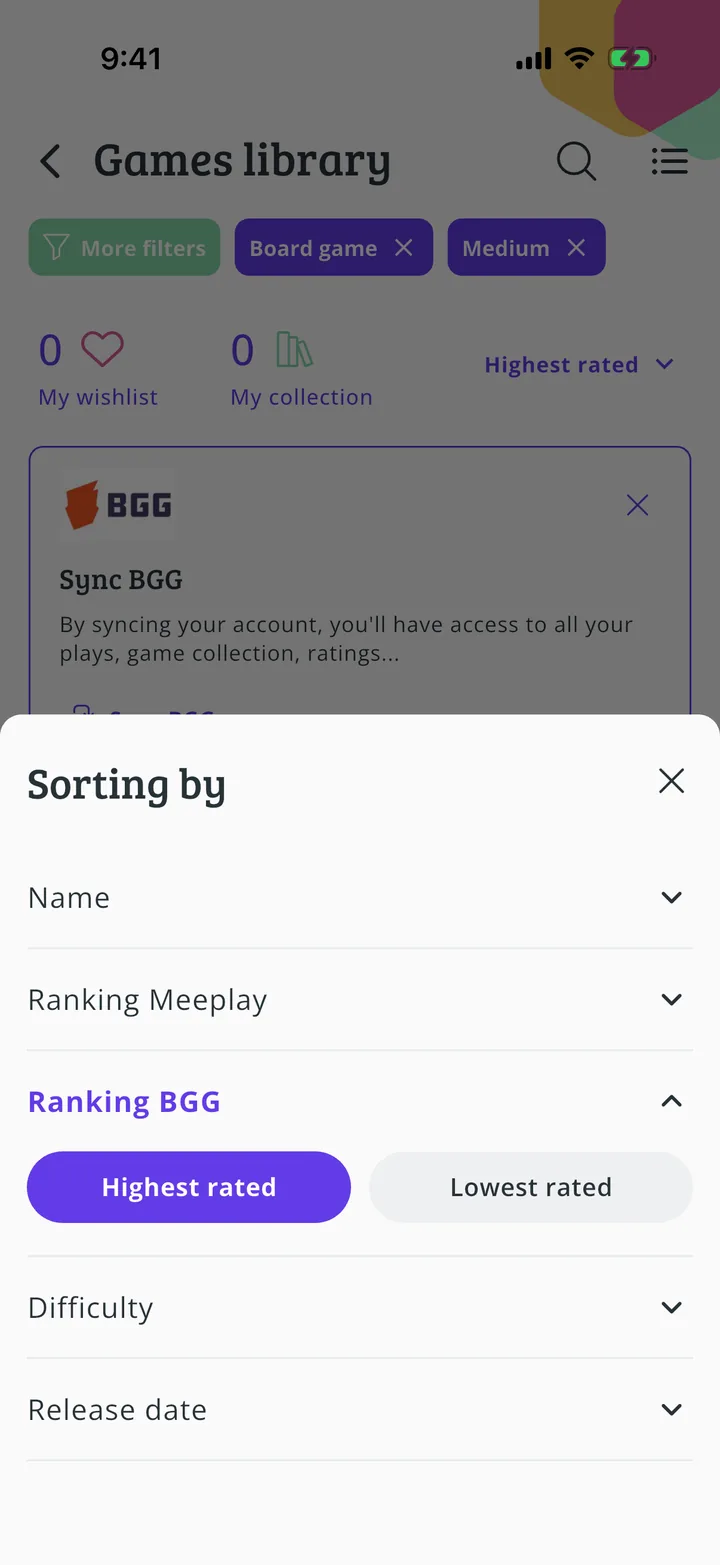 How to filter the game catalogue6 steps
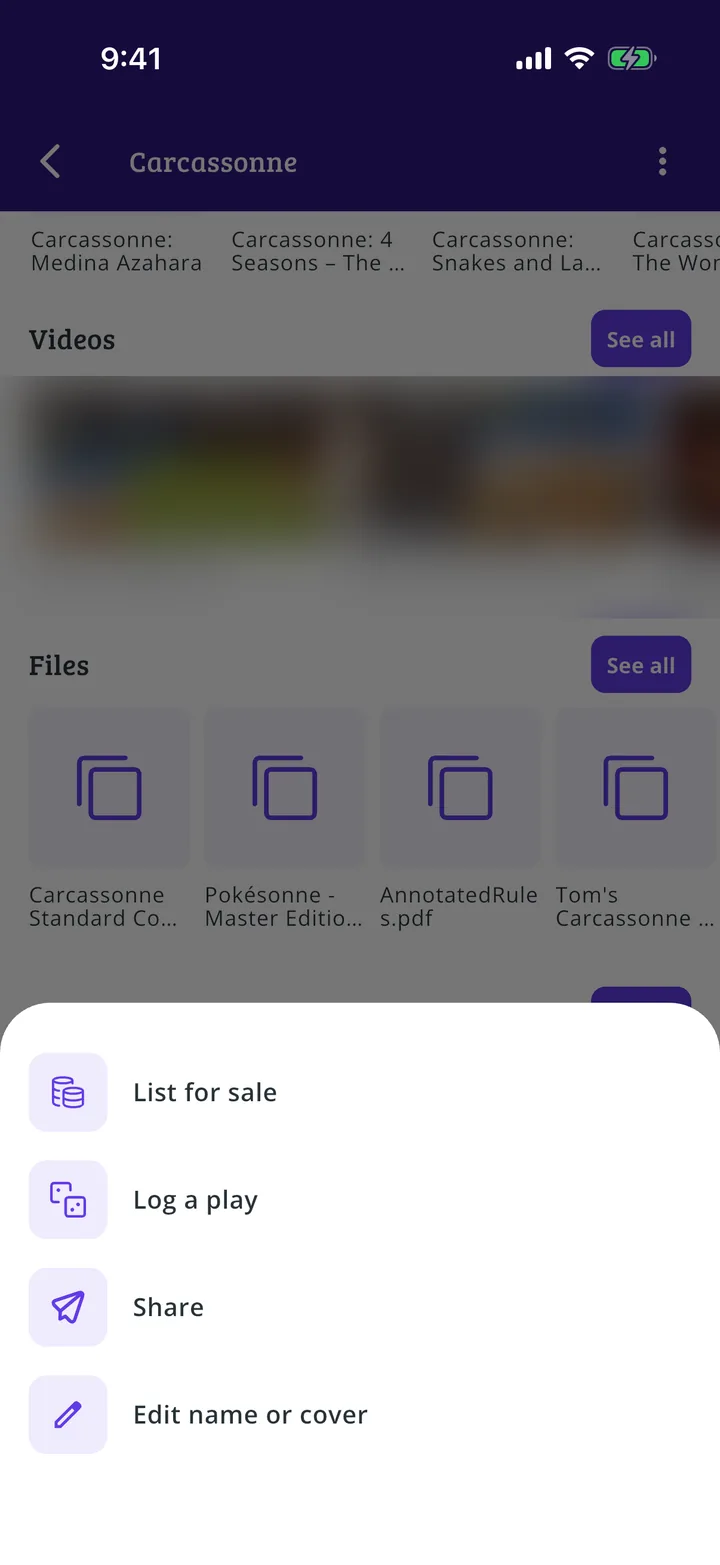 What you can find on a game page6 steps
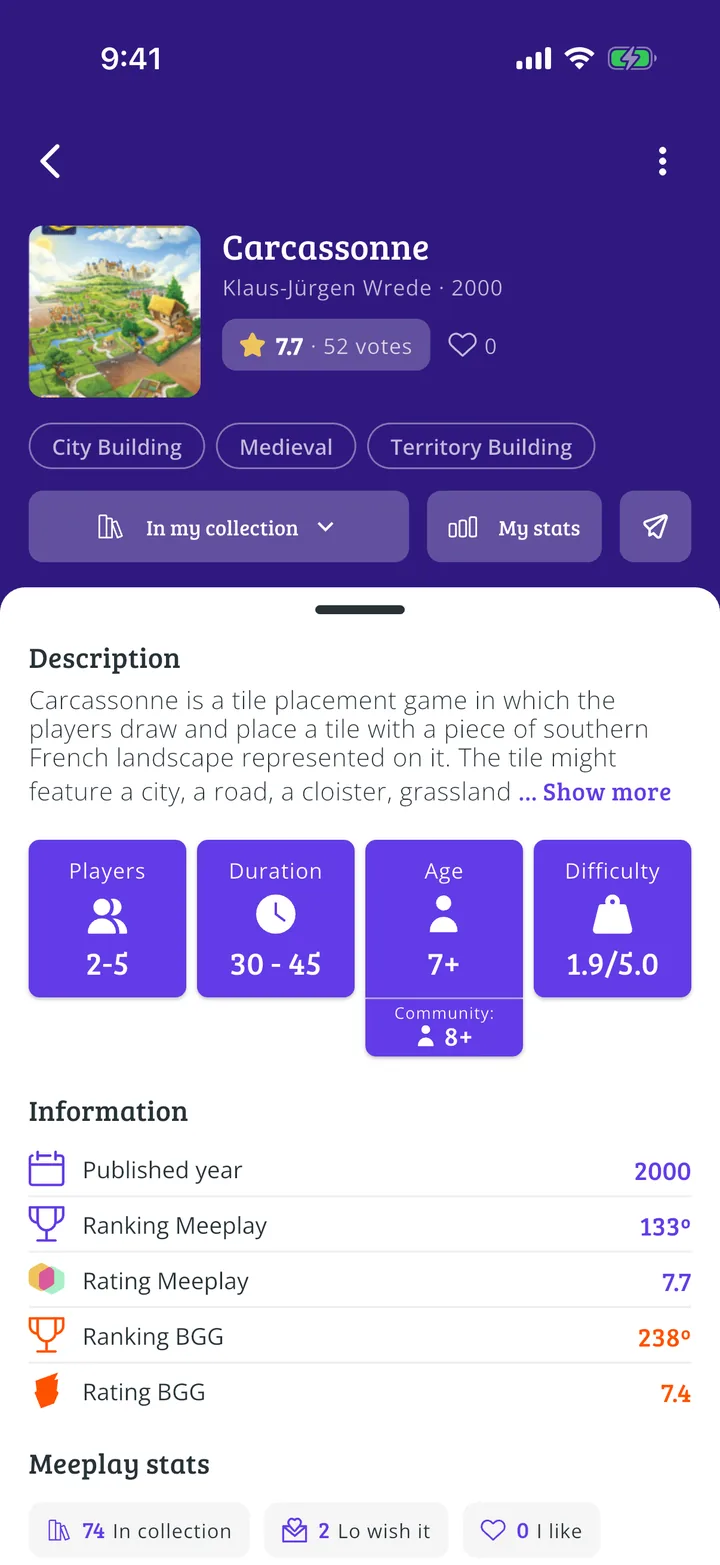 How to add games to your collection5 steps
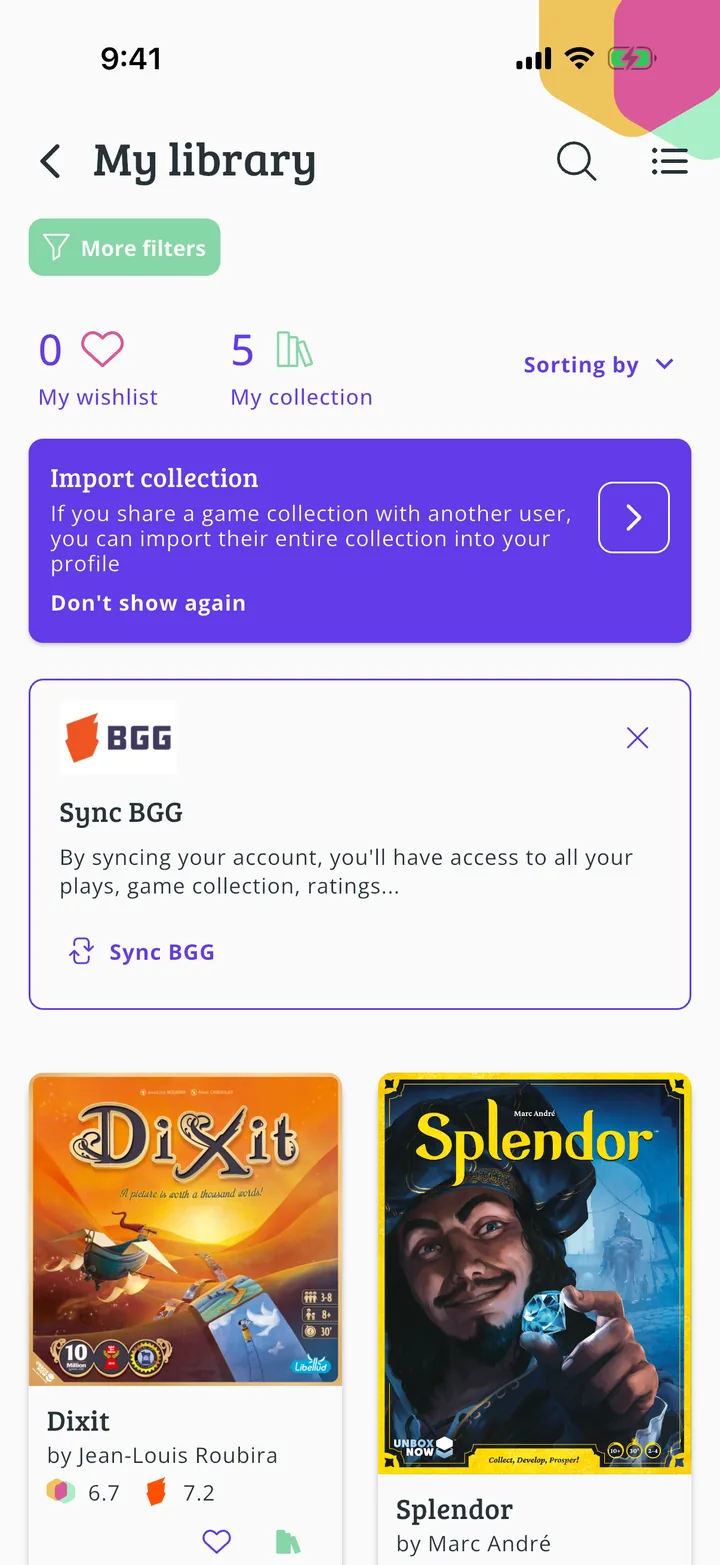 Where to find your game collection3 steps
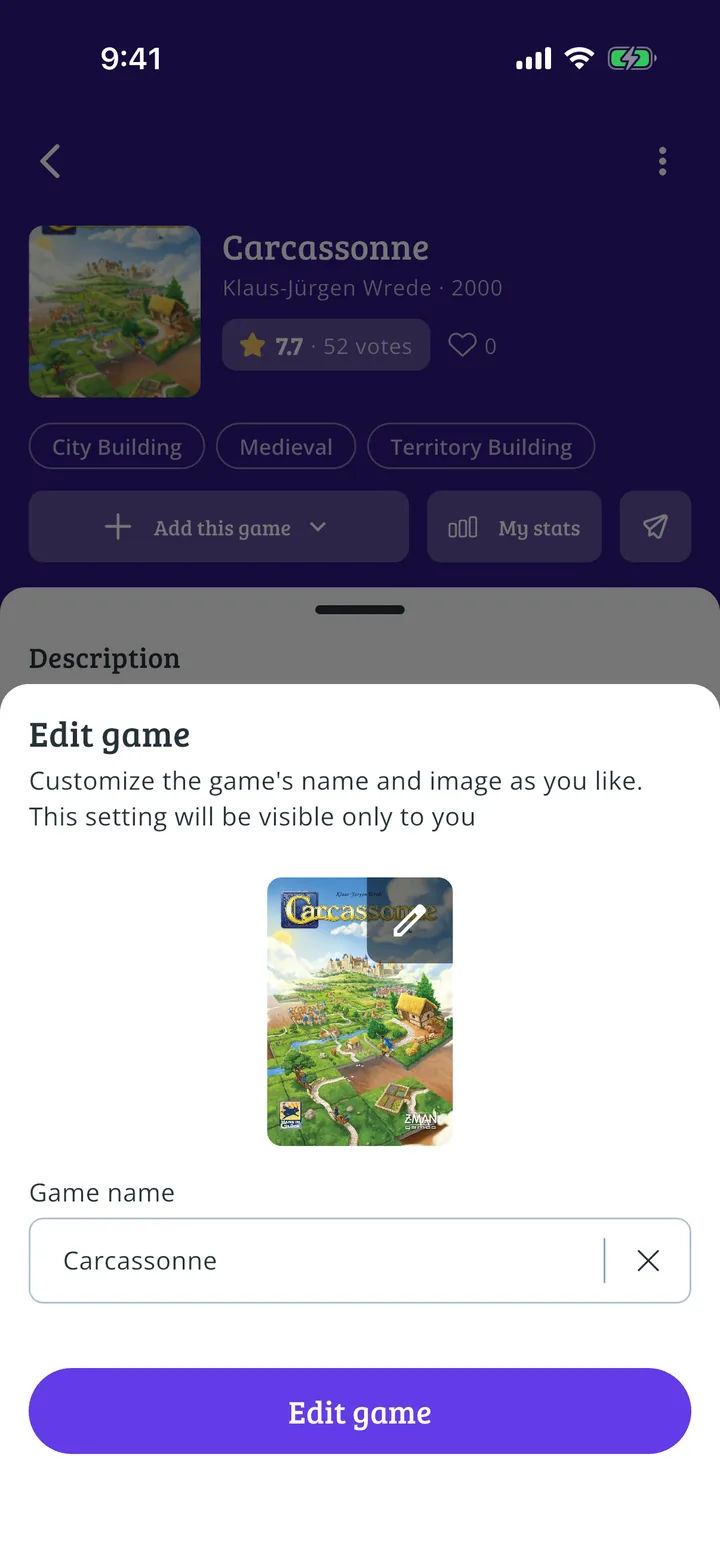 How to change a game's name or cover5 steps
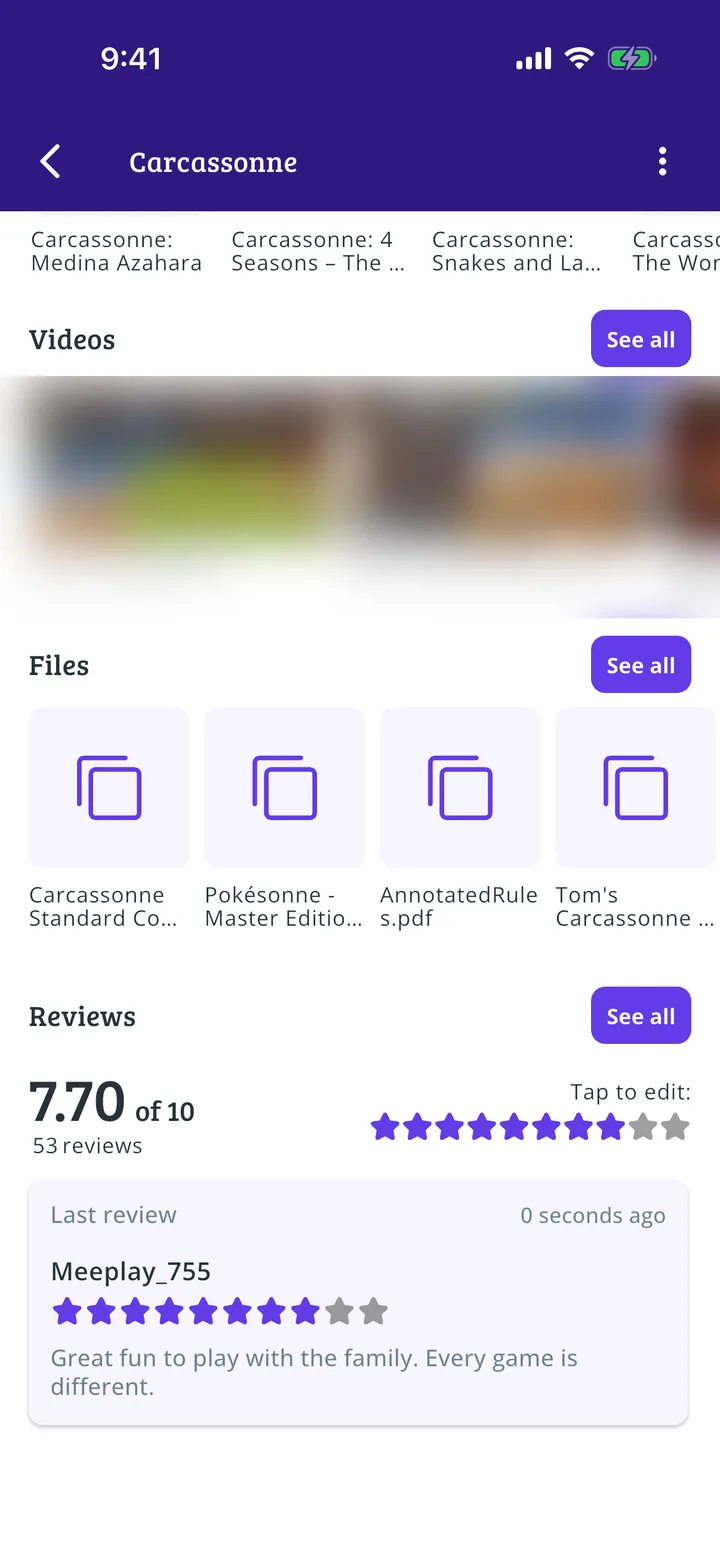 How to rate and review a game7 steps
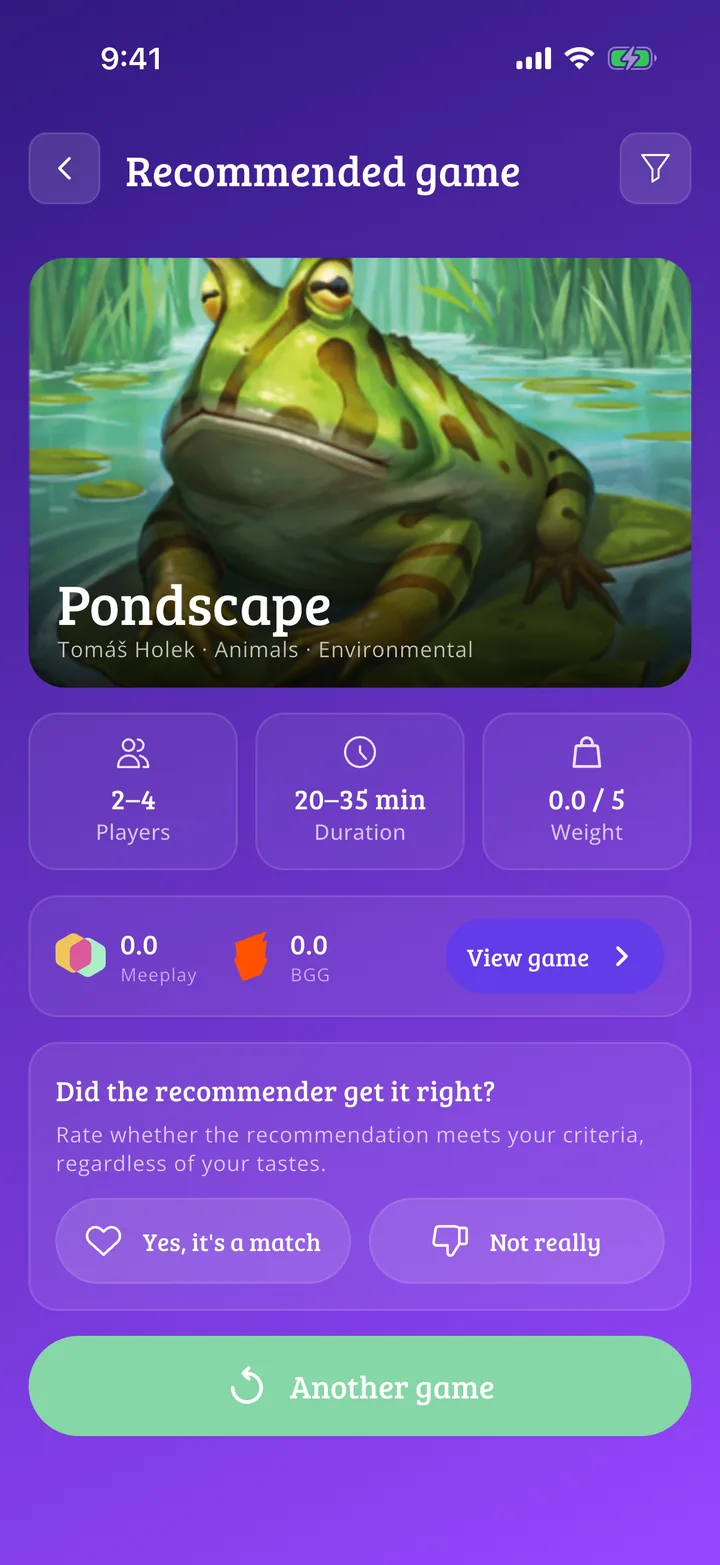 What should we play? Ask Meeplay to suggest a game7 steps
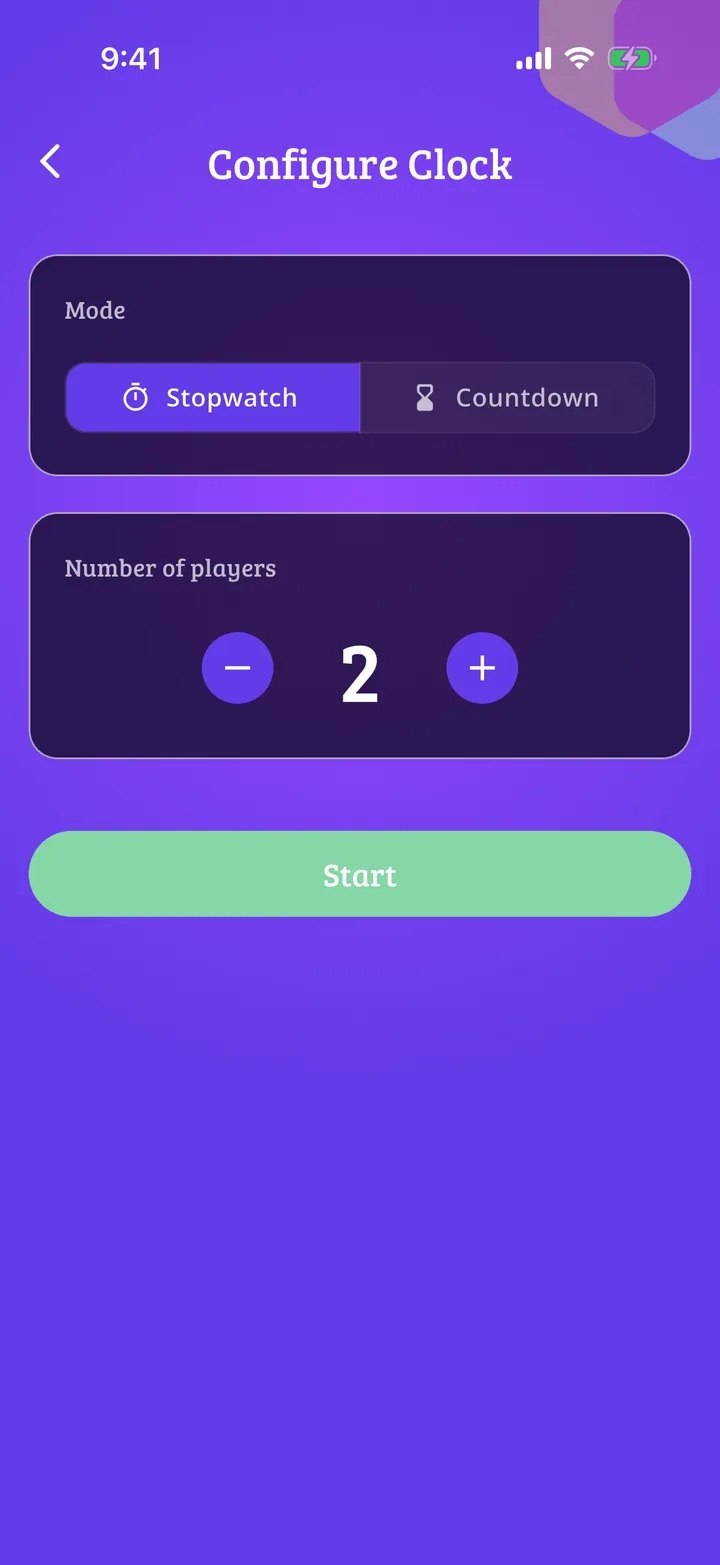 Table tools: scores, dice, teams and clock7 steps
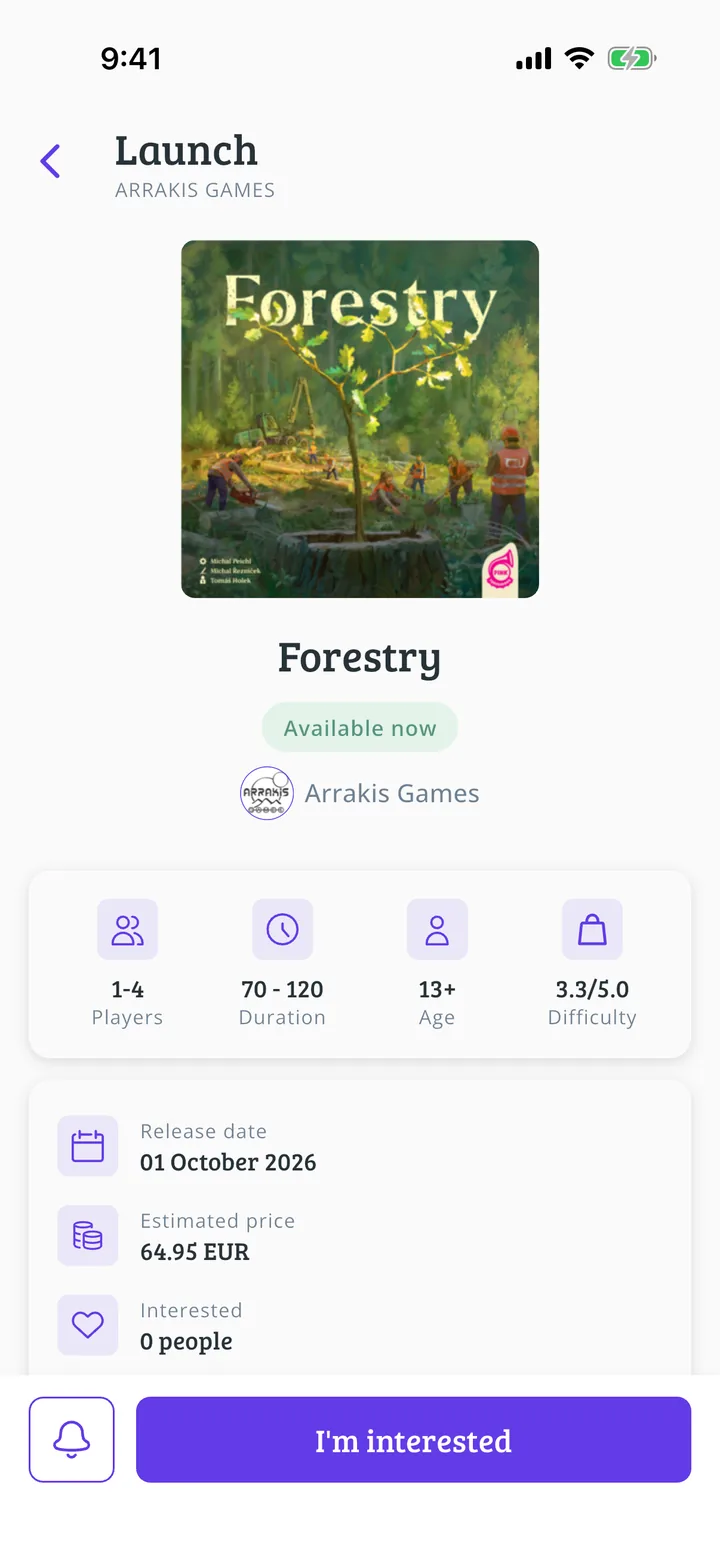 New releases calendar: upcoming game launches5 steps
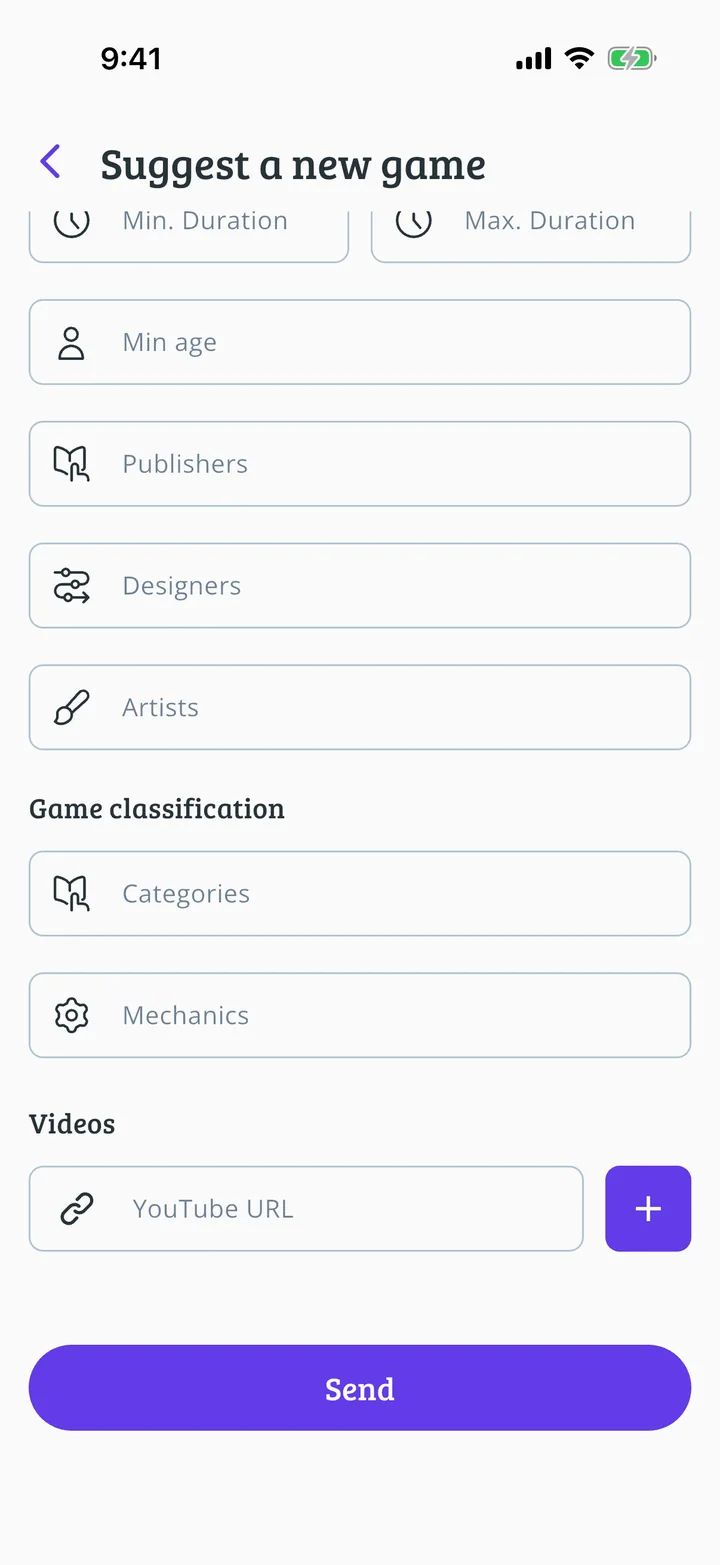 How to suggest a game missing from the catalogue5 steps
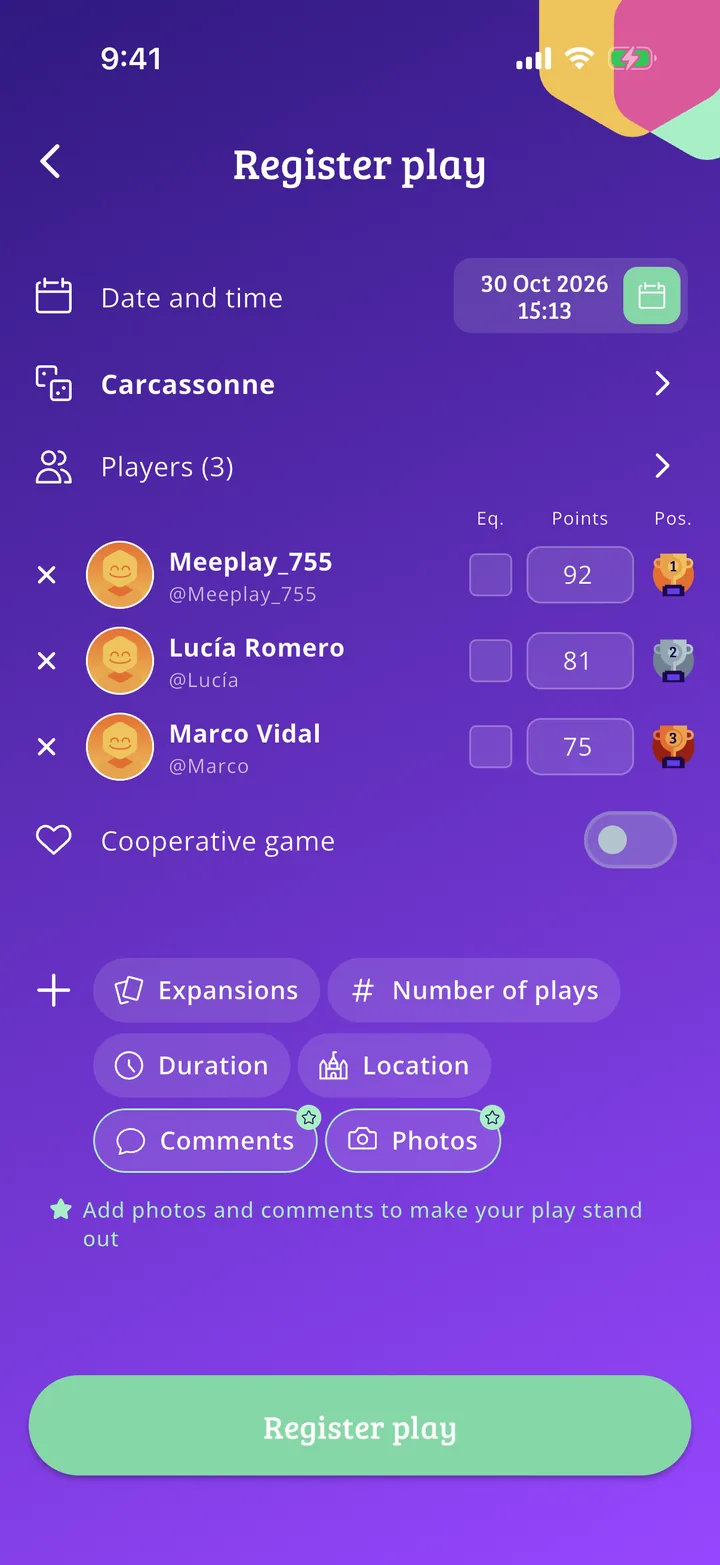
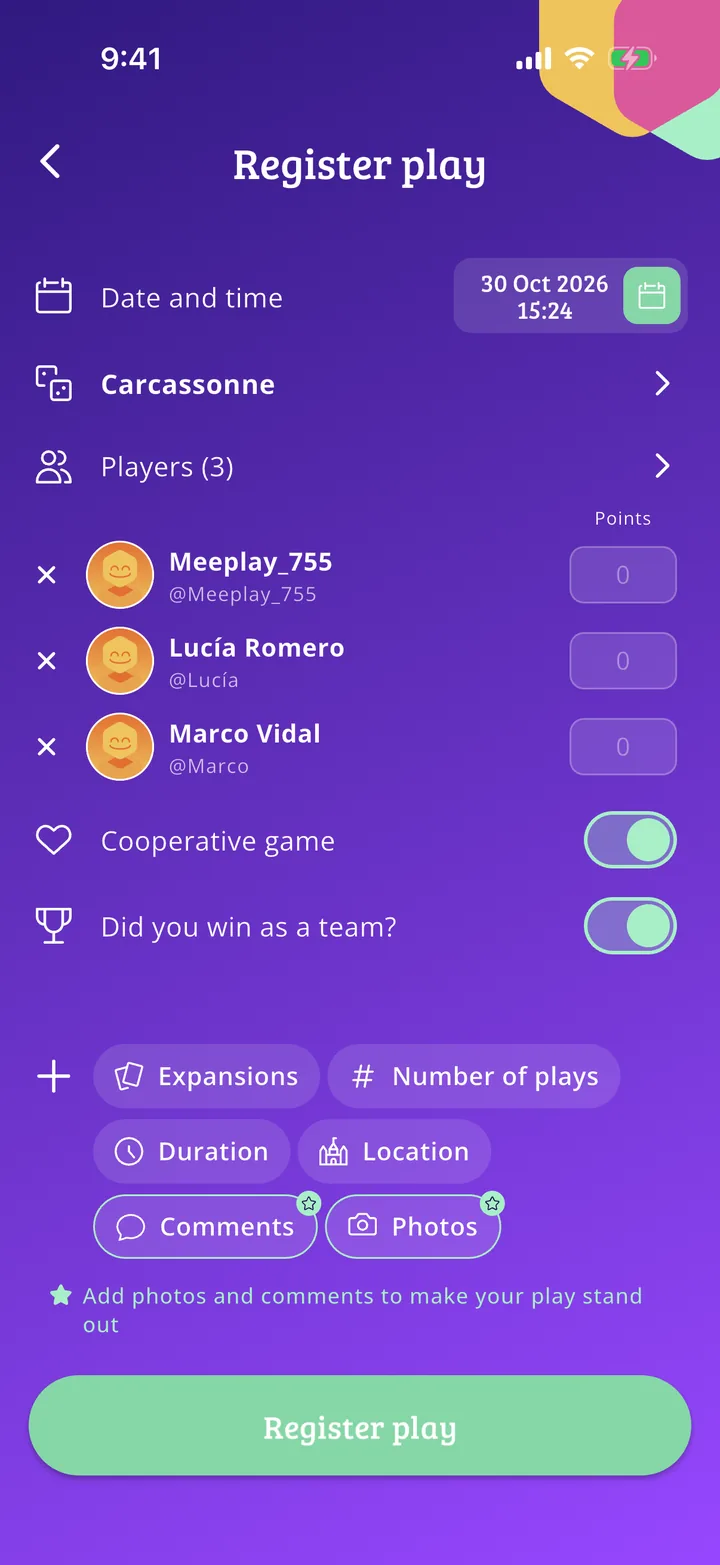
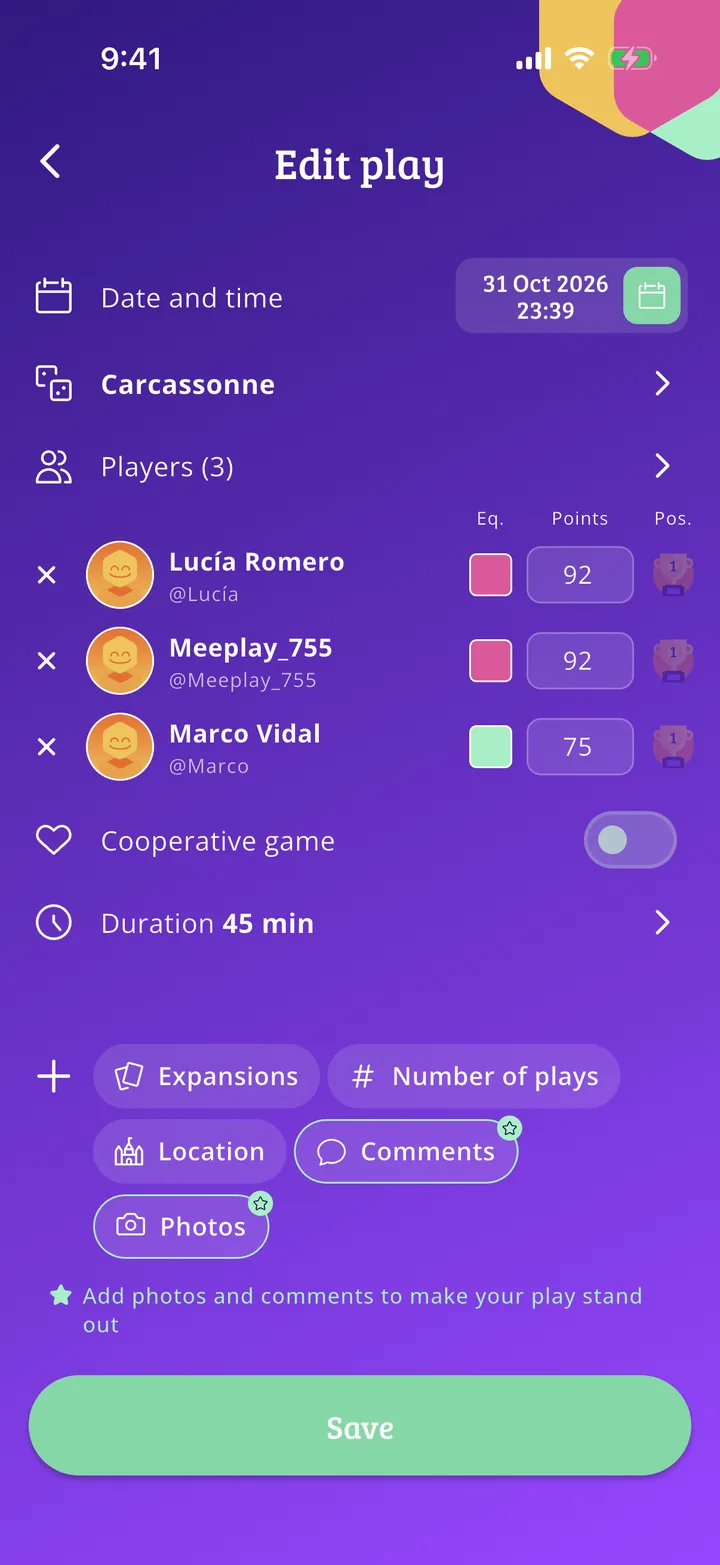
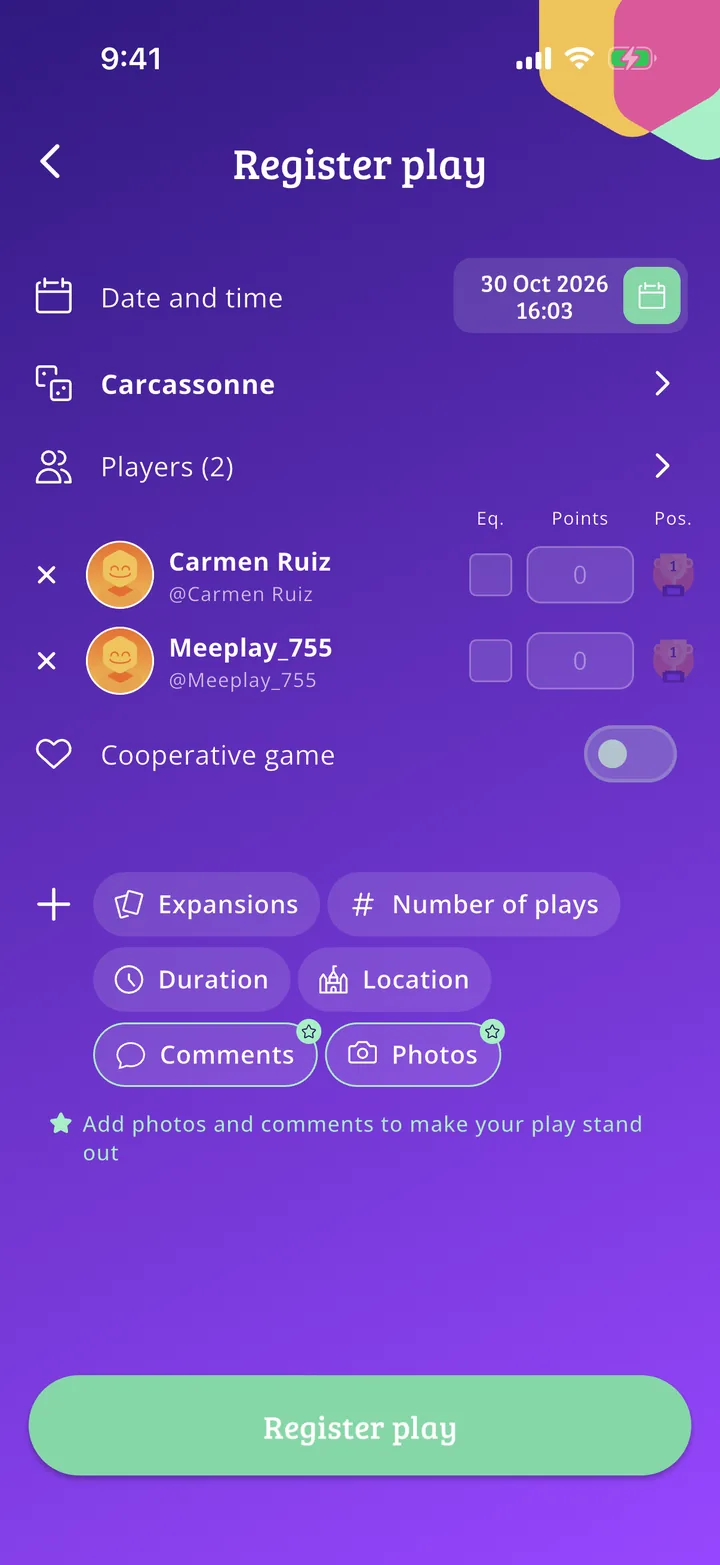
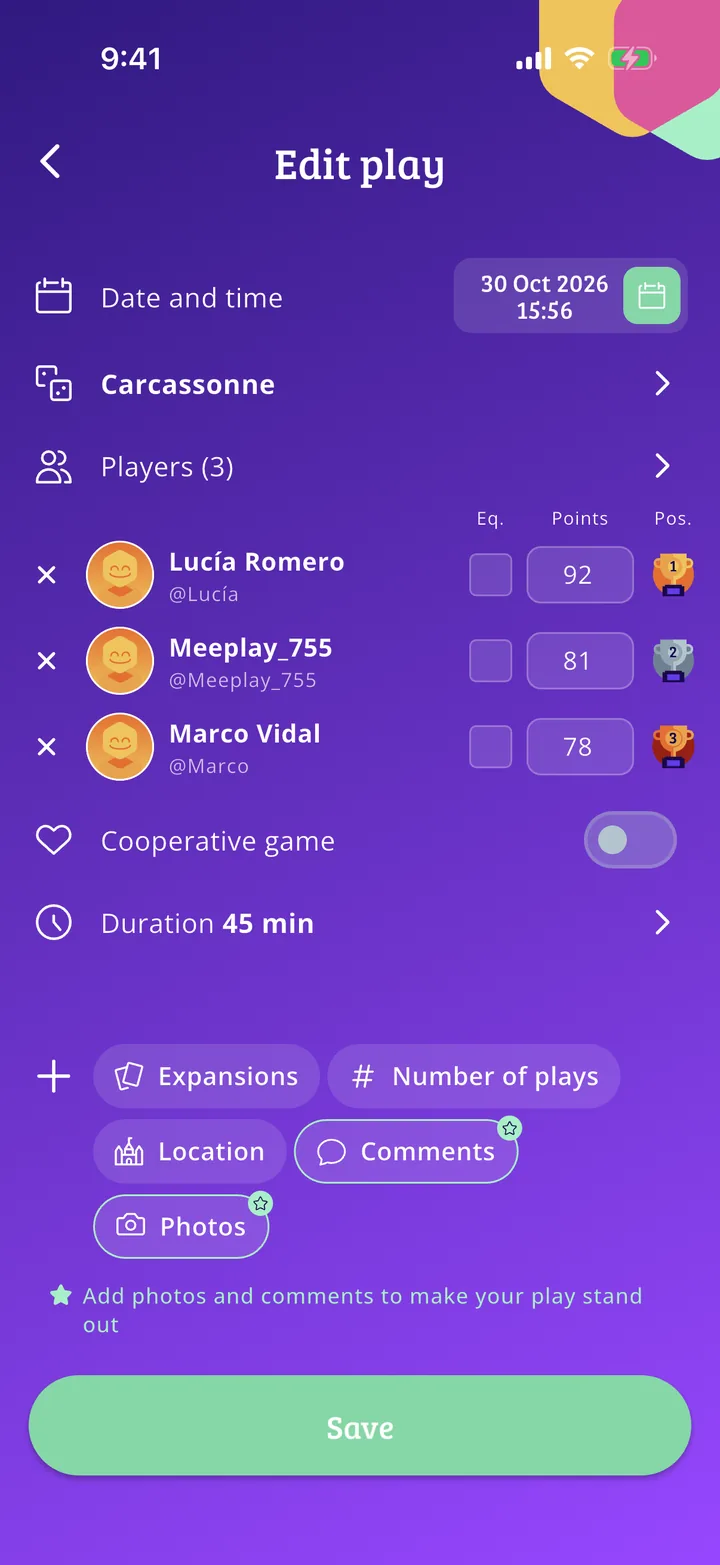
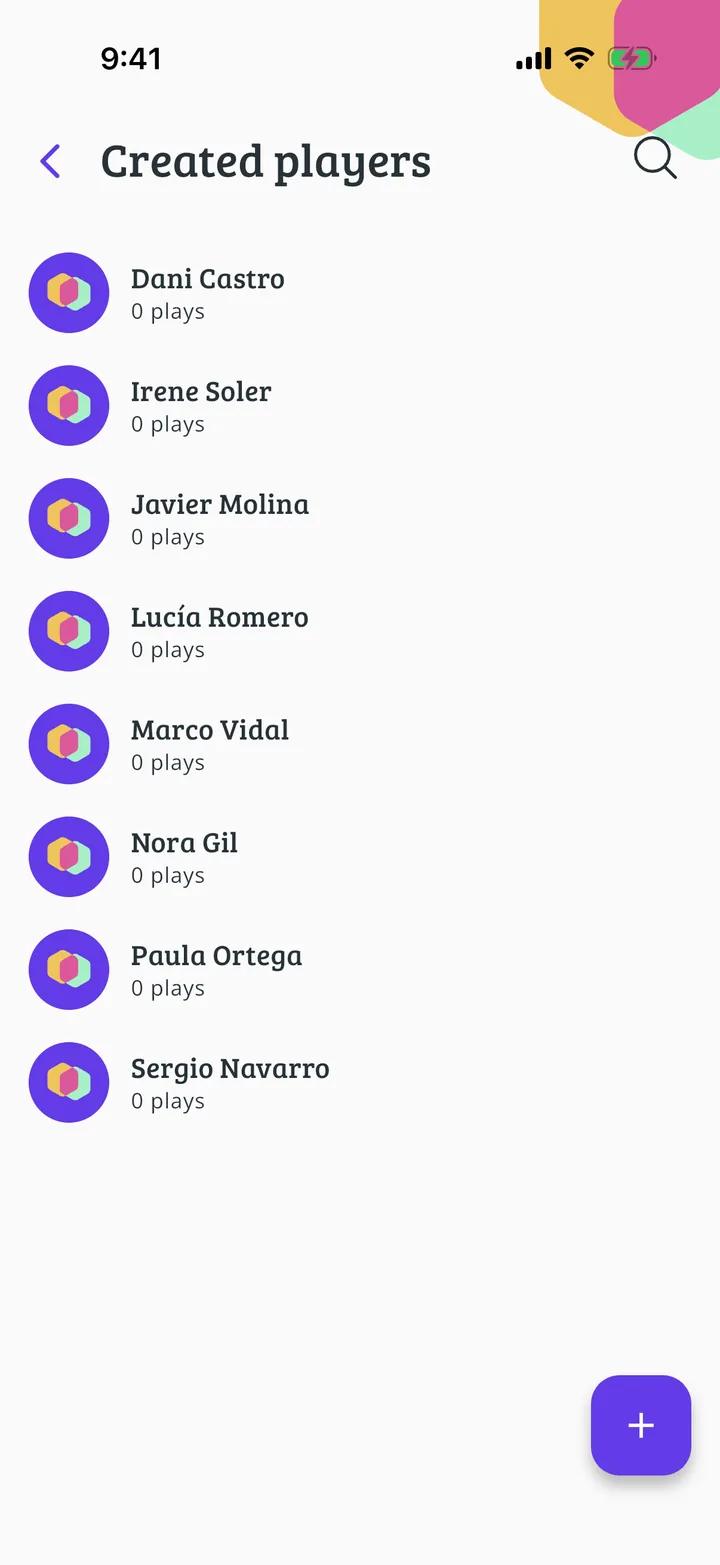
Logging games
Log what you played, who with and how it ended.
Stats and achievements
See your history, compare yourself and share.
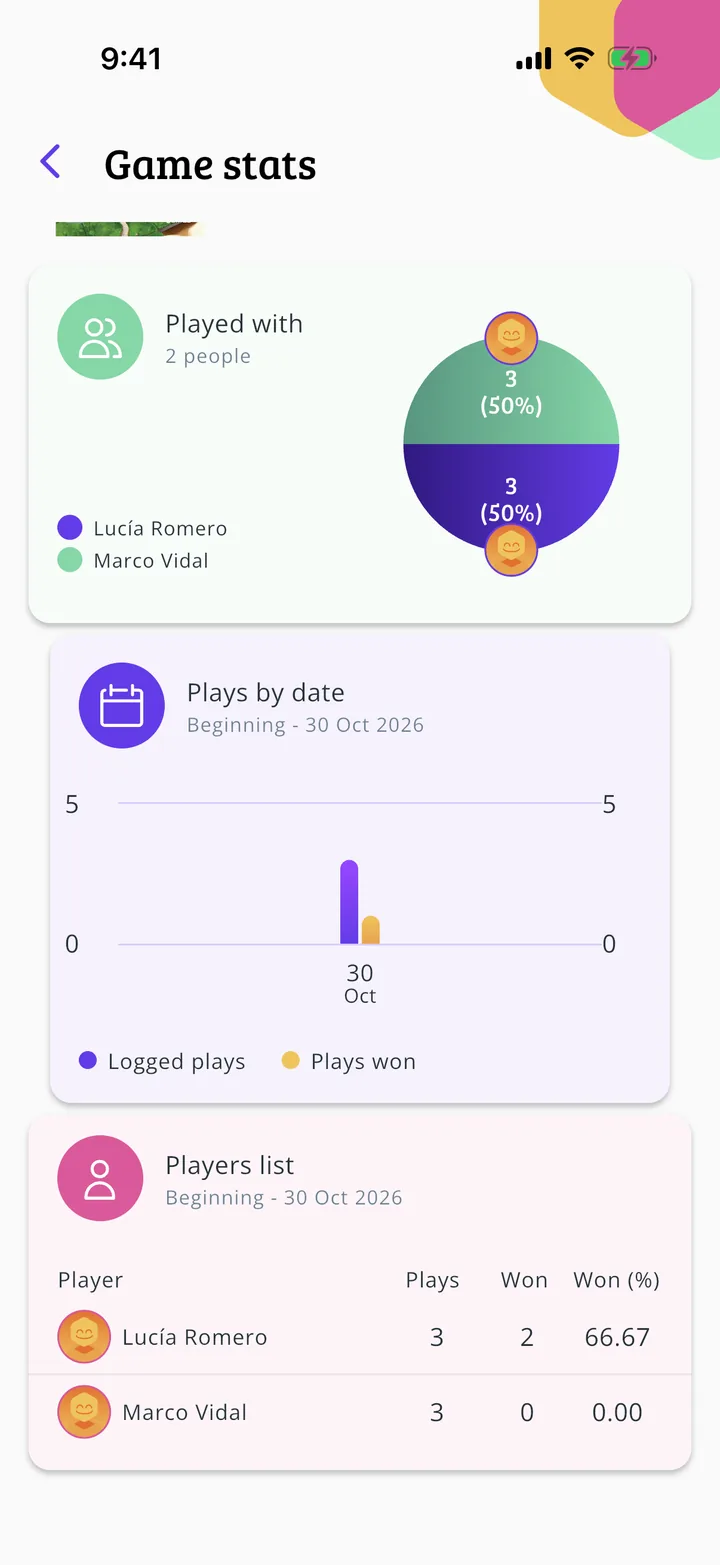 How to see your stats for a specific game5 steps
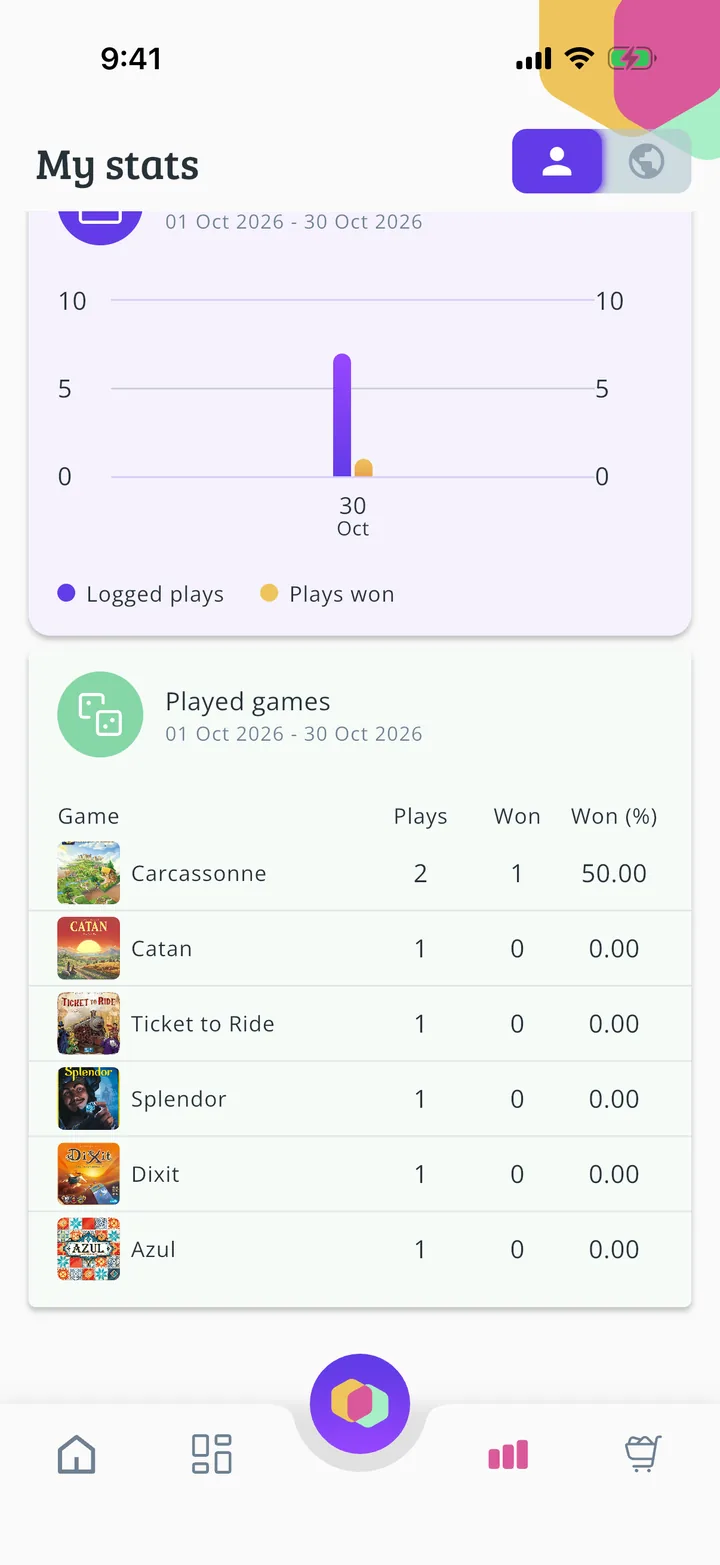 How to compare yourself with another player5 steps
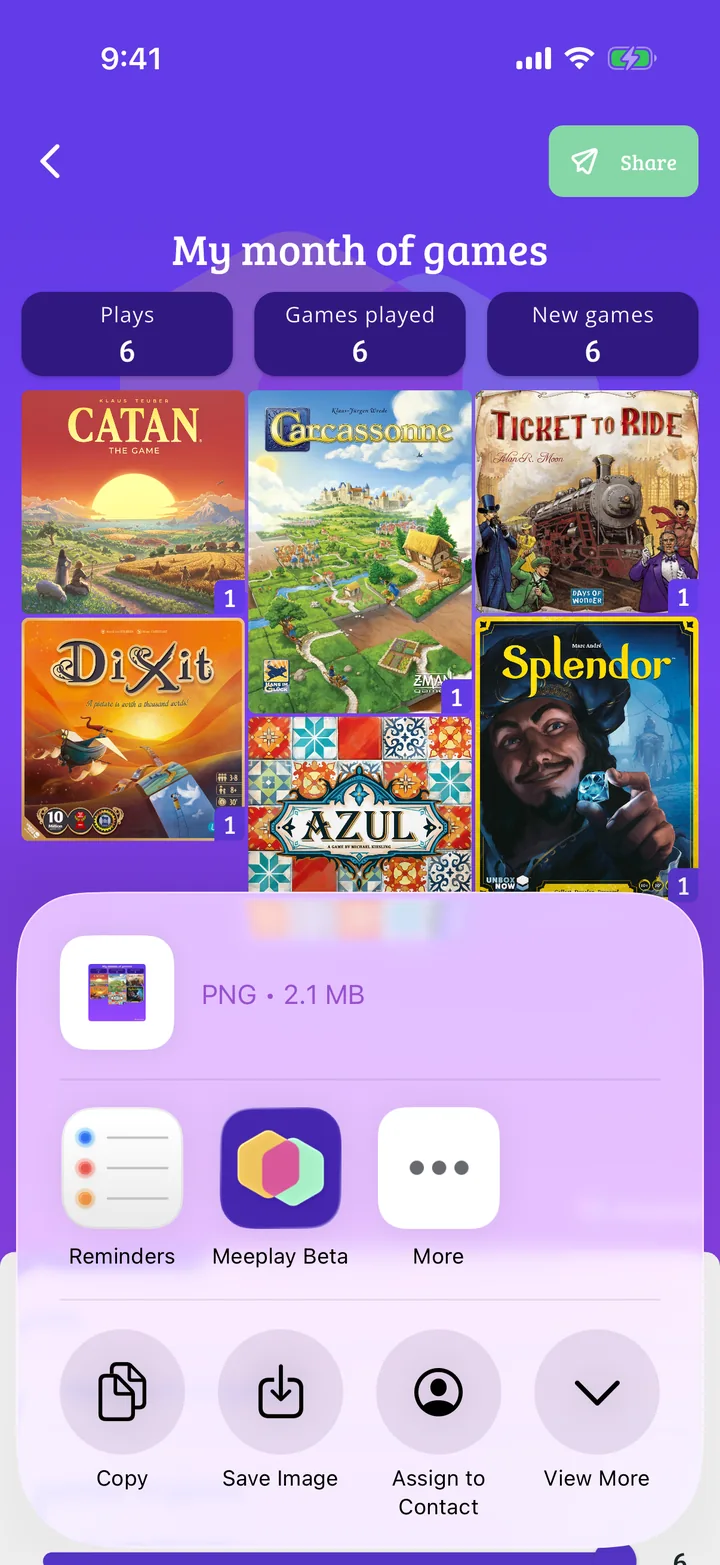 How to create your games mosaic5 steps
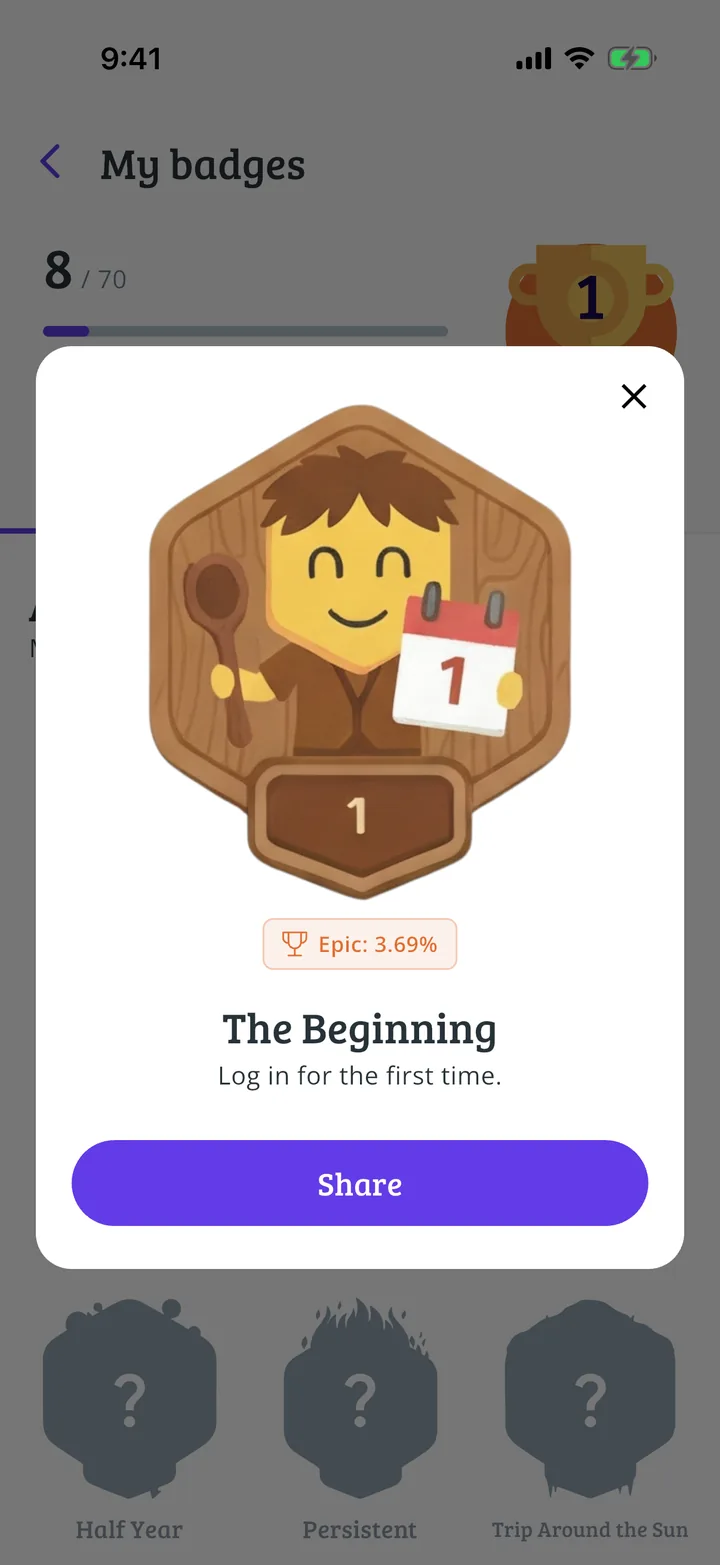 Your badges on Meeplay5 steps
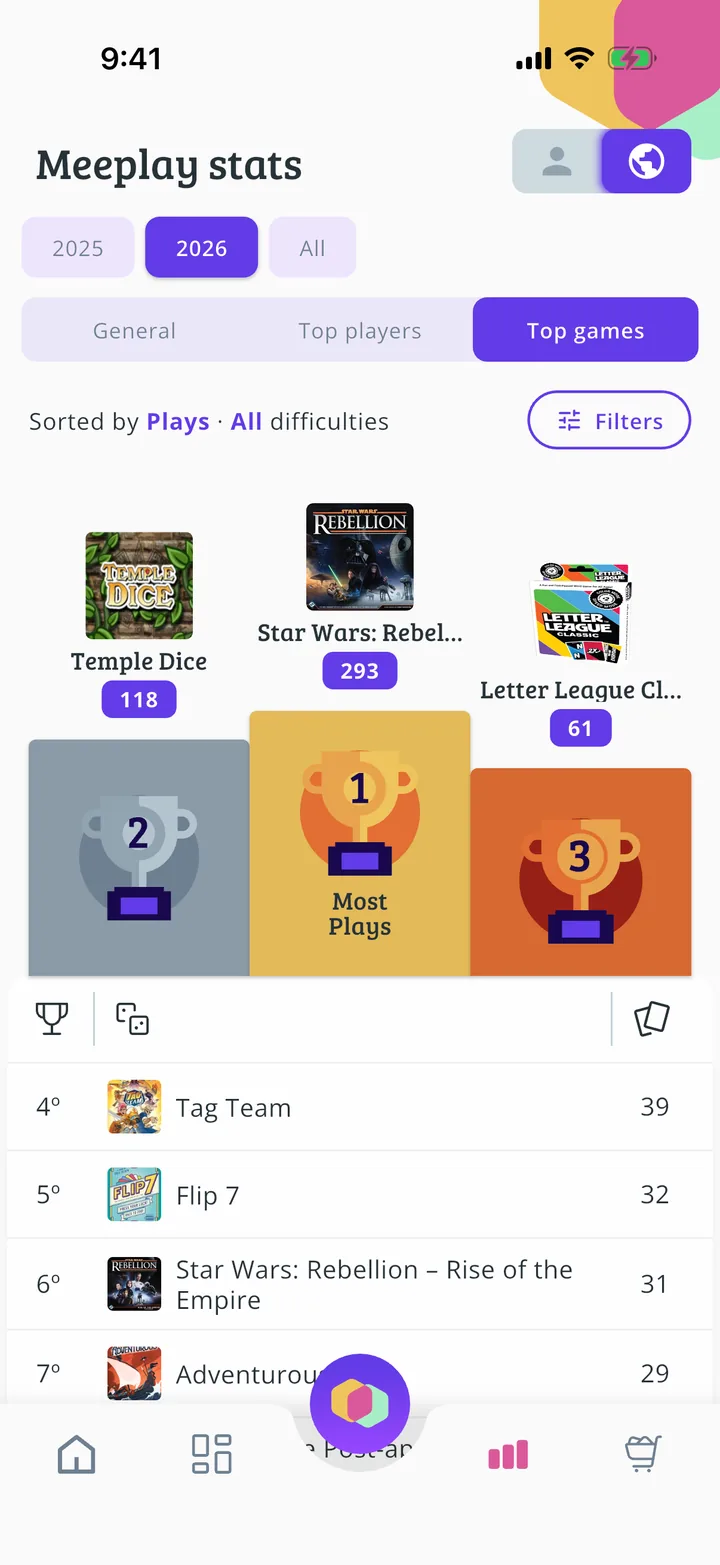 Game and player rankings5 steps
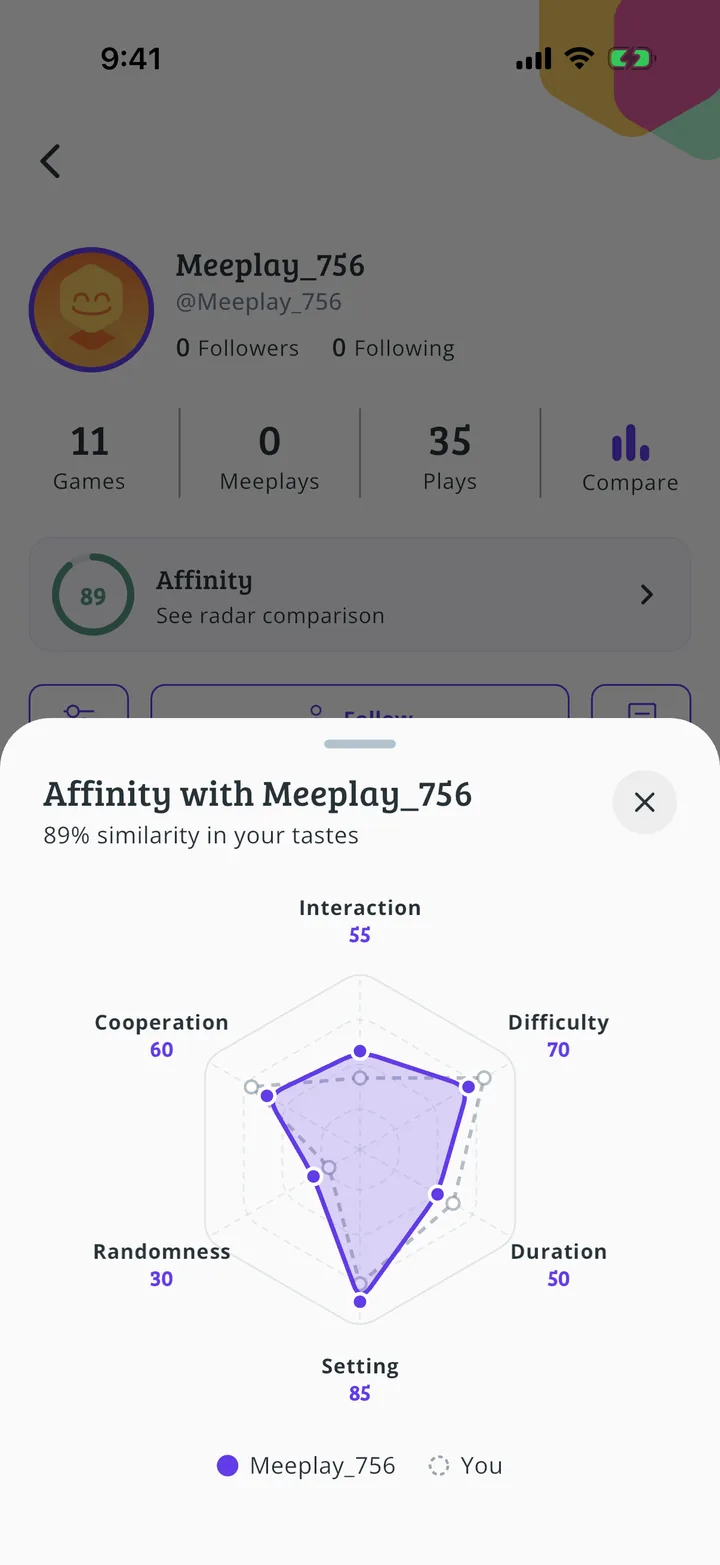 How to see your affinity with other users4 steps
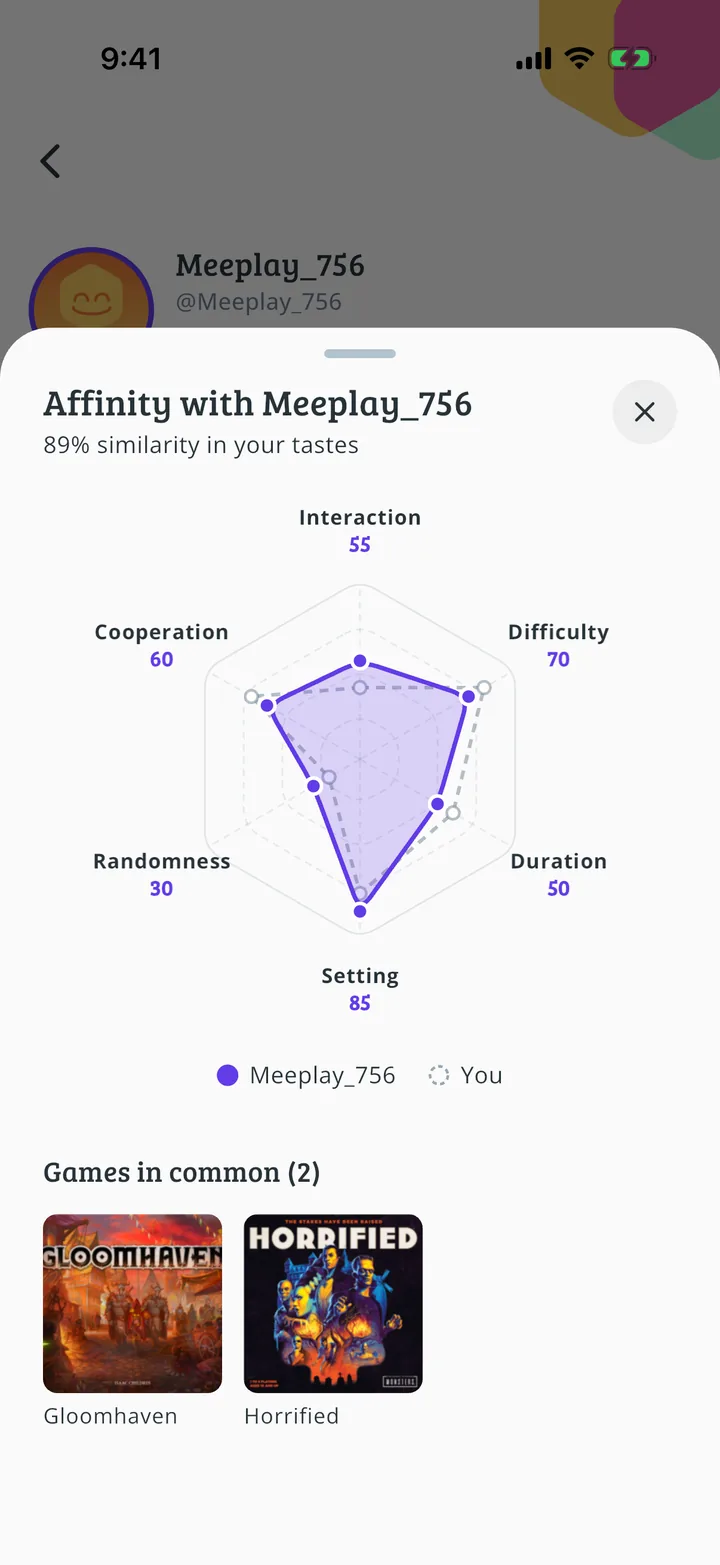 How to see the games you have in common with someone4 steps
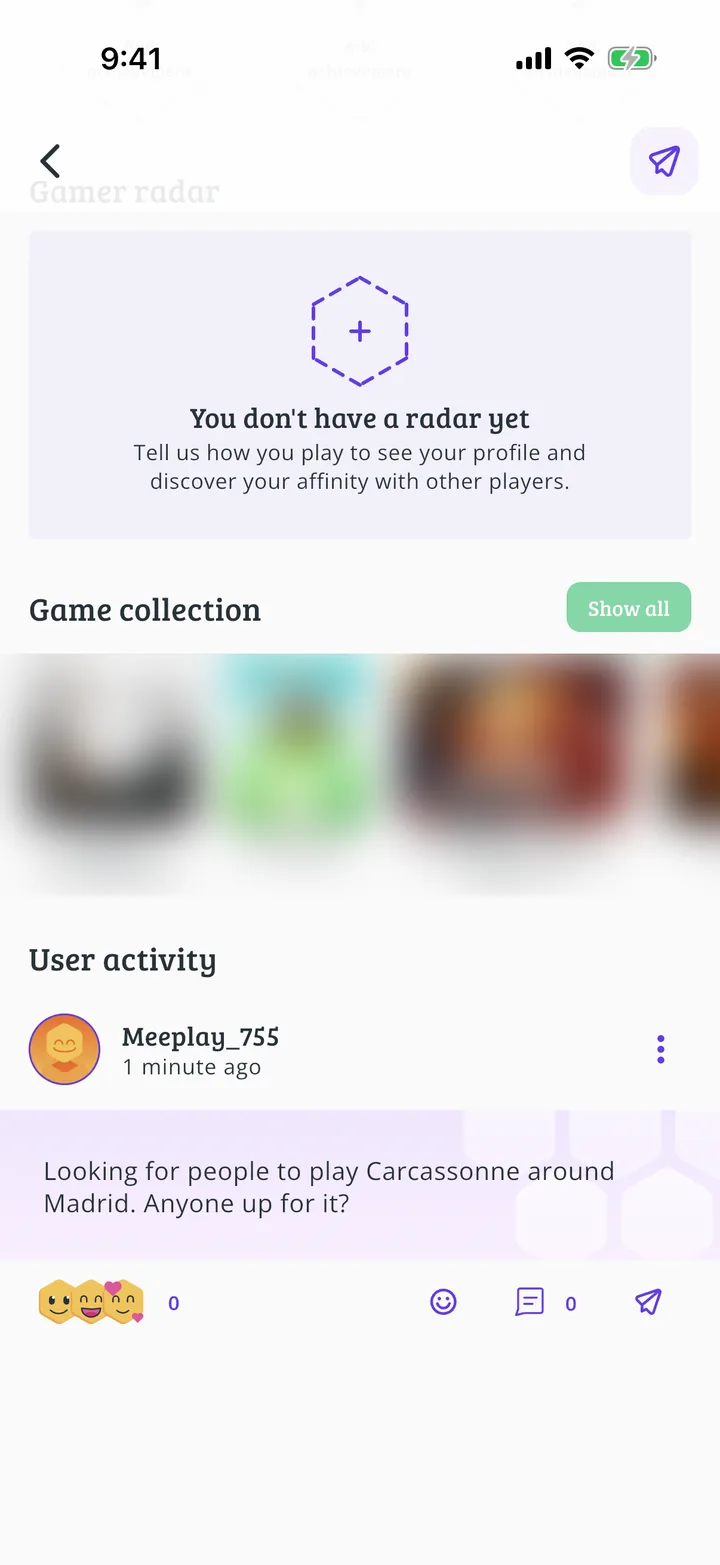 Where to find your user activity2 steps
Joining events
From finding a Meeplay to enjoying it.
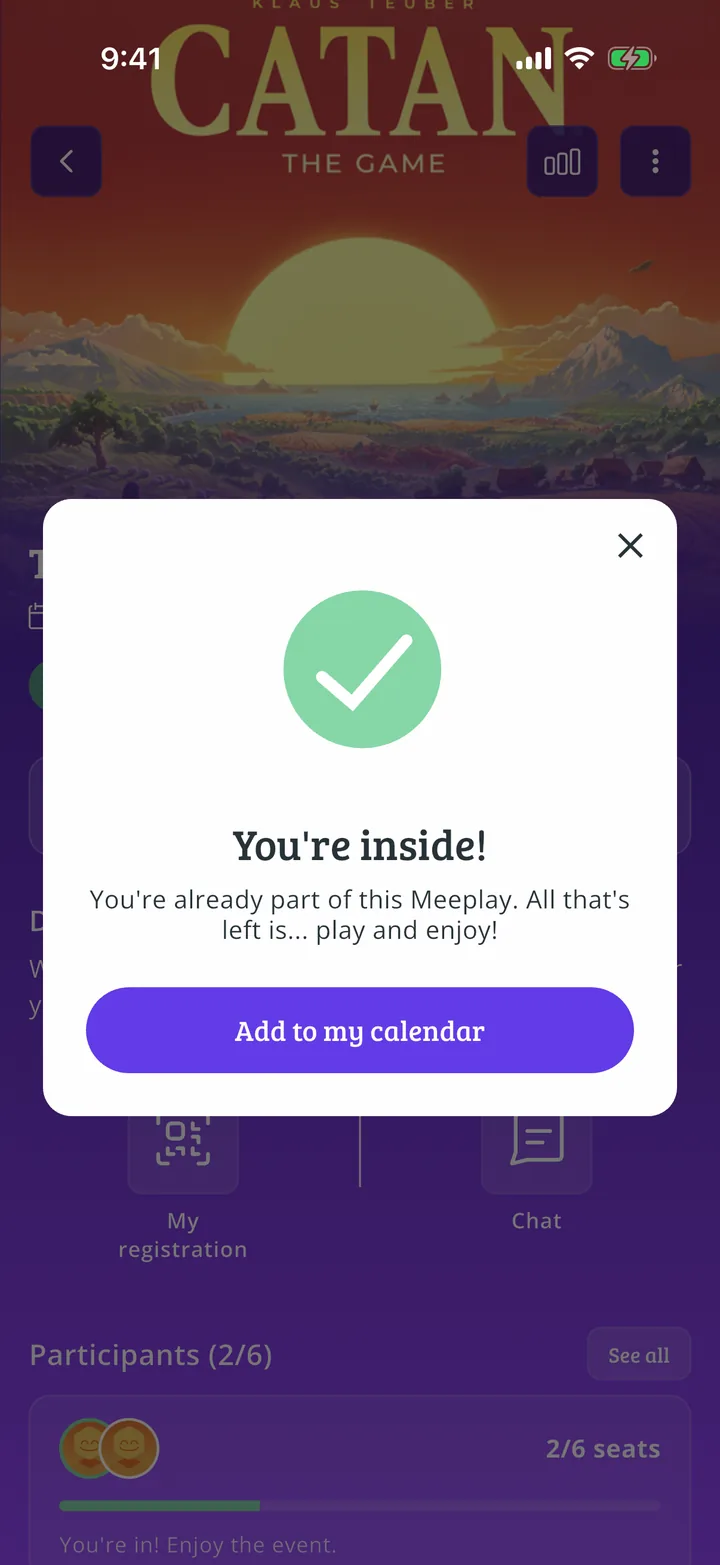 How to join a Meeplay6 steps
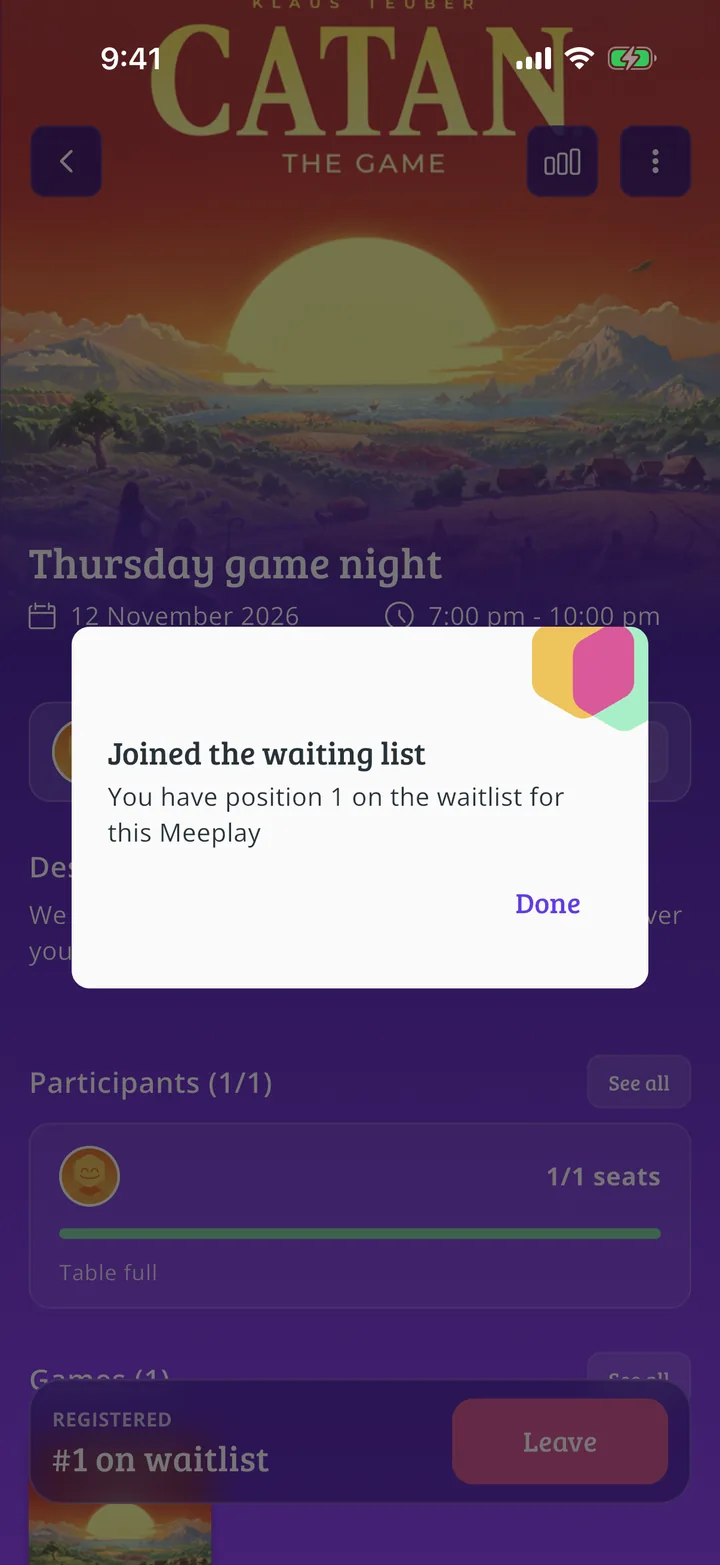 How to join a Meeplay's waiting list6 steps
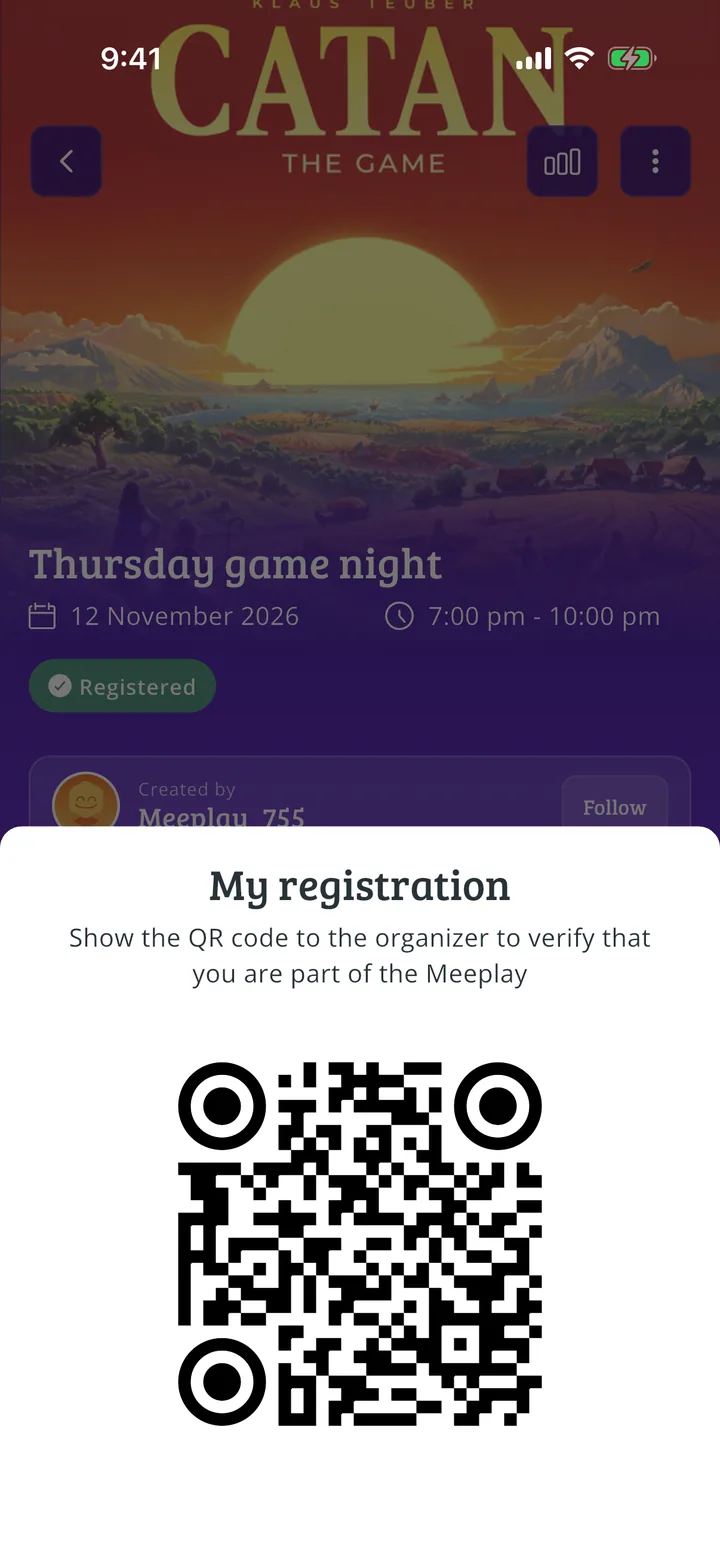 Your registration and QR code3 steps
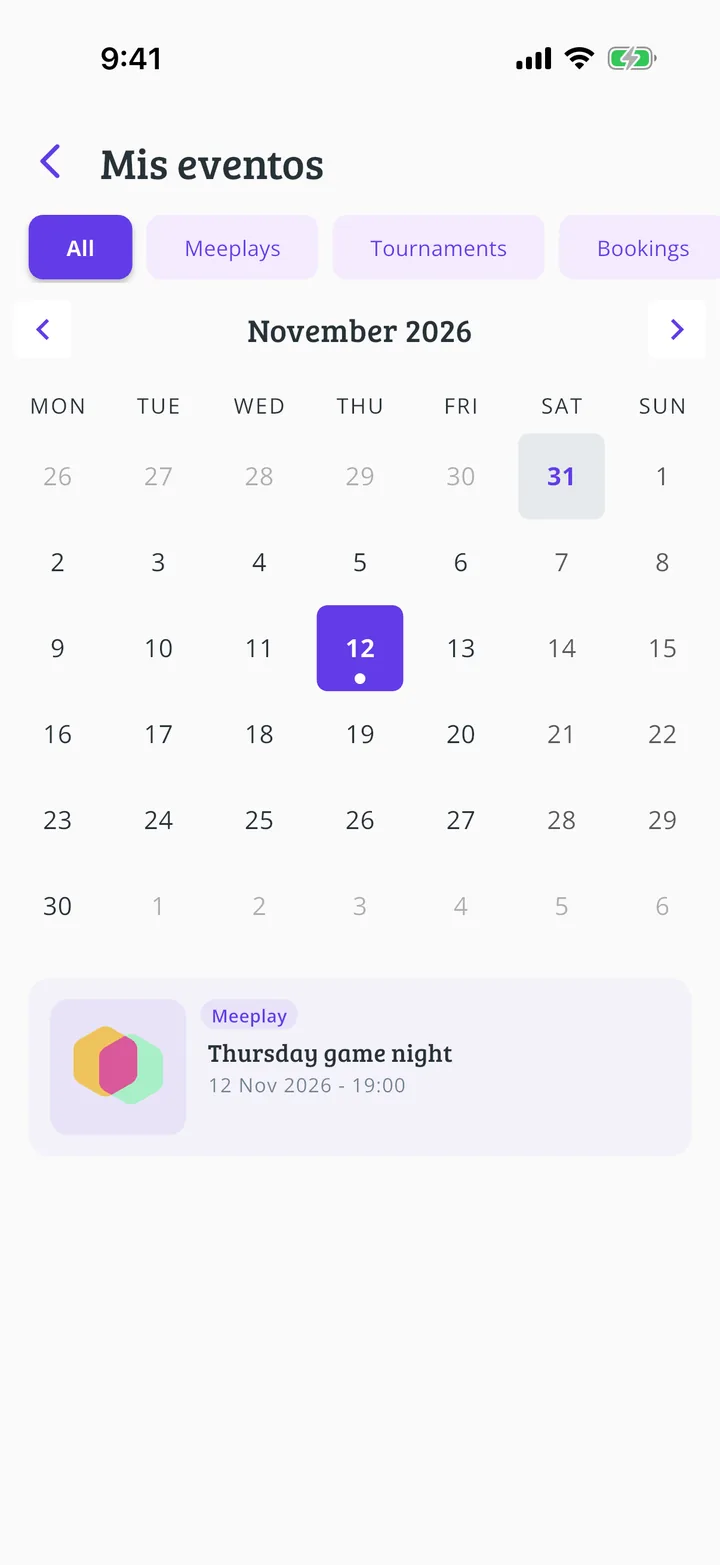 My events: your calendar of Meeplays, tournaments and bookings5 steps
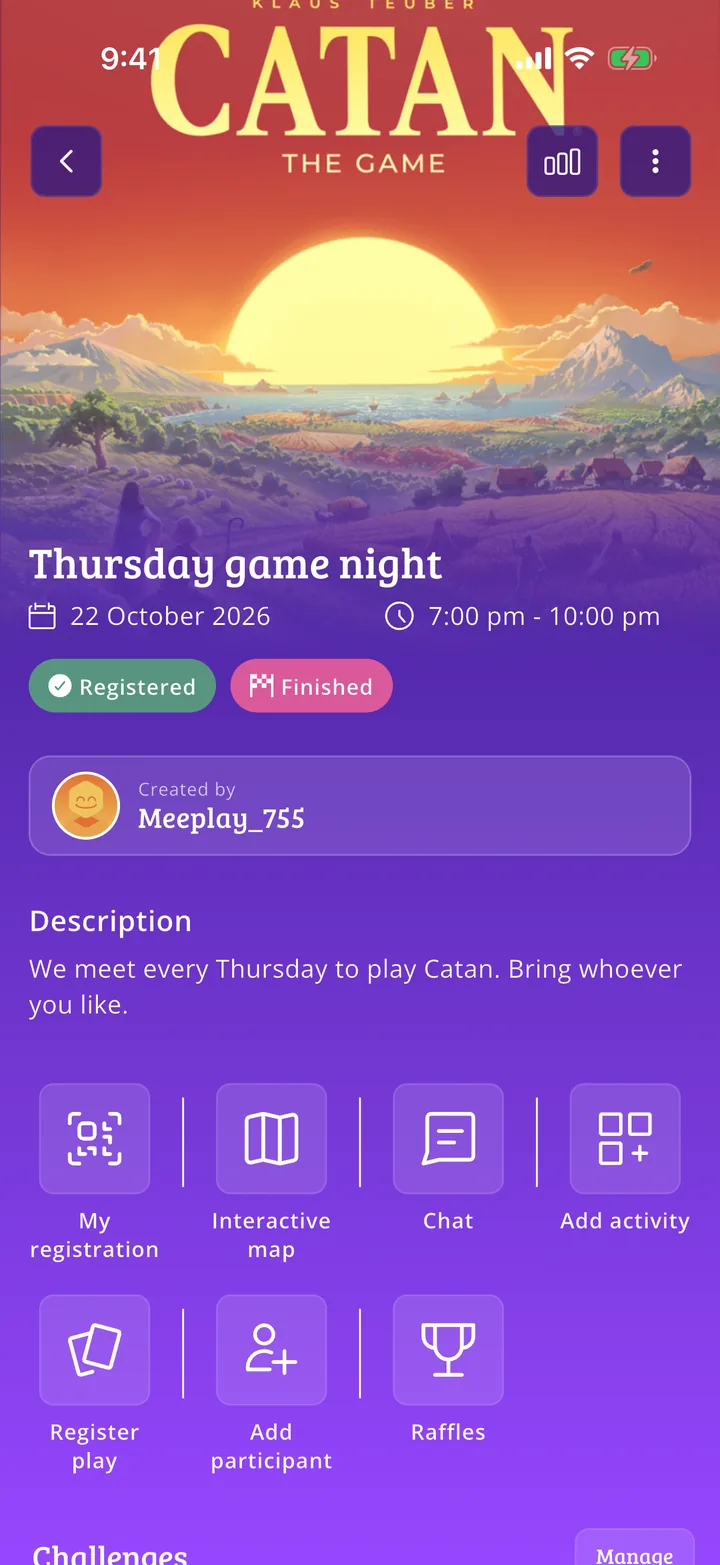 Where to see the Meeplays you attended4 steps
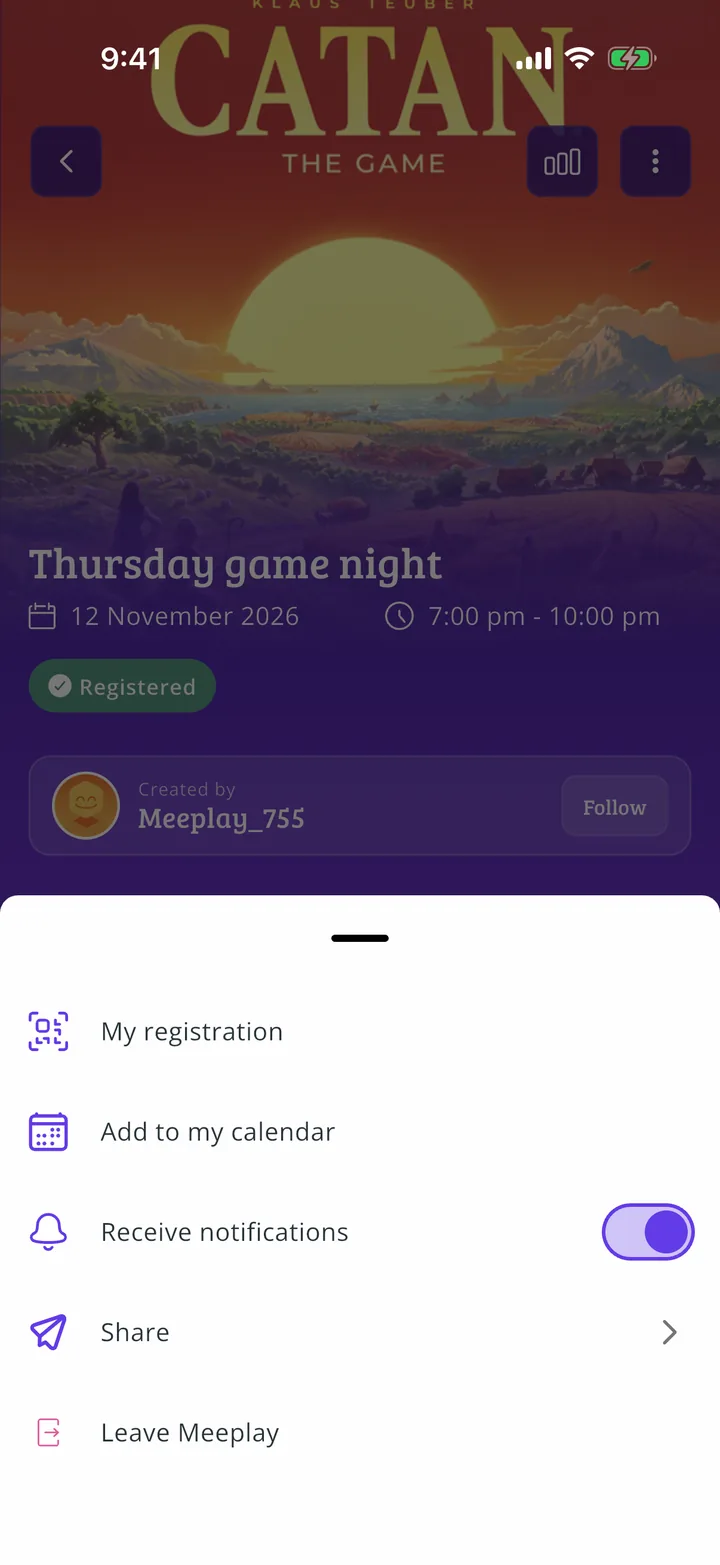 How to leave a Meeplay5 steps
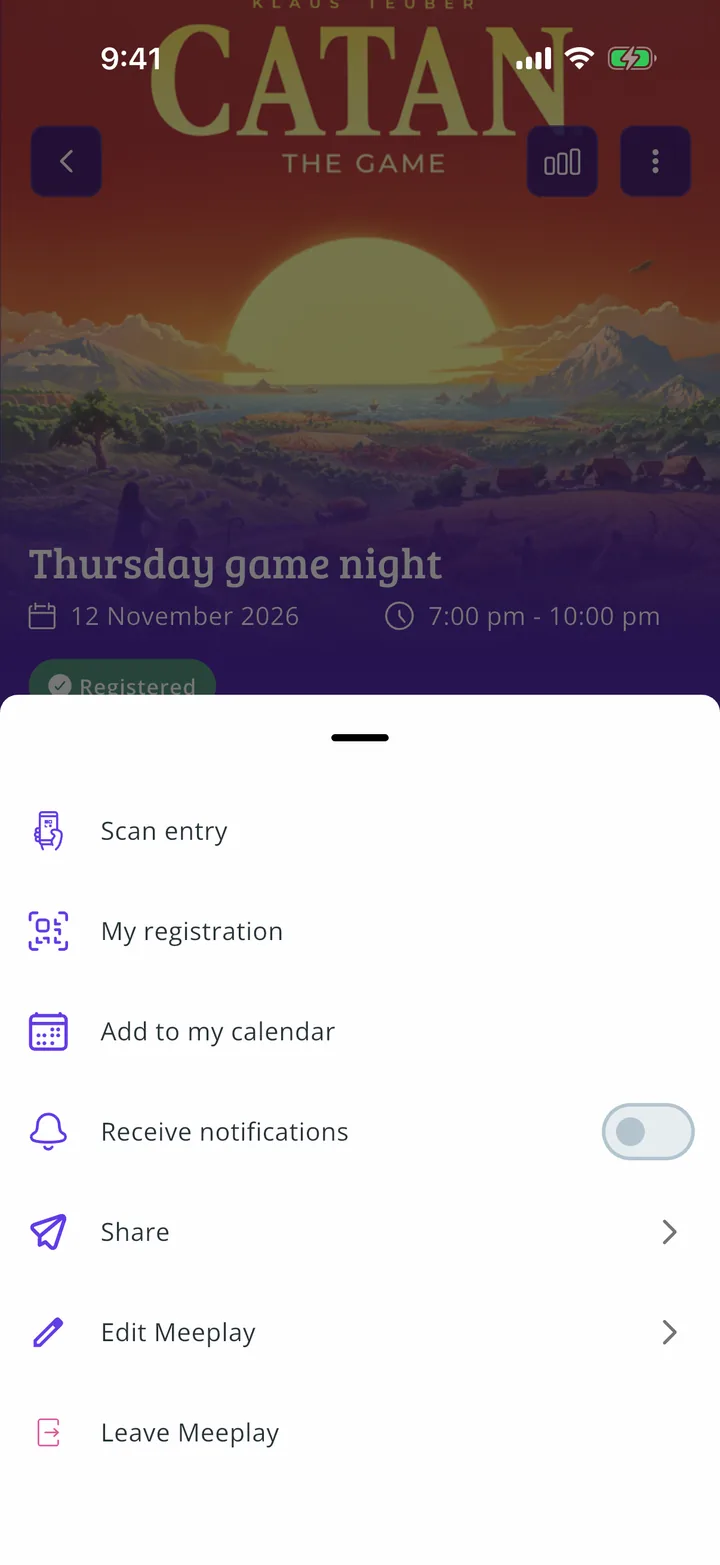 How to mute a Meeplay's notifications4 steps
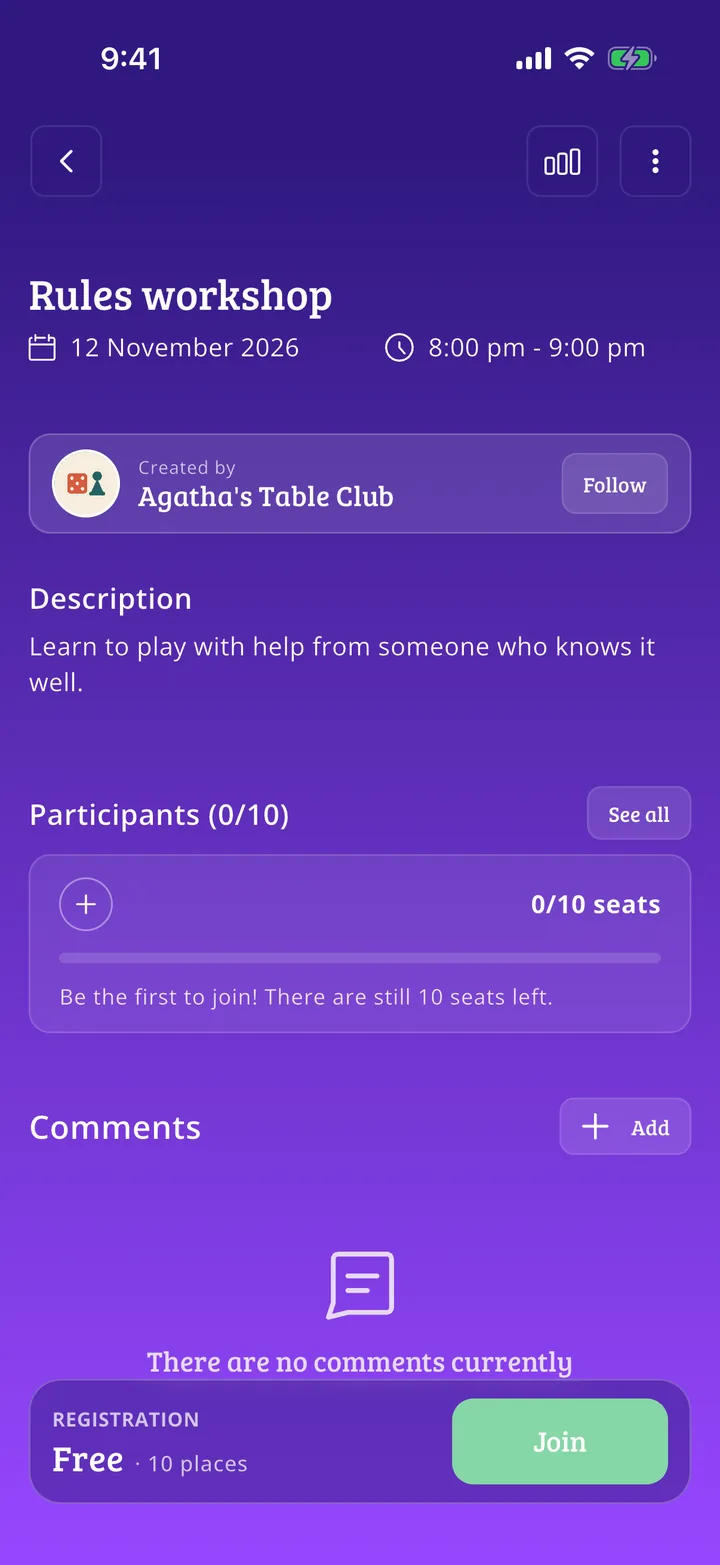 How to sign up for an event activity4 steps
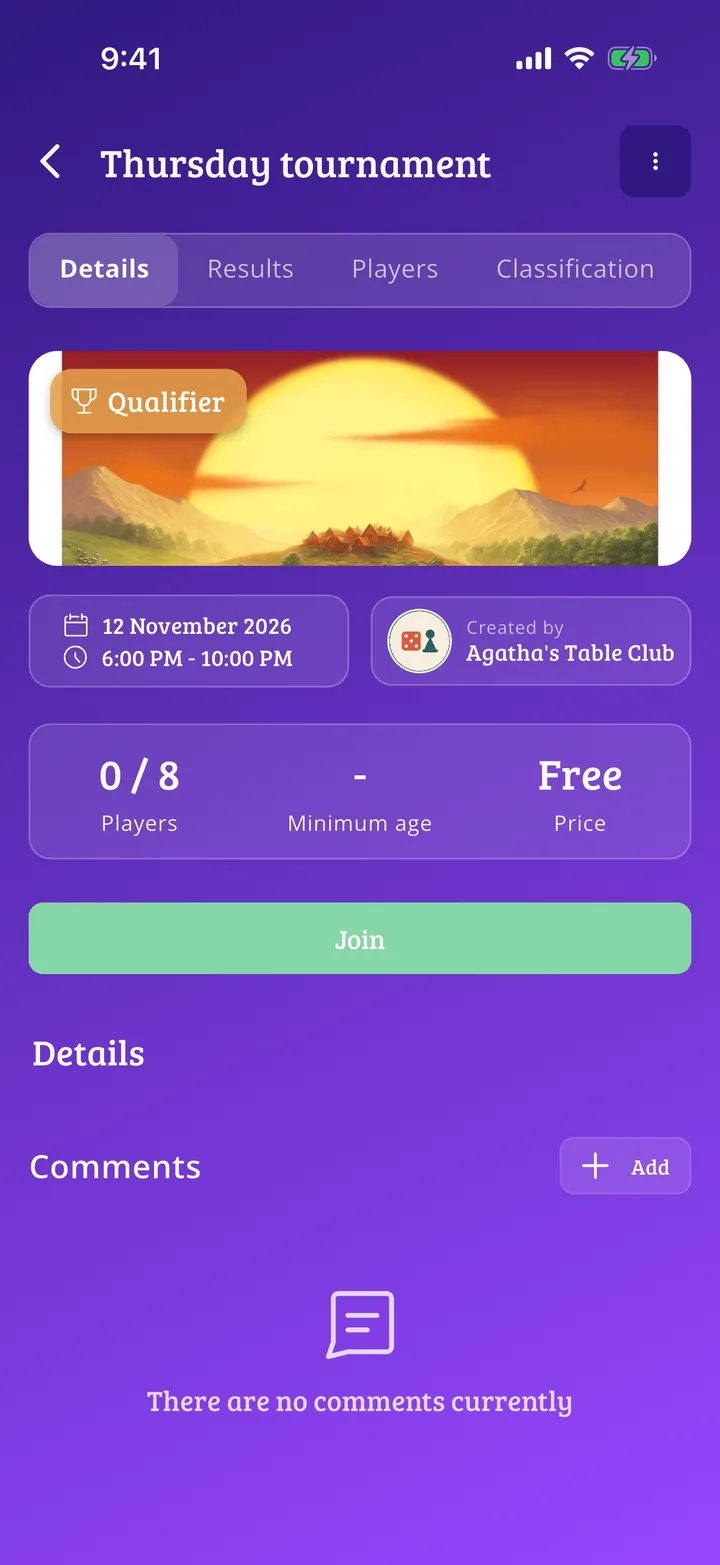 How to join a tournament6 steps
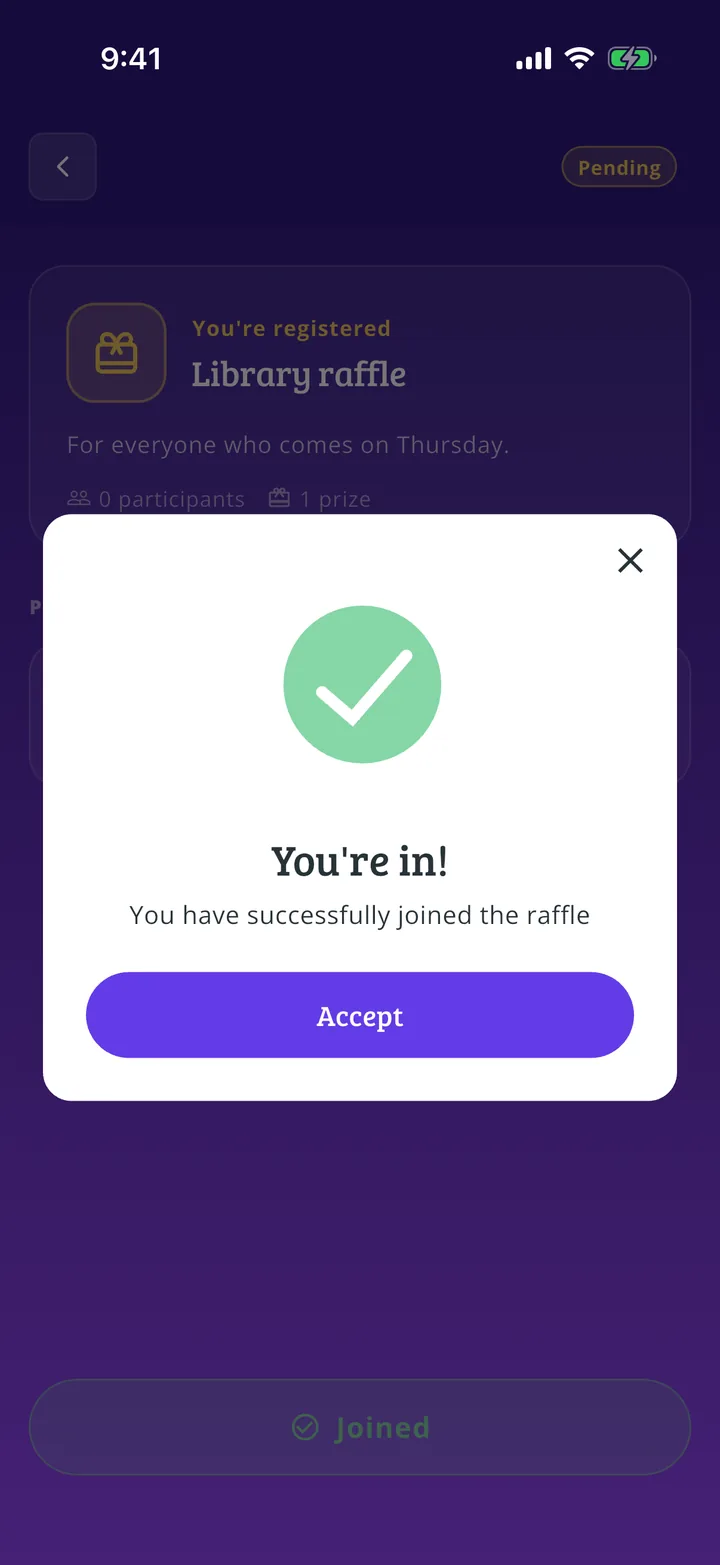 How to enter a Meeplay raffle5 steps
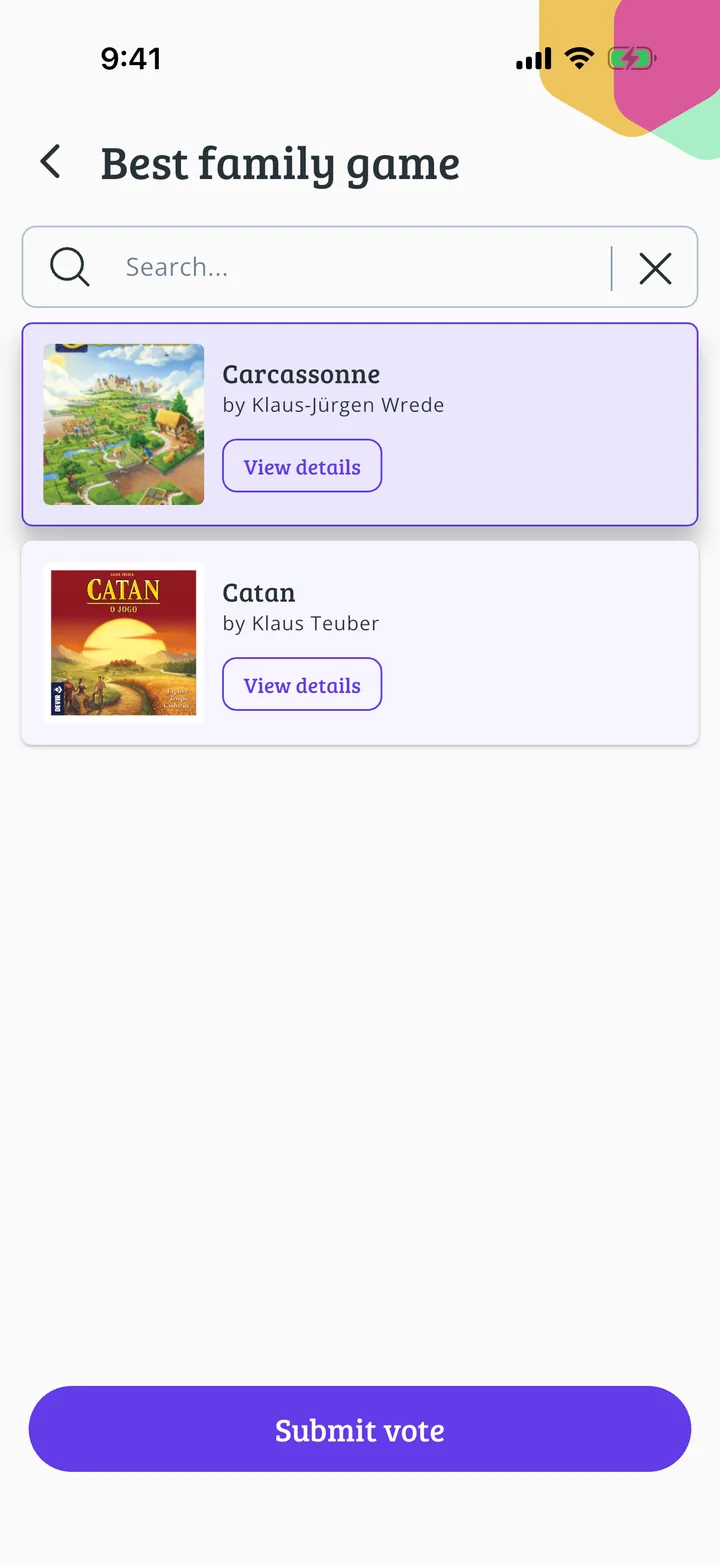 How to vote in awards6 steps
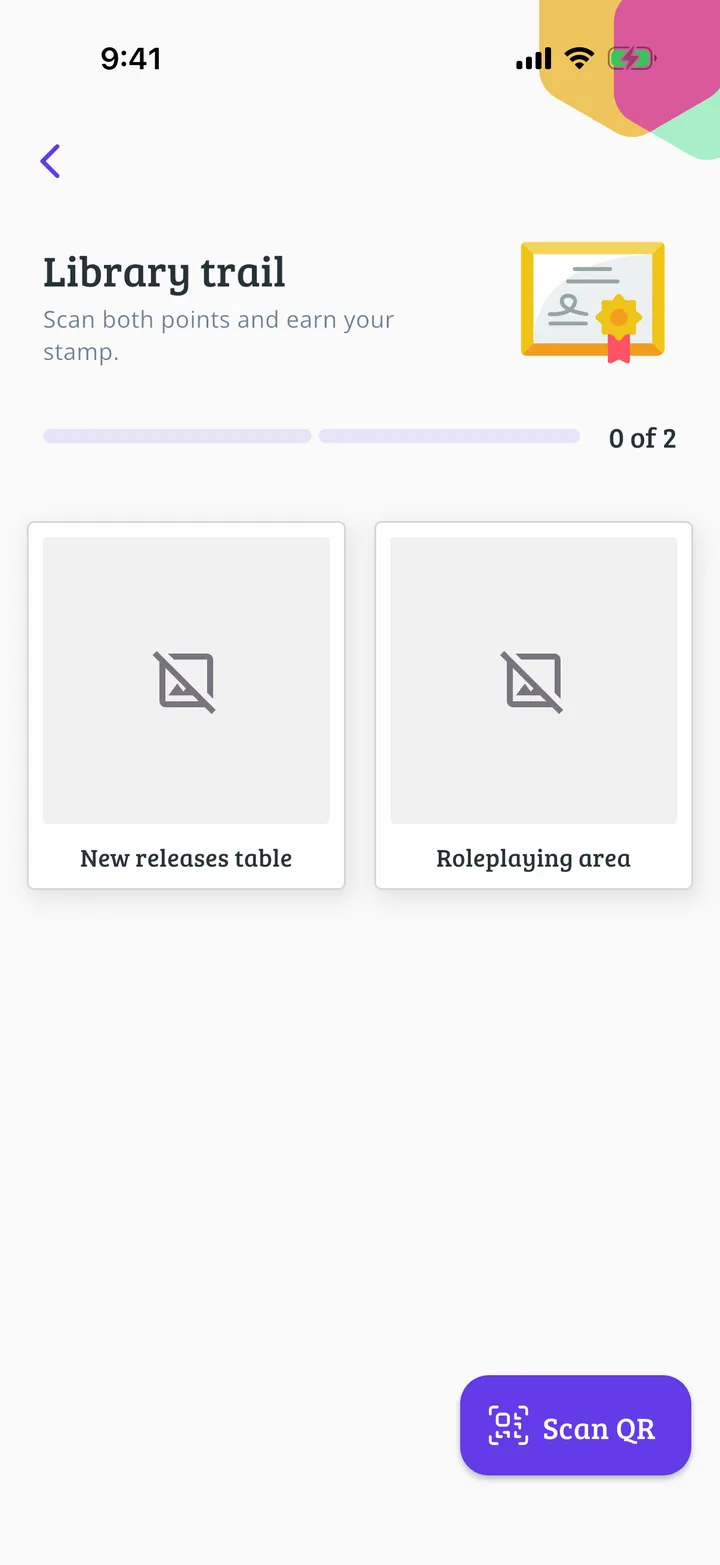 How to complete a Meeplay challenge4 steps
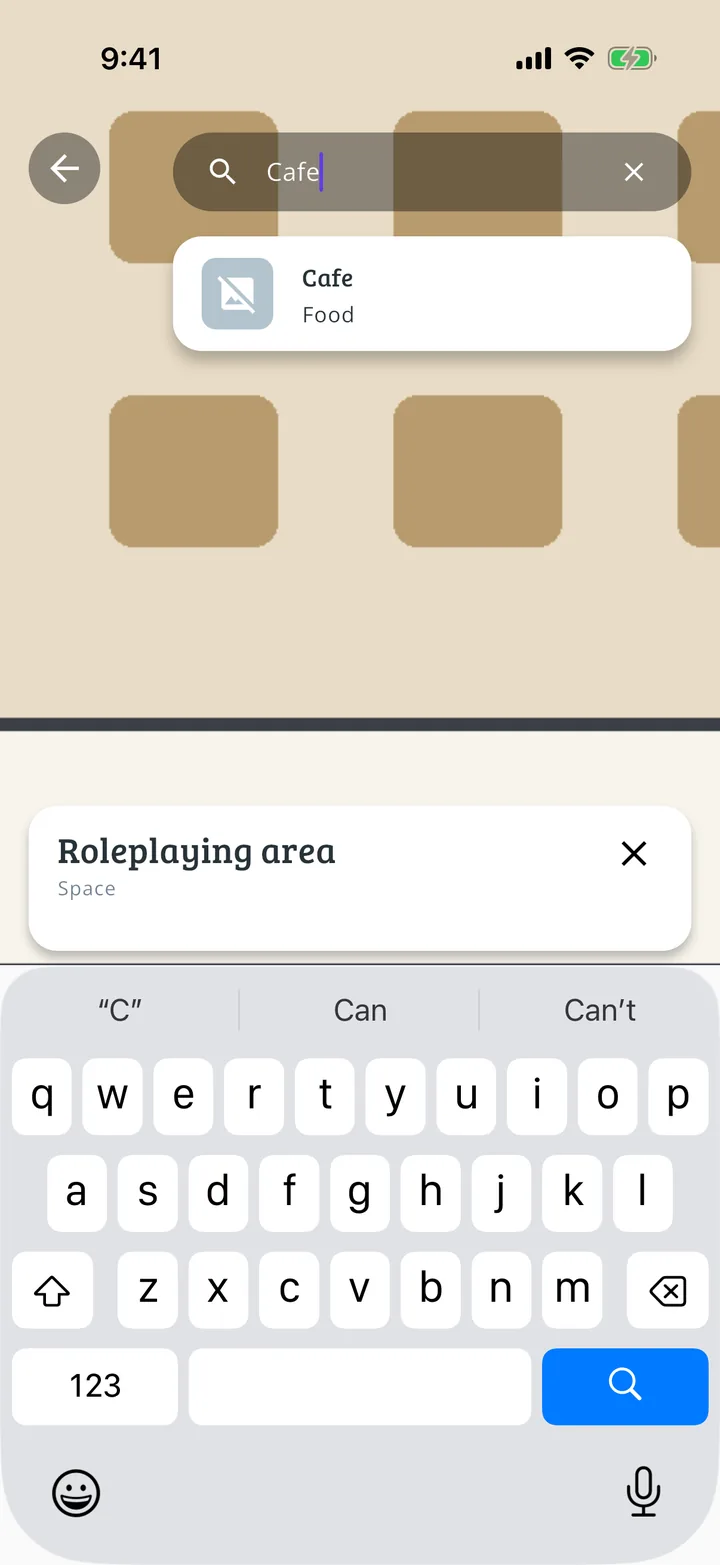 How attendees see the map6 steps
Game libraries, tables and flea markets
Borrow games, book a spot and sell at a flea market.
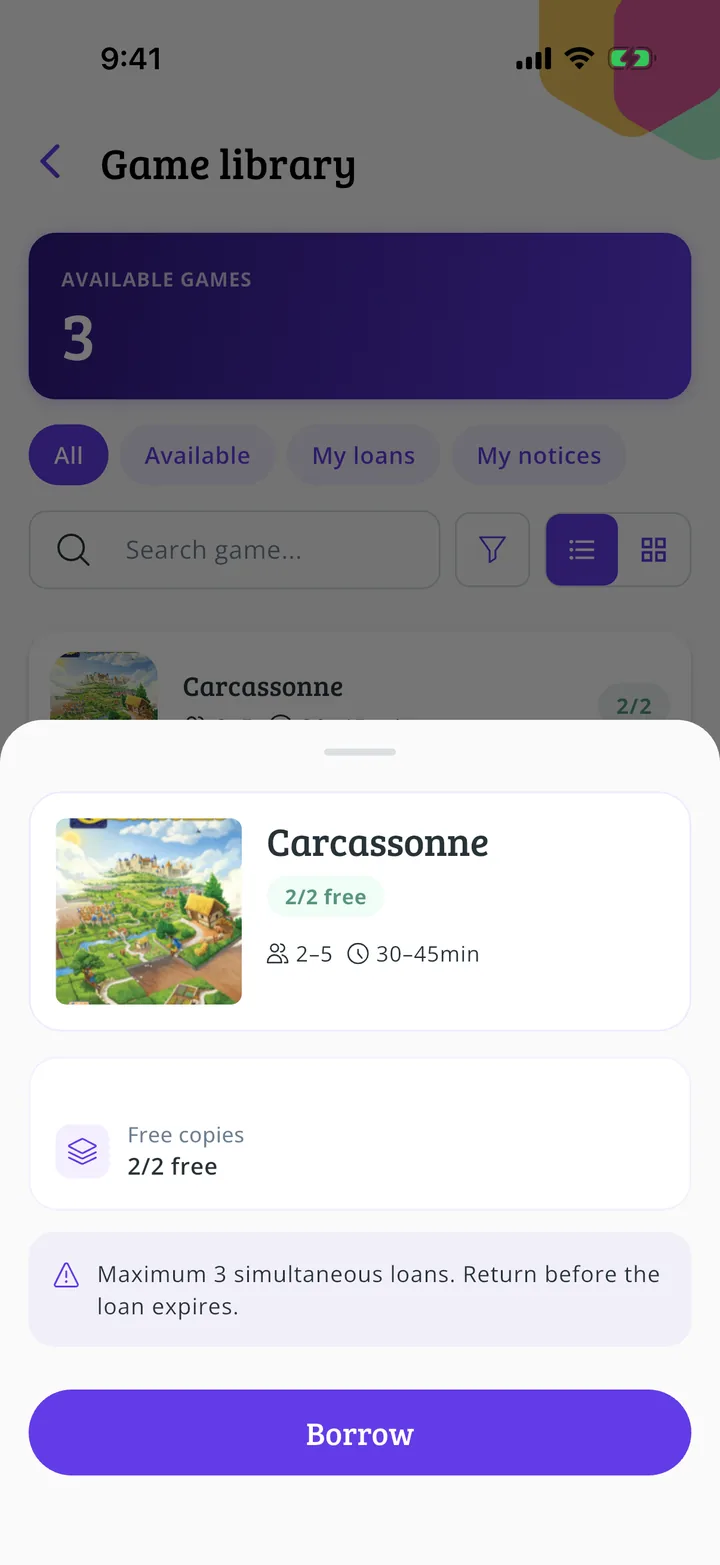 How to see a Meeplay's game library3 steps
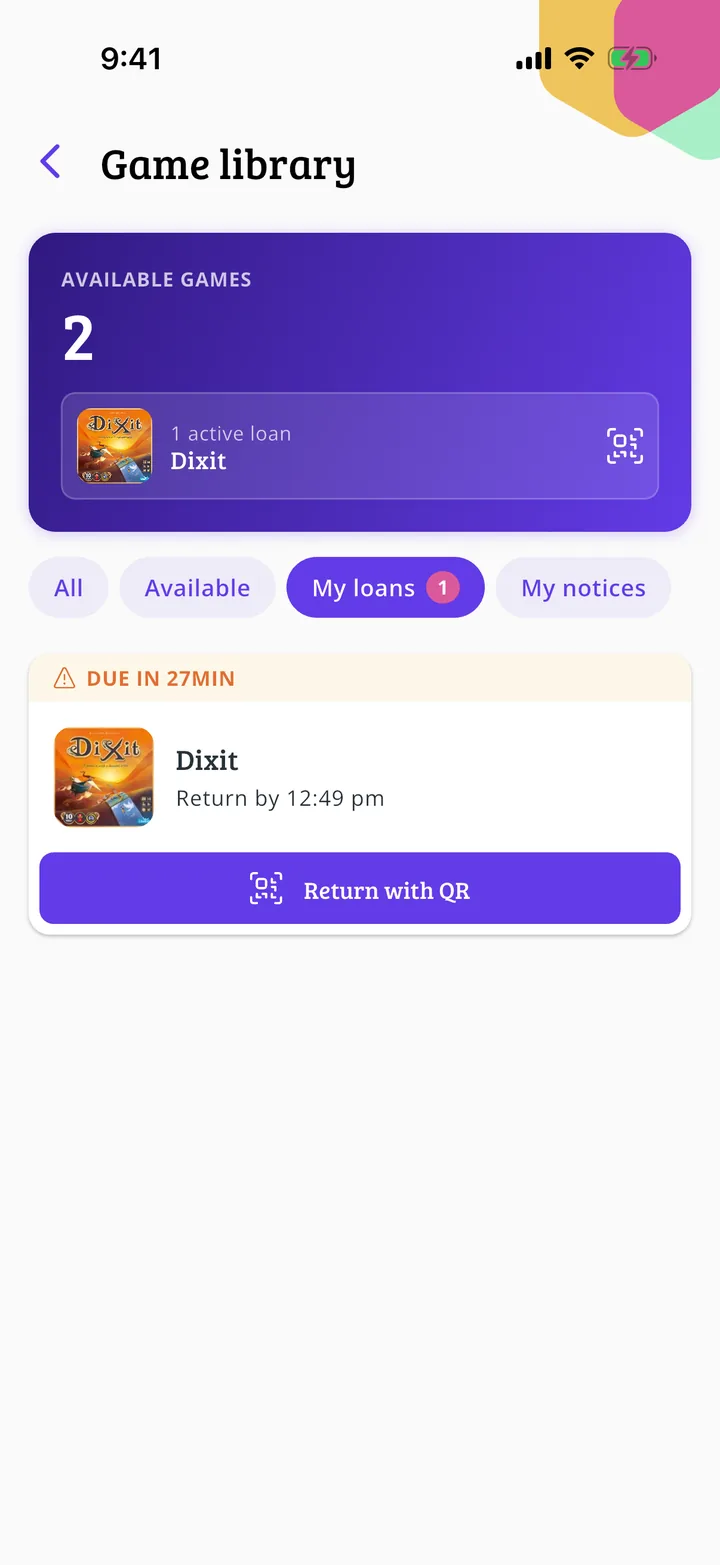 How to borrow a game from the library5 steps
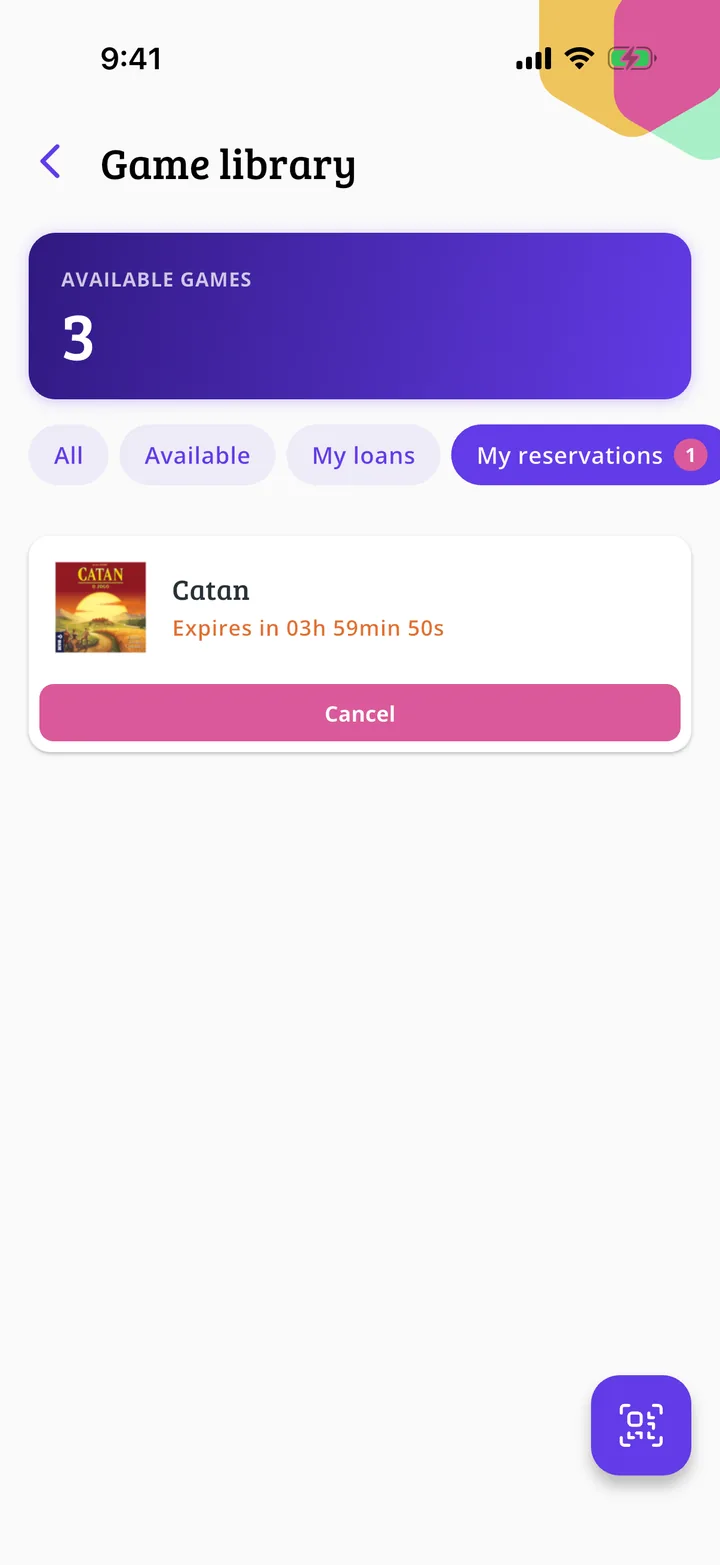 How to reserve a game from the library6 steps
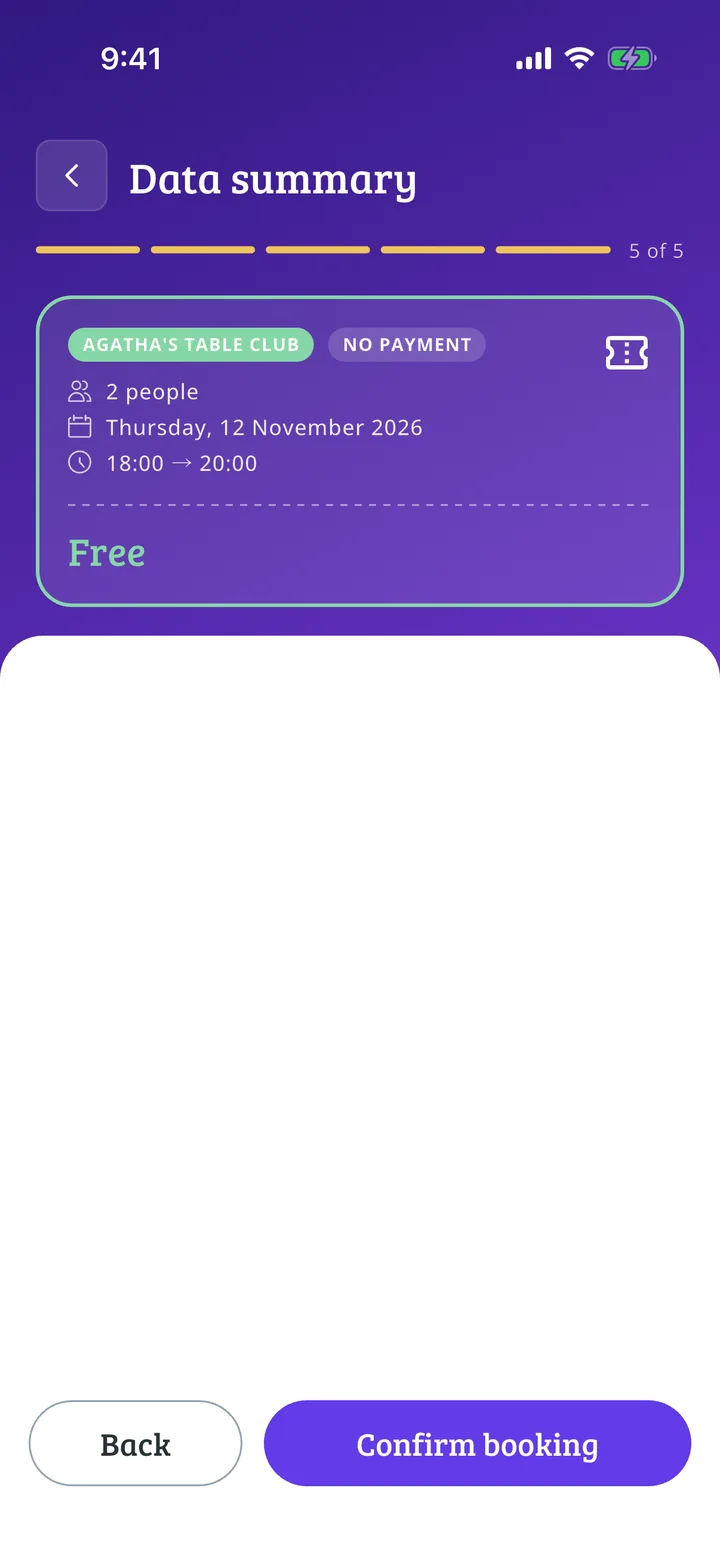 How to book a table at an organization10 steps
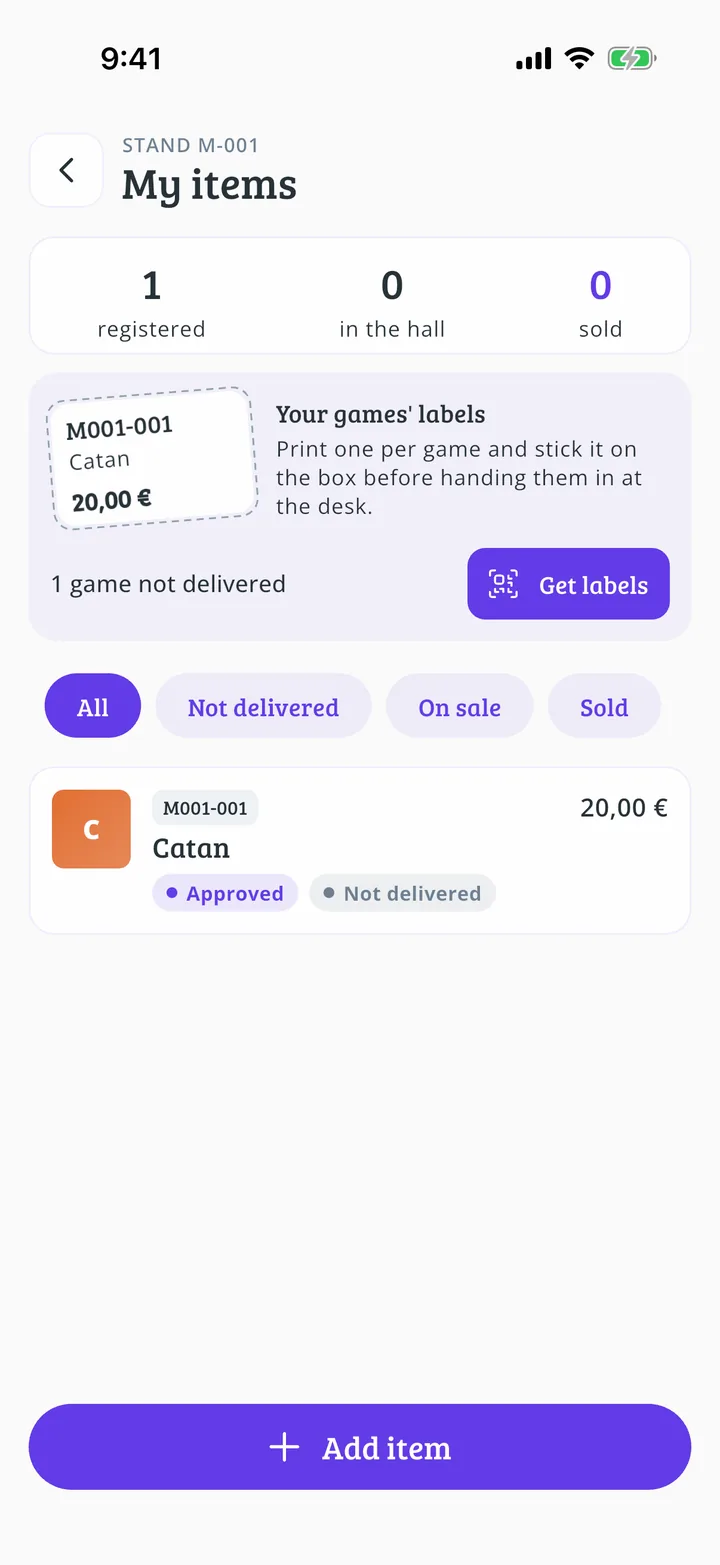 How to sign up for the flea market and register your games8 steps
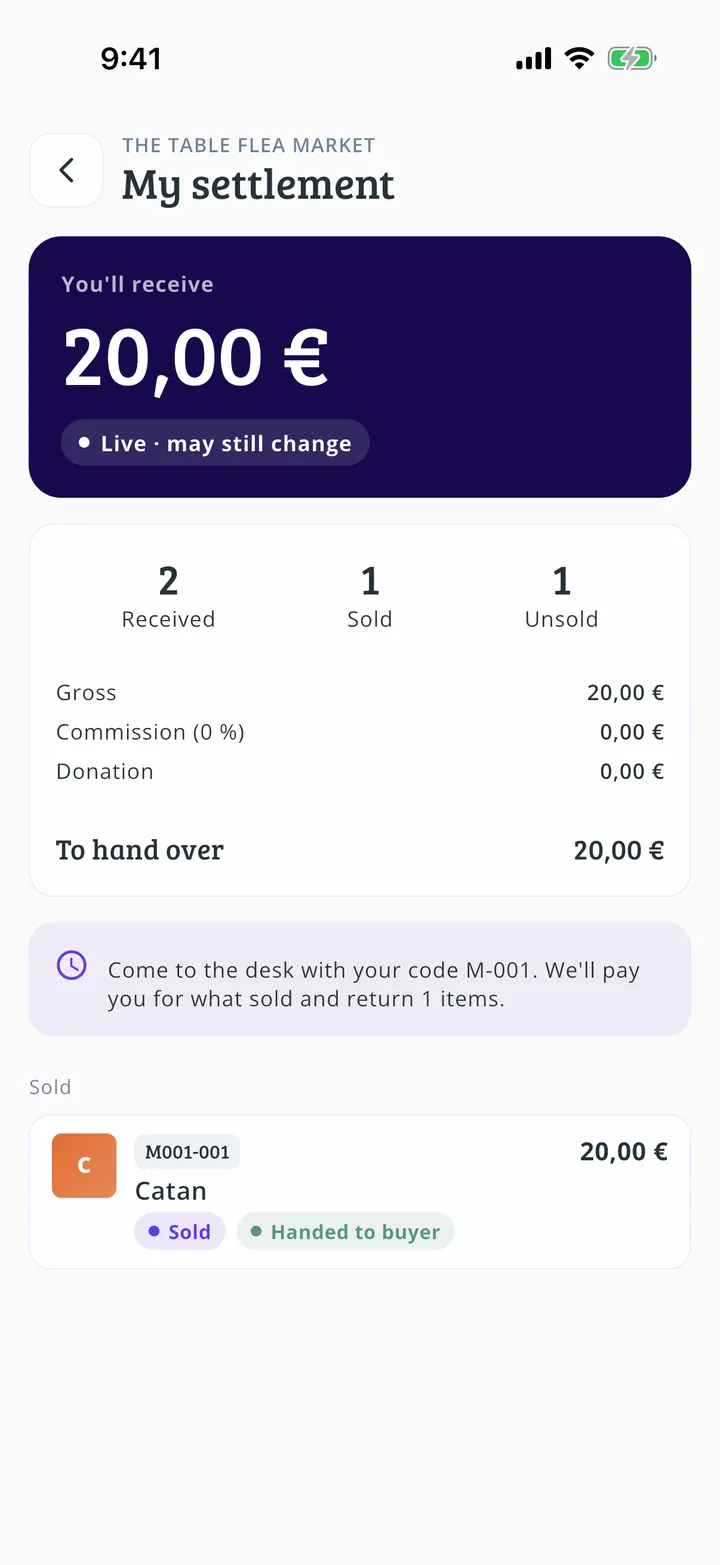 How to check the status of your games at the flea market5 steps
Community
Find people, talk and join an association.
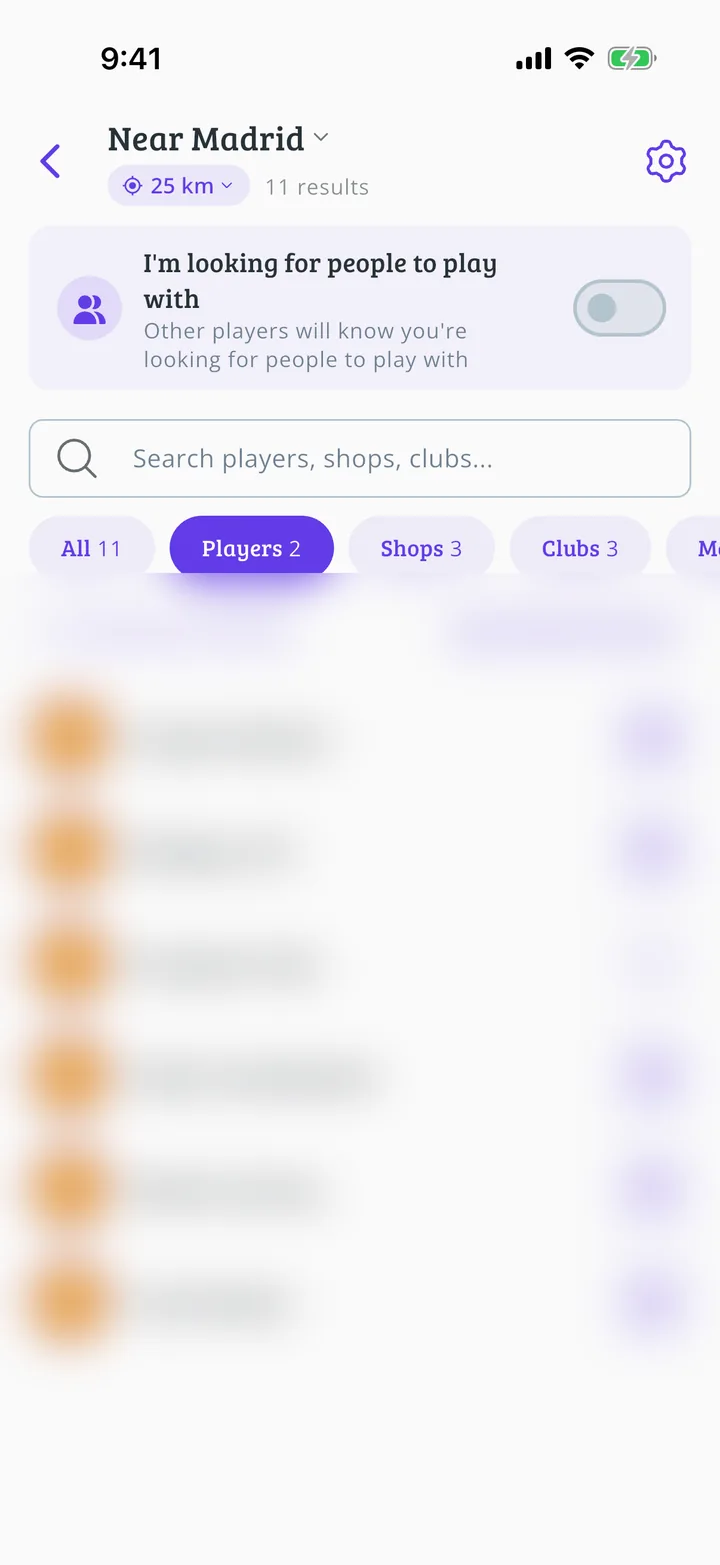 How to find players near me3 steps
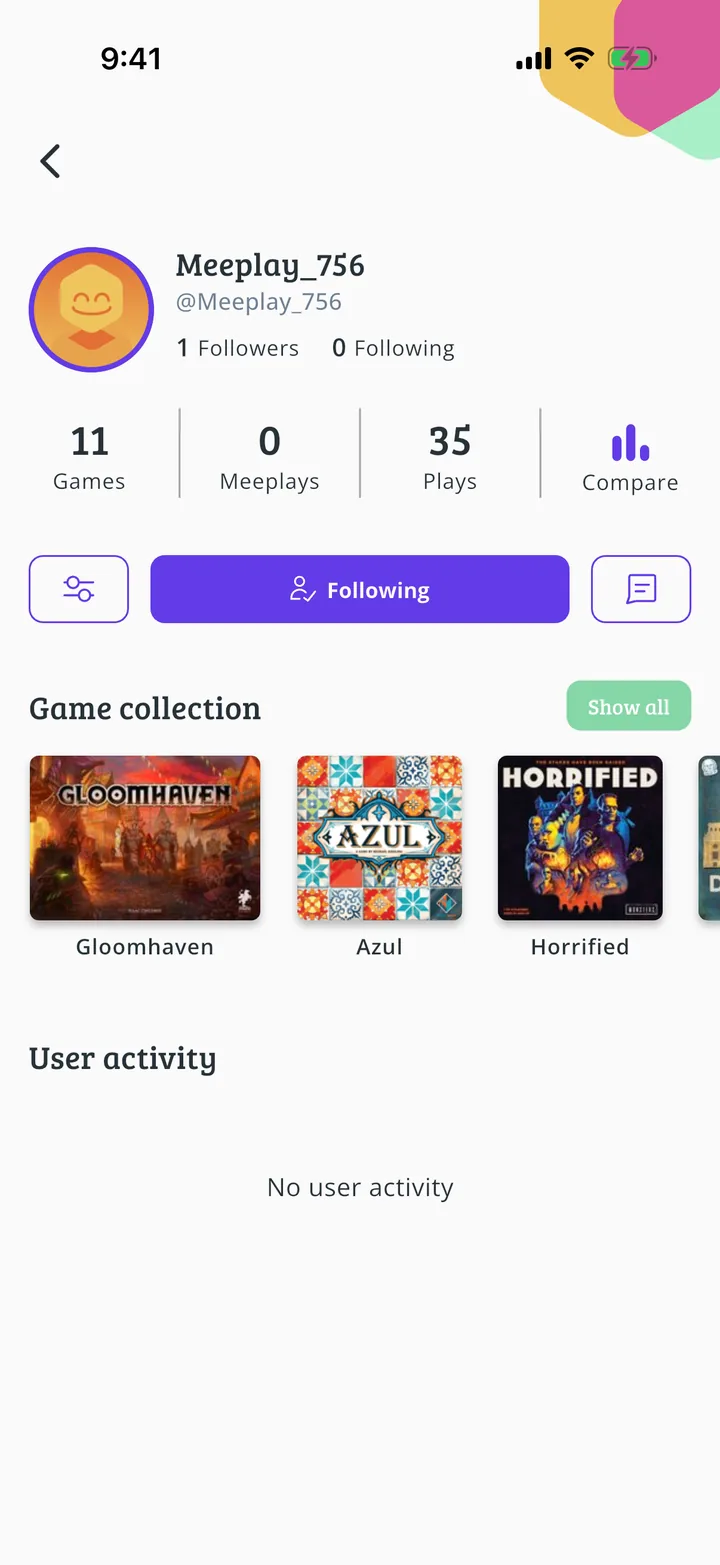 How to follow someone4 steps
 How to accept a follow request you rejected7 steps
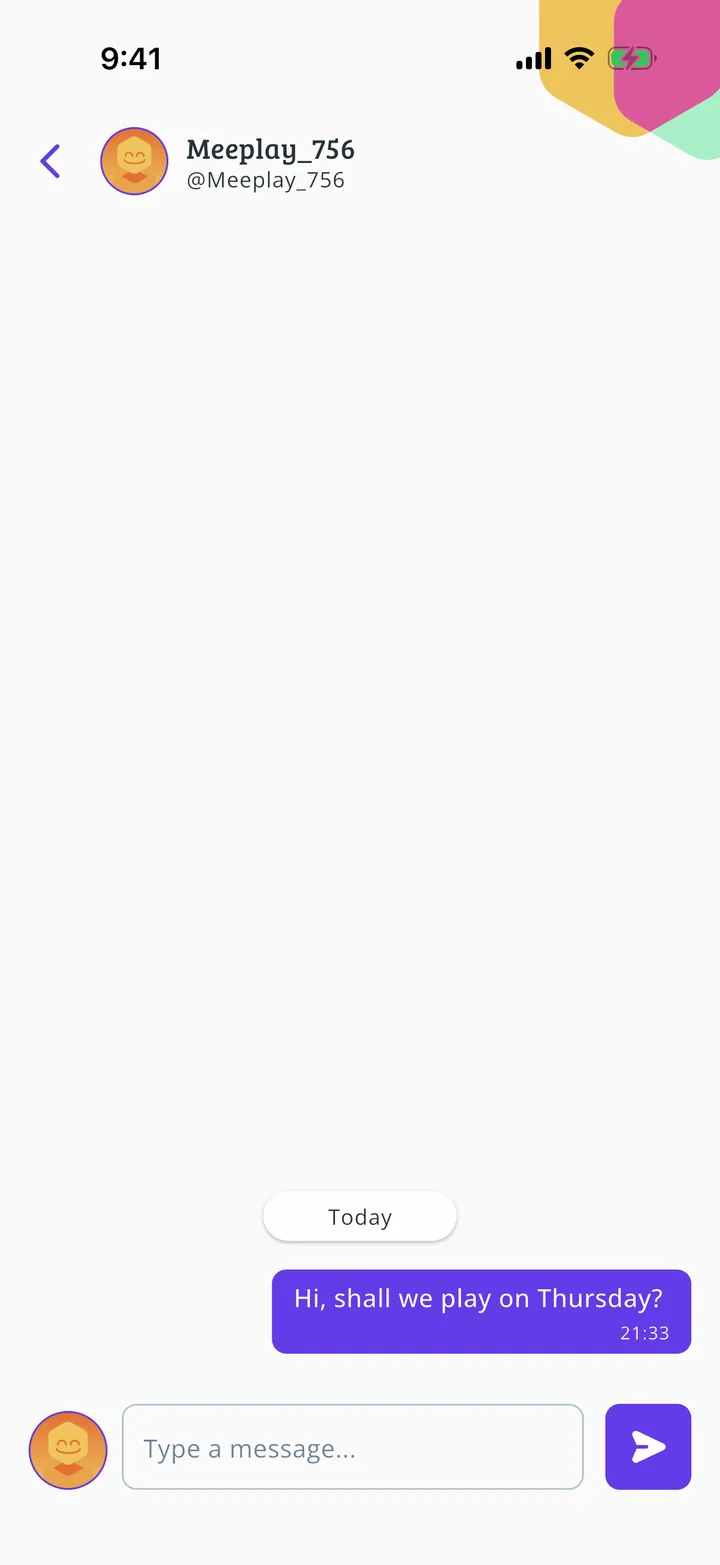 How to send direct messages6 steps
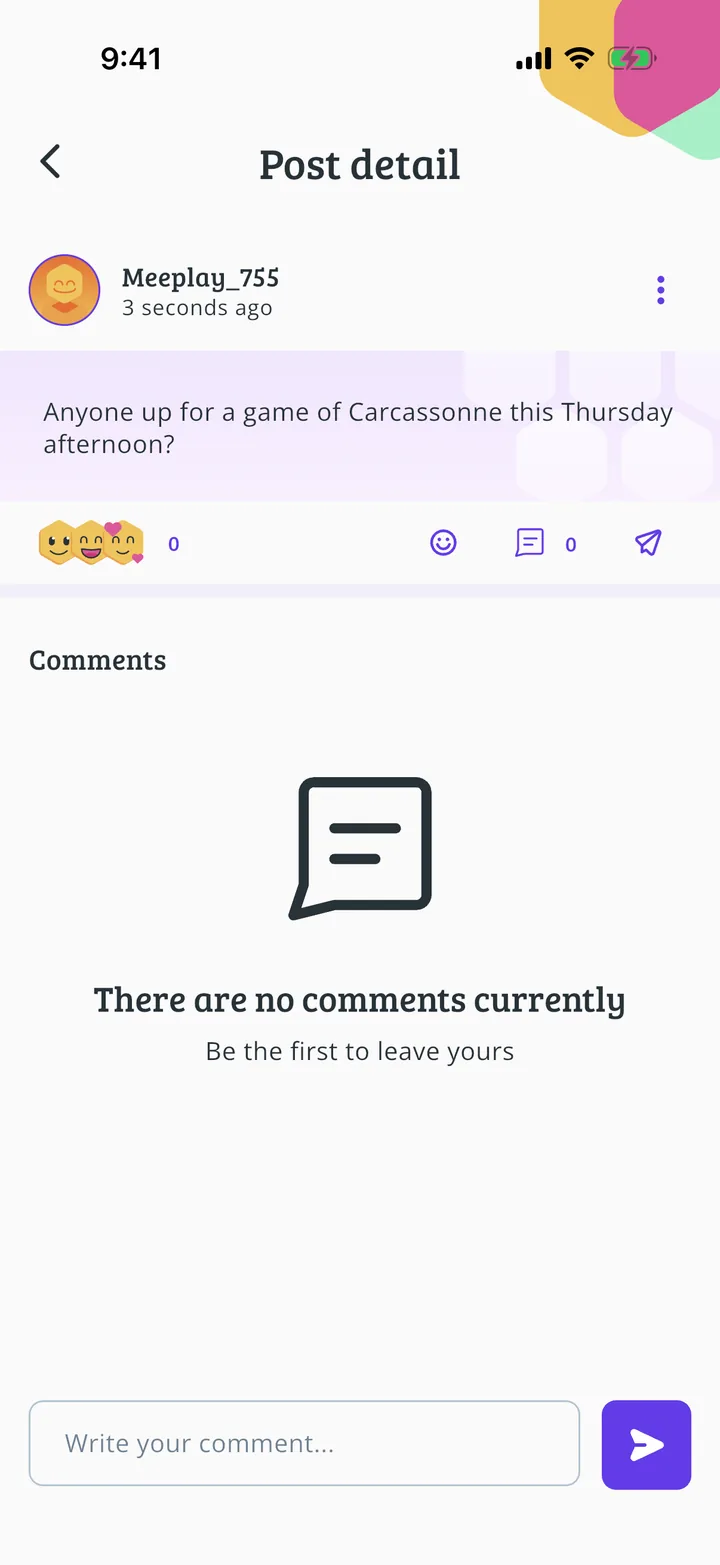 How to create a post on Meeplay4 steps
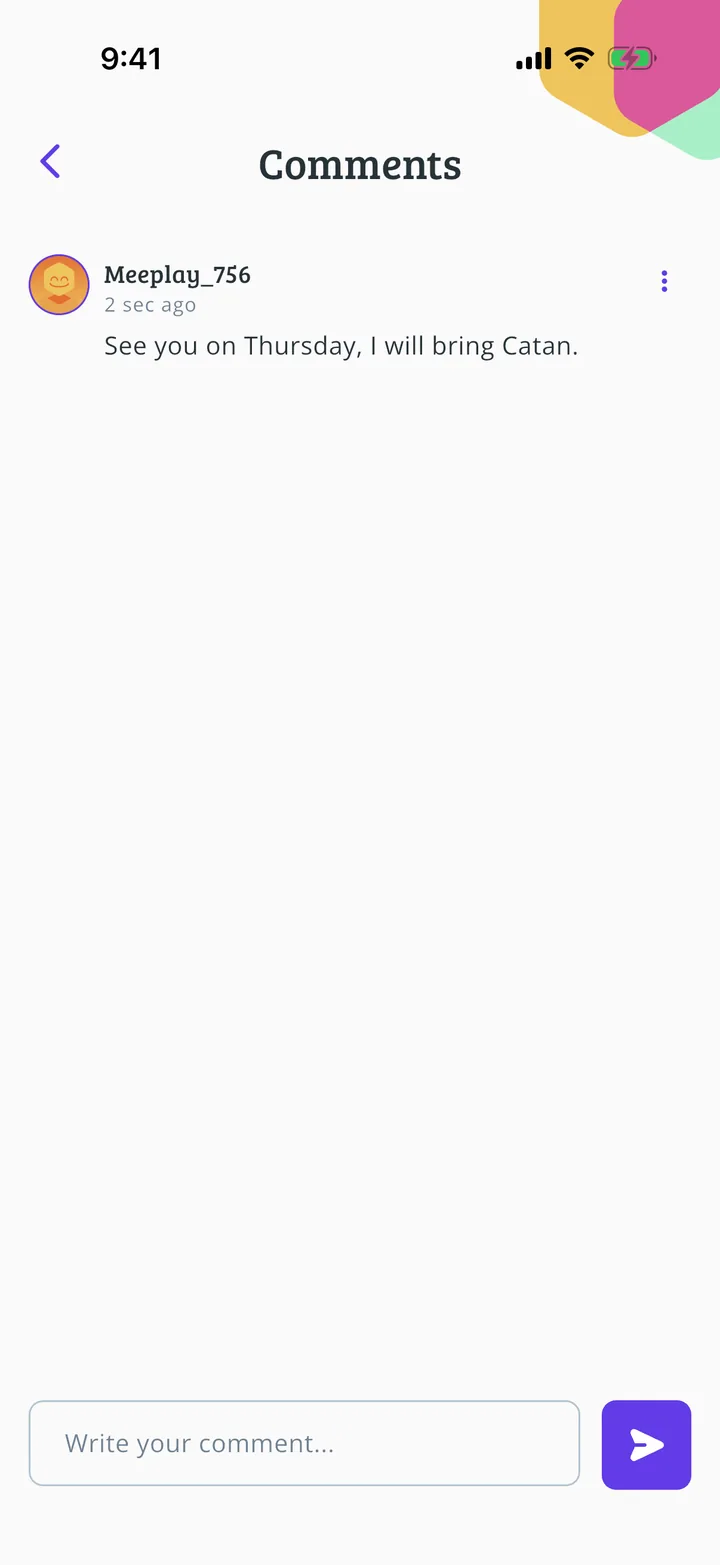 How to react to, comment on and share a post7 steps
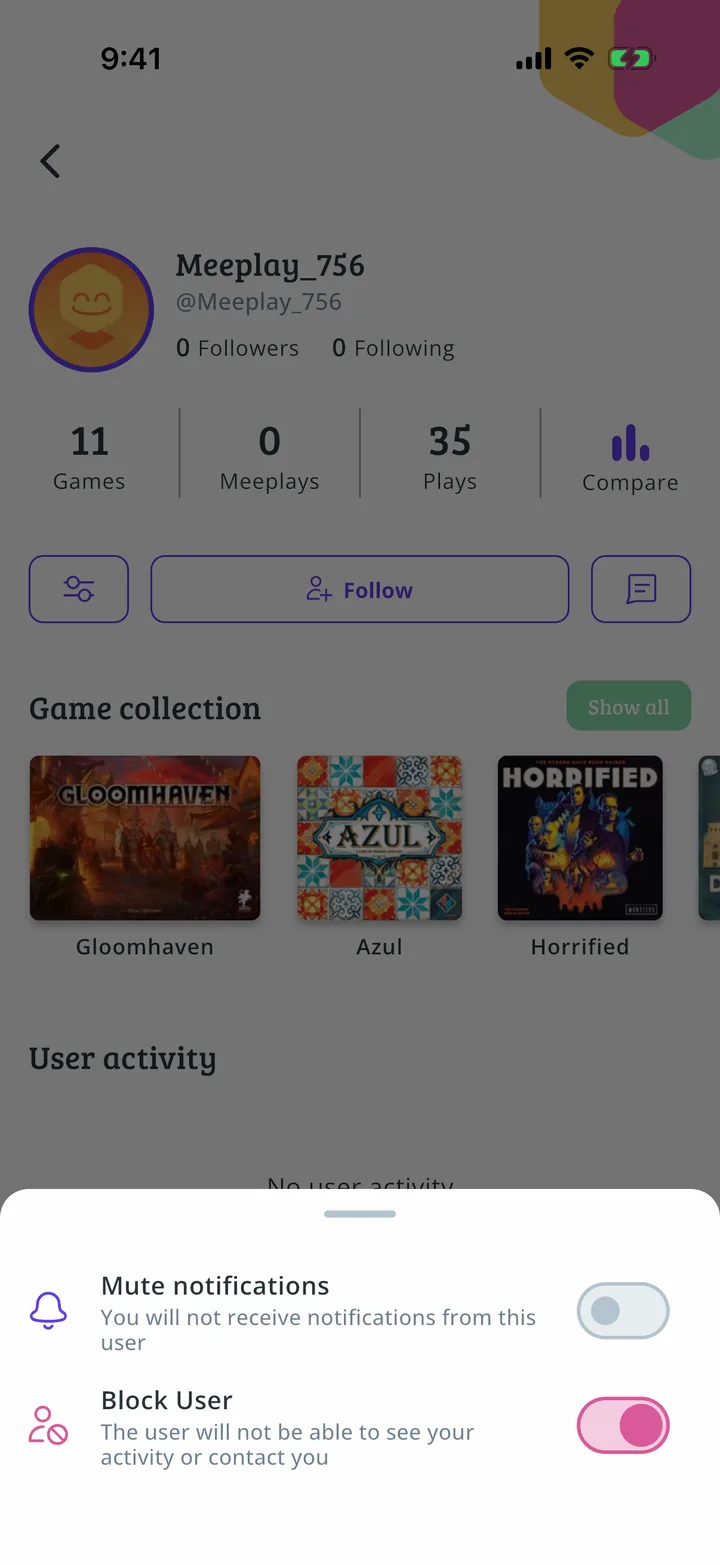 How to block someone or mute their notifications5 steps
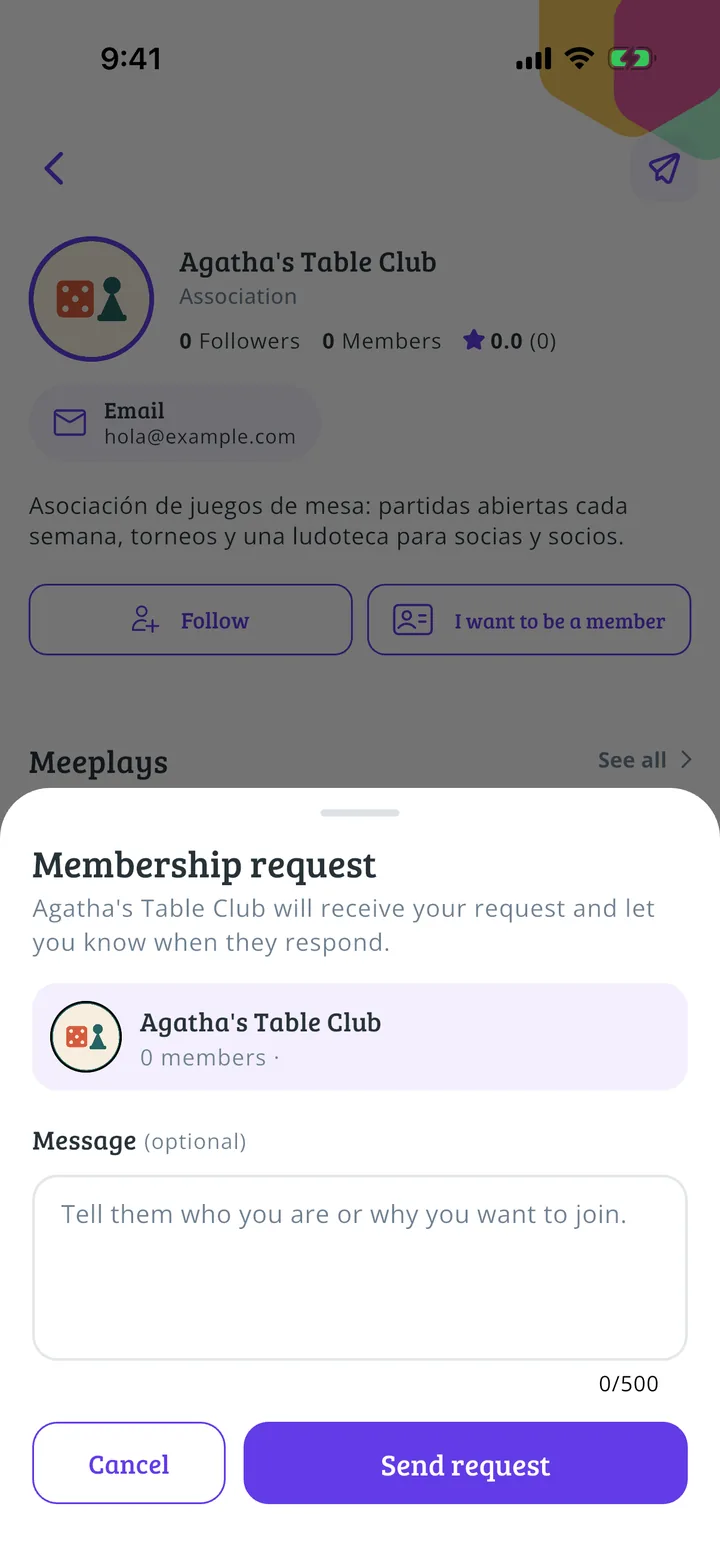 How to request membership of an organization5 steps
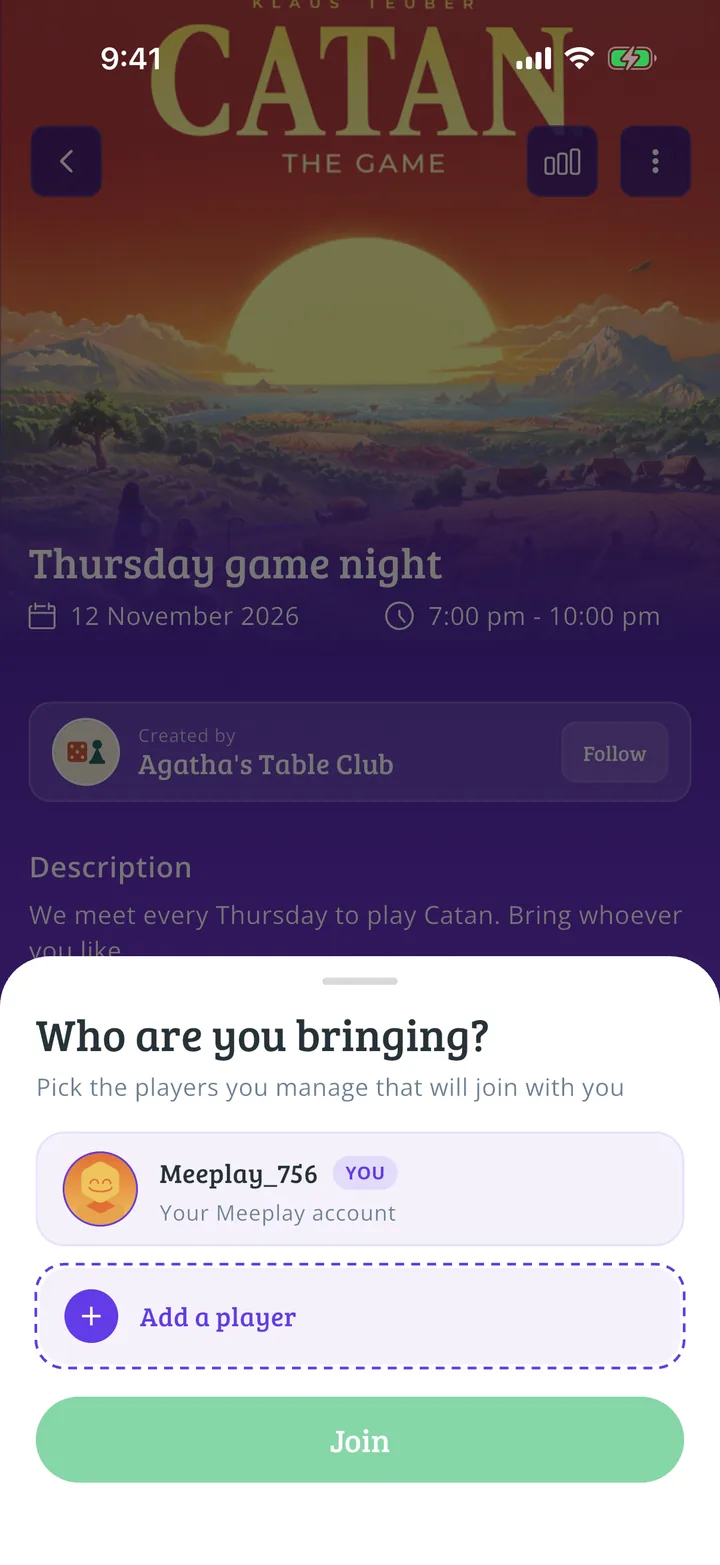 I'm a member: how to join my club's Meeplays6 steps
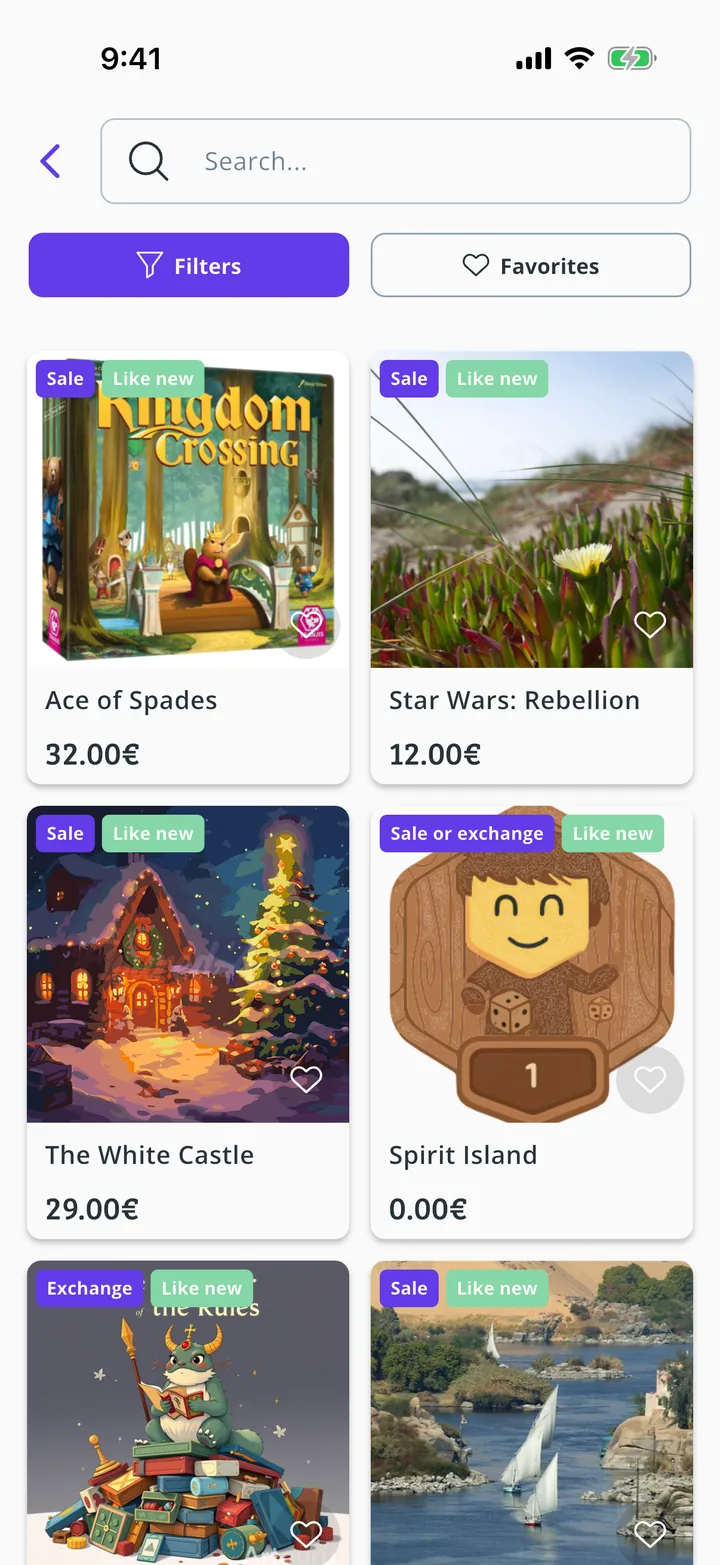
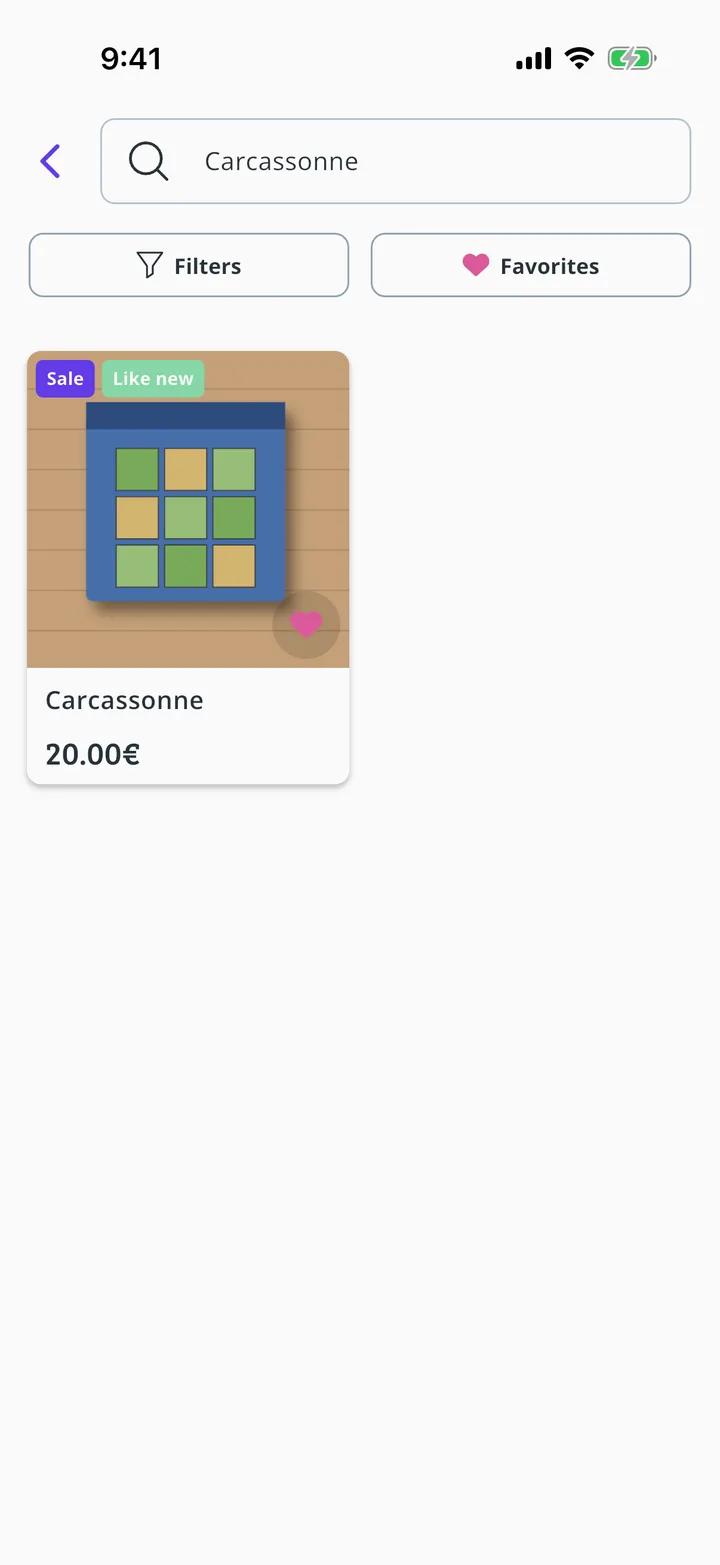
Second-hand market
Buy and sell games with other people.
Settings and notifications
Set up the app your way.
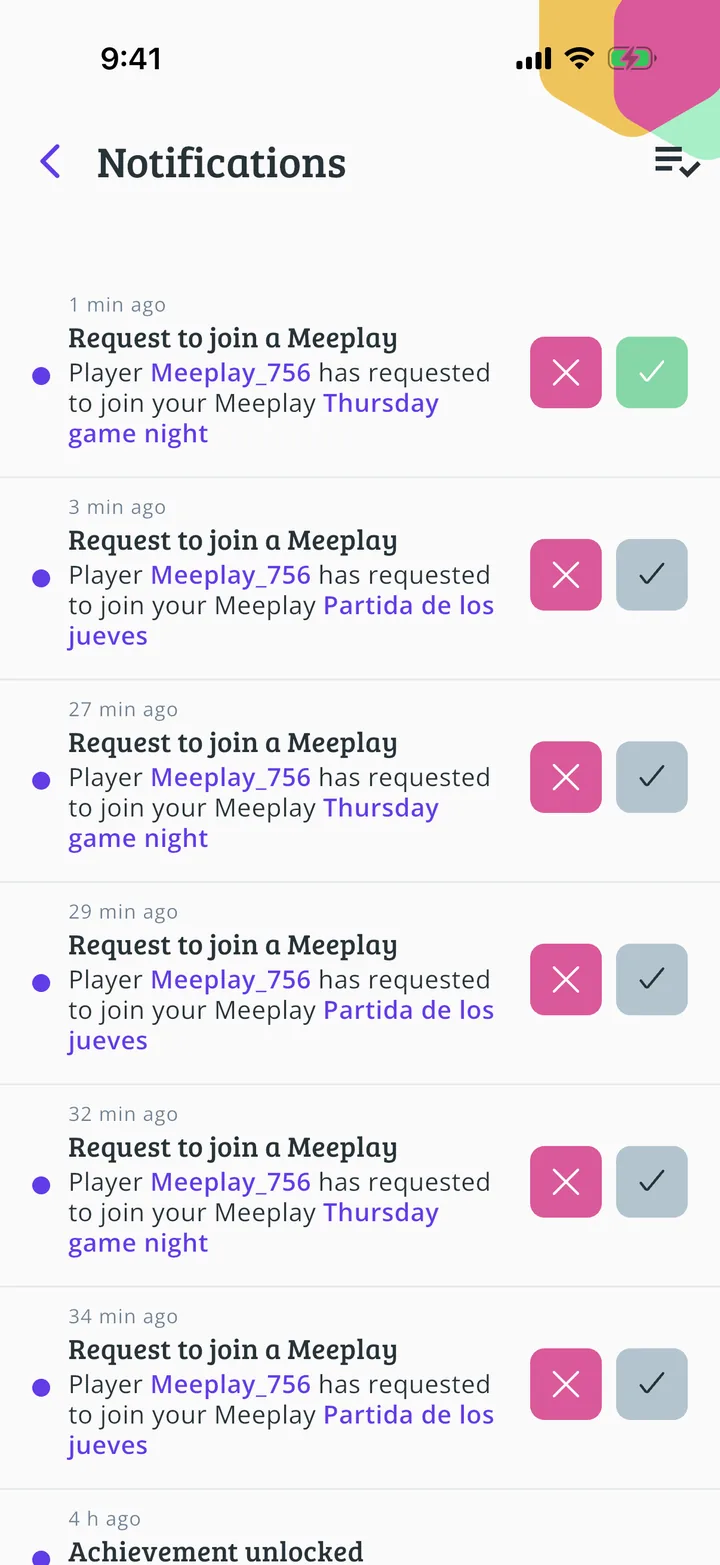 Your notifications: where to see them and what to do with them2 steps
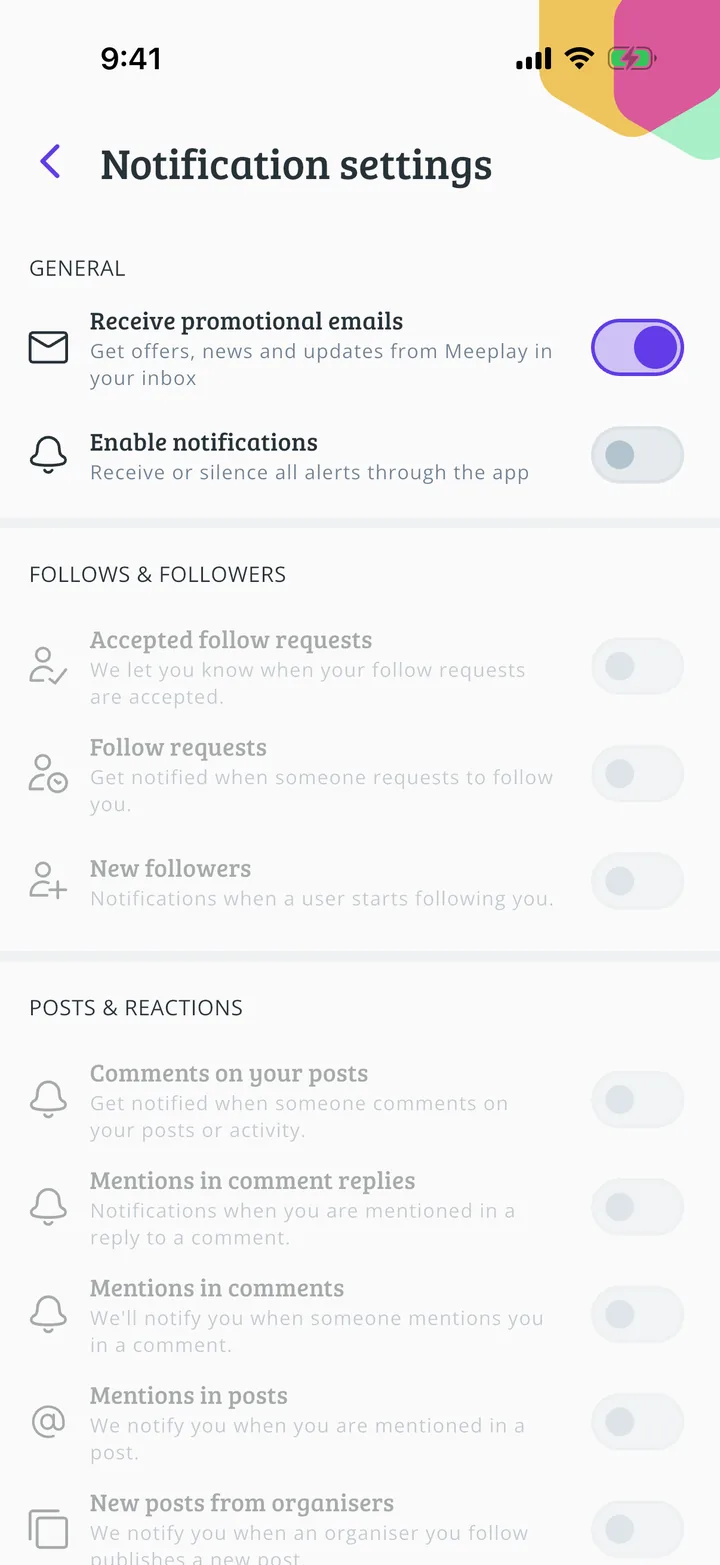 How to stop push notifications5 steps
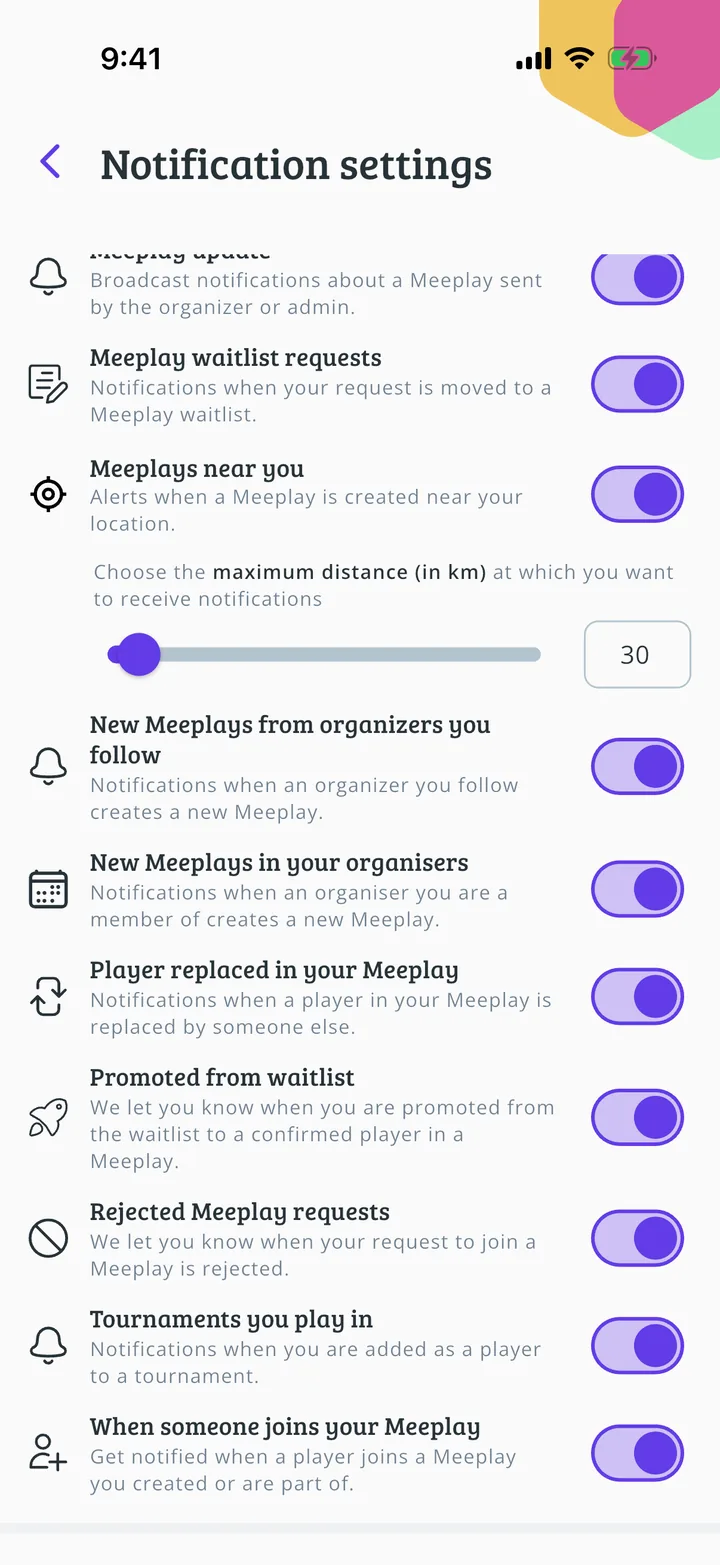 Meeplays near you: how to turn on alerts for your area4 steps
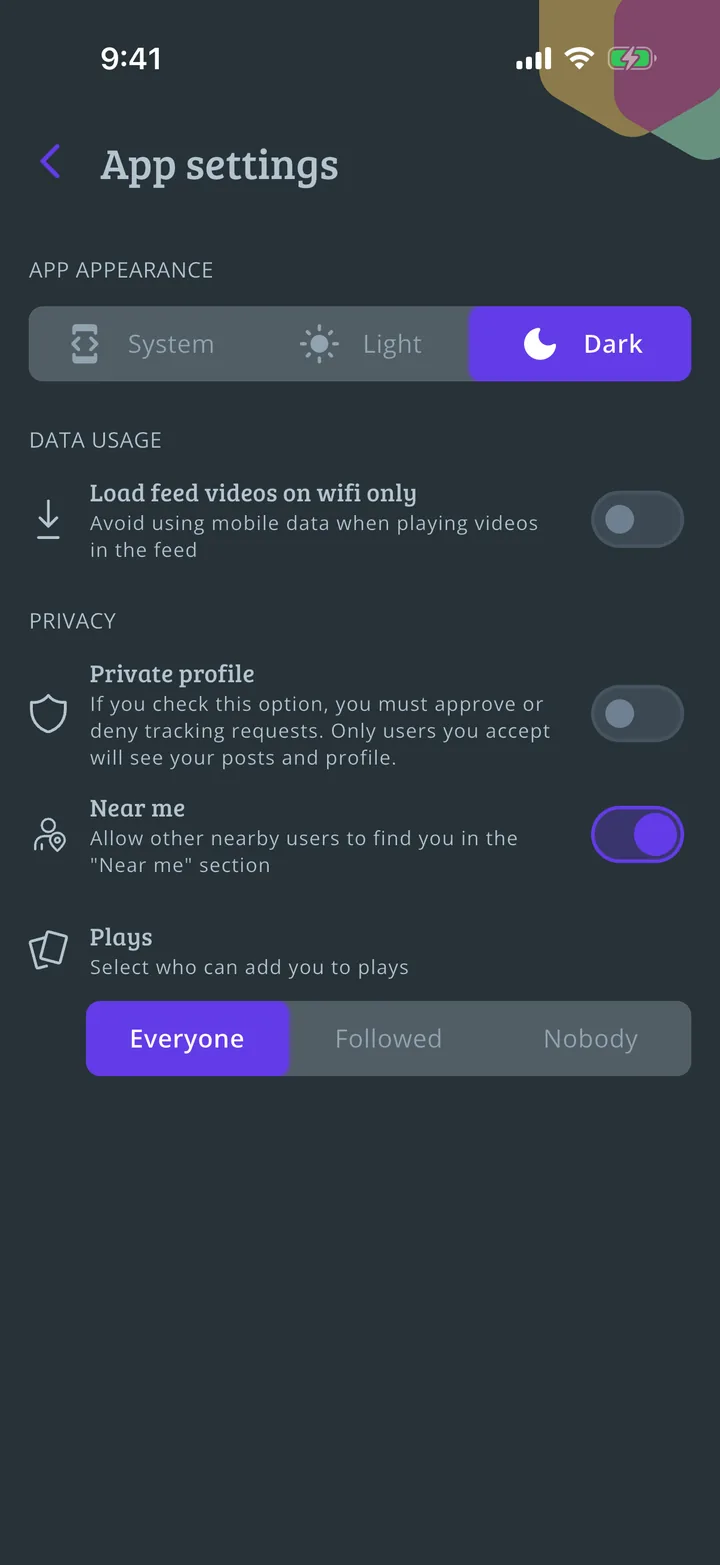 How to turn on dark mode5 steps
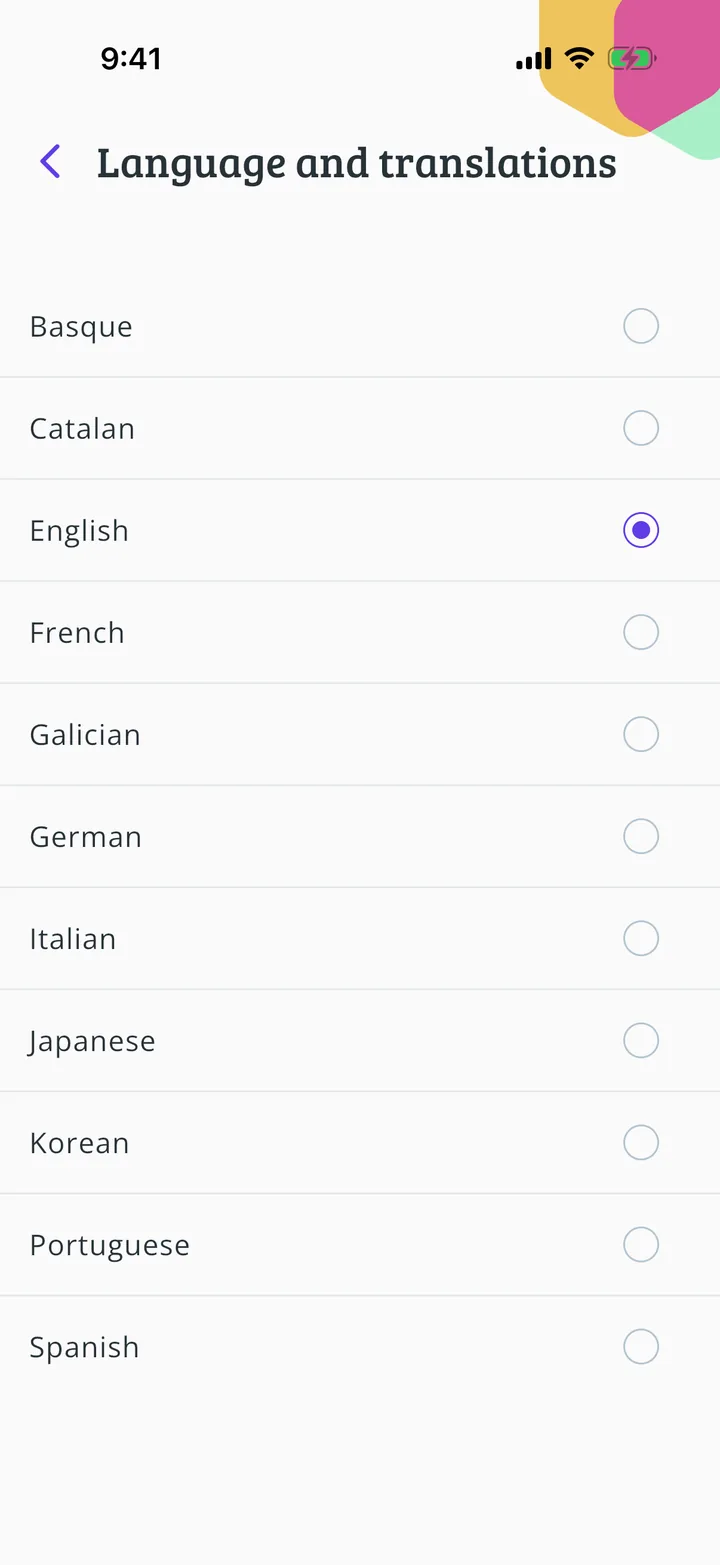 How to change the app language4 steps
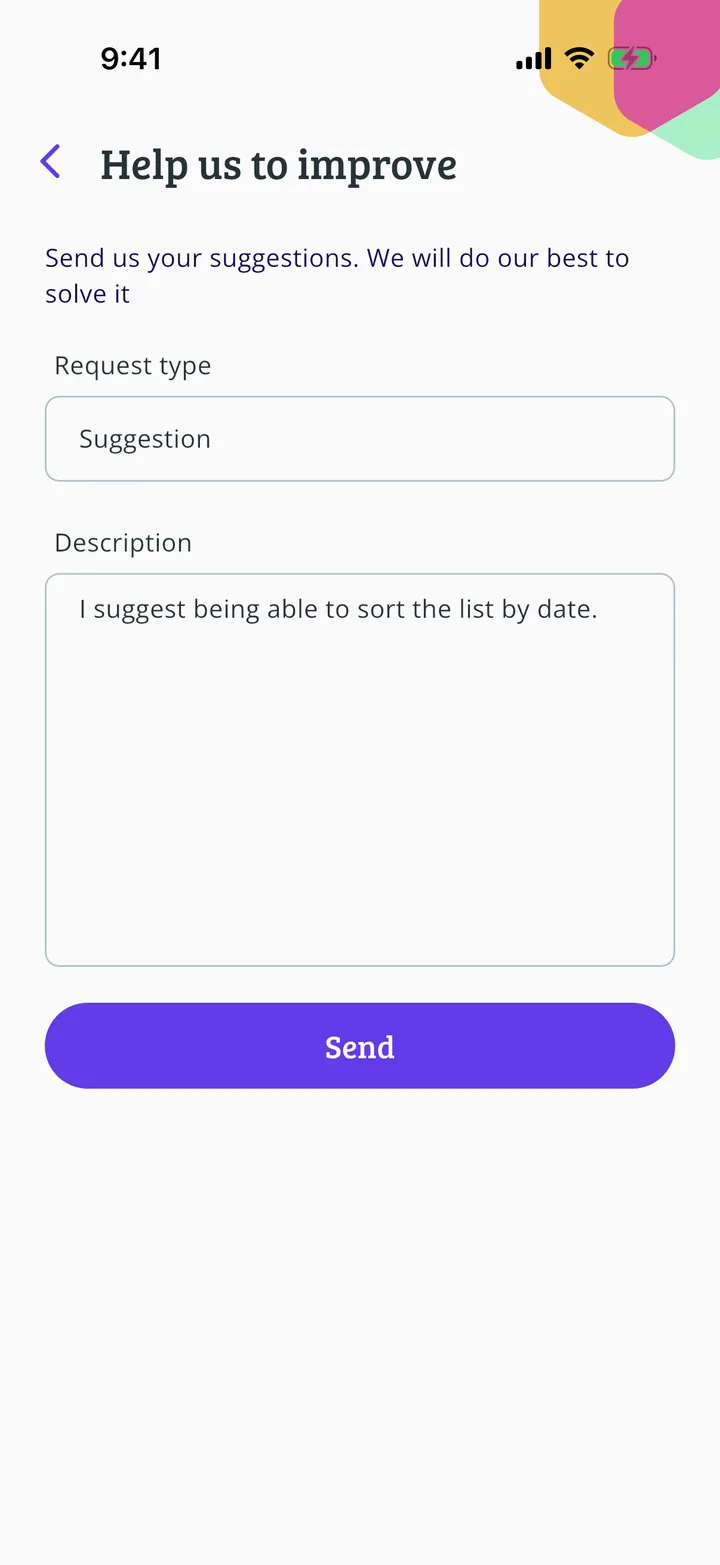 How to send a suggestion or report a bug5 steps
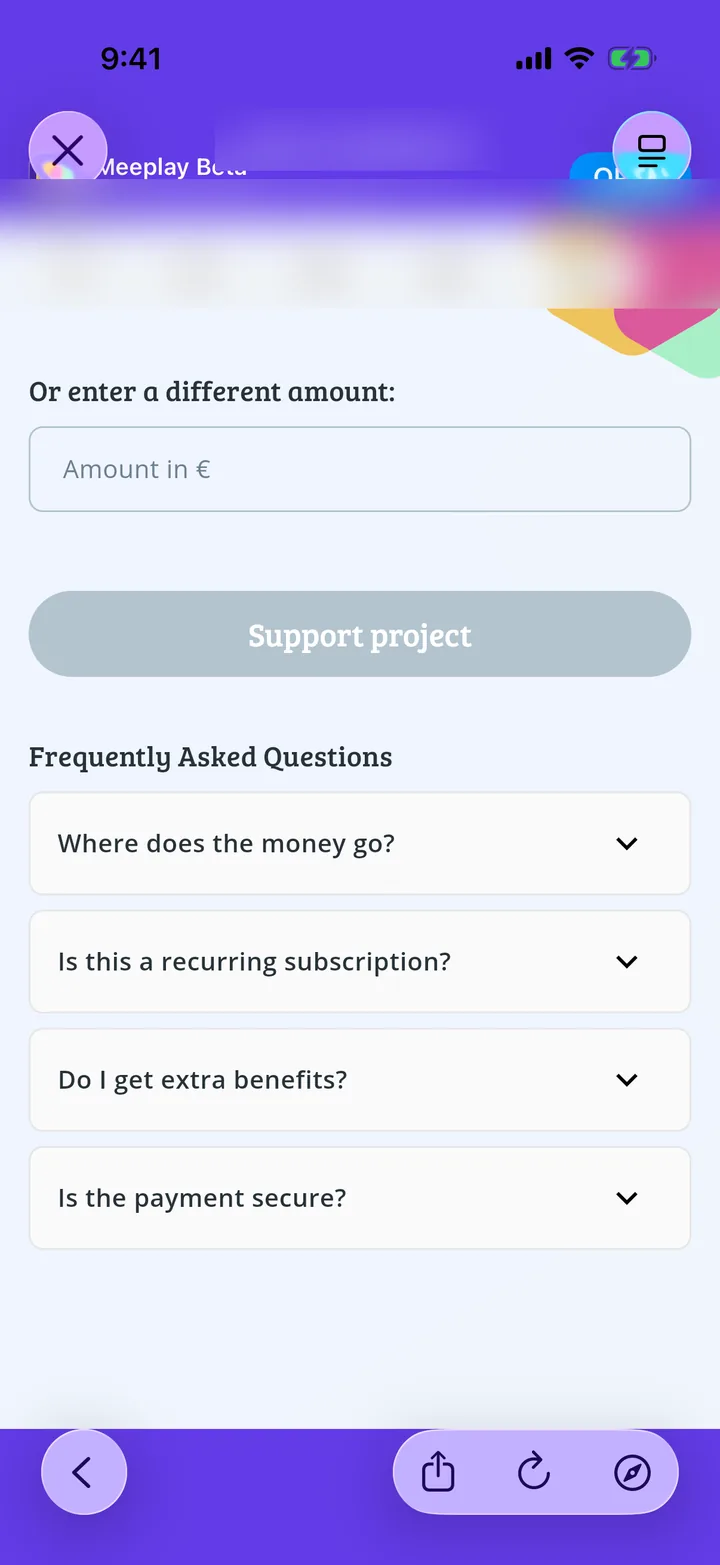 How to support the project5 steps
For organizing
Creating Meeplays
From a game night at home to an open event.
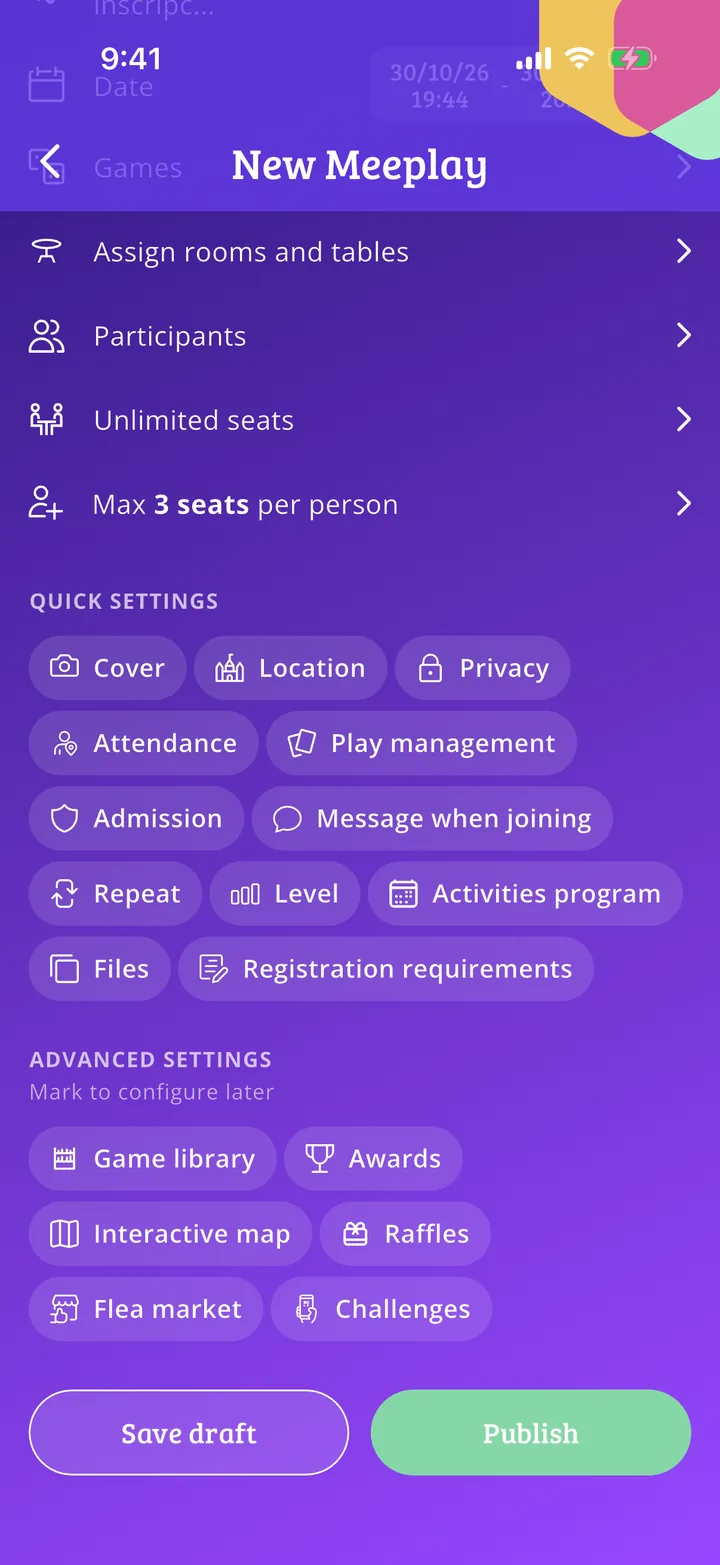
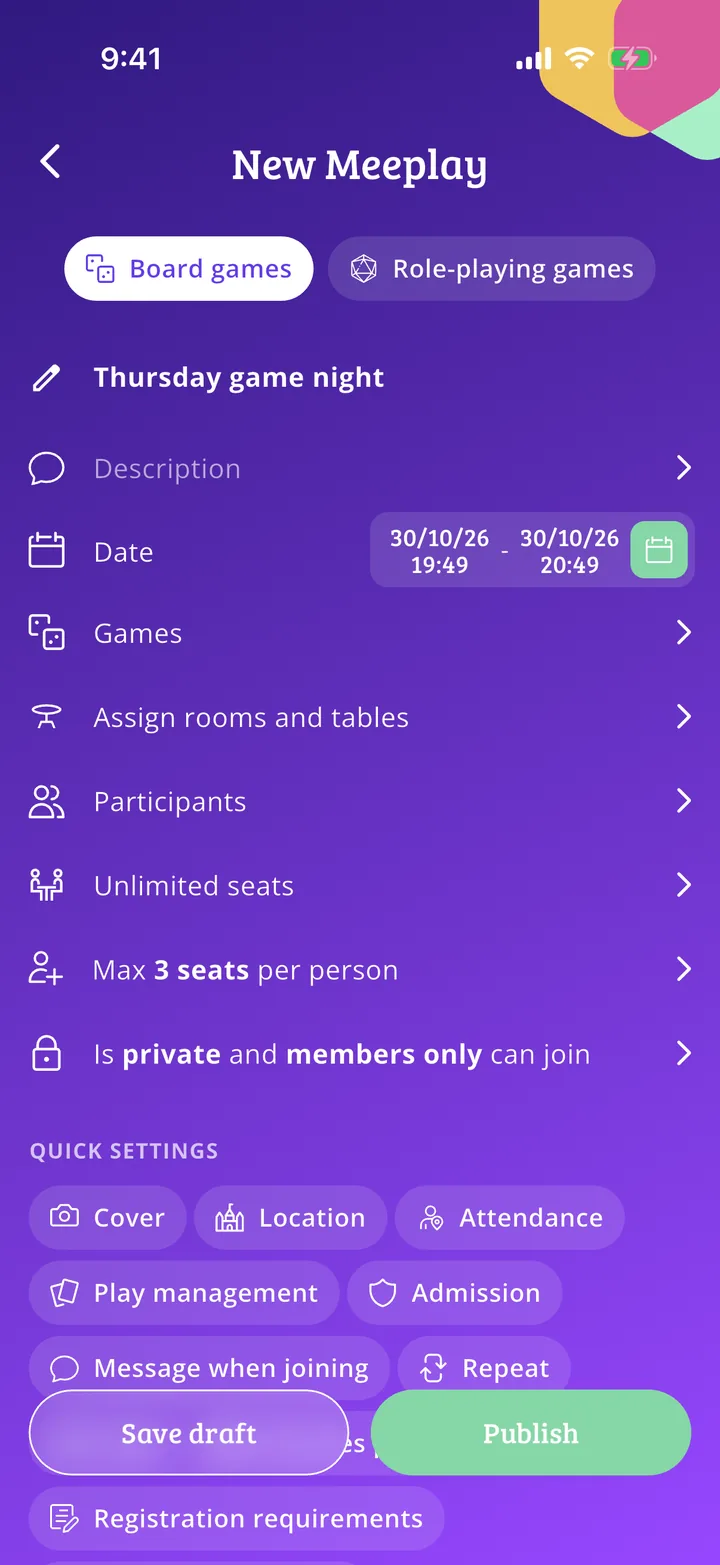
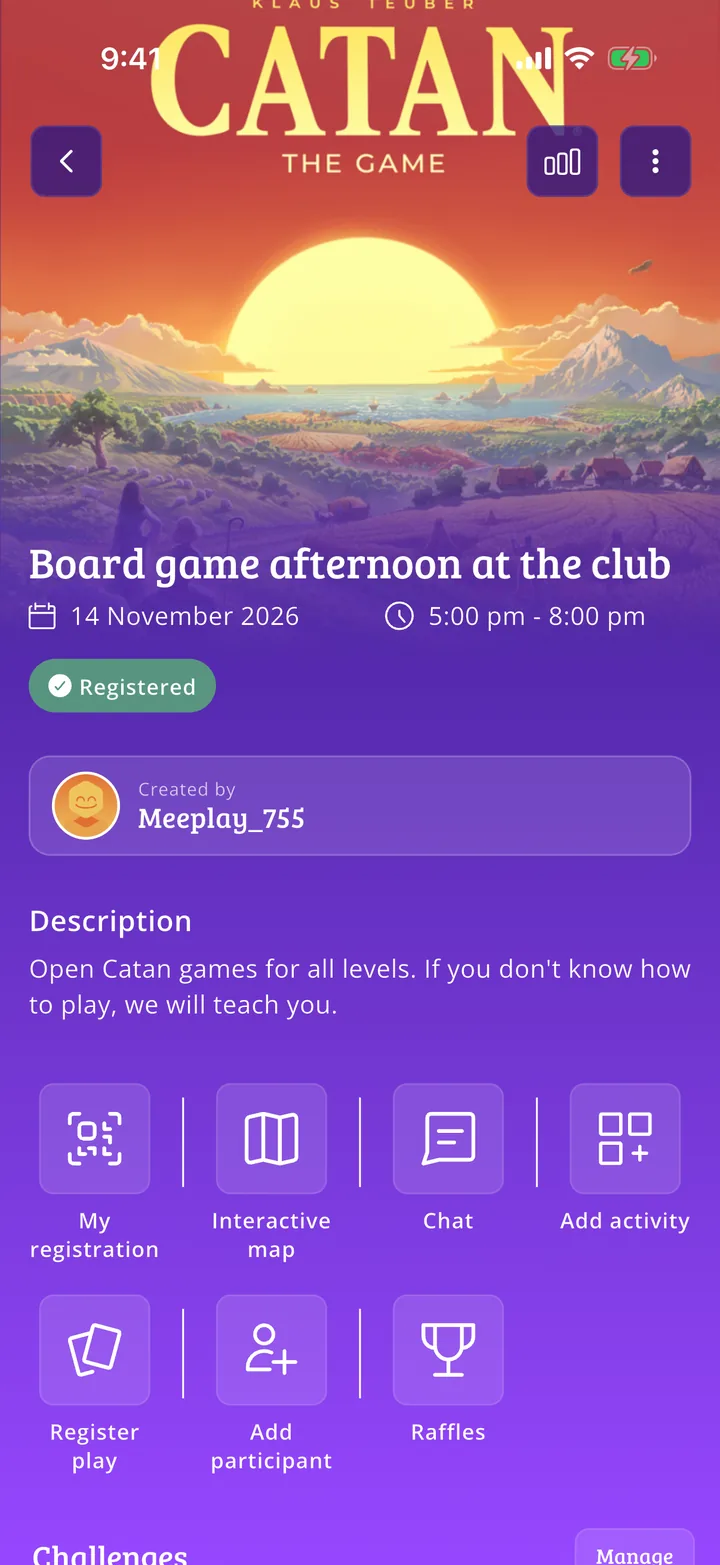 How to create your first Meeplay20 steps
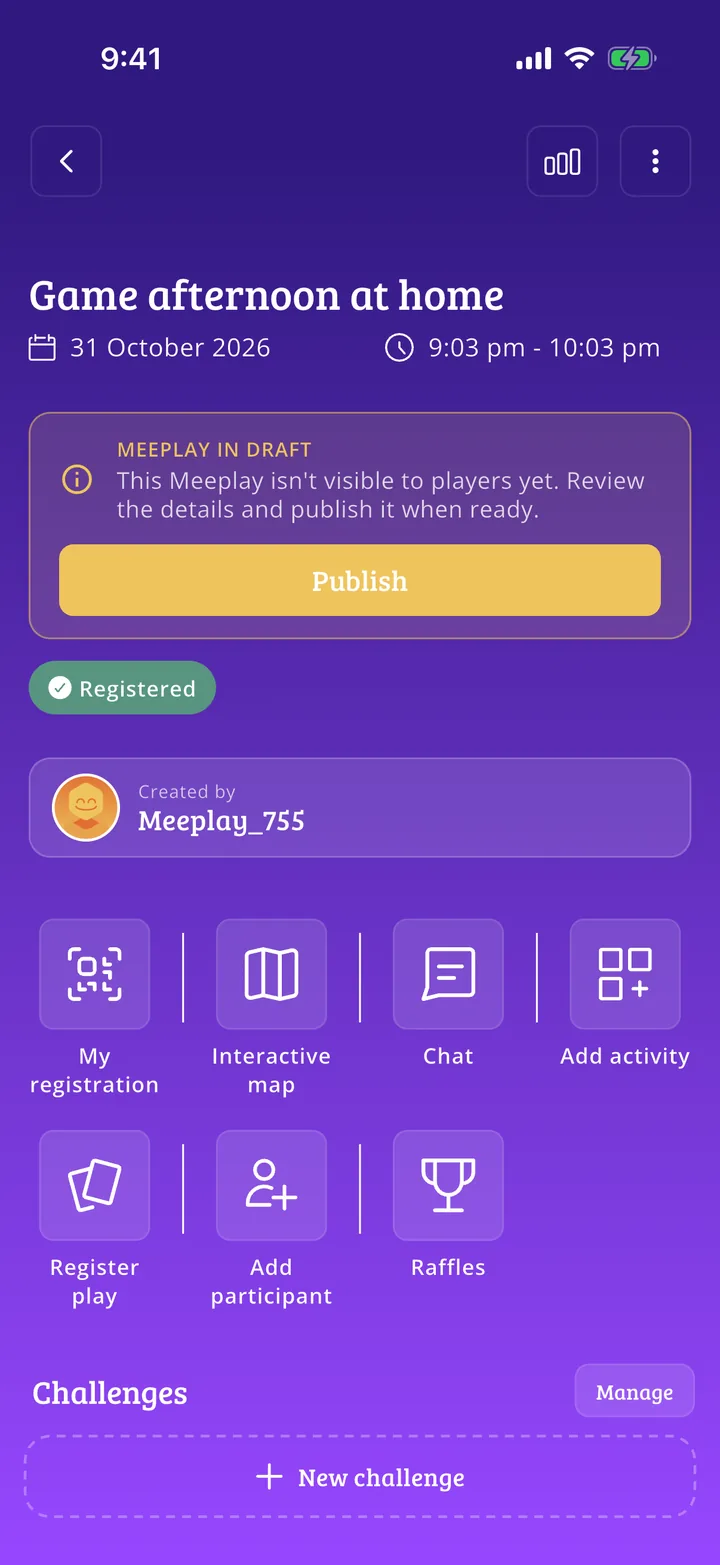 How to save a Meeplay as a draft6 steps
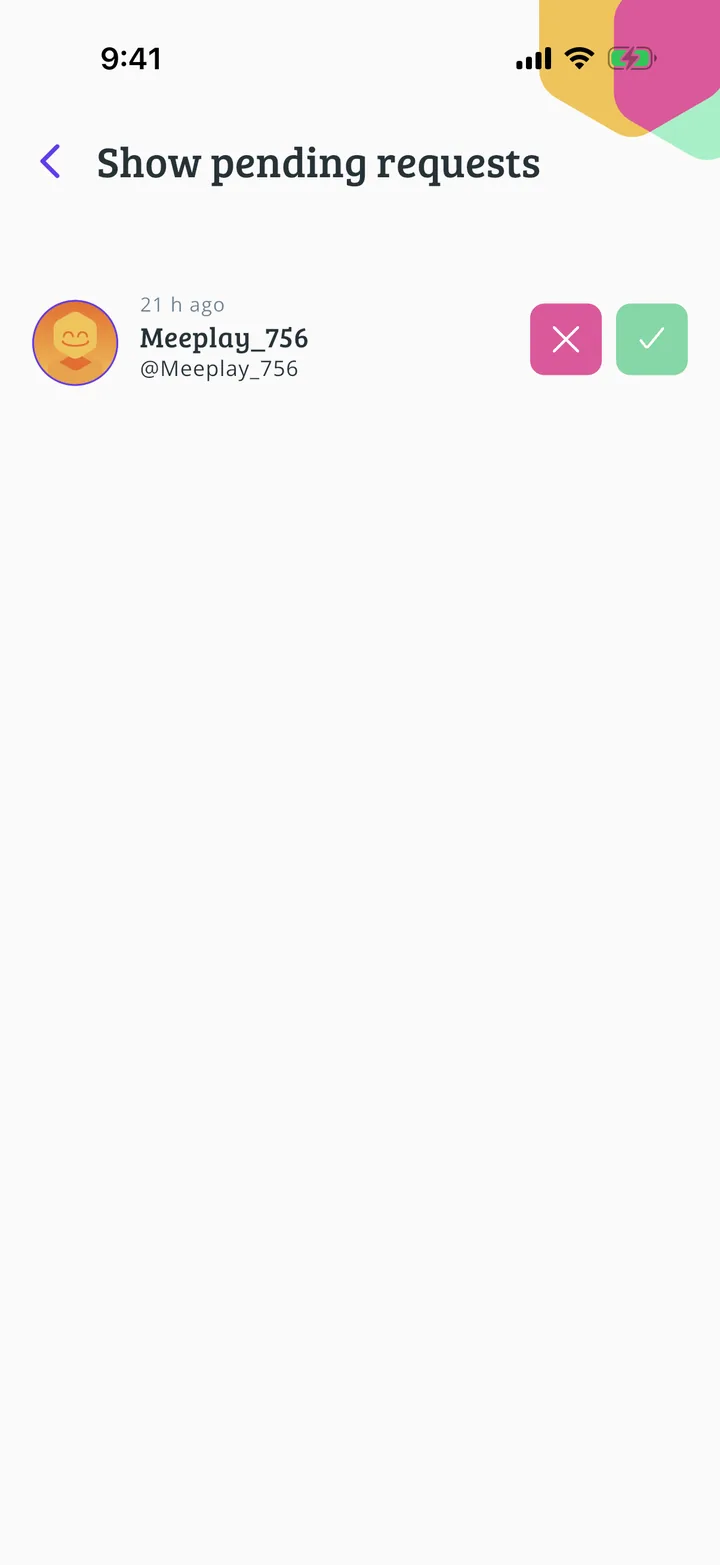
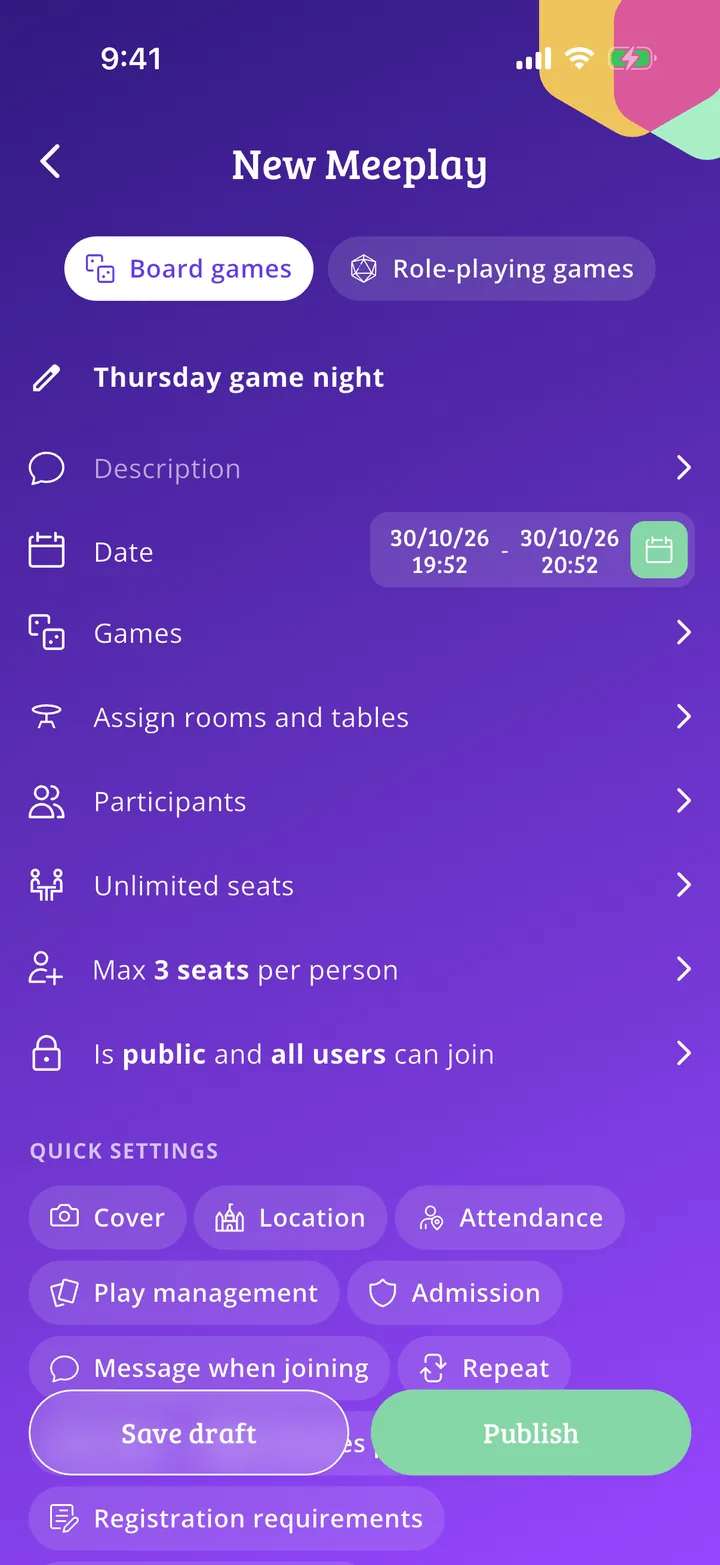
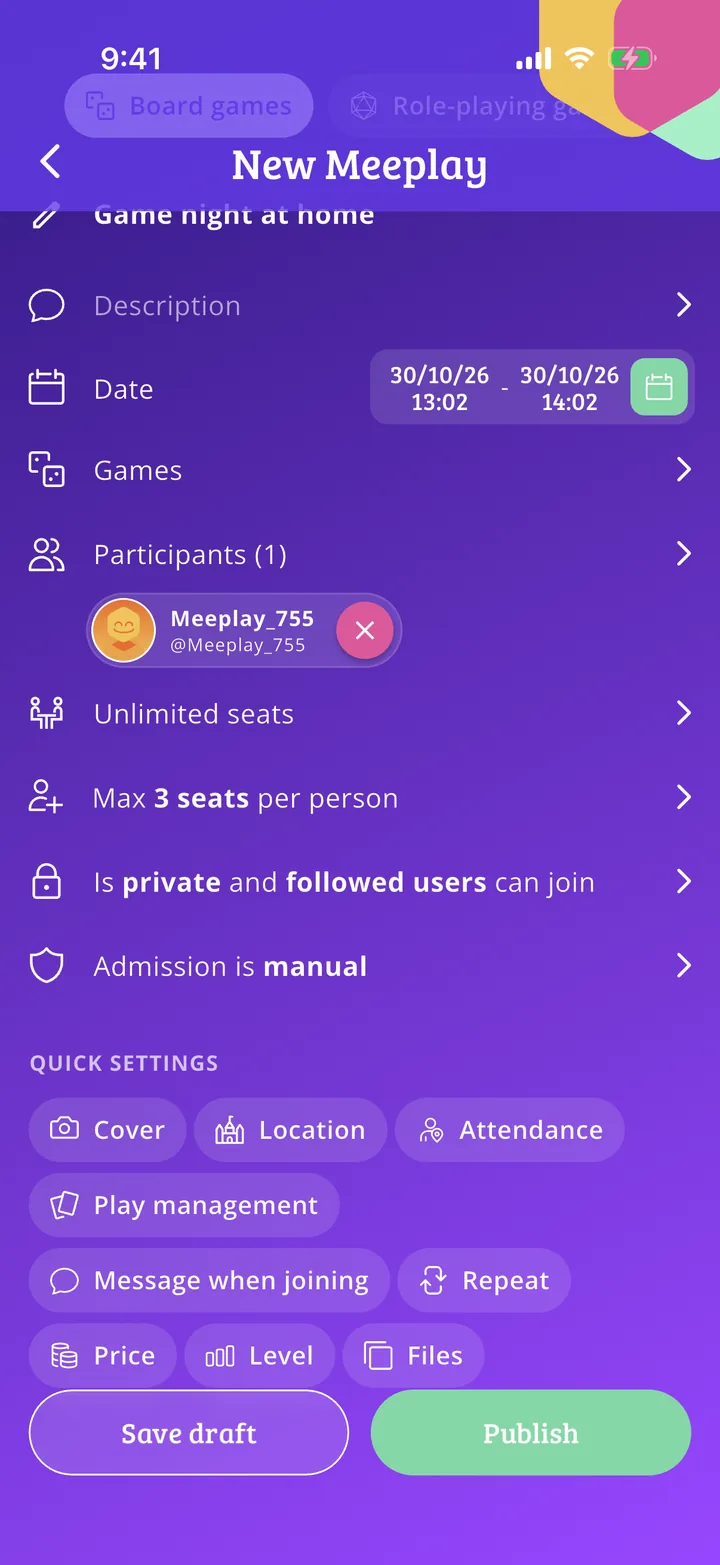 Privacy and admission: how to control who joins your Meeplay6 steps
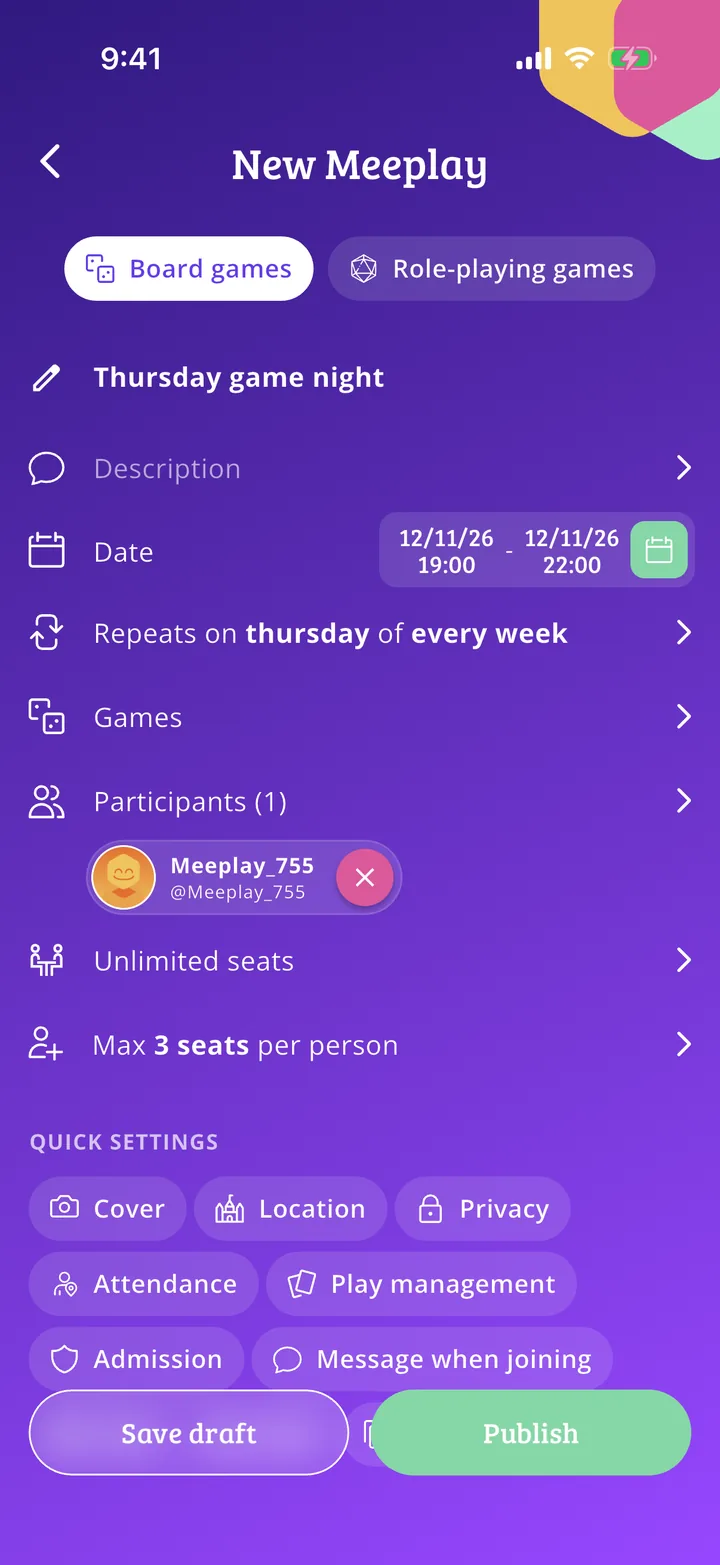 Recurring Meeplays: how to schedule them automatically7 steps
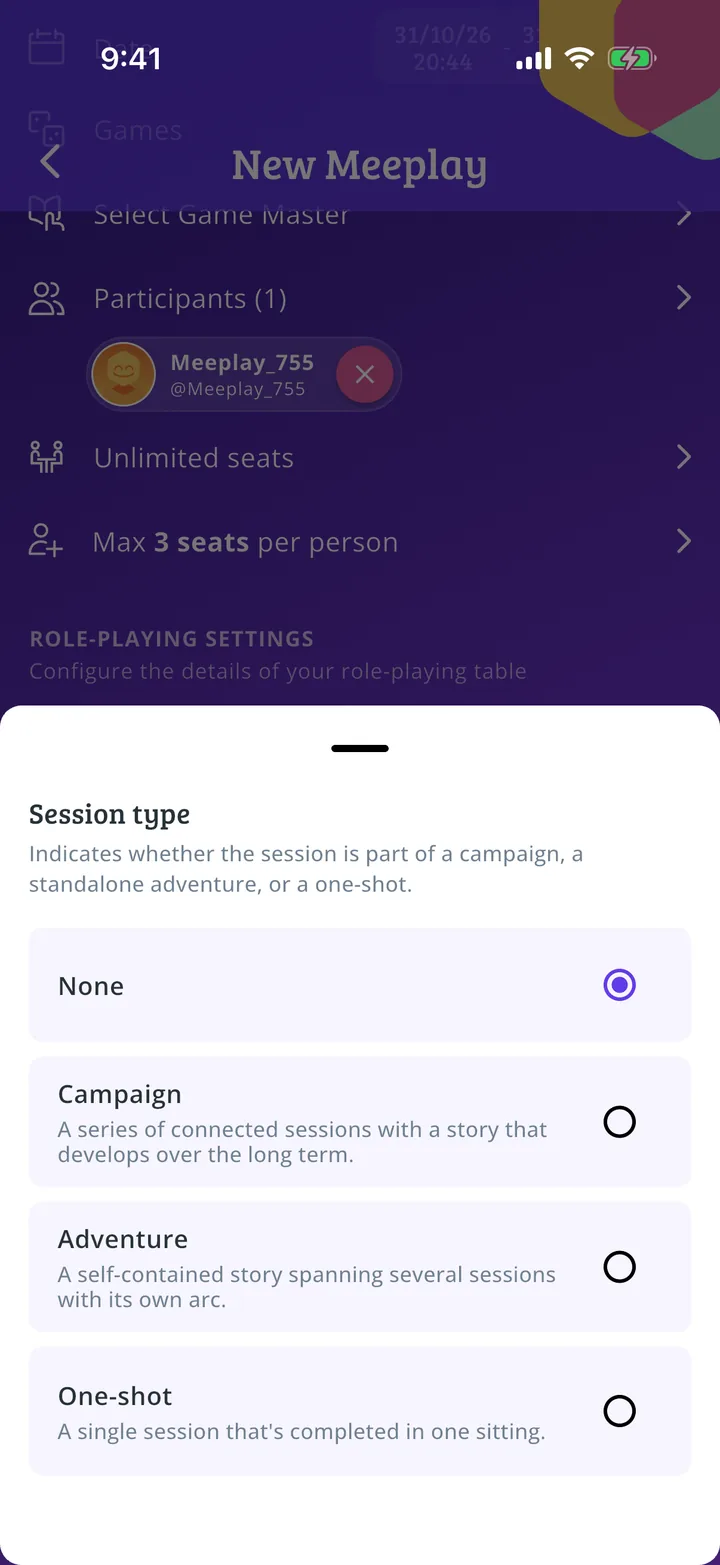 How to create a roleplaying Meeplay5 steps
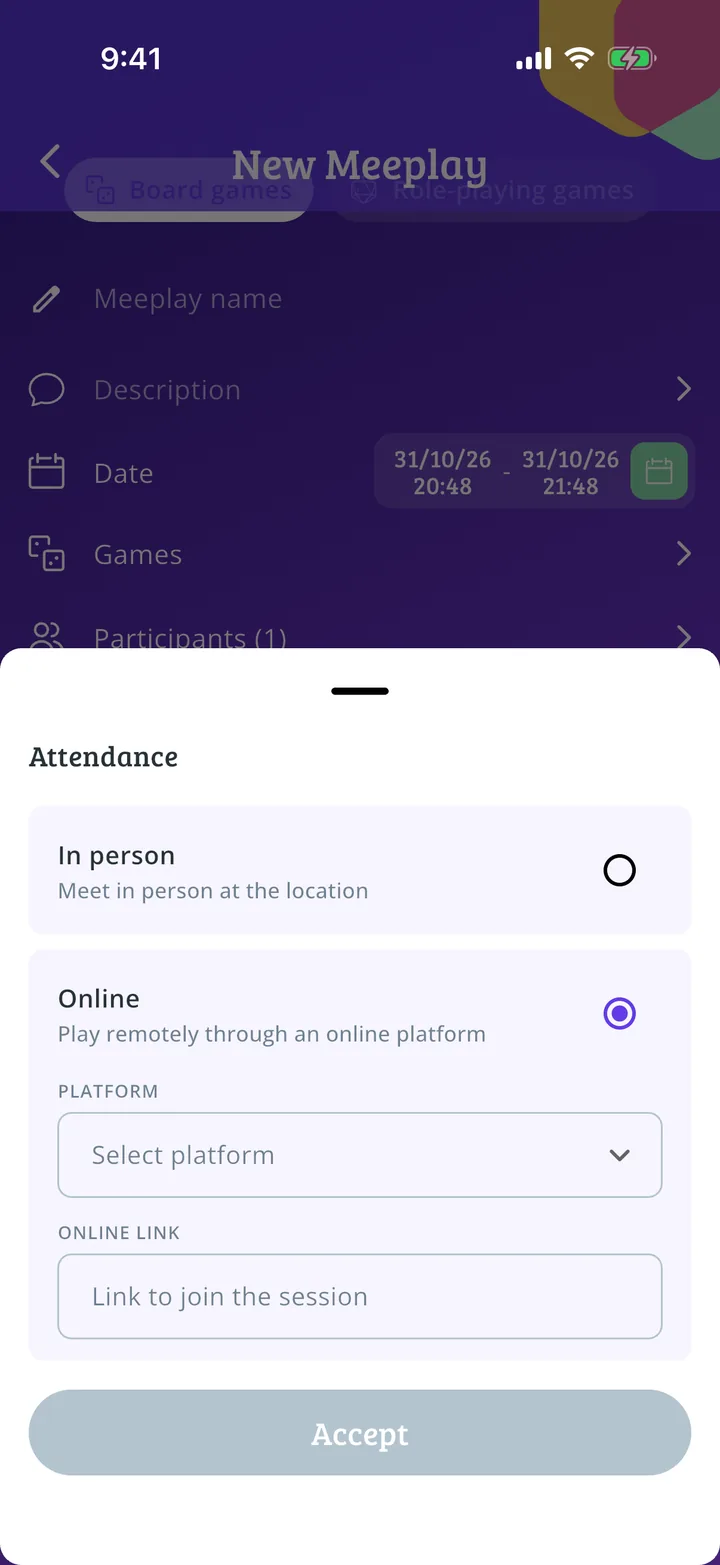 How to create an online Meeplay5 steps
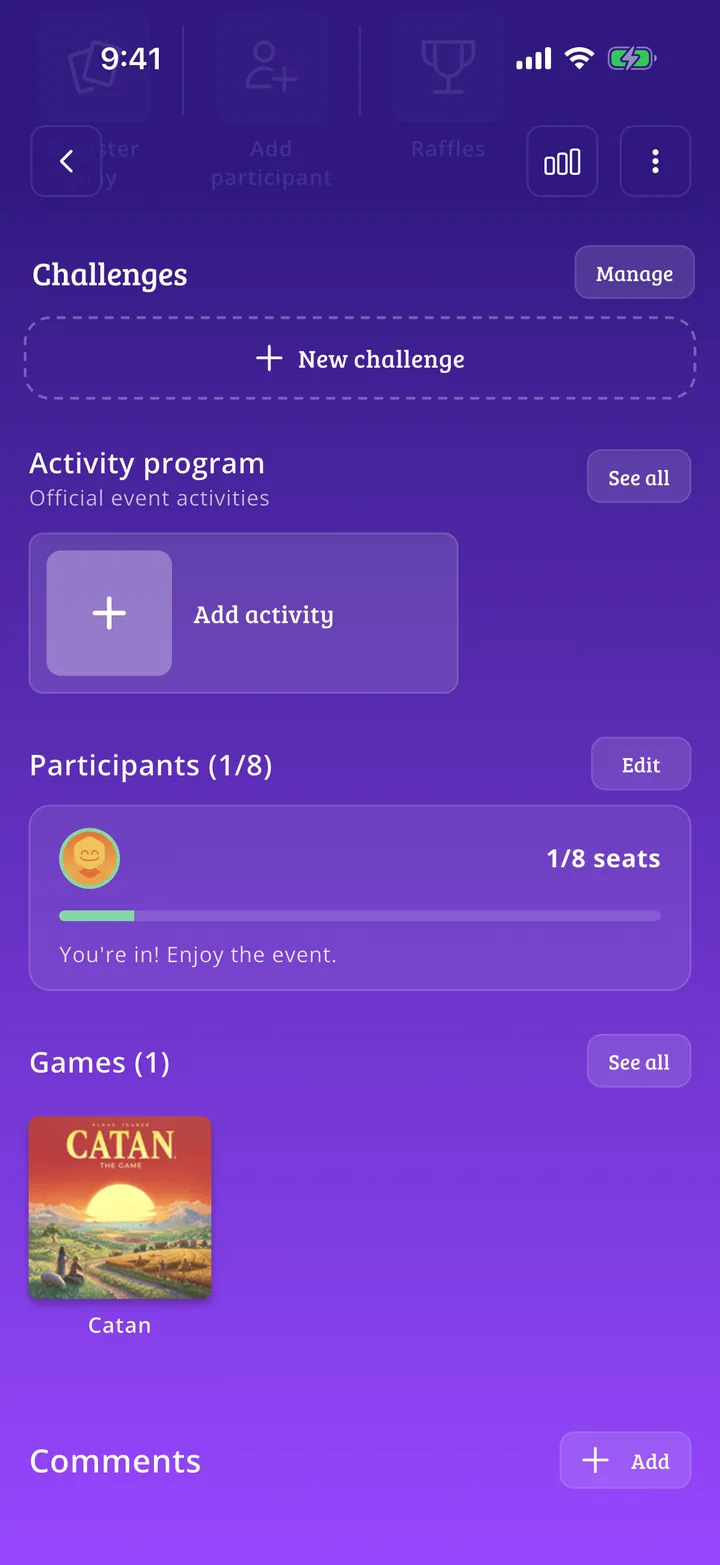 How to edit a Meeplay you already created8 steps
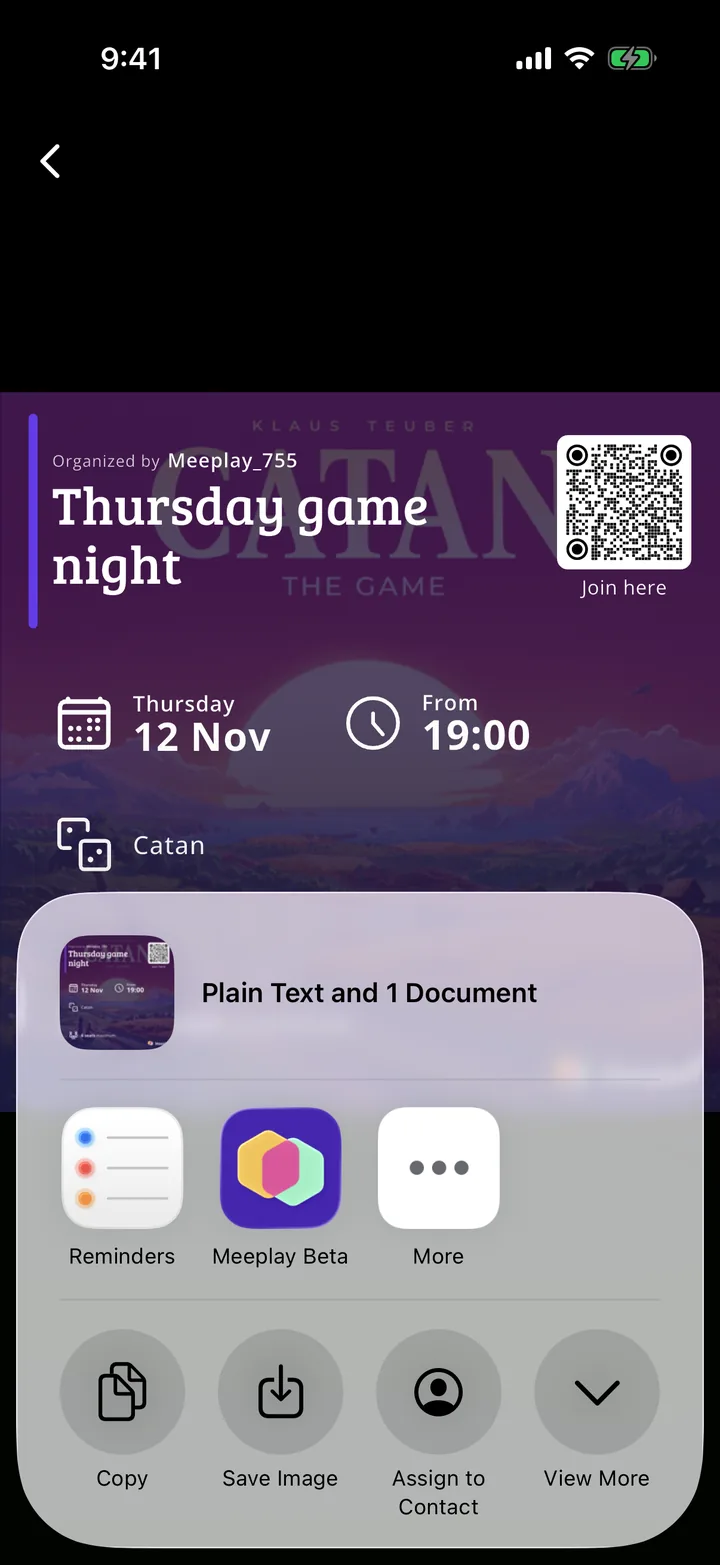 How to share a Meeplay you created5 steps
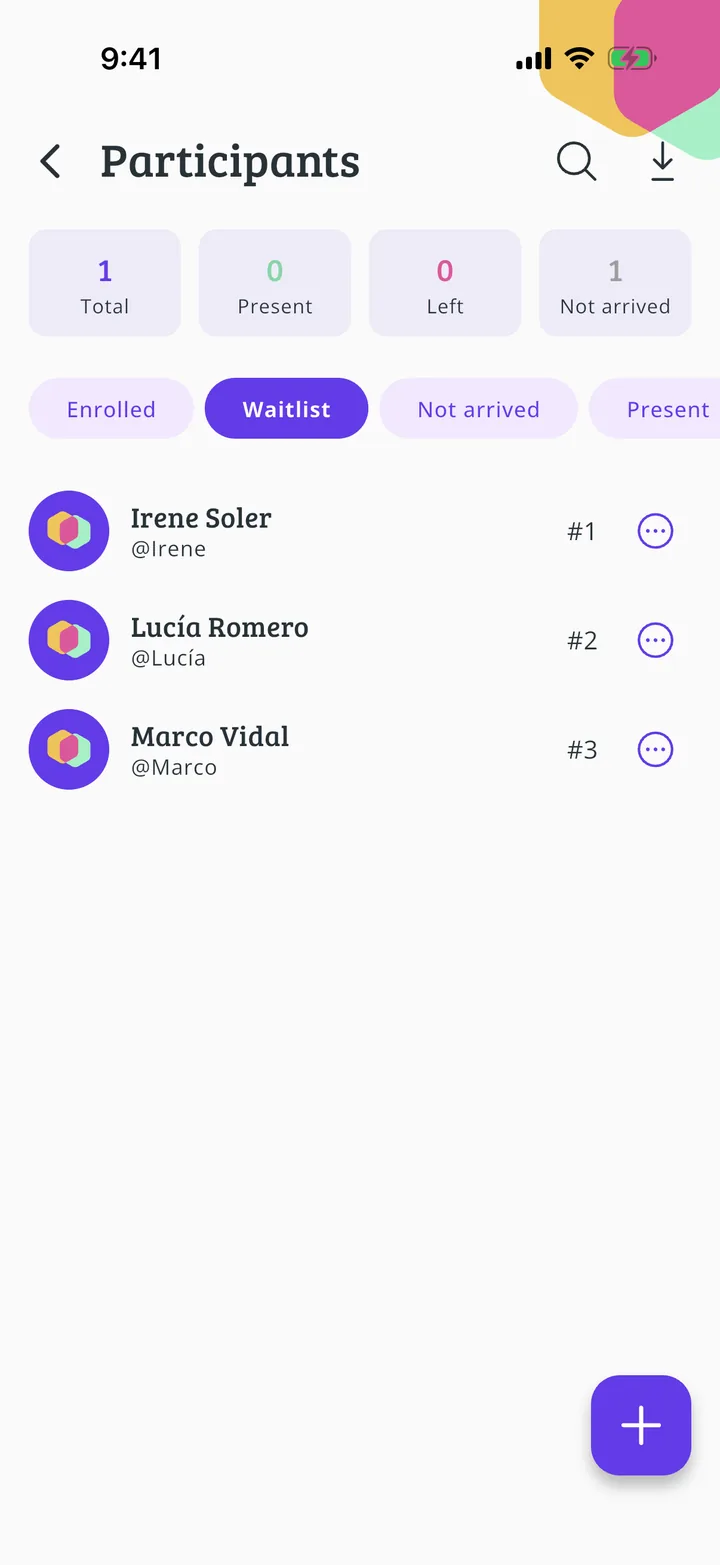
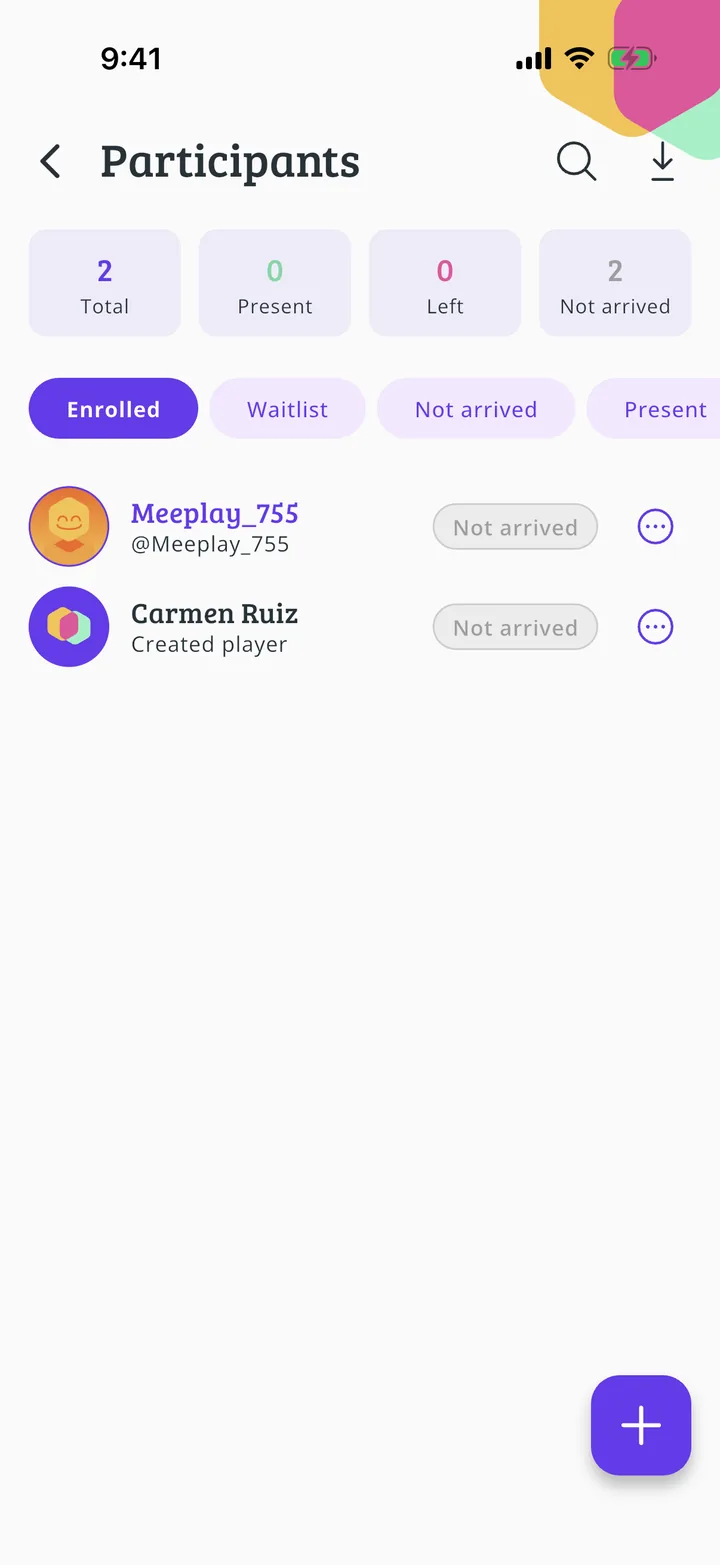 How to add participants to a Meeplay, with or without an account11 steps
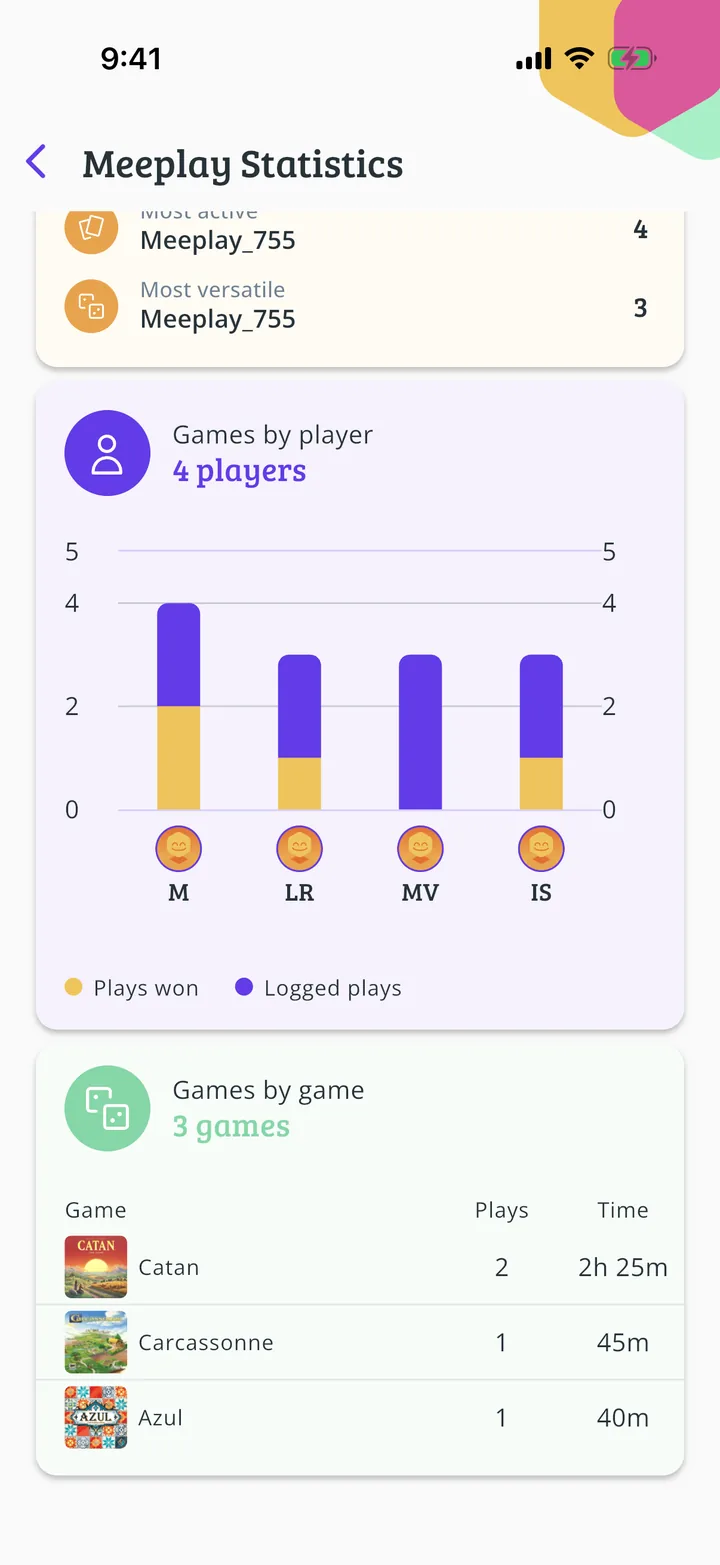 Where to see a Meeplay's statistics4 steps
Sign-ups and payments
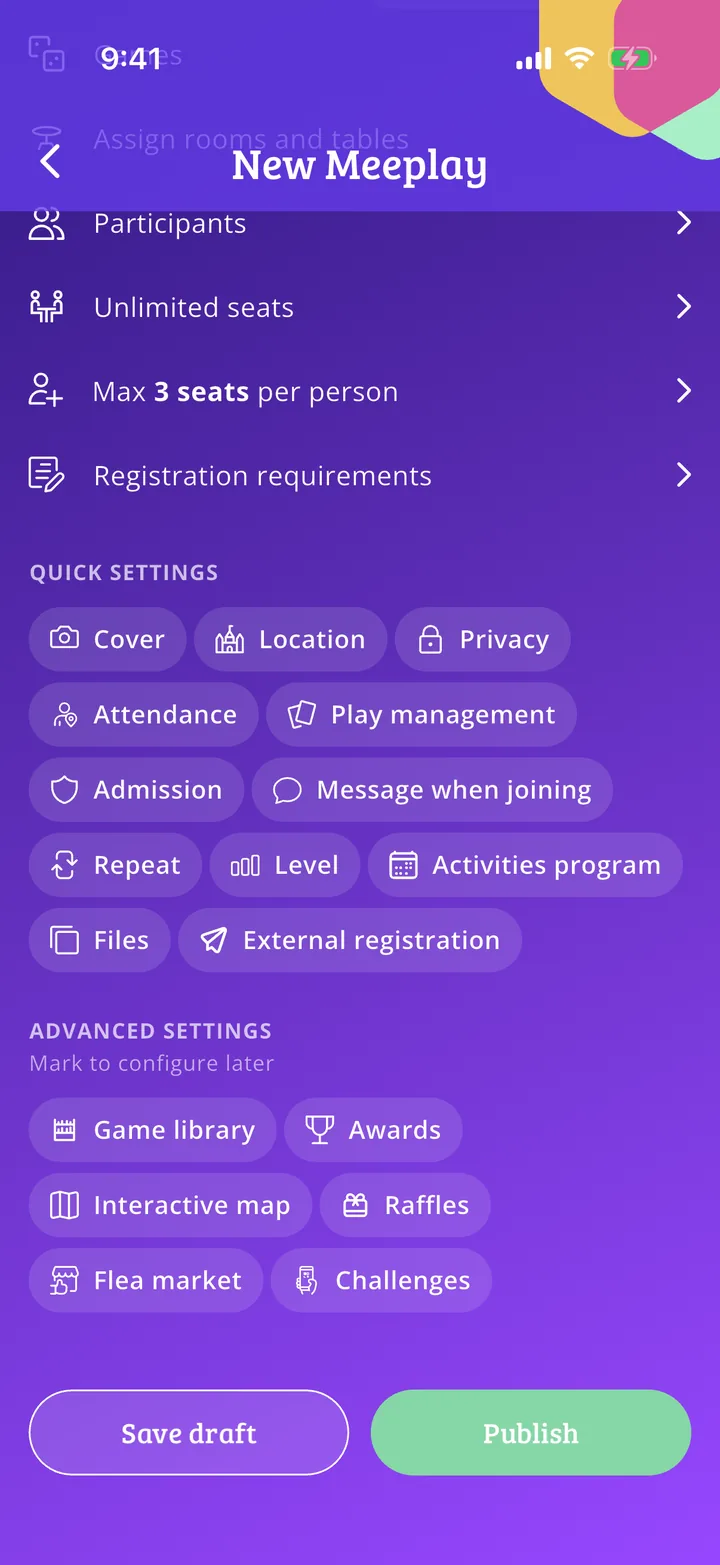
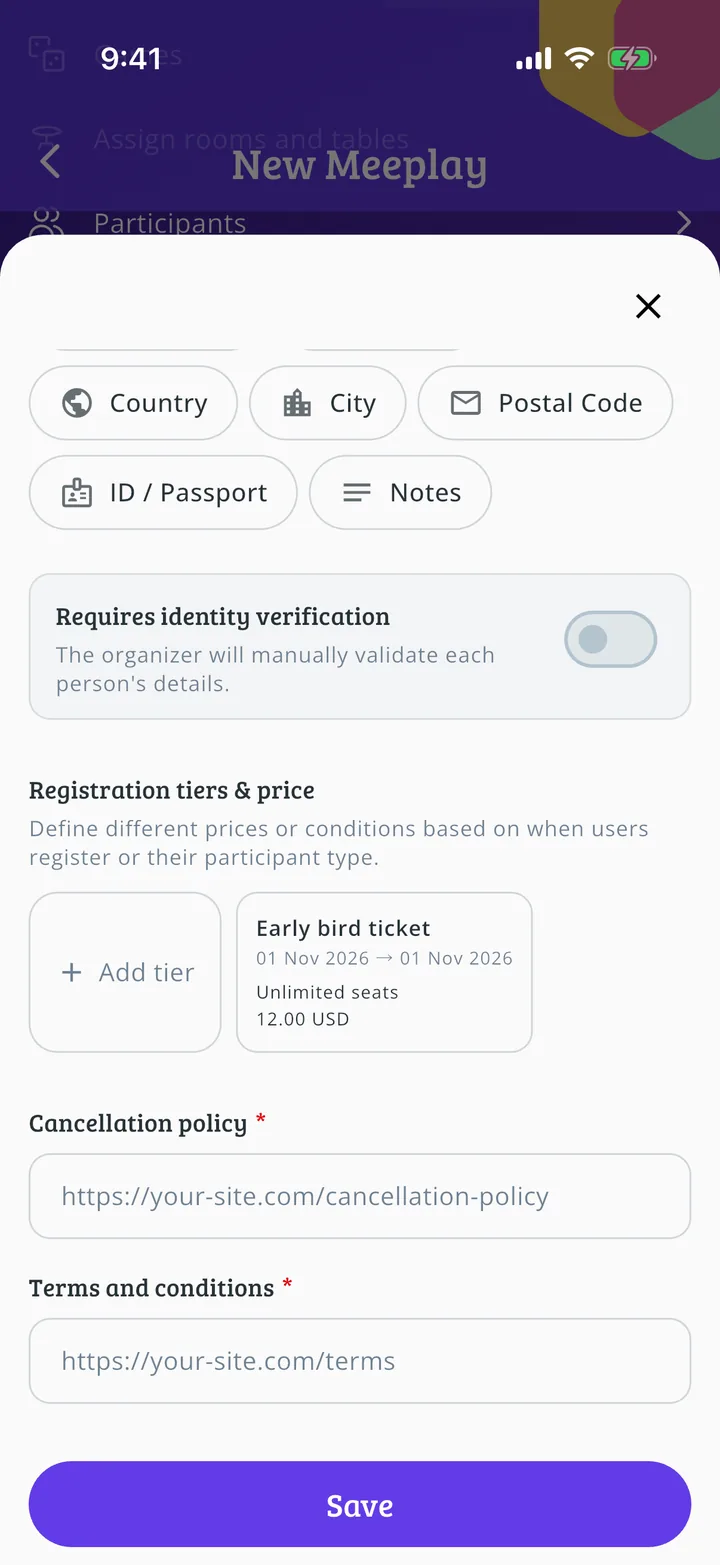
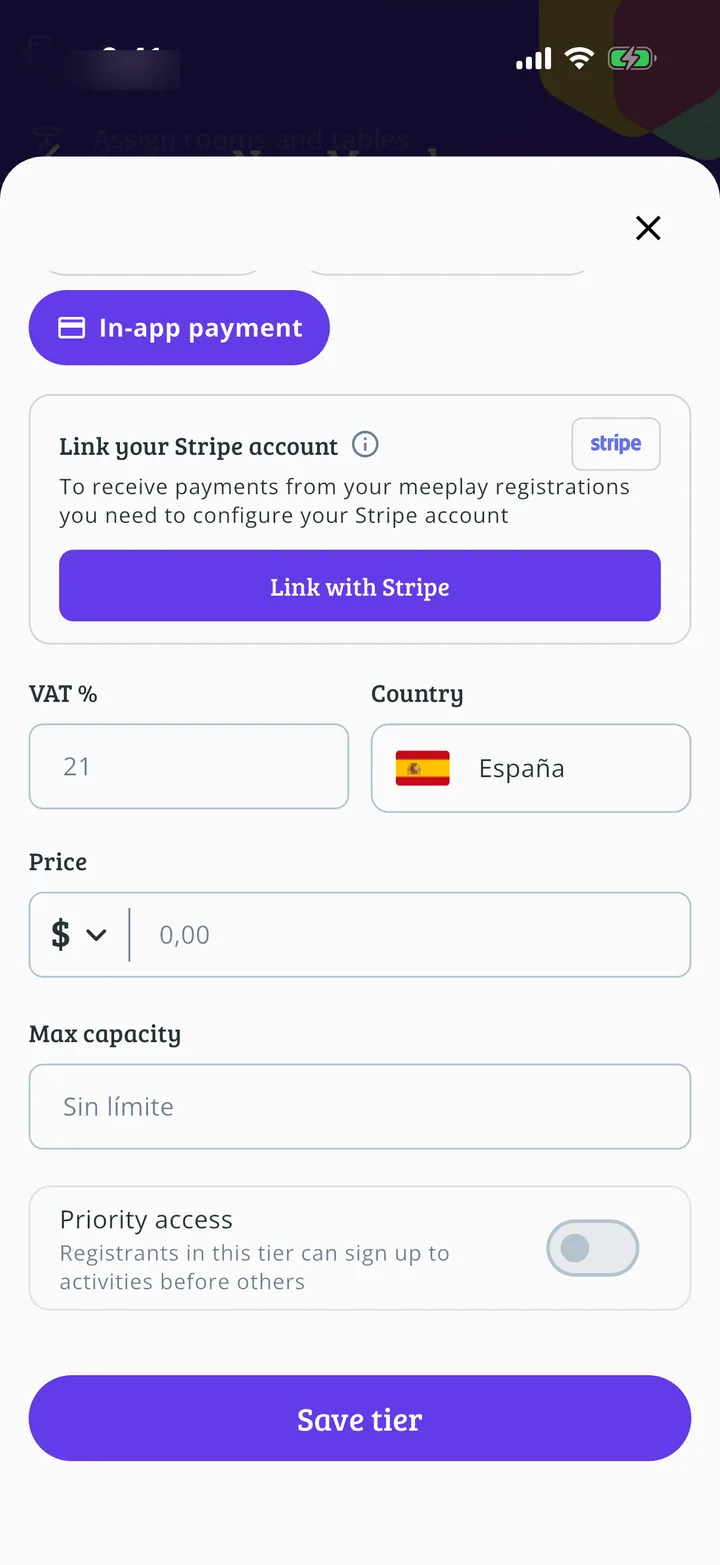
Who gets in, on what terms and at what price.
Event program
Activities, map, raffles and door control.
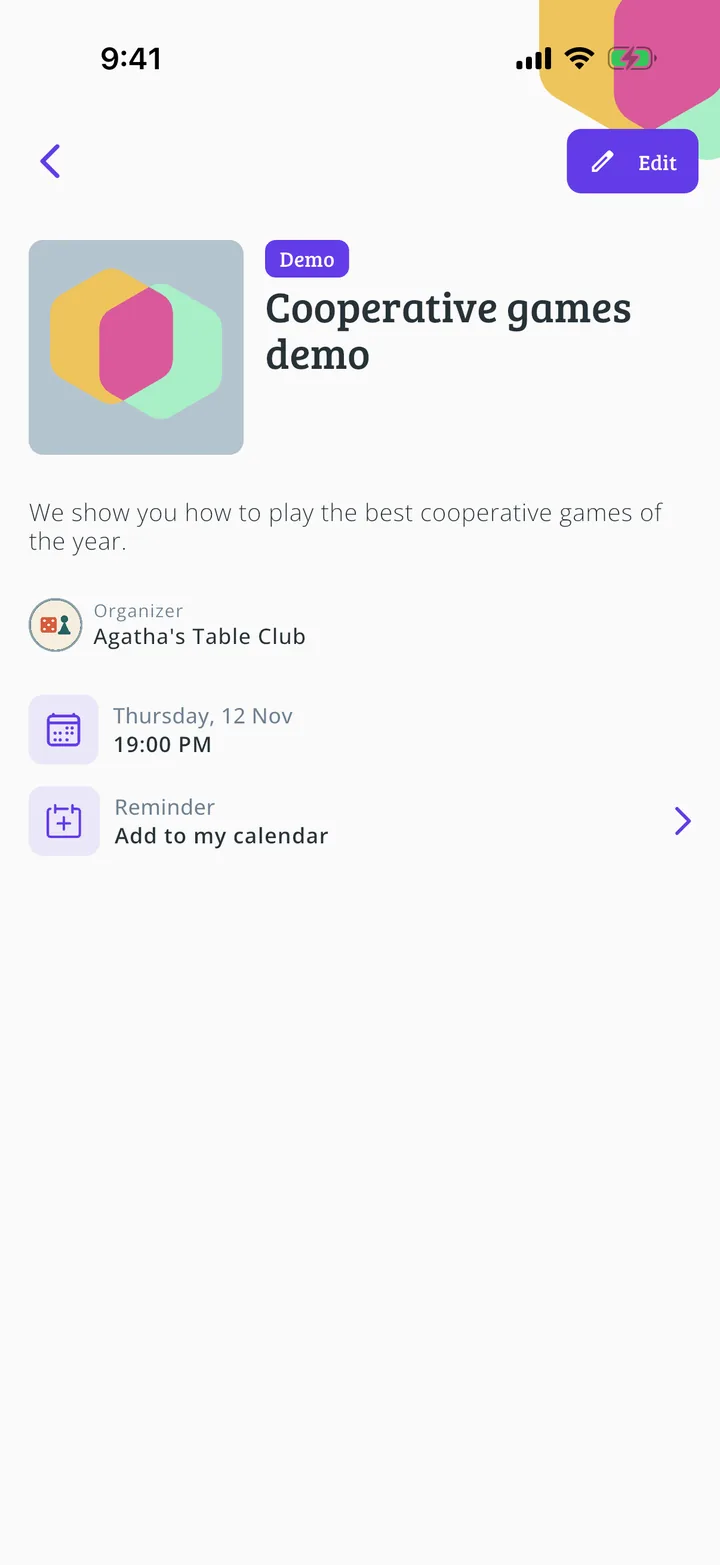 How to create the activity schedule11 steps
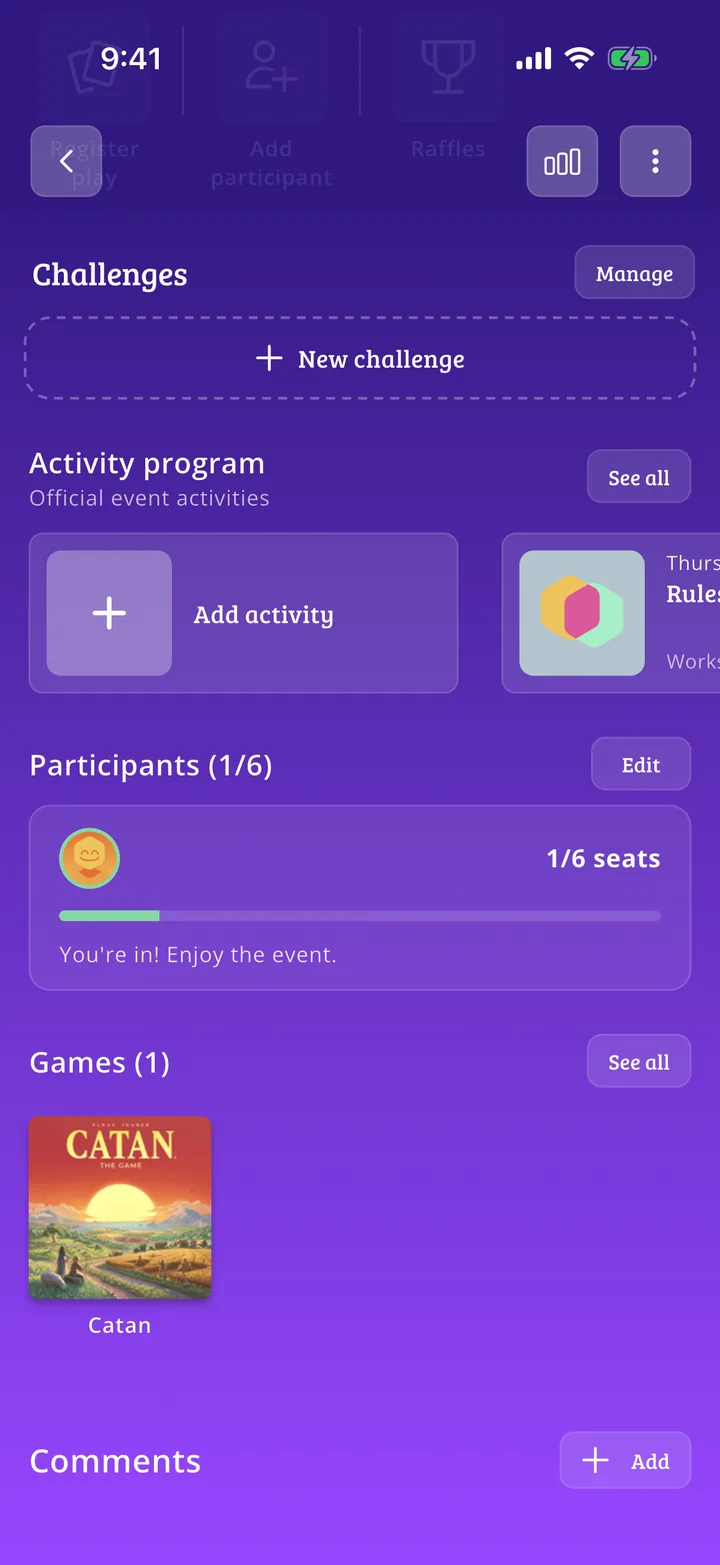 How to edit an activity10 steps
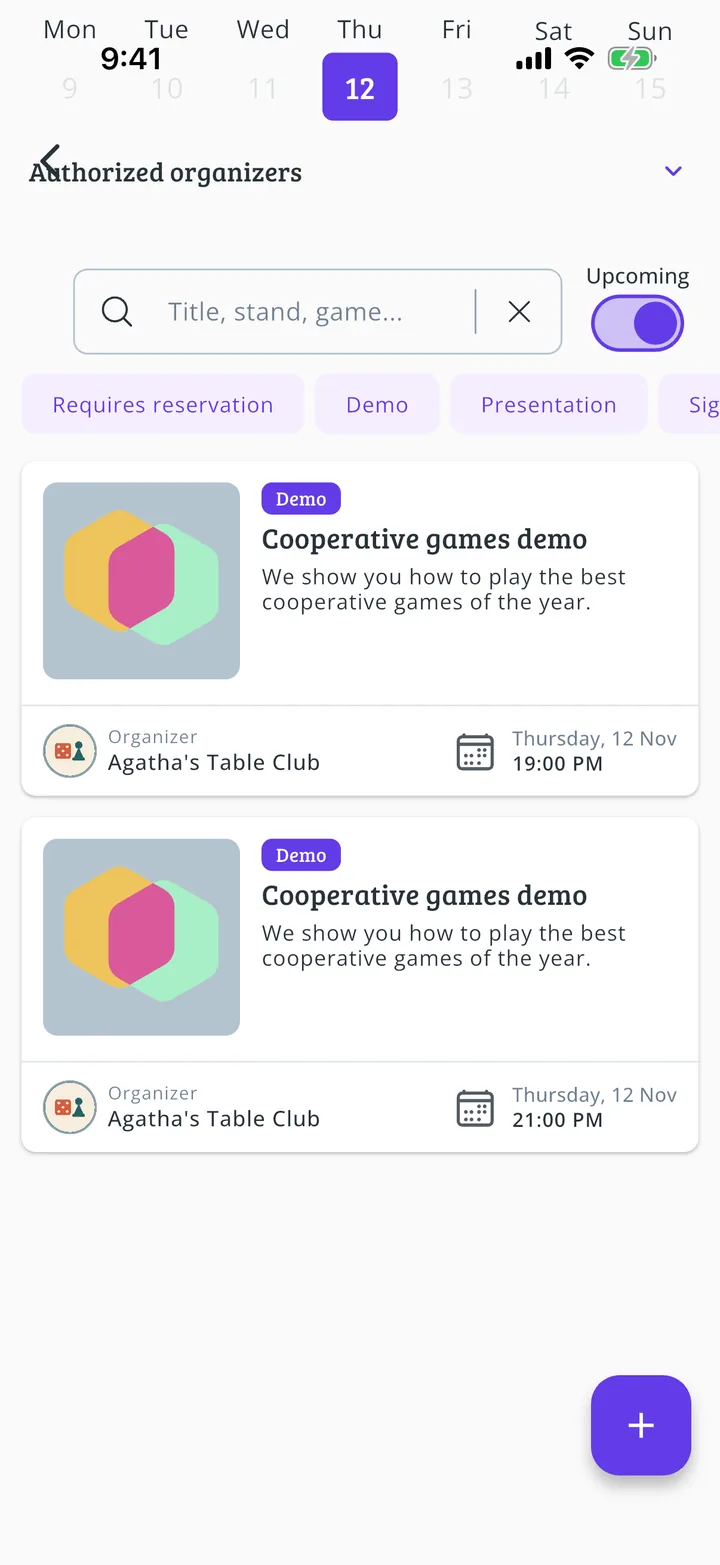 How to create activities with different schedules14 steps
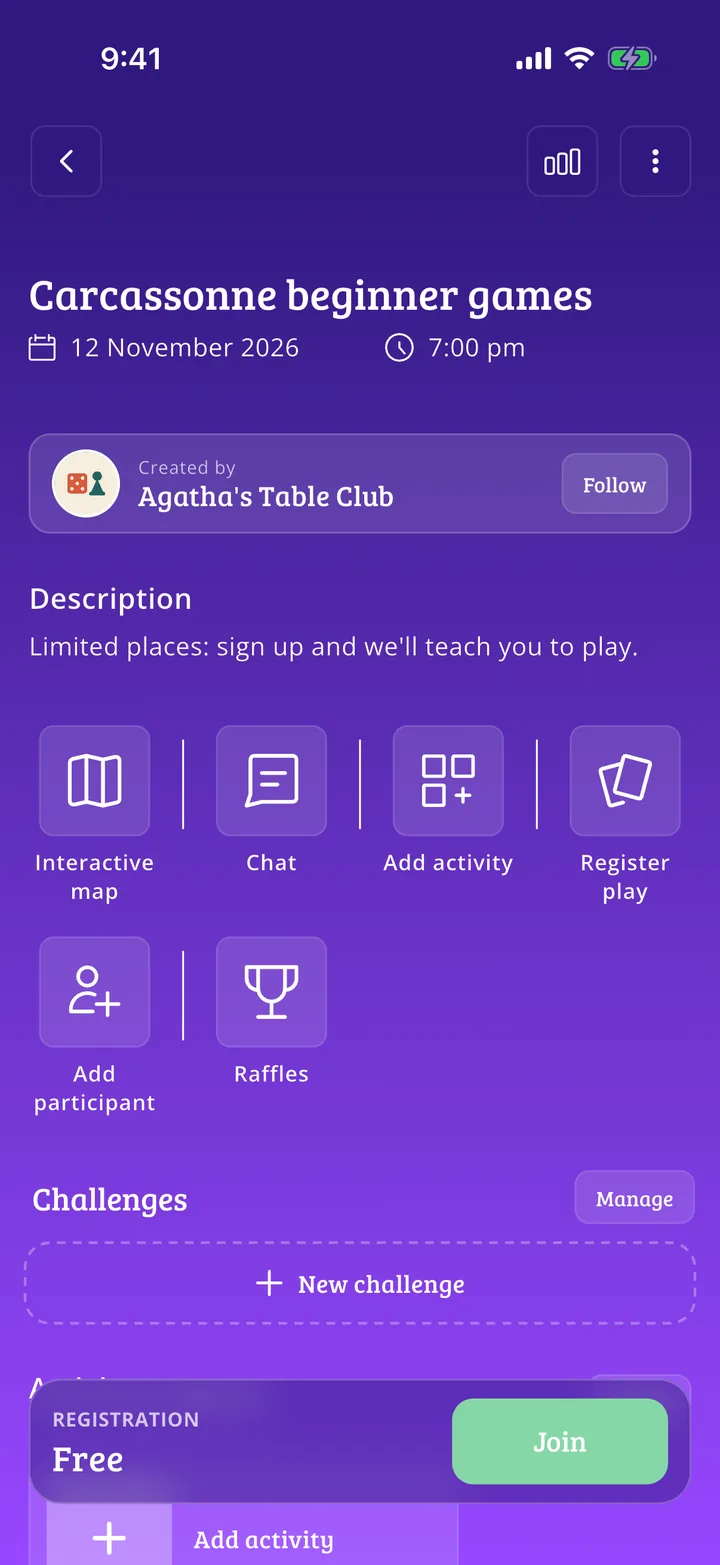 When to link an activity to a Meeplay or a tournament10 steps
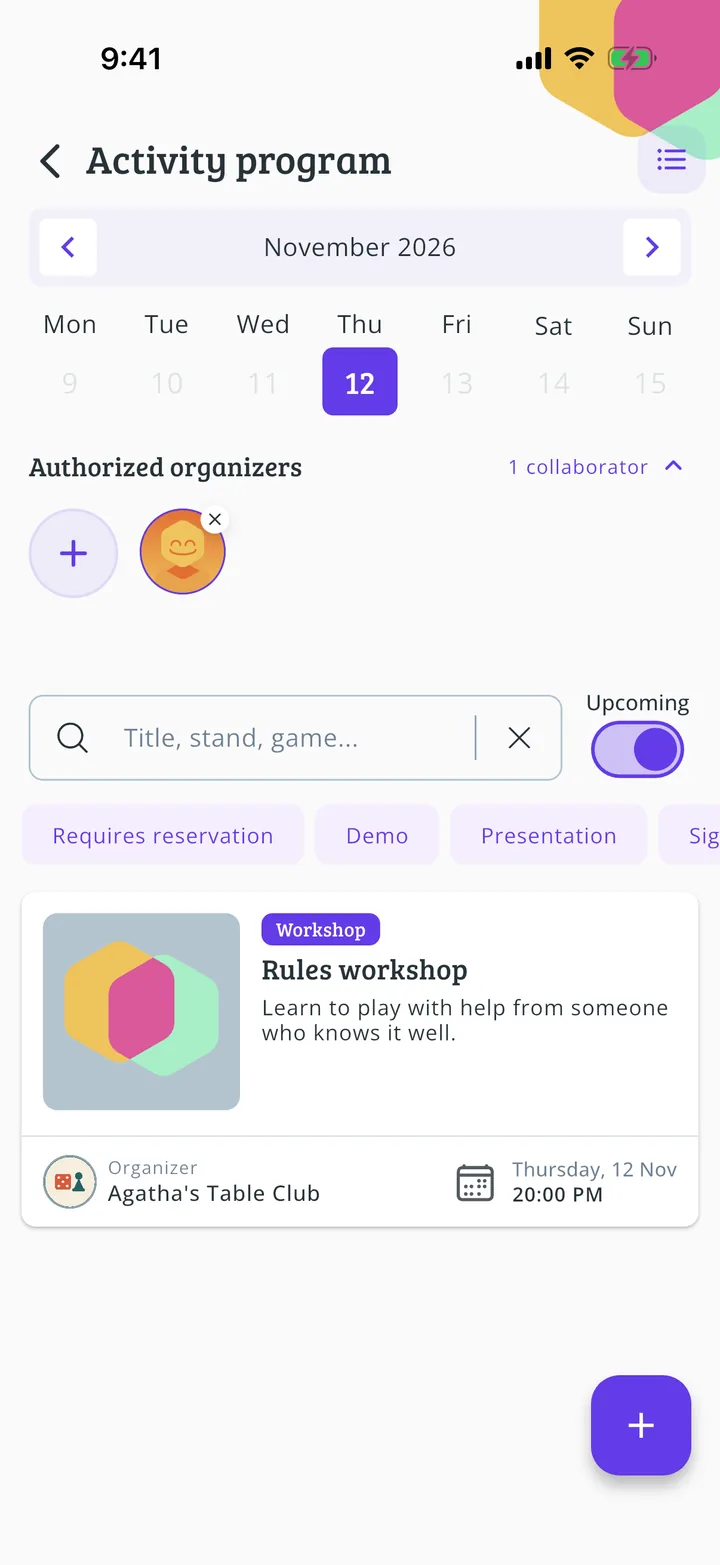 How to let exhibitors create activities in the program10 steps
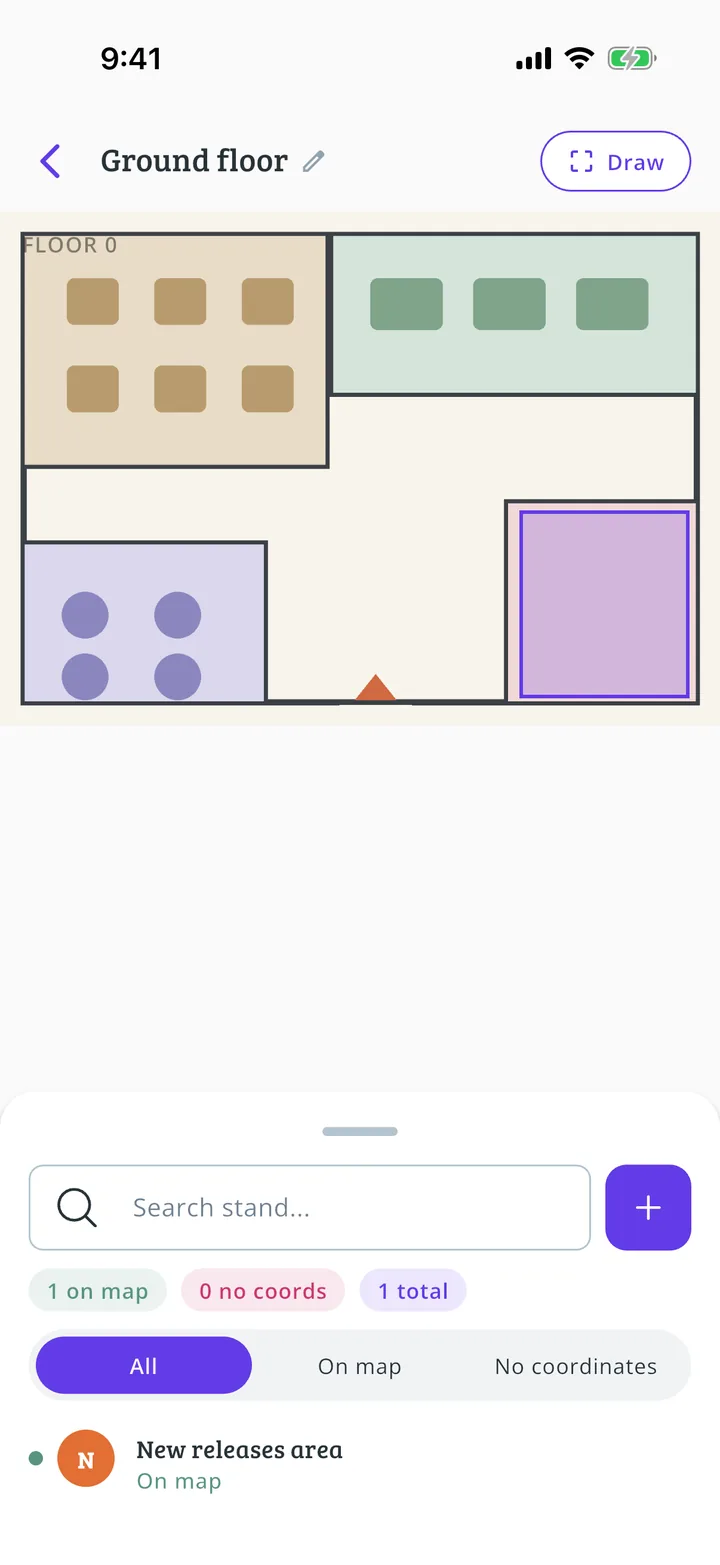 How to set up your Meeplay's interactive map14 steps
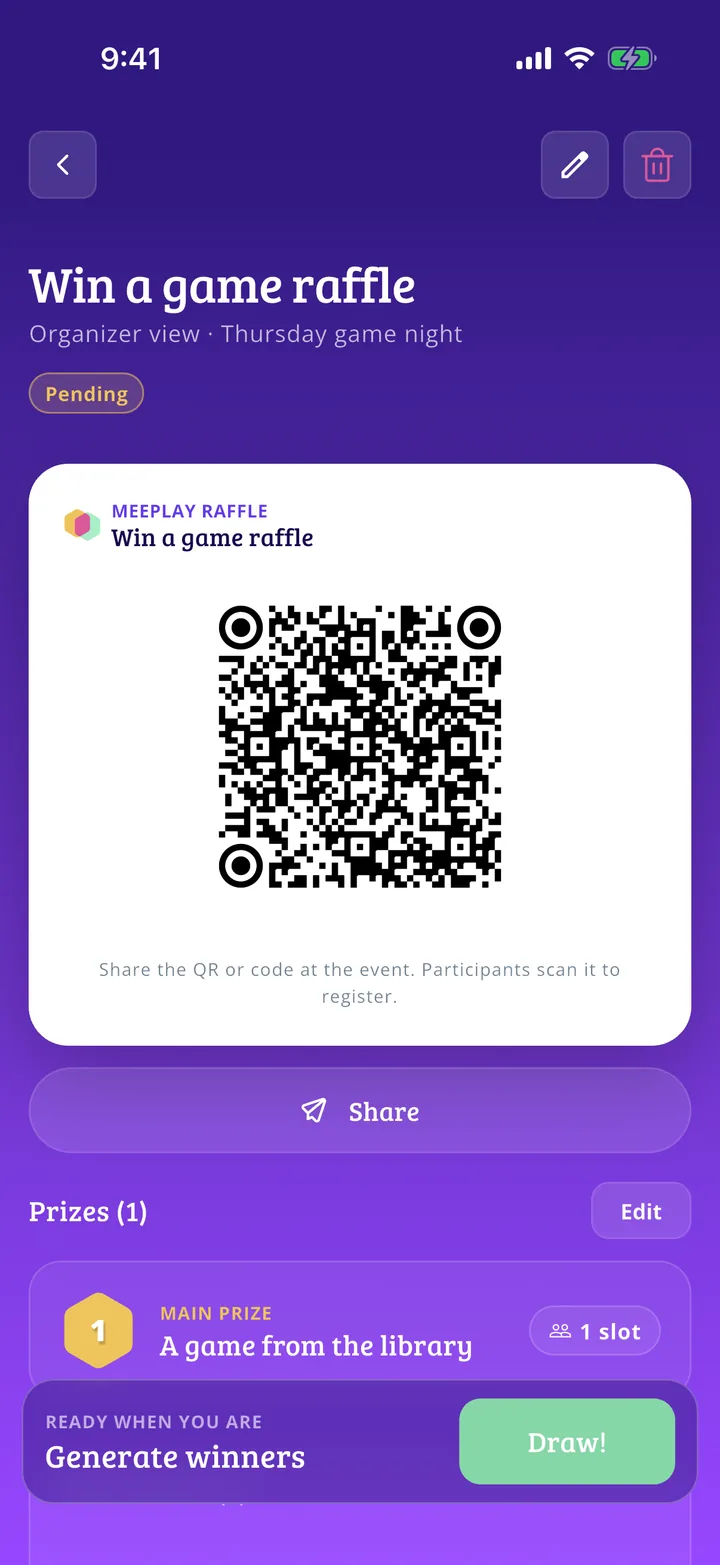 How to set up a prize or raffle in a Meeplay9 steps
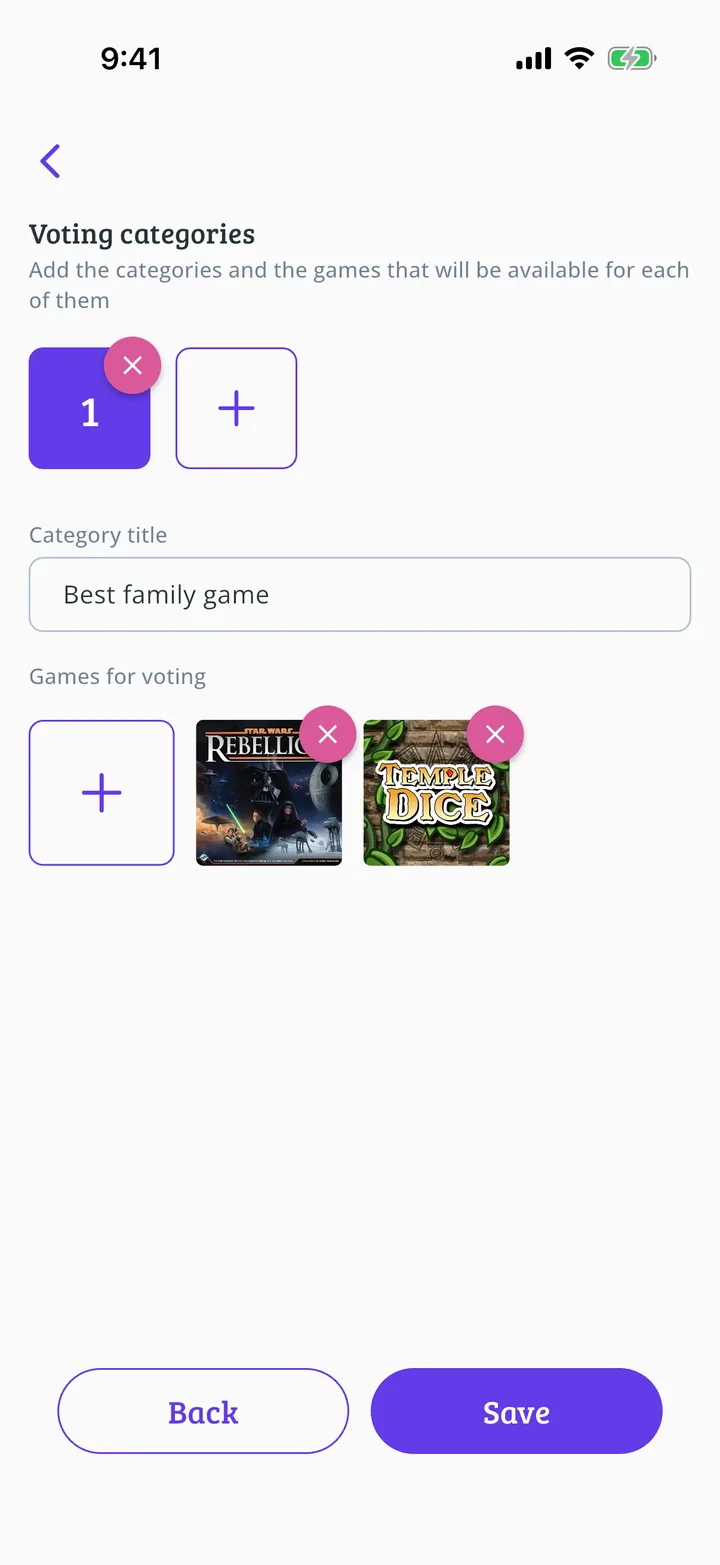 How to create awards with voting15 steps
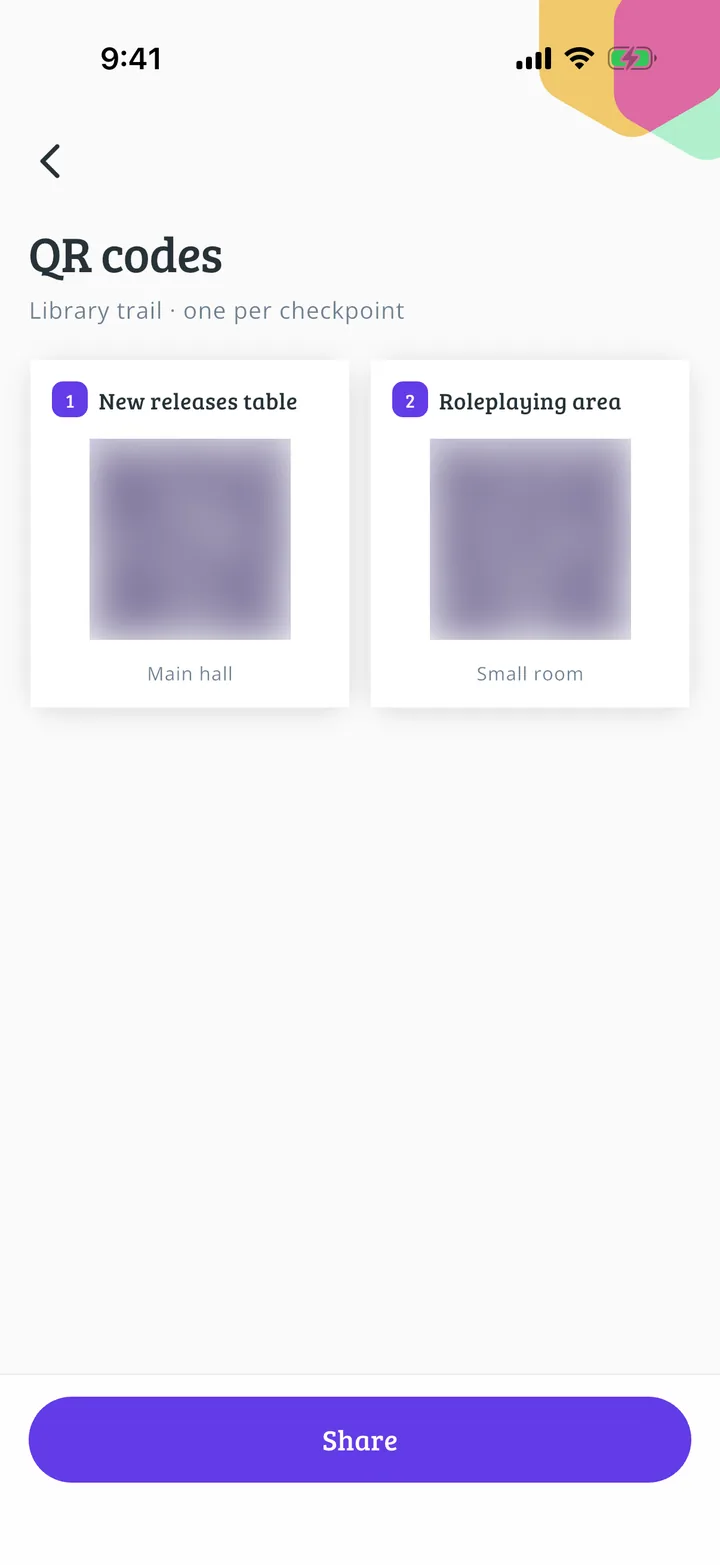 How to create a challenge in a Meeplay13 steps
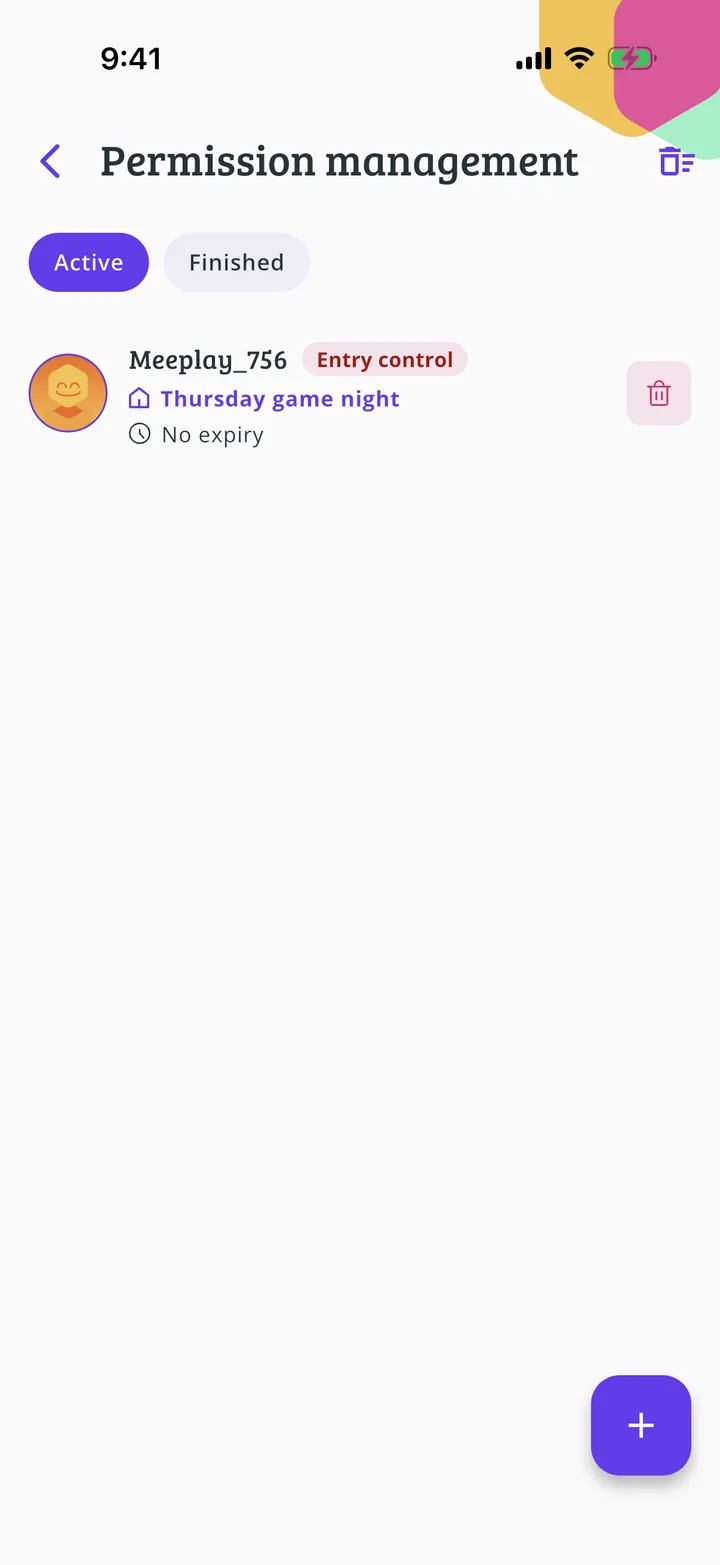 How to give specific permissions at an event12 steps
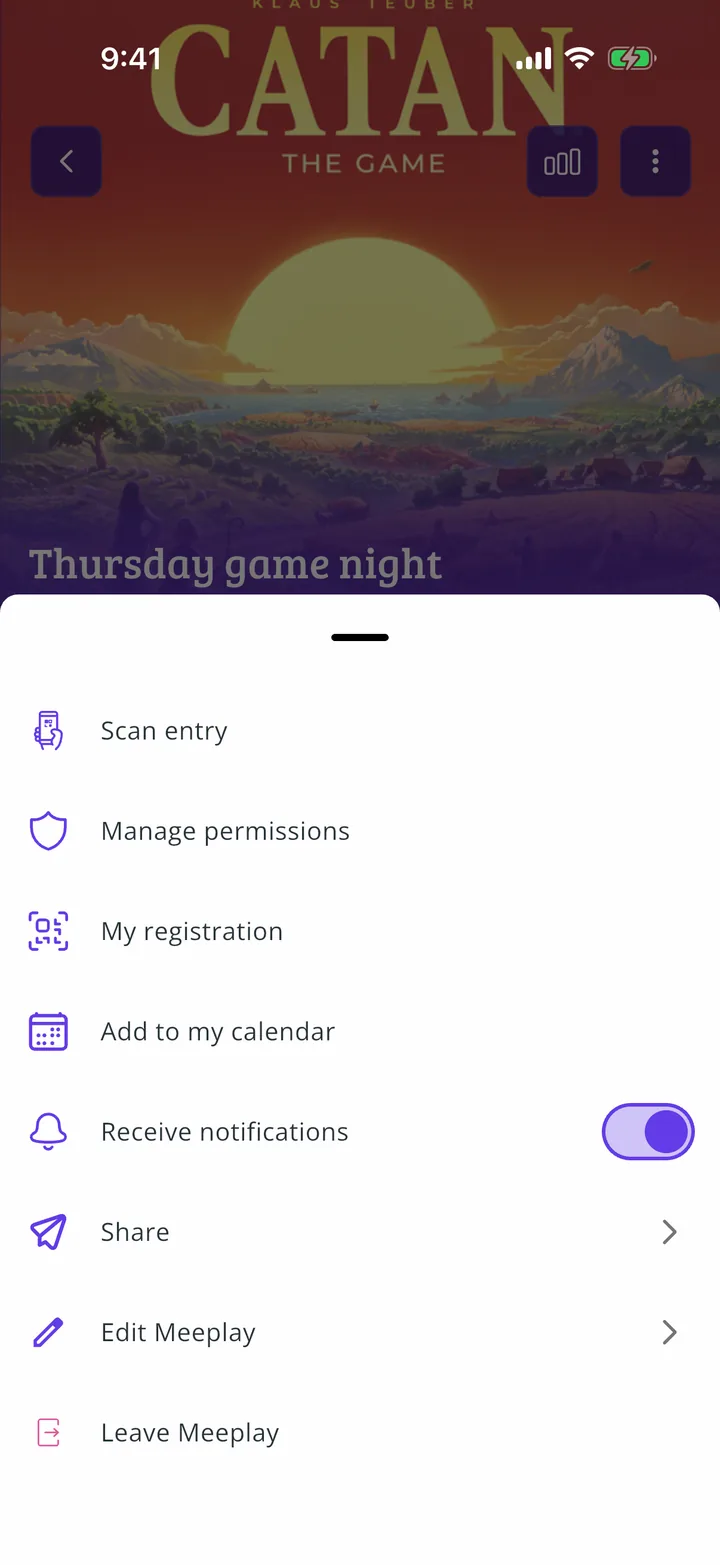 How to control entry to an event7 steps
Tournaments
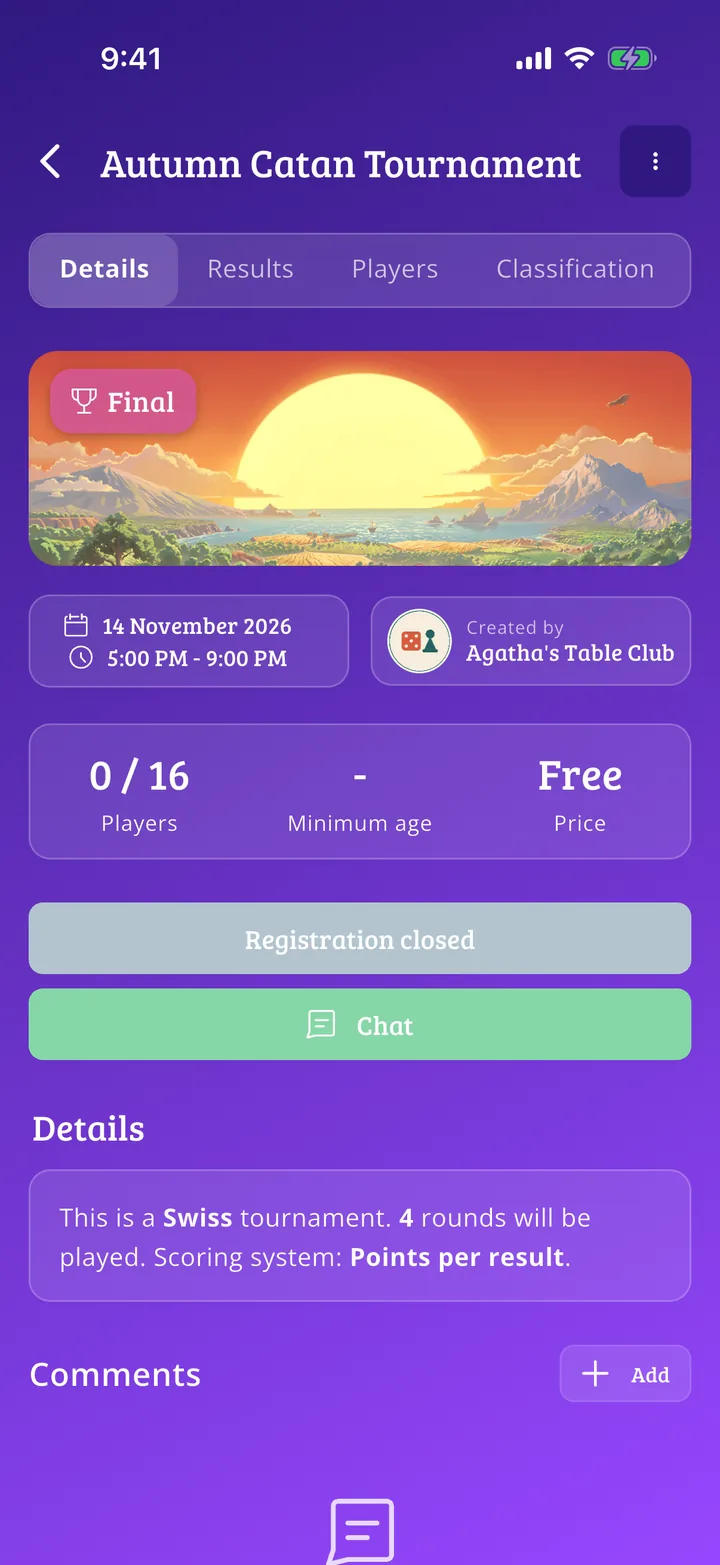
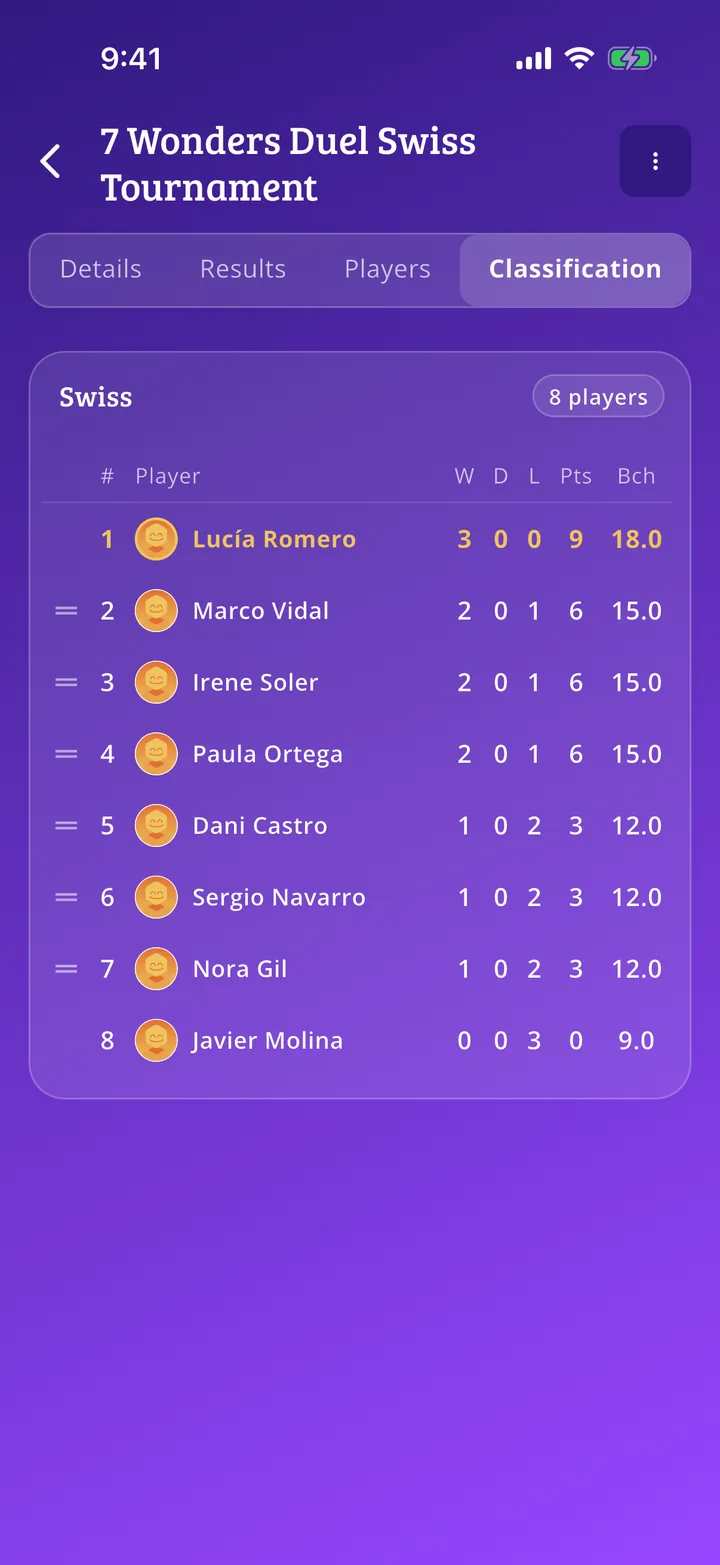
Formats, pairings and standings.

Flea markets
From approving stalls to settling with each one.
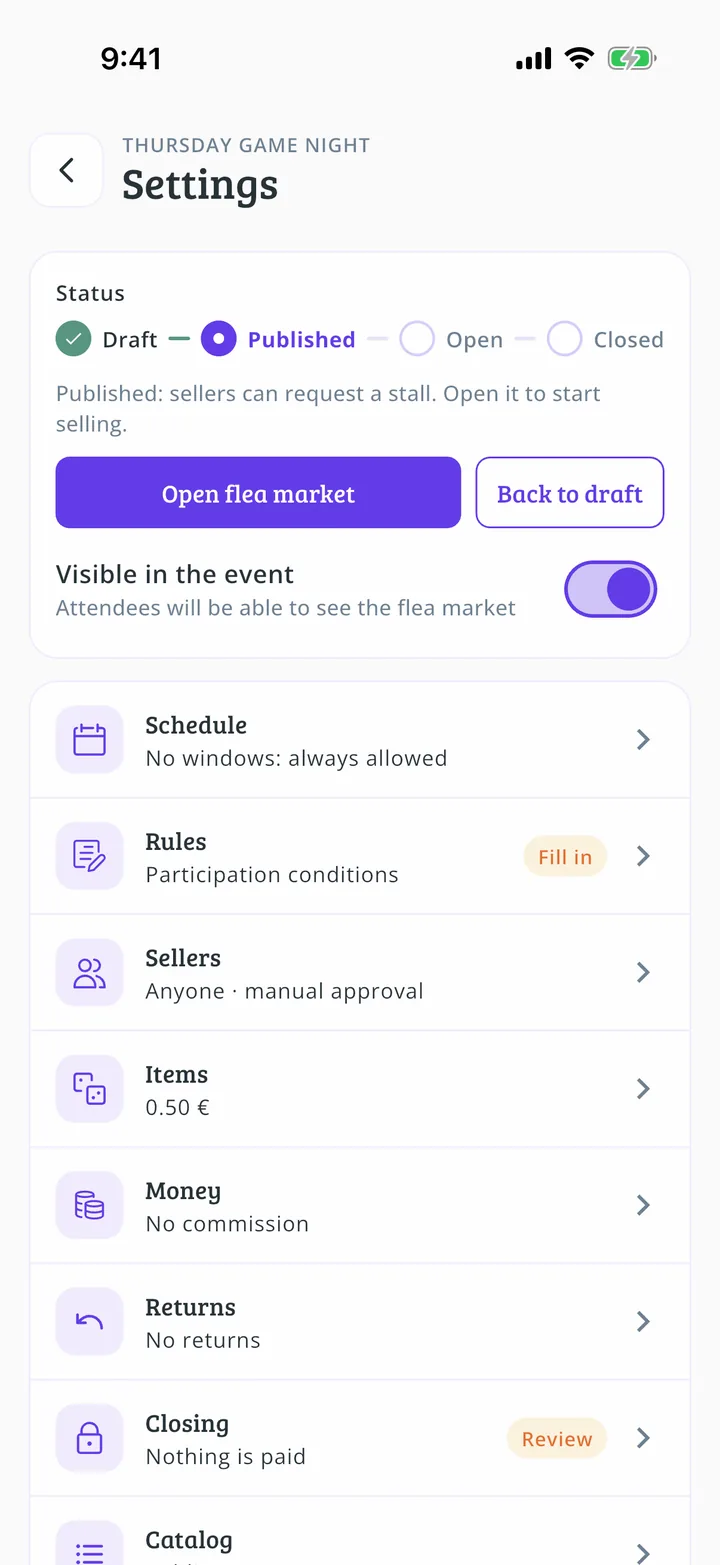 How to create a flea market in your Meeplay13 steps
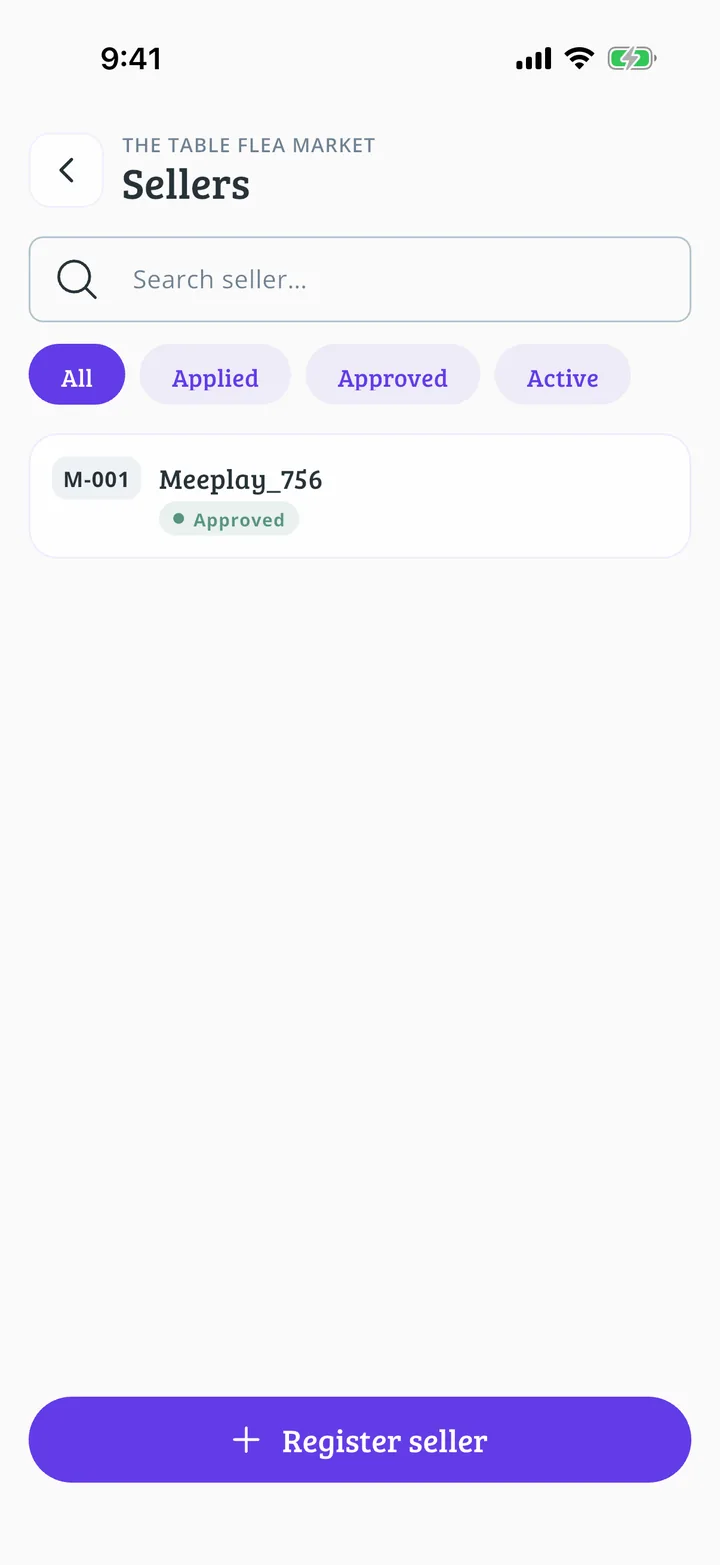 How to approve flea market stalls10 steps
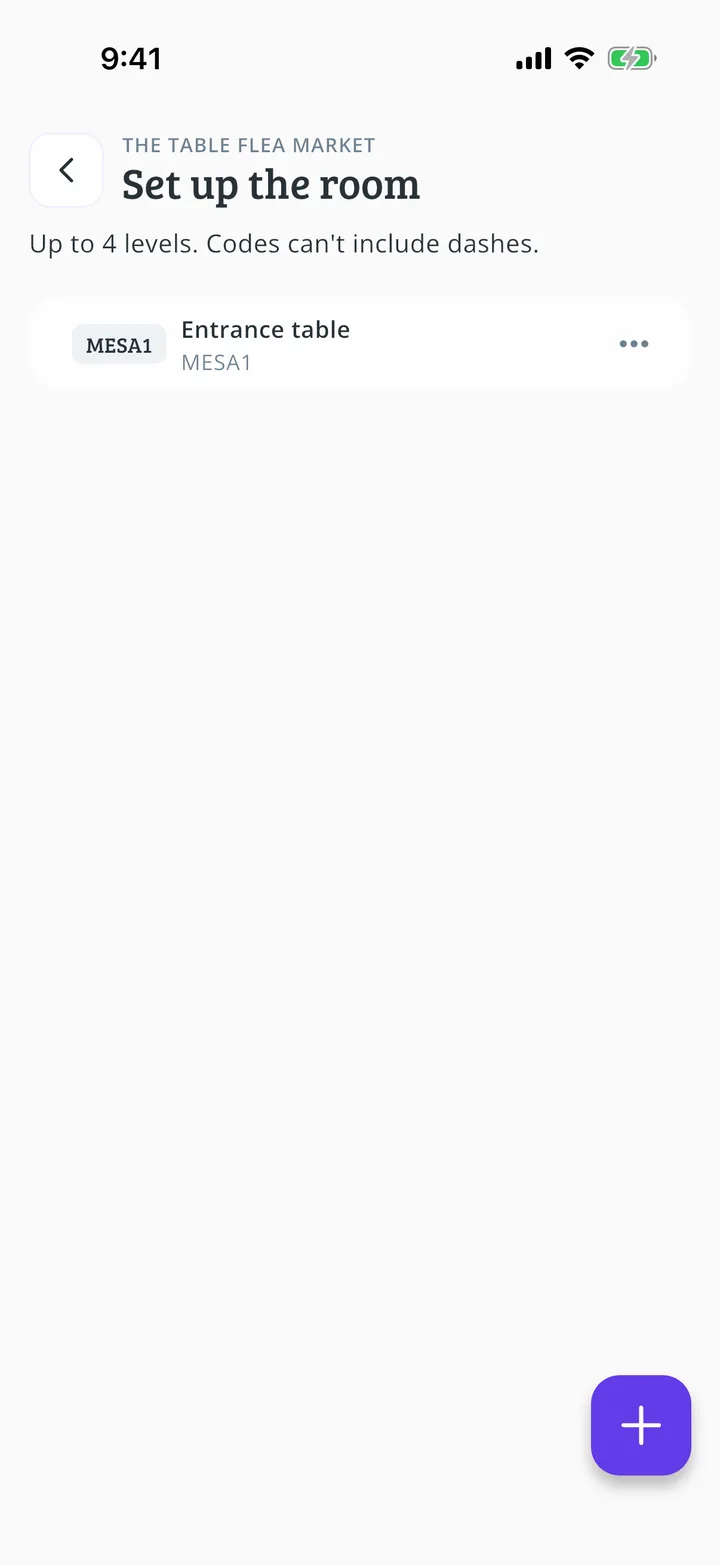 How to set up the flea market room11 steps
 How to print the flea market labels9 steps
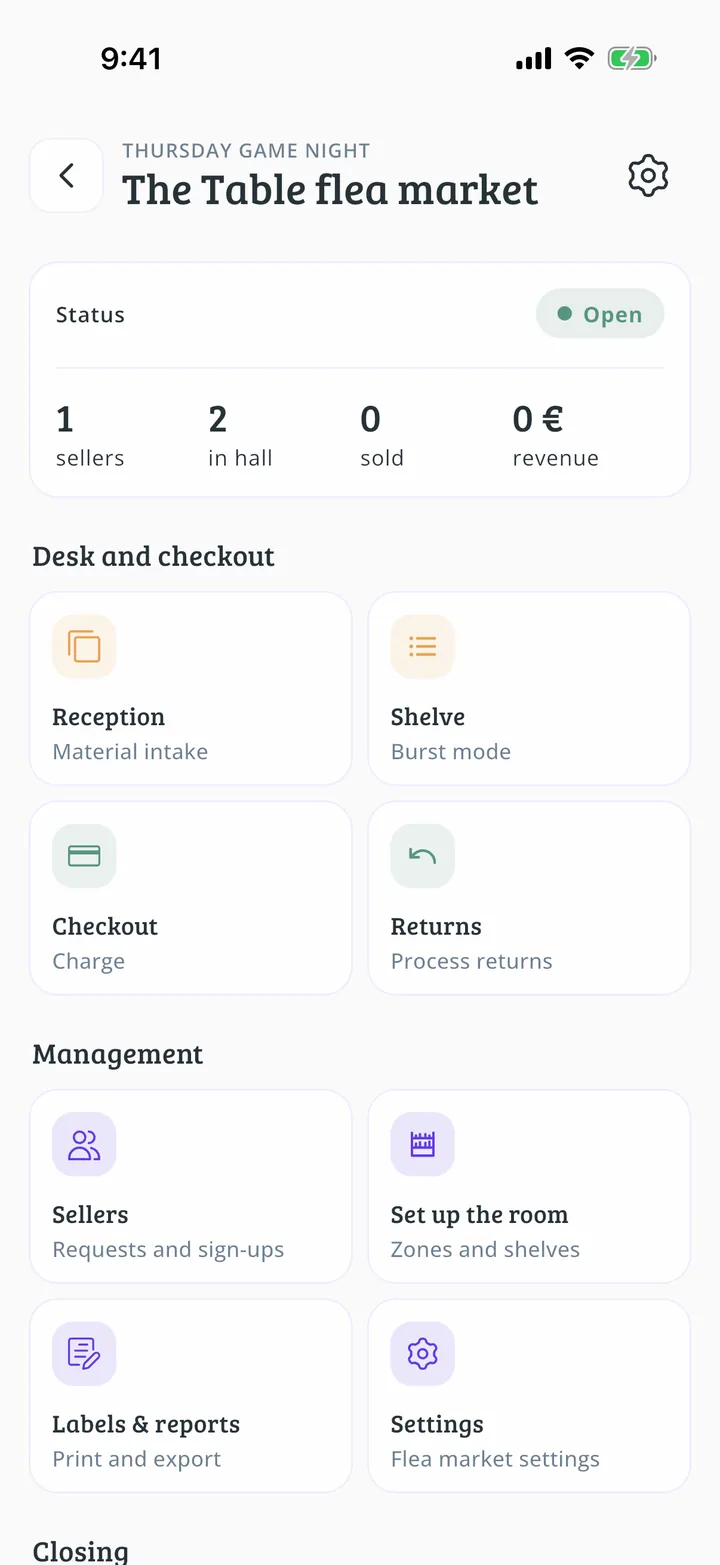 How to receive games at the flea market desk12 steps
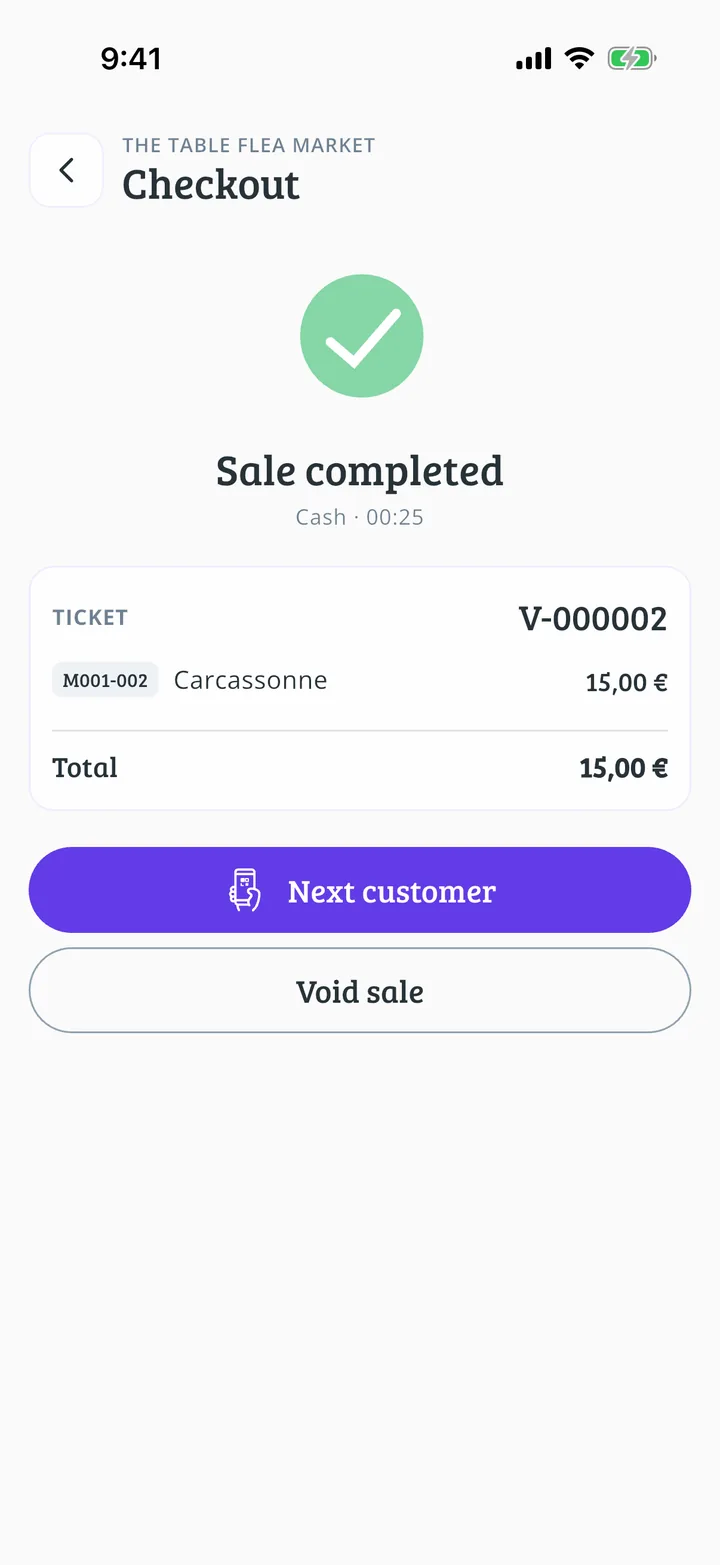 How to take payment at the flea market till11 steps
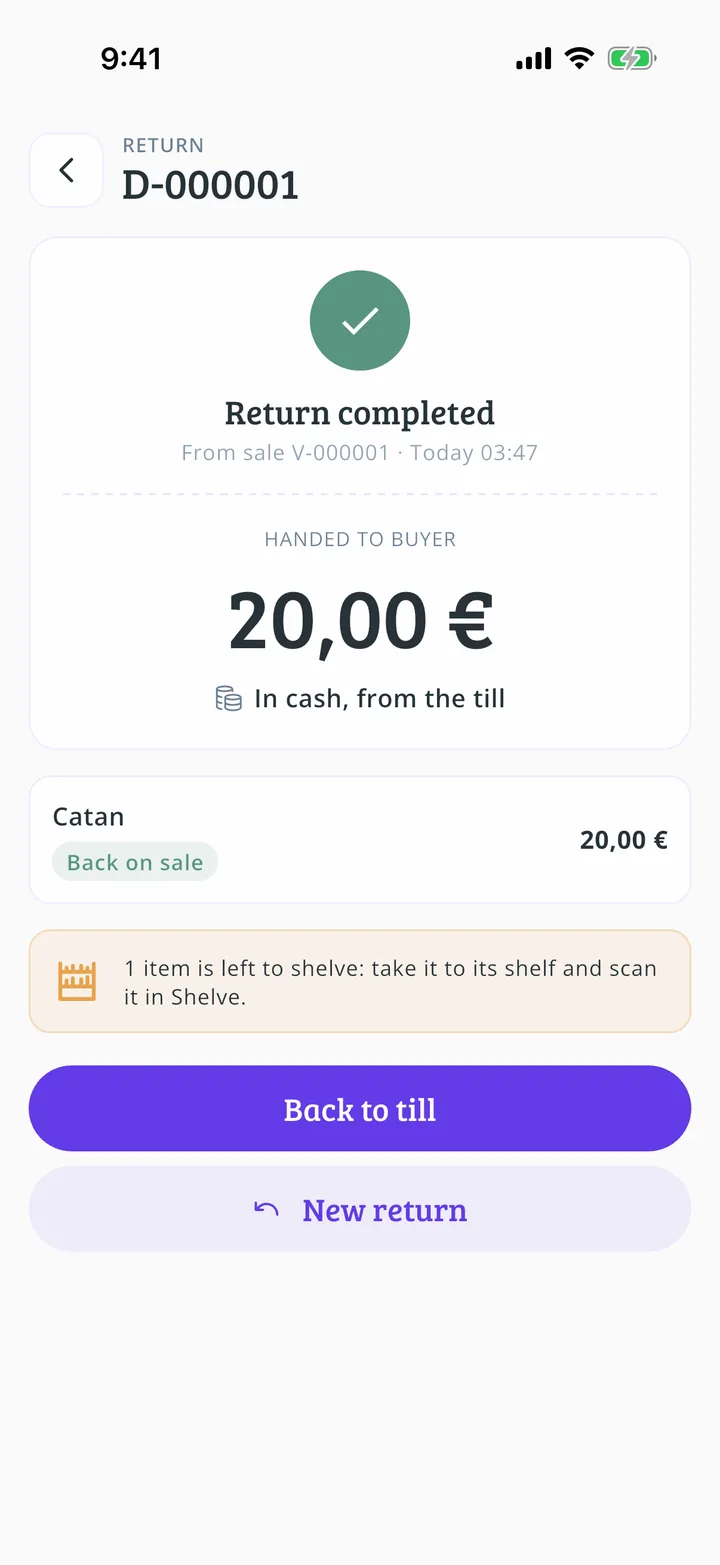 How to process a flea market return13 steps
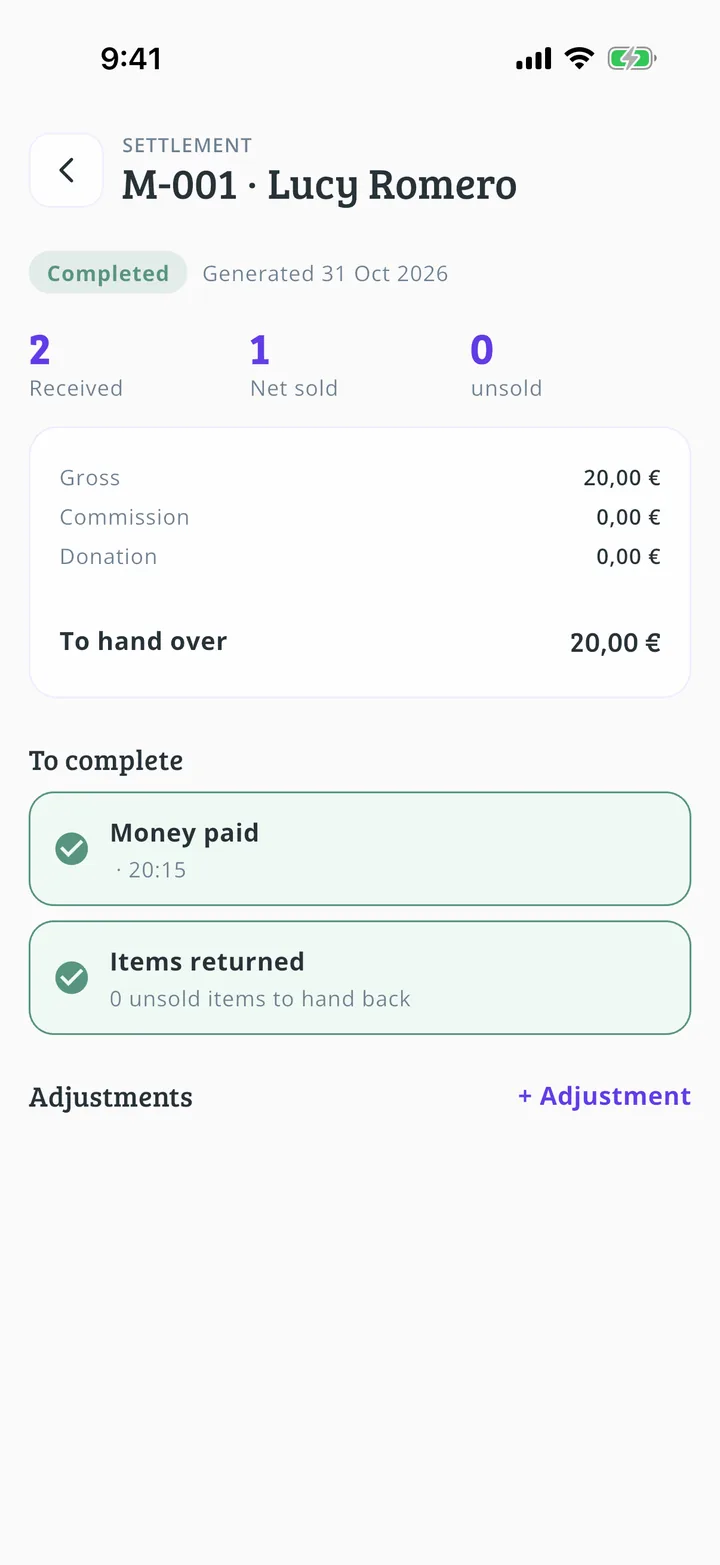 How to settle a flea market stall12 steps
Your organization
The profile of your shop, association or publisher.
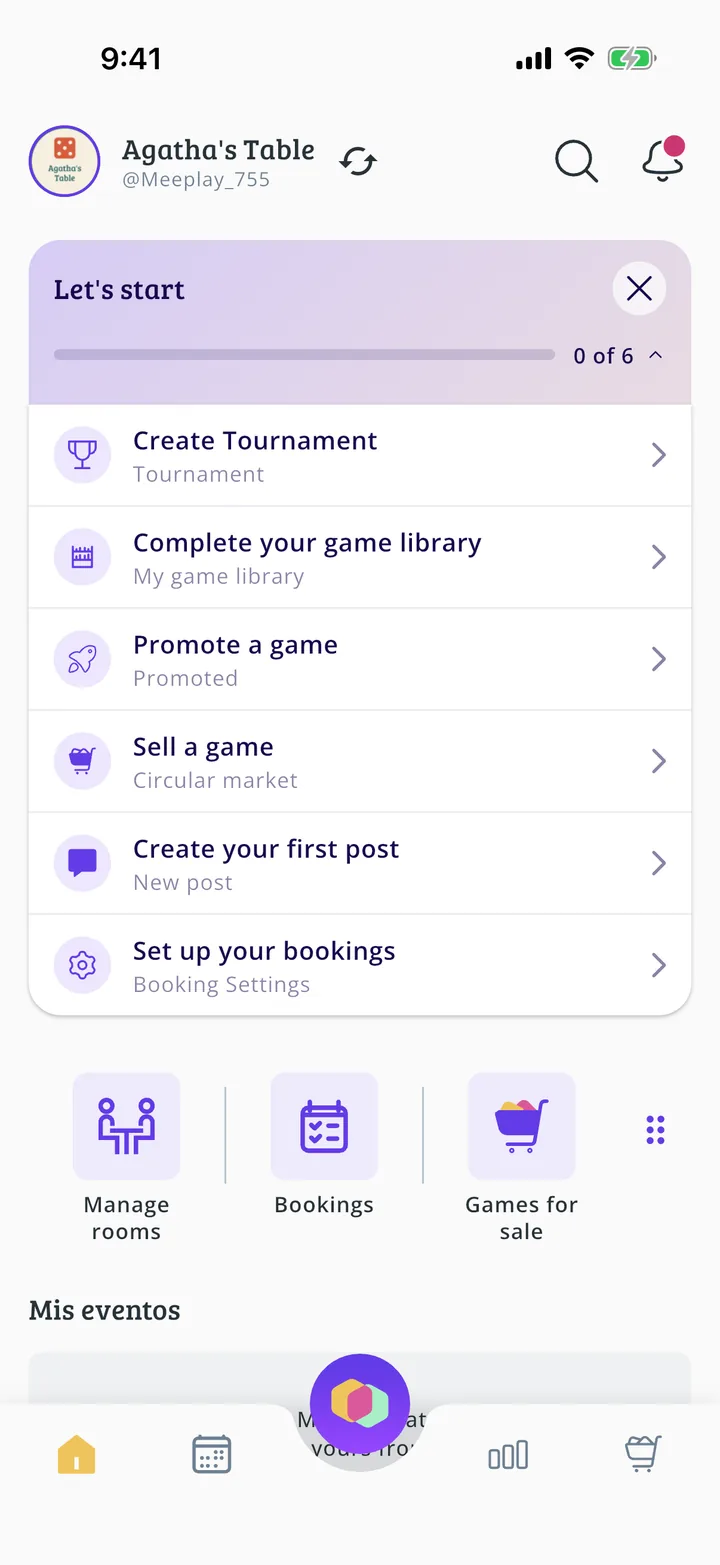 How to create your organization20 steps
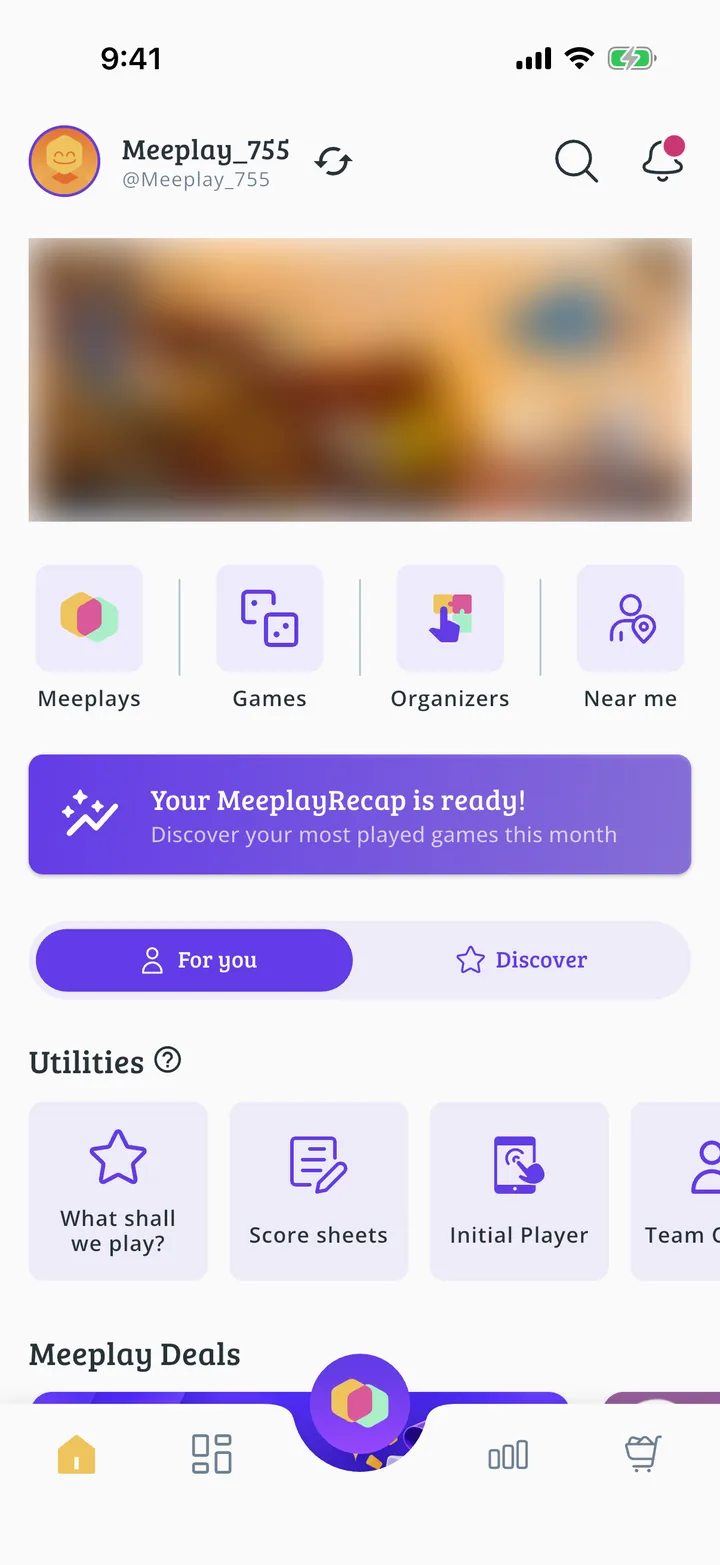 How to switch between your profile and your organization's5 steps
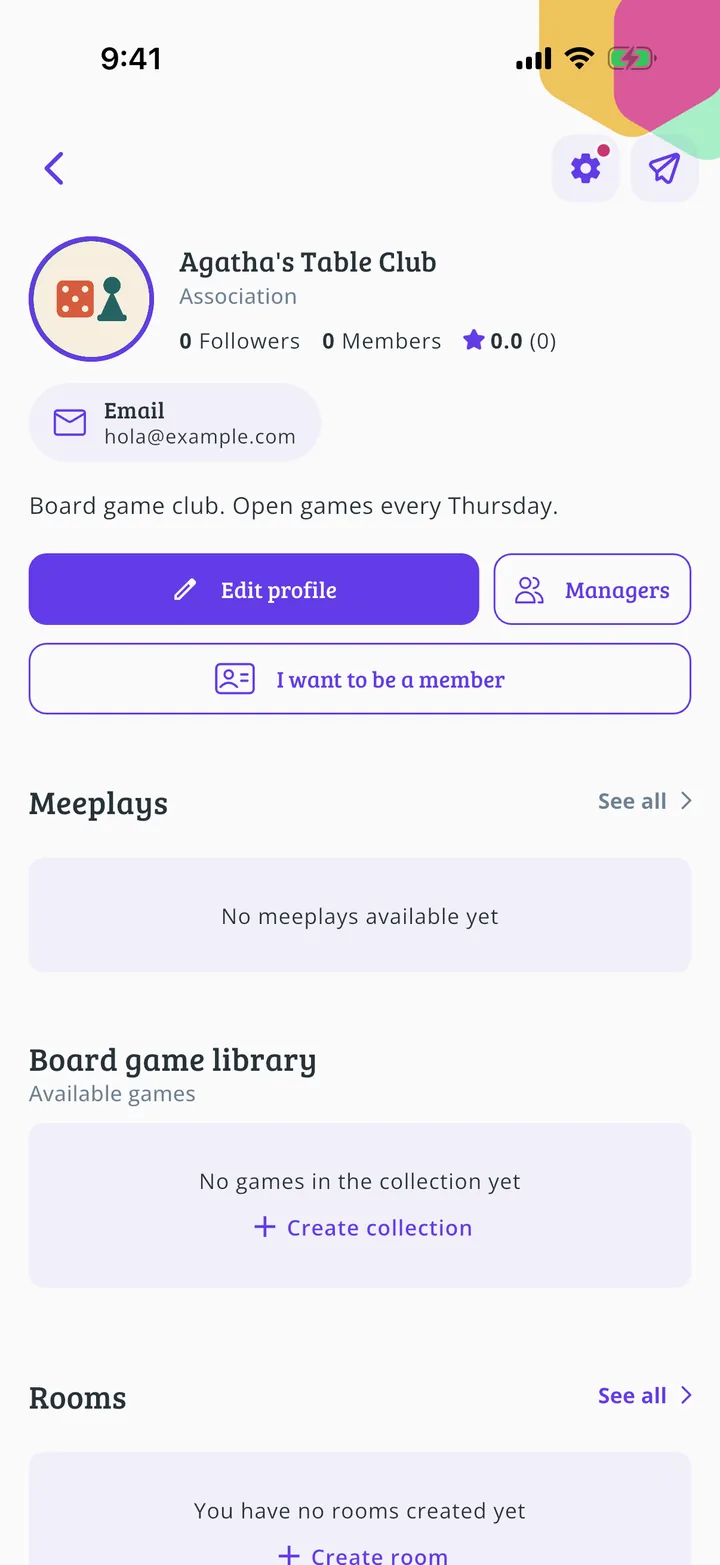 How to edit your organization's information9 steps
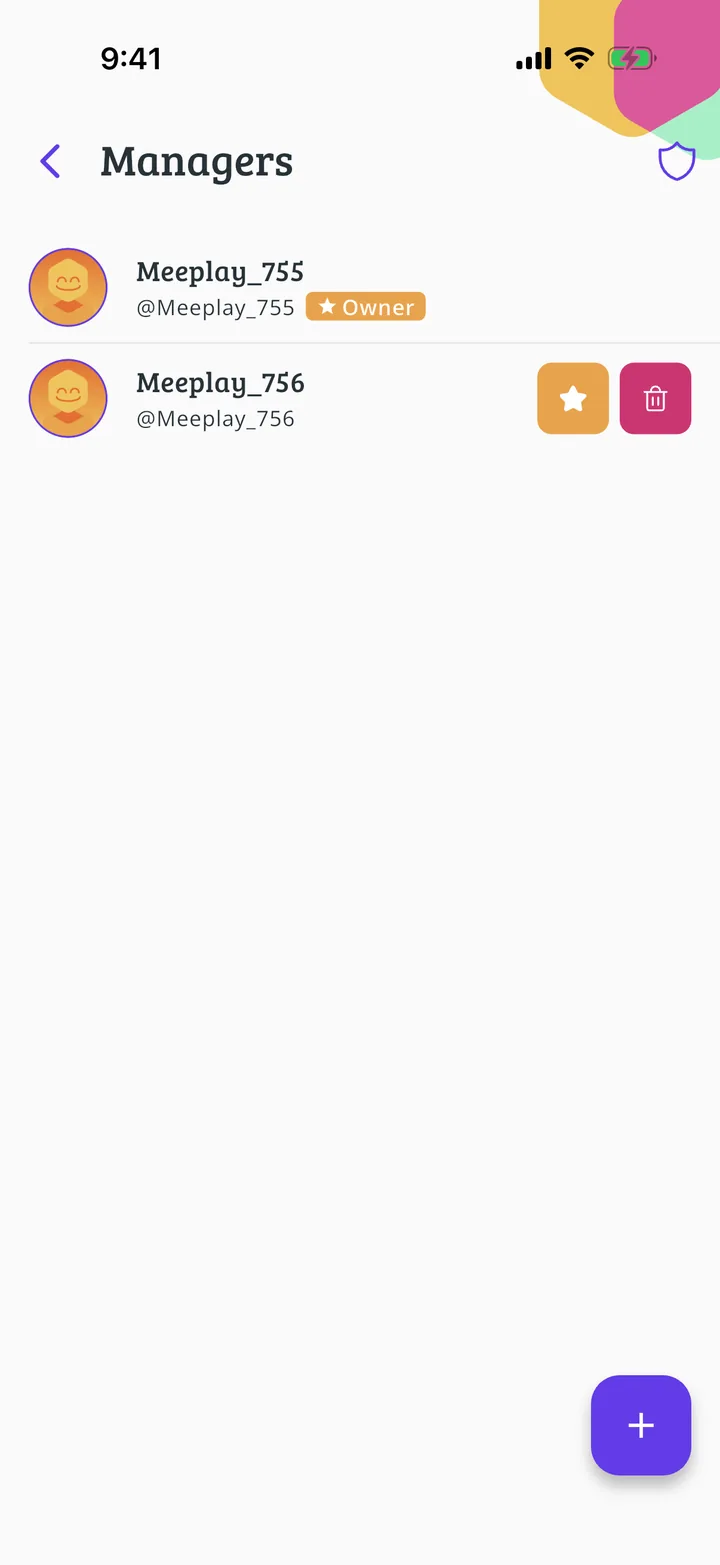 How to give other people access to manage your organization9 steps
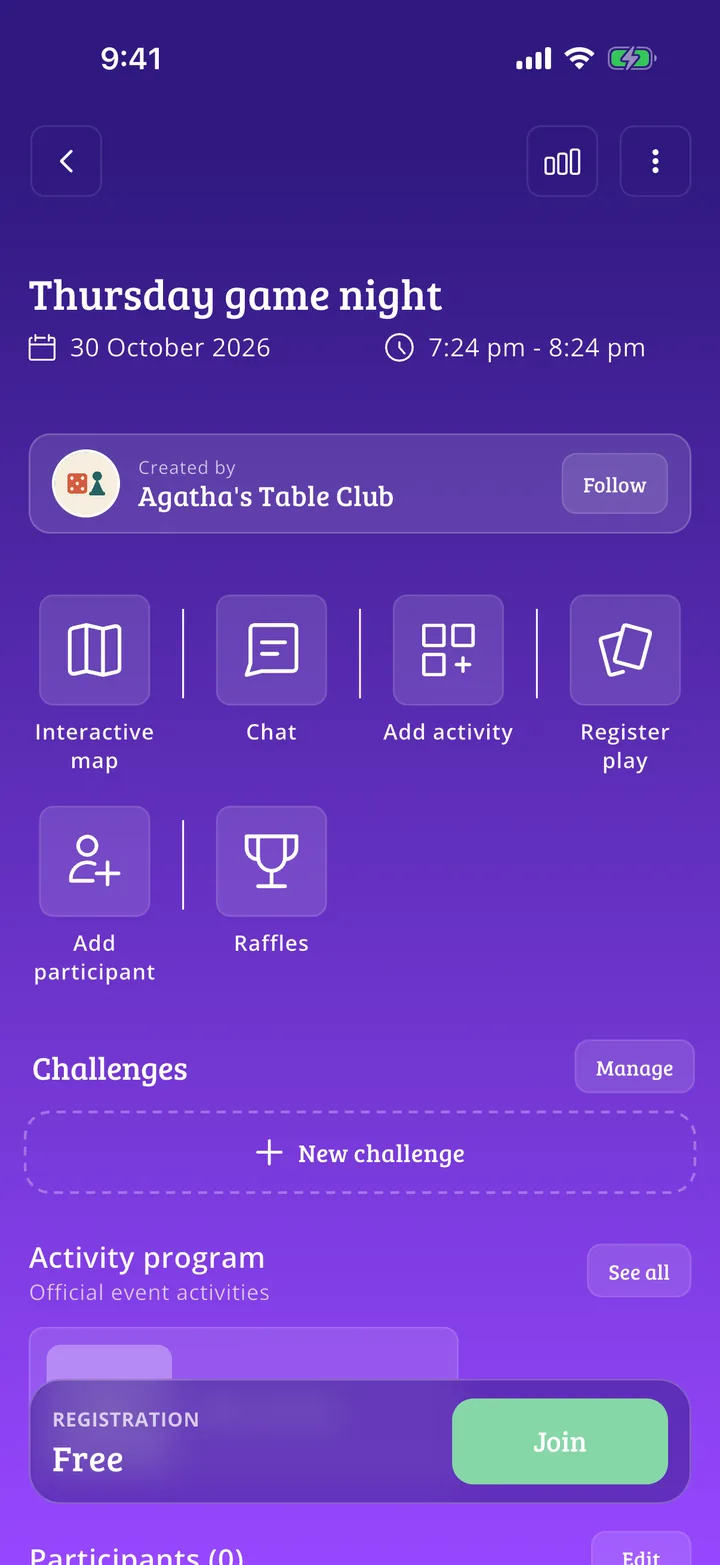 How to create Meeplays from your organizer account5 steps
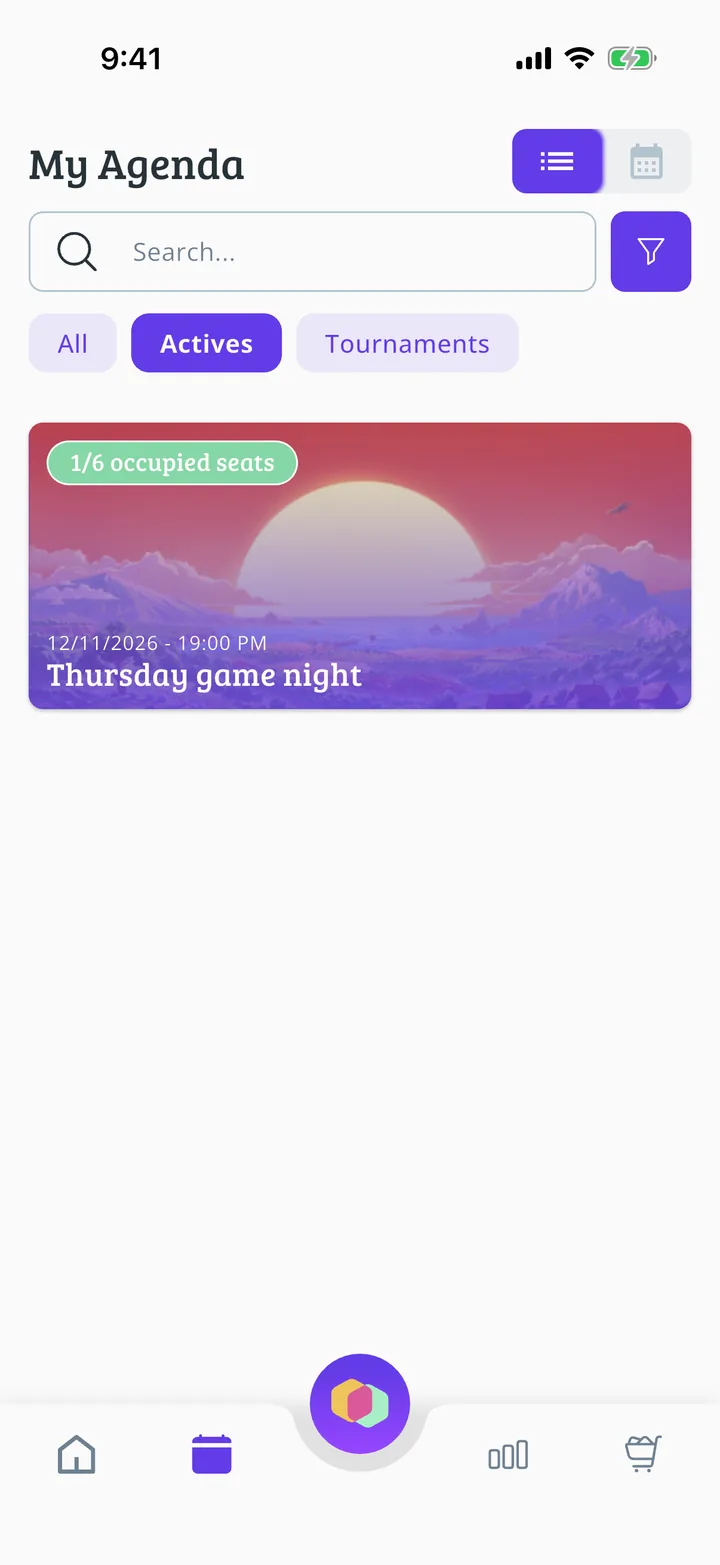 Where to see all your Meeplays as an organizer5 steps
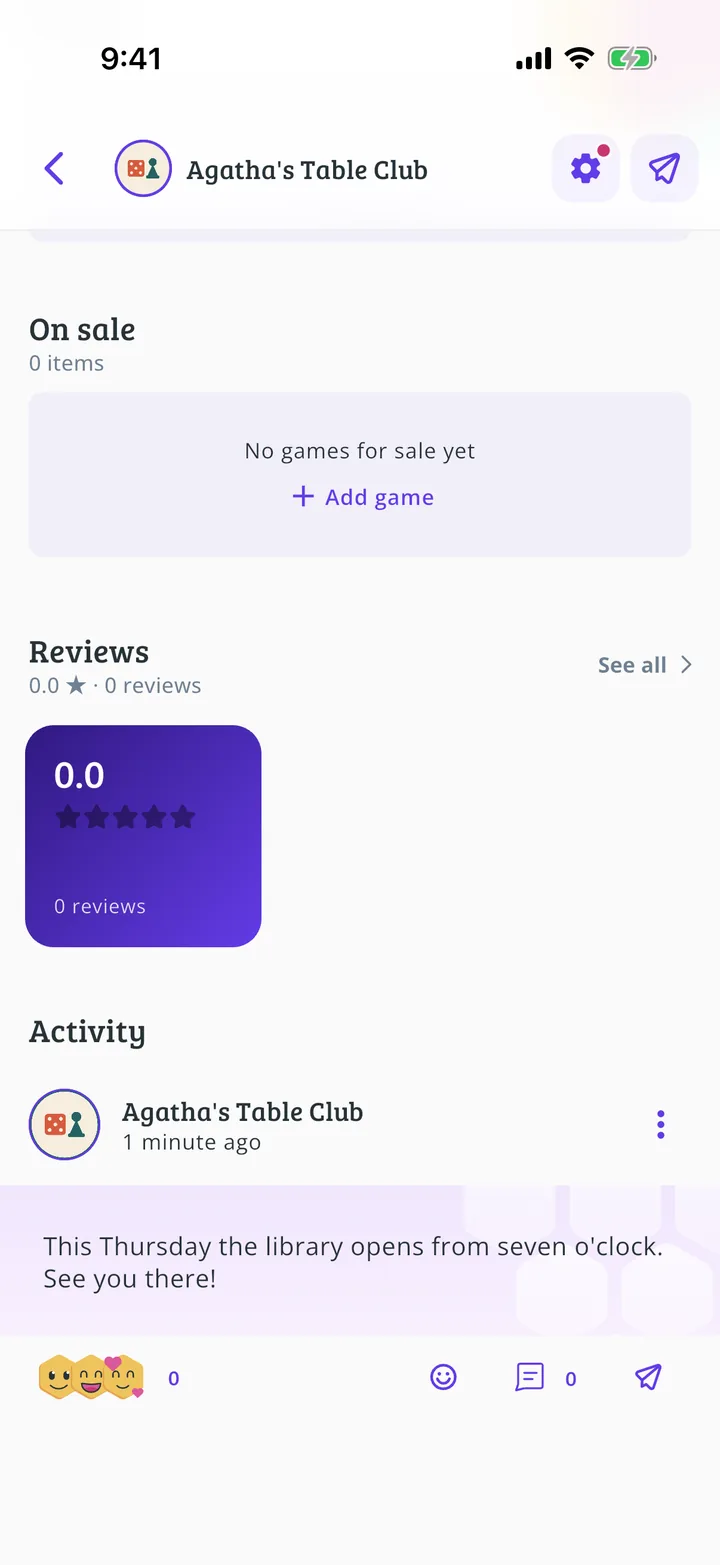 Where to see your published posts4 steps
 Where to see your organization's reviews6 steps
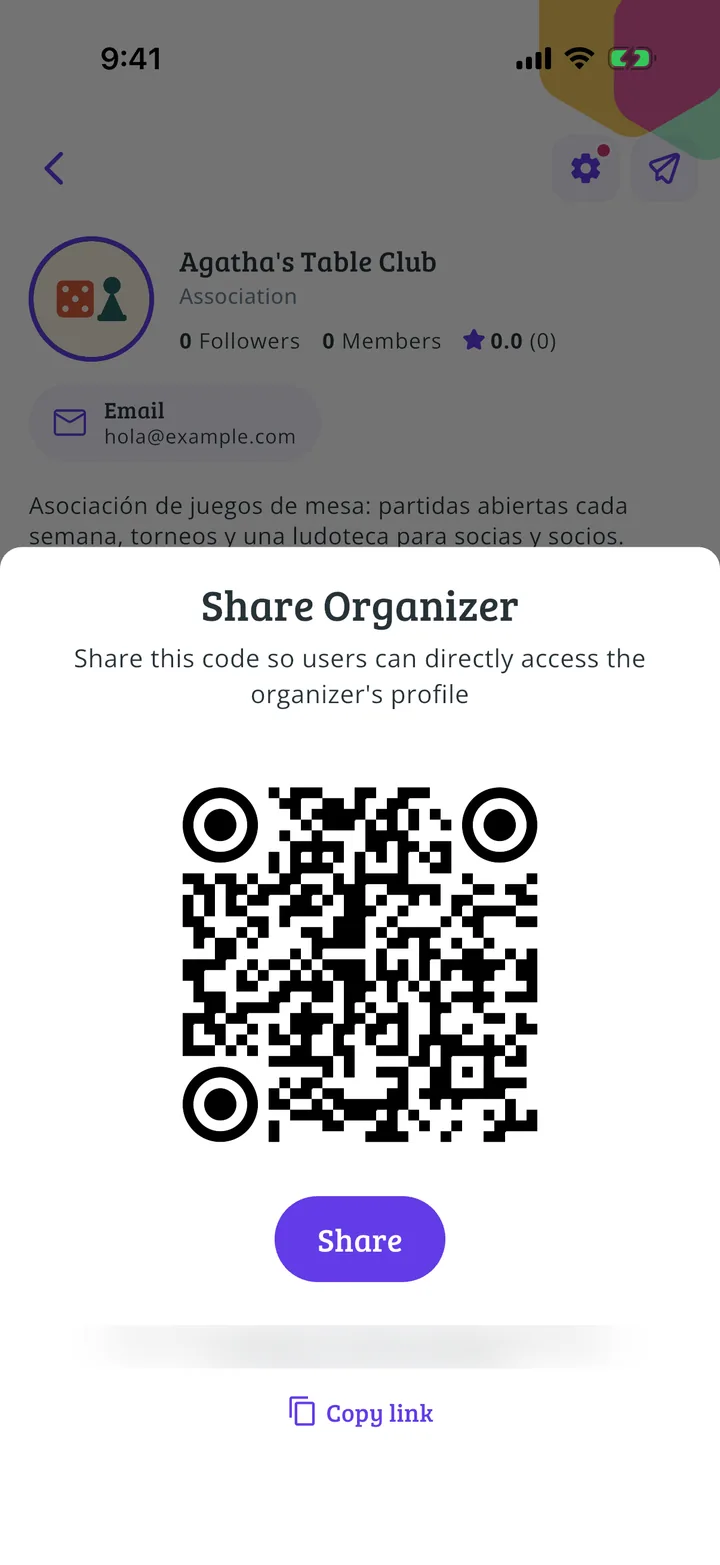 How to share your organizer profile5 steps
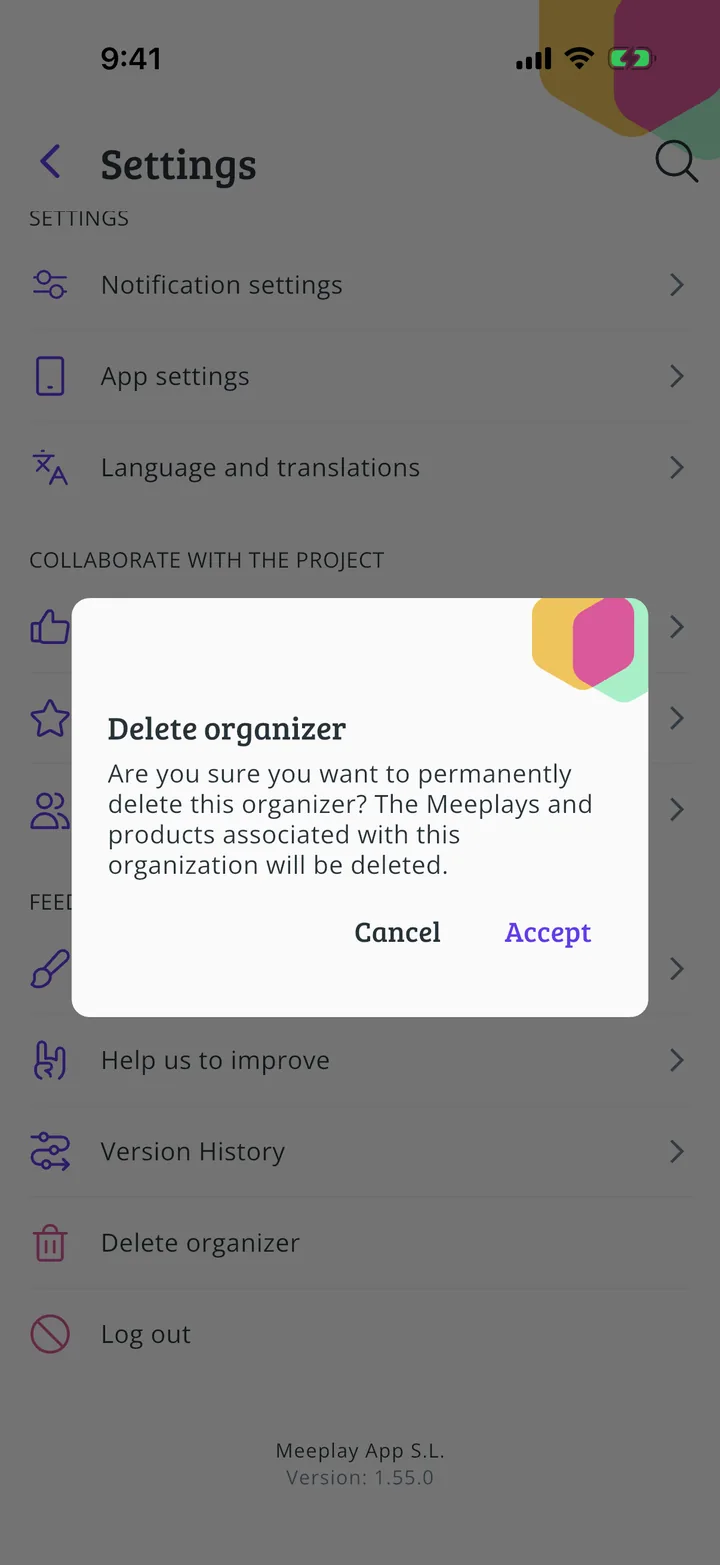 How to delete your organizer profile6 steps
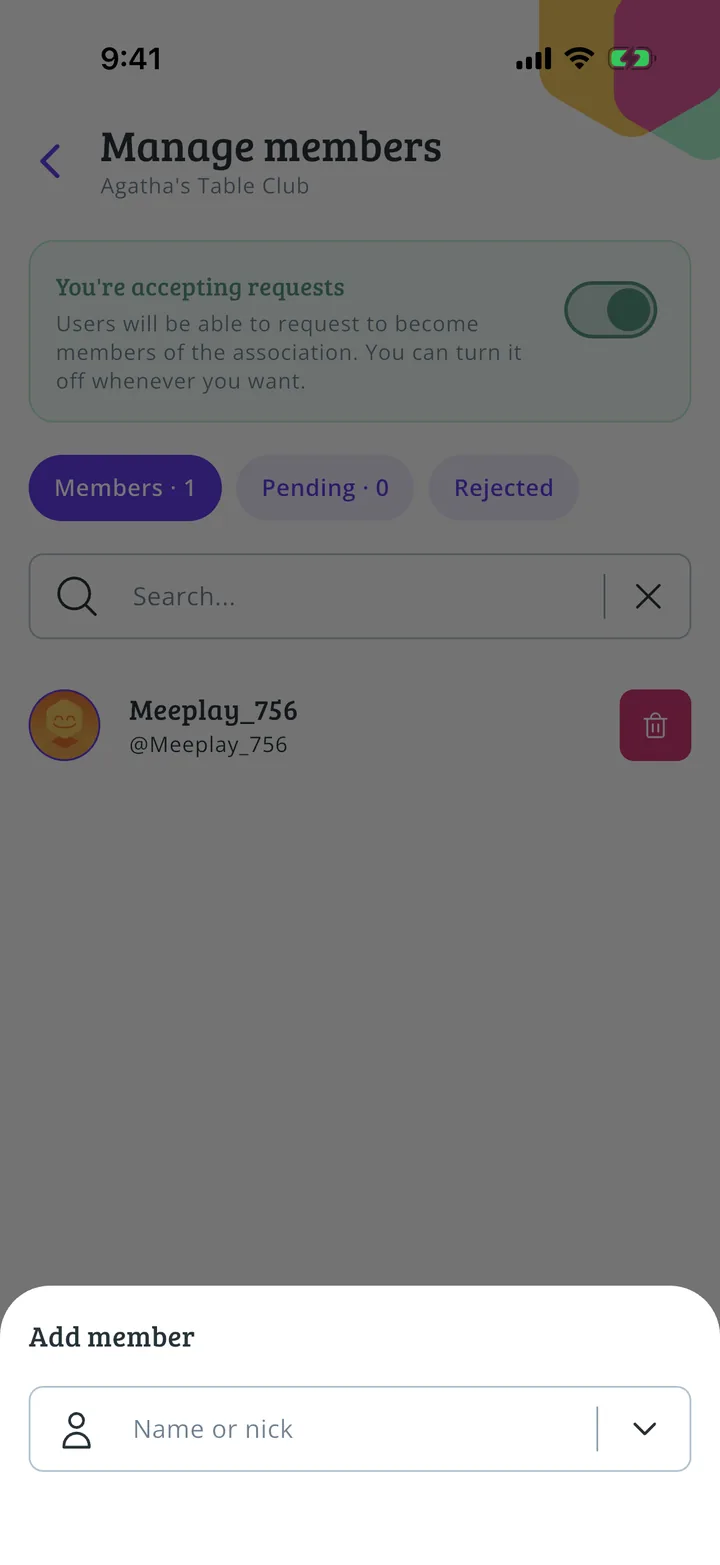
Members
Sign-ups and Meeplays for your association.
Your game library
Load it once and lend it at your events.
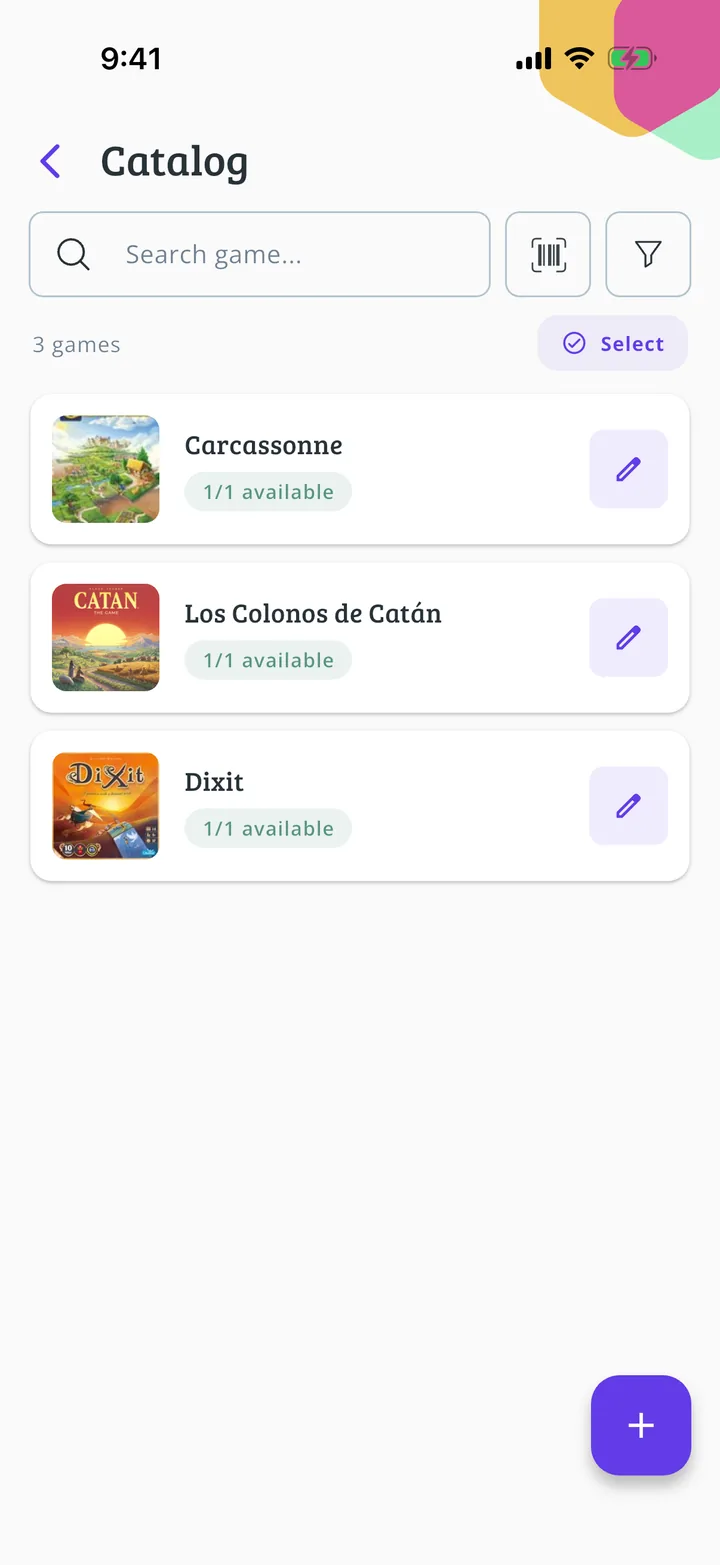 How to load your club's game library one game at a time12 steps
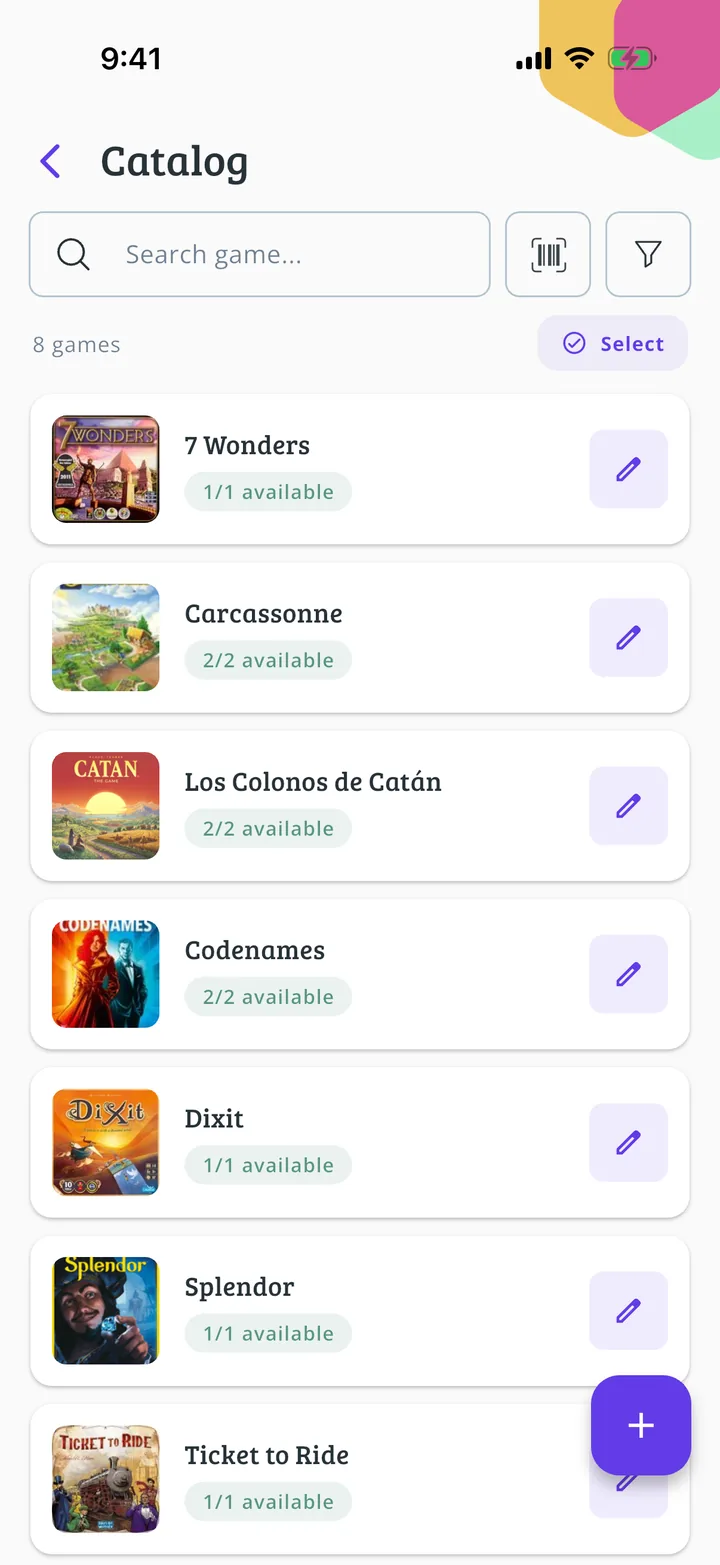 How to load your club's game library from an Excel template12 steps
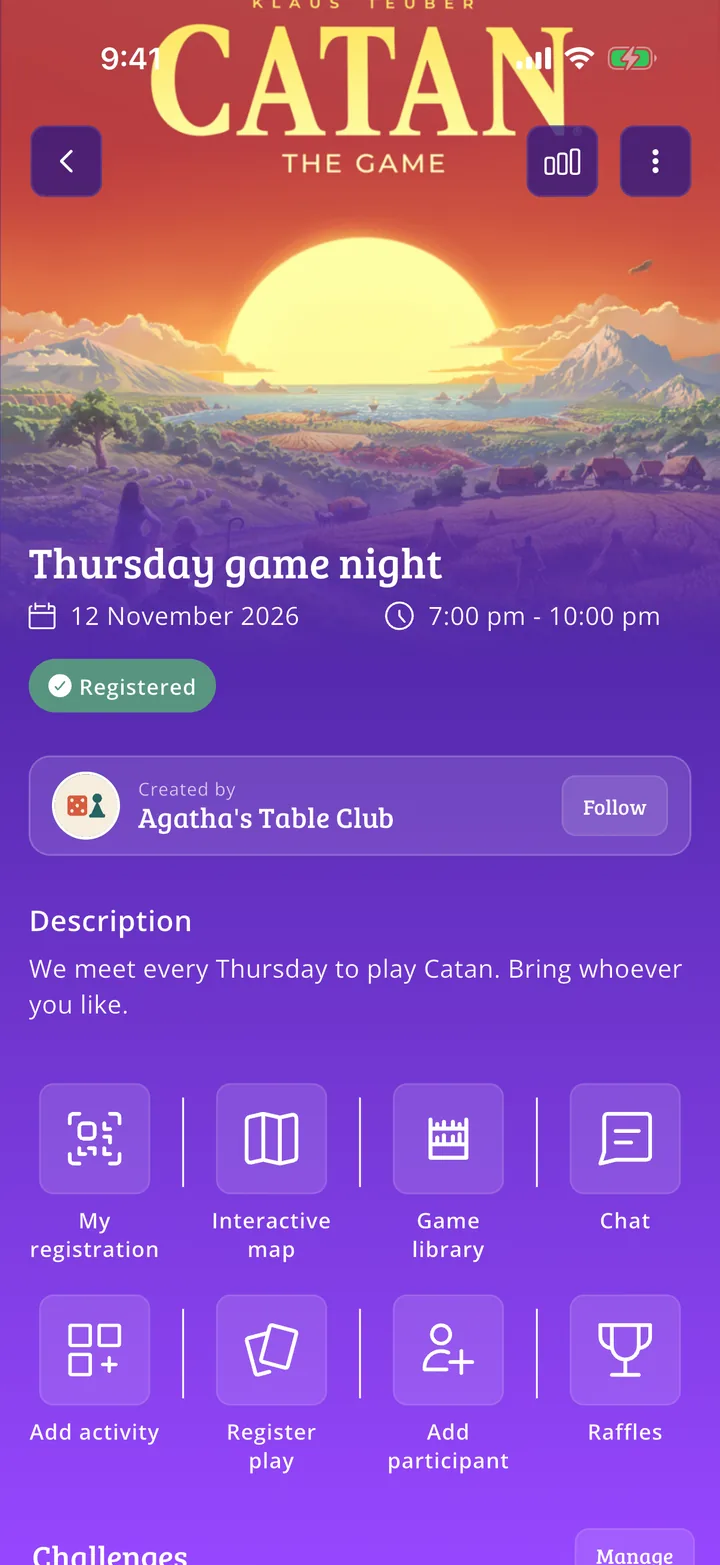 How to add a game library to a Meeplay13 steps
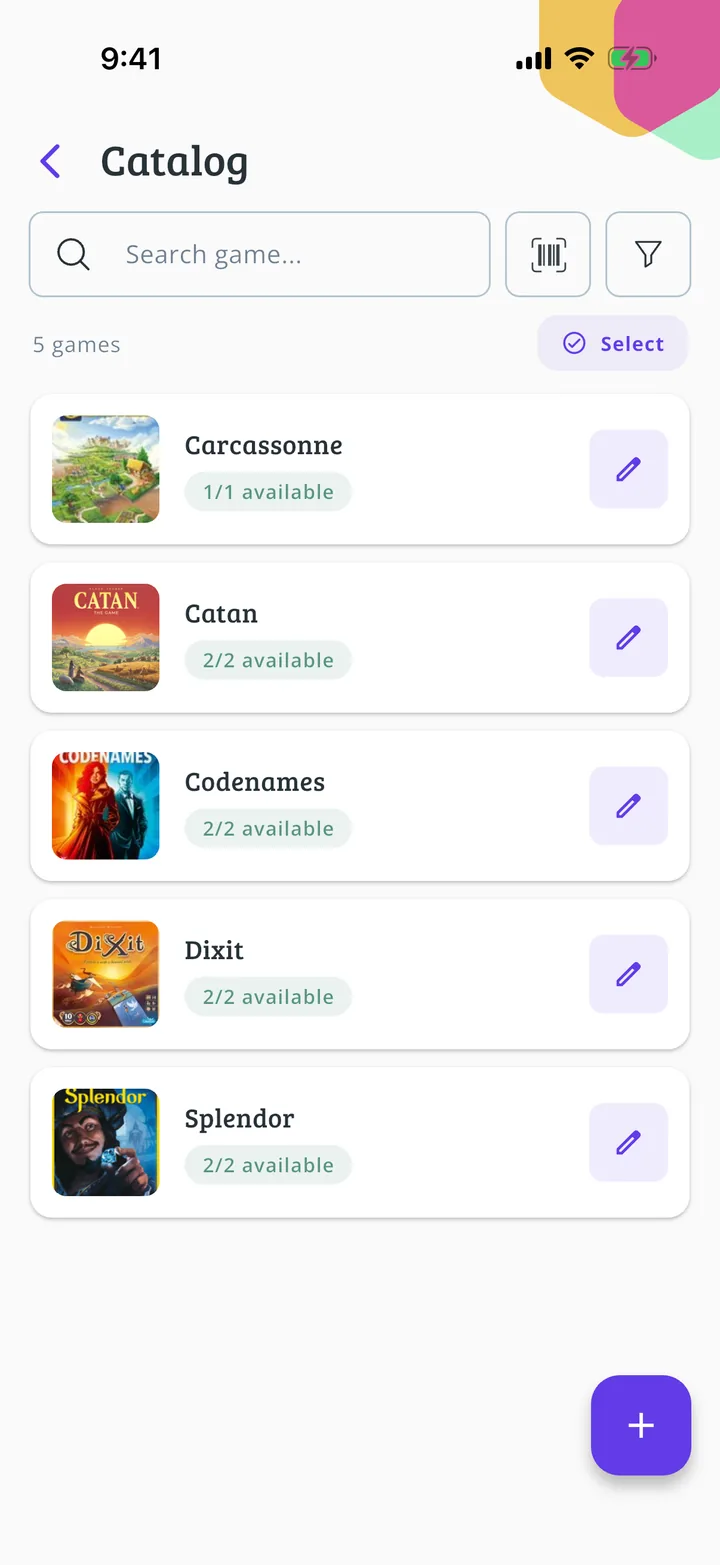 How to add a new game to your game library10 steps
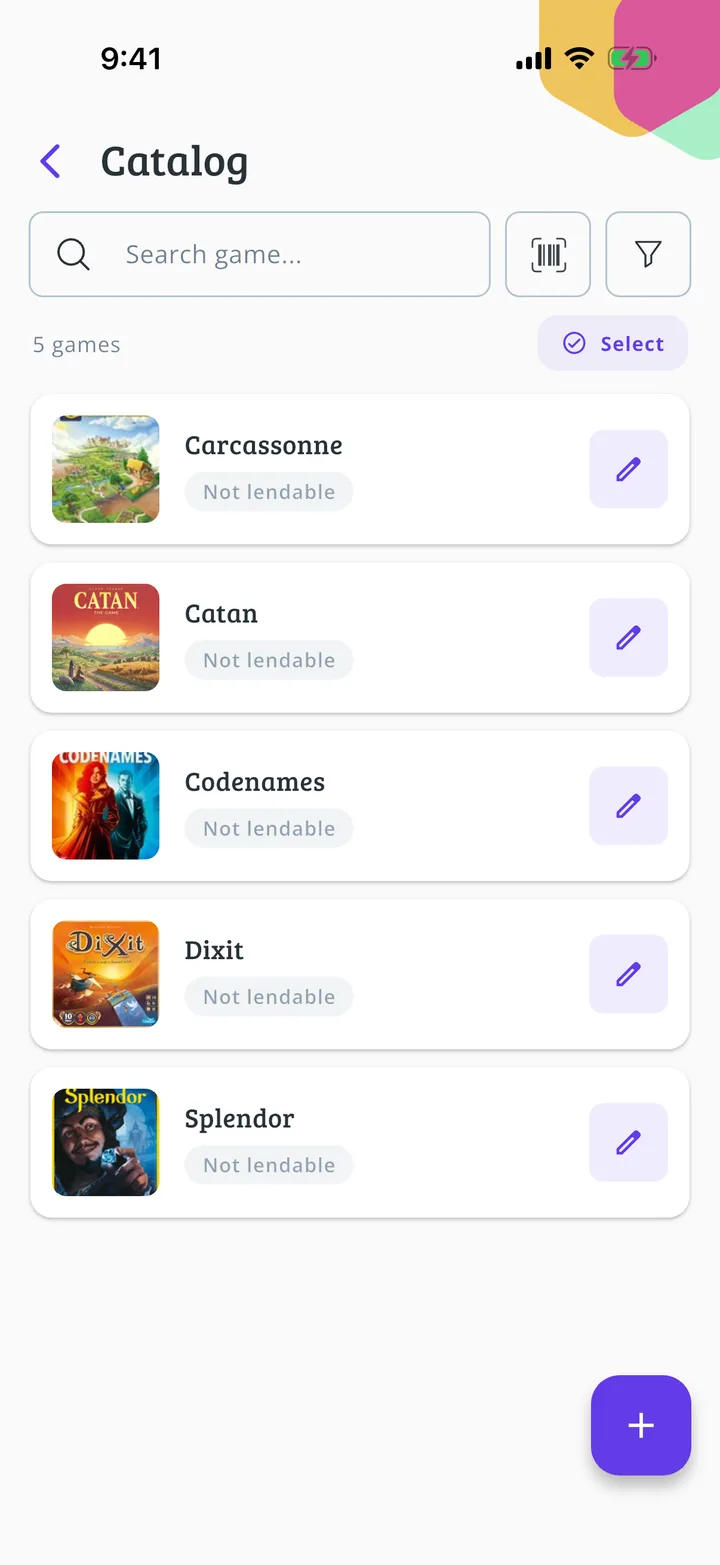 How to make your game library browse-only9 steps
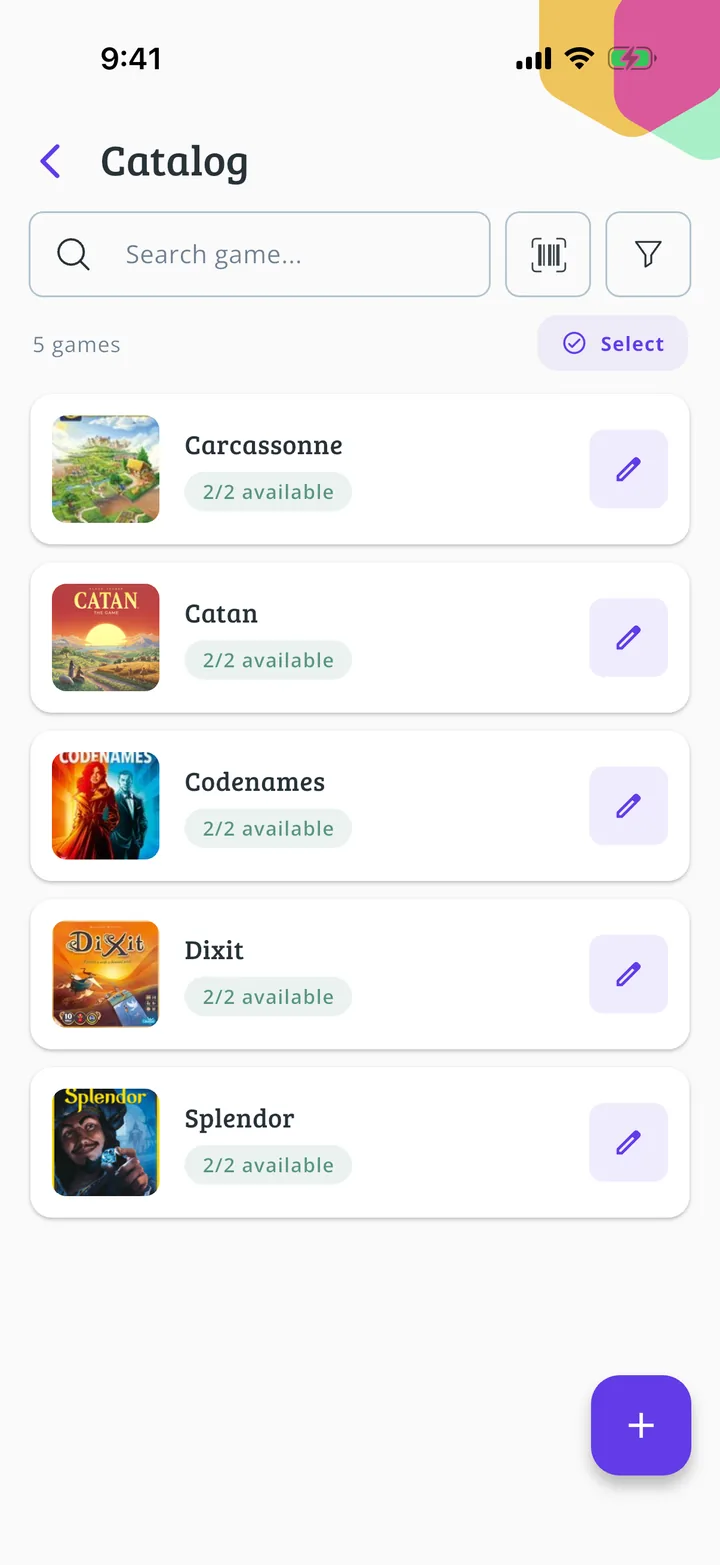 How to turn on loans in a game library11 steps
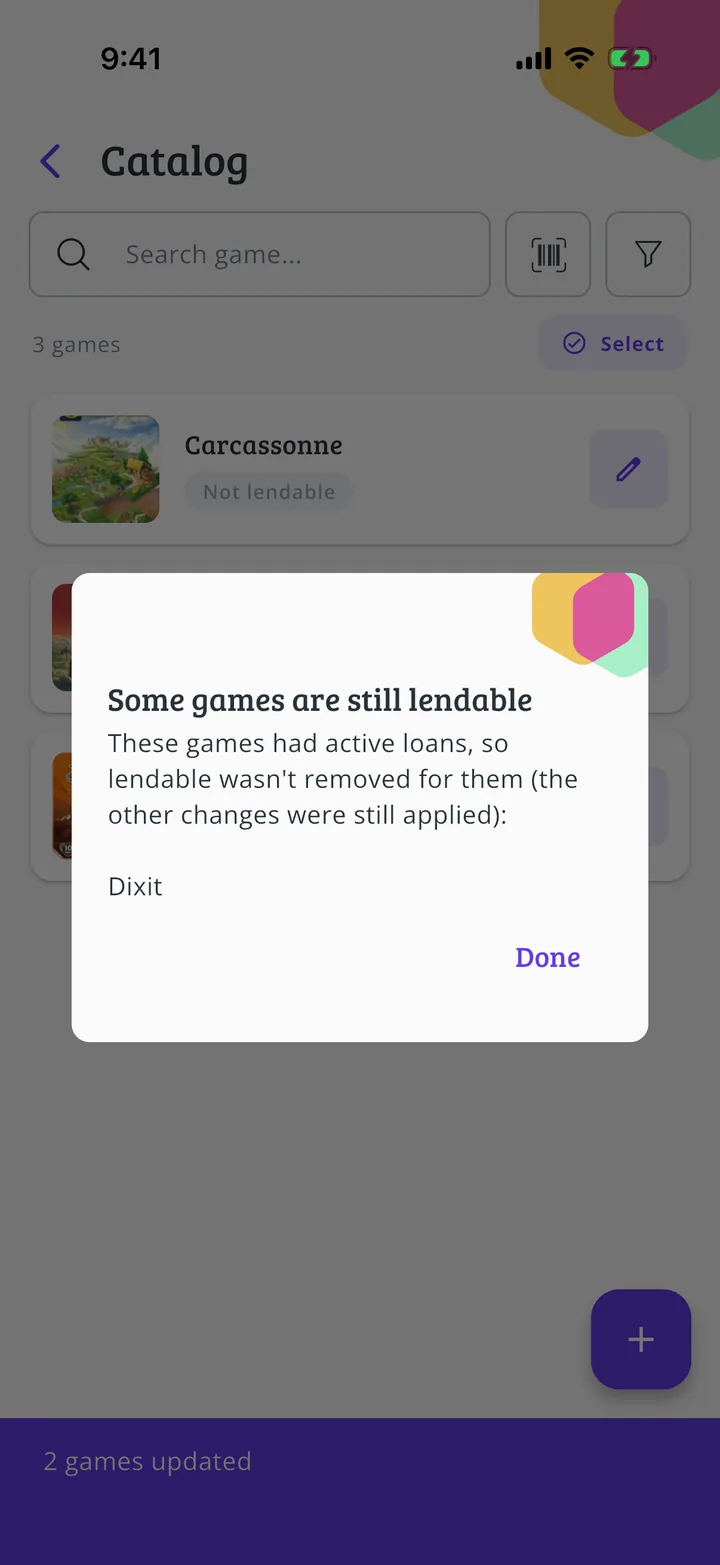 How to switch a game library from lending to browse-only12 steps
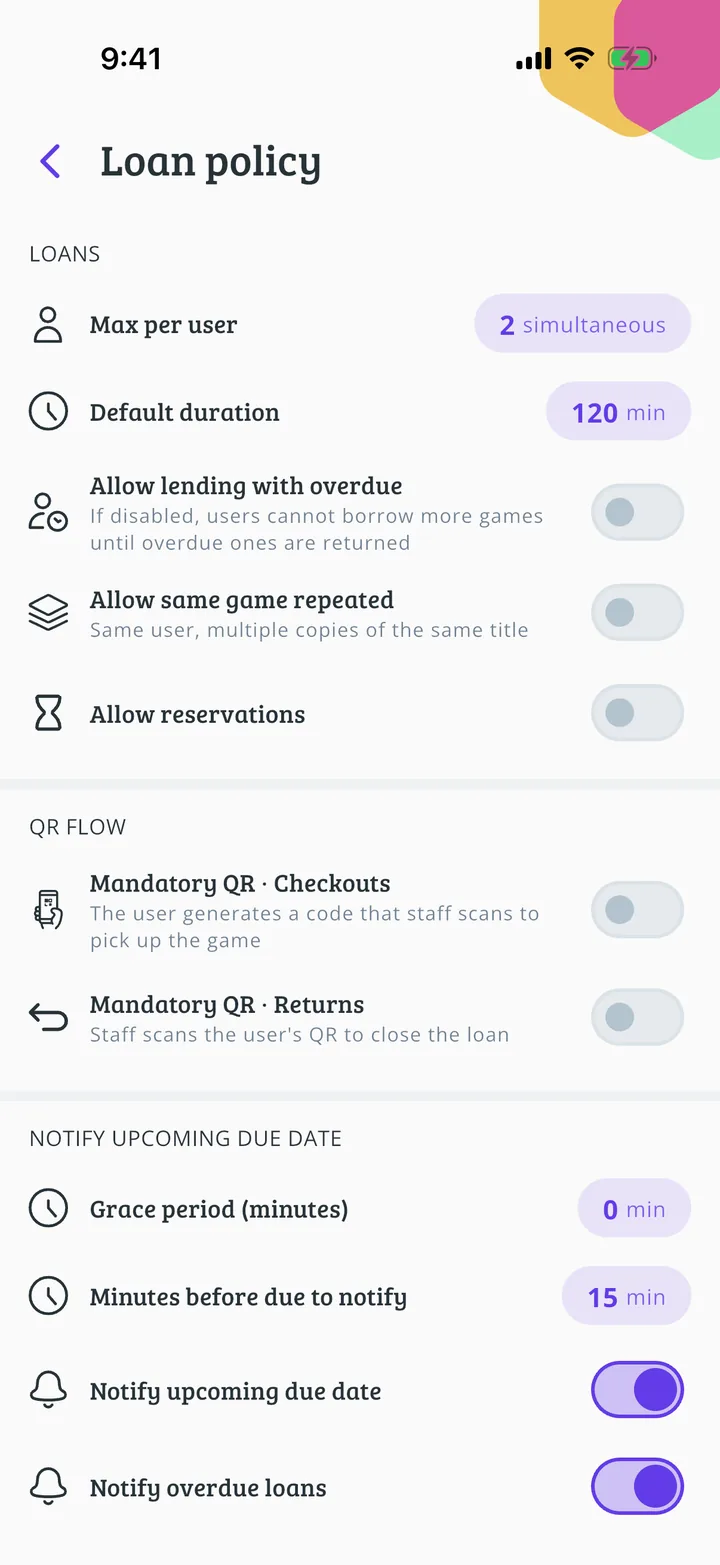 How to set the maximum number of games per person8 steps
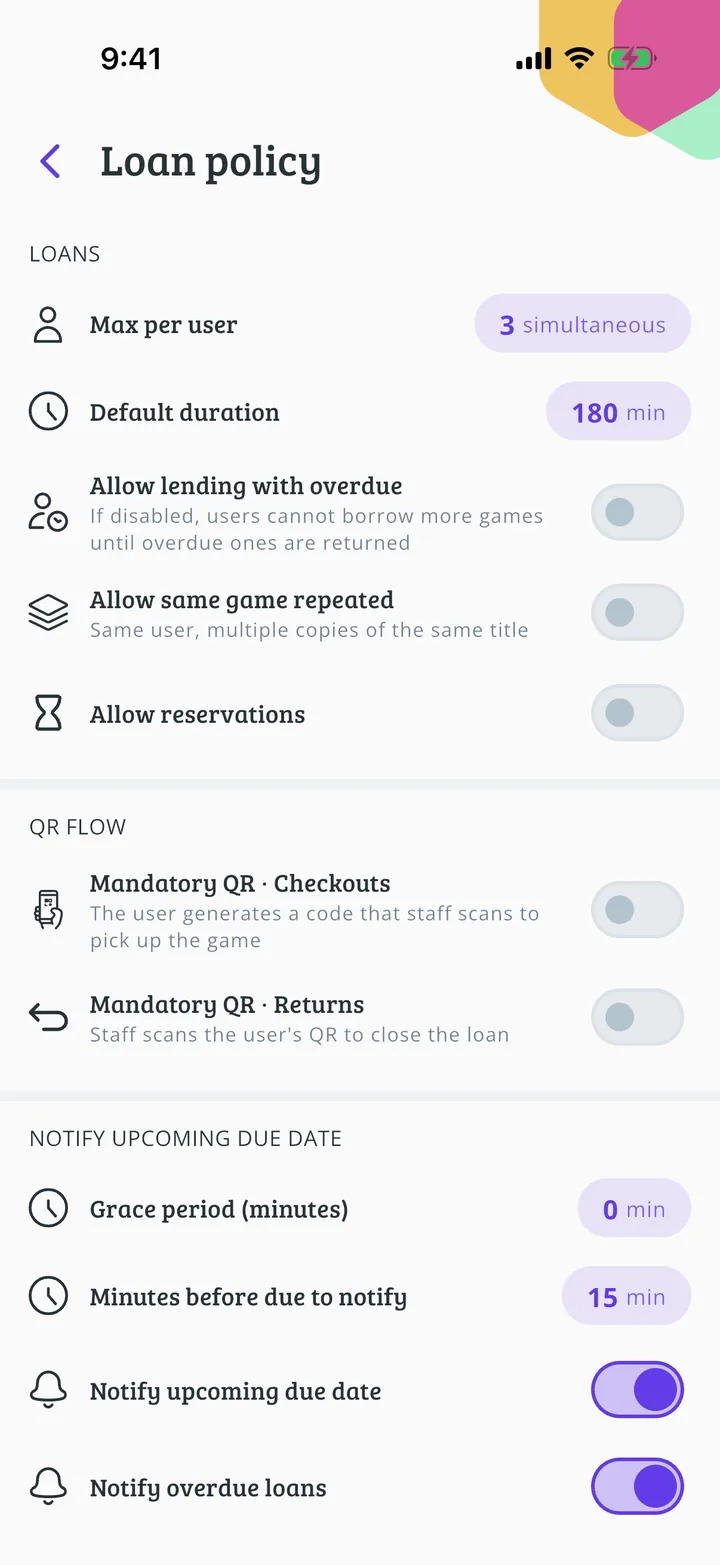 How to set the loan duration11 steps
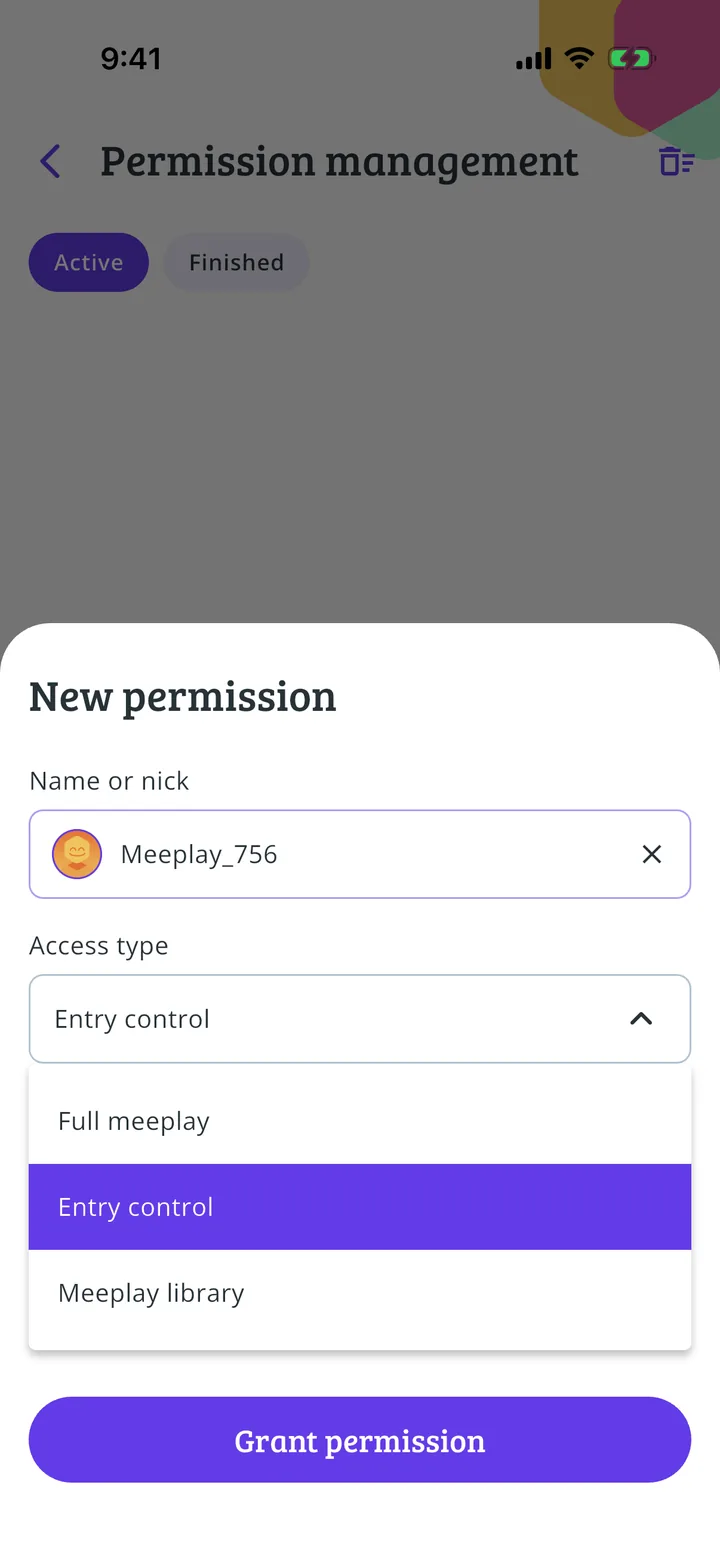 How to add staff to your game library12 steps
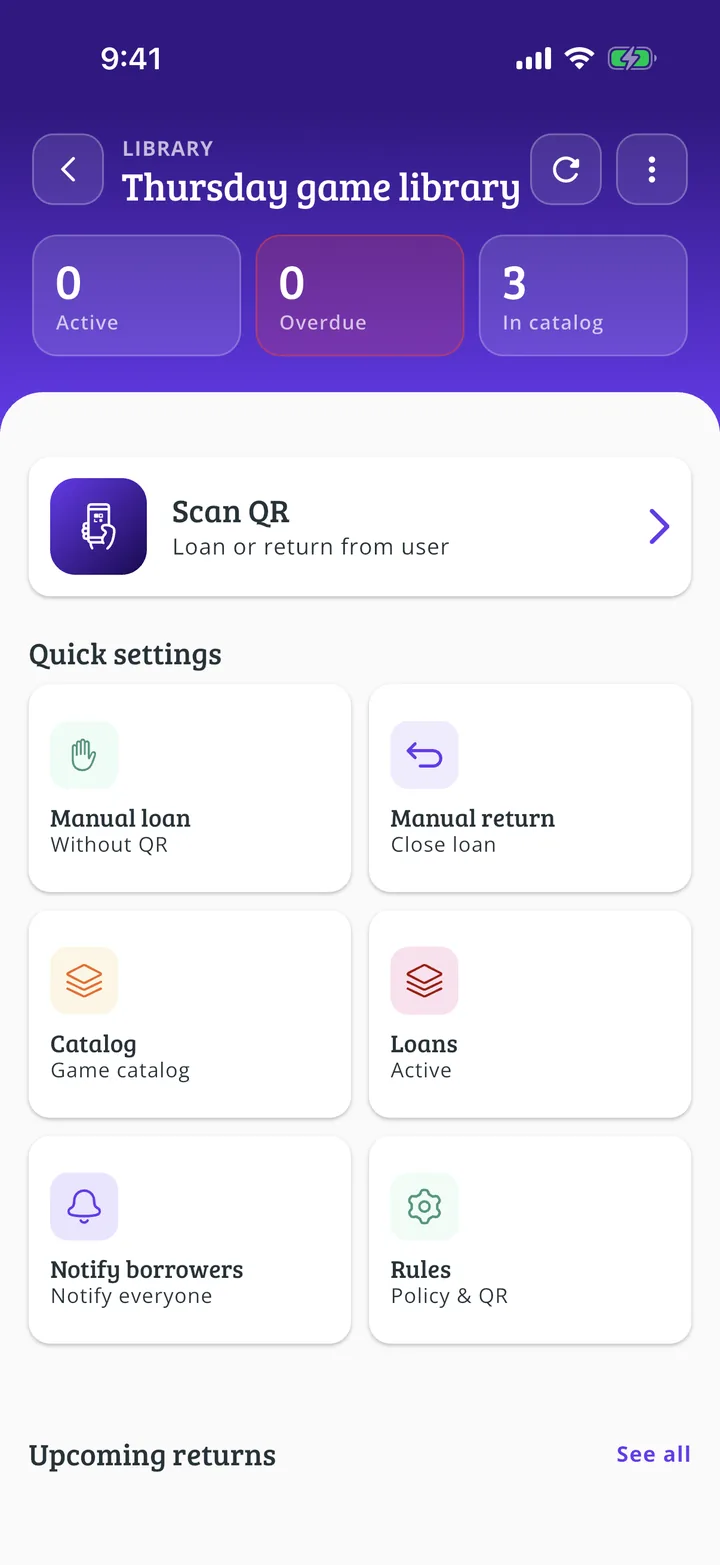 How to lend and return games as library staff9 steps
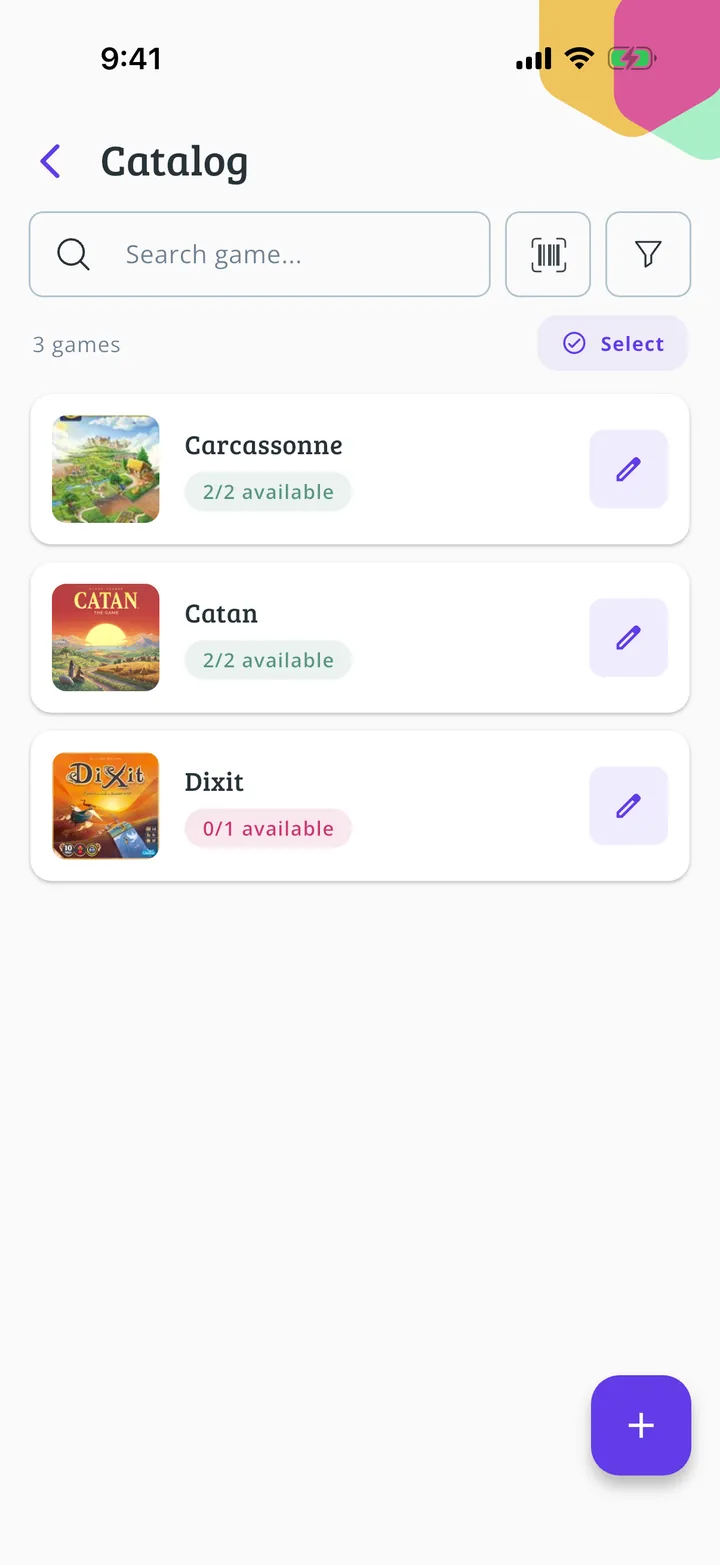 How to check whether a game is available9 steps
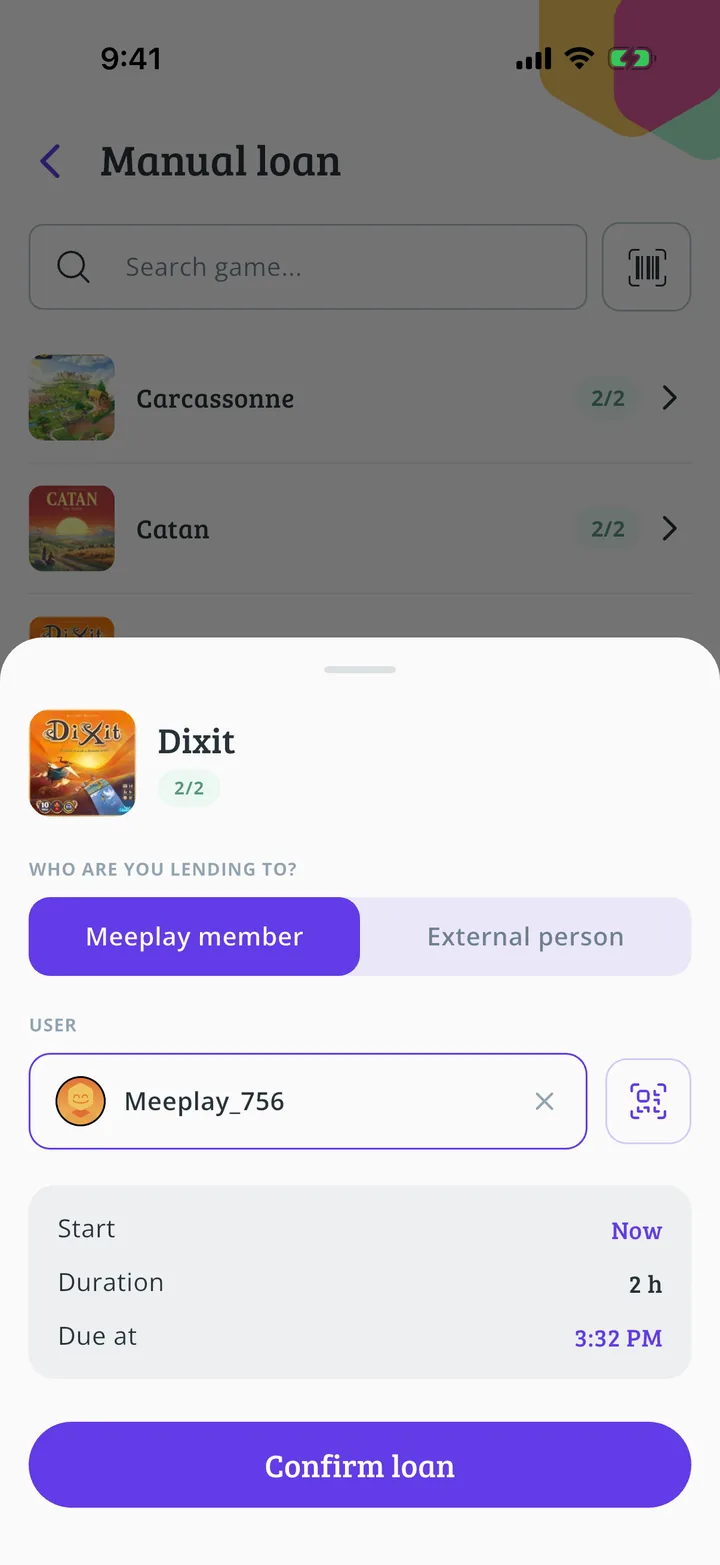 How to record a loan in your game library12 steps
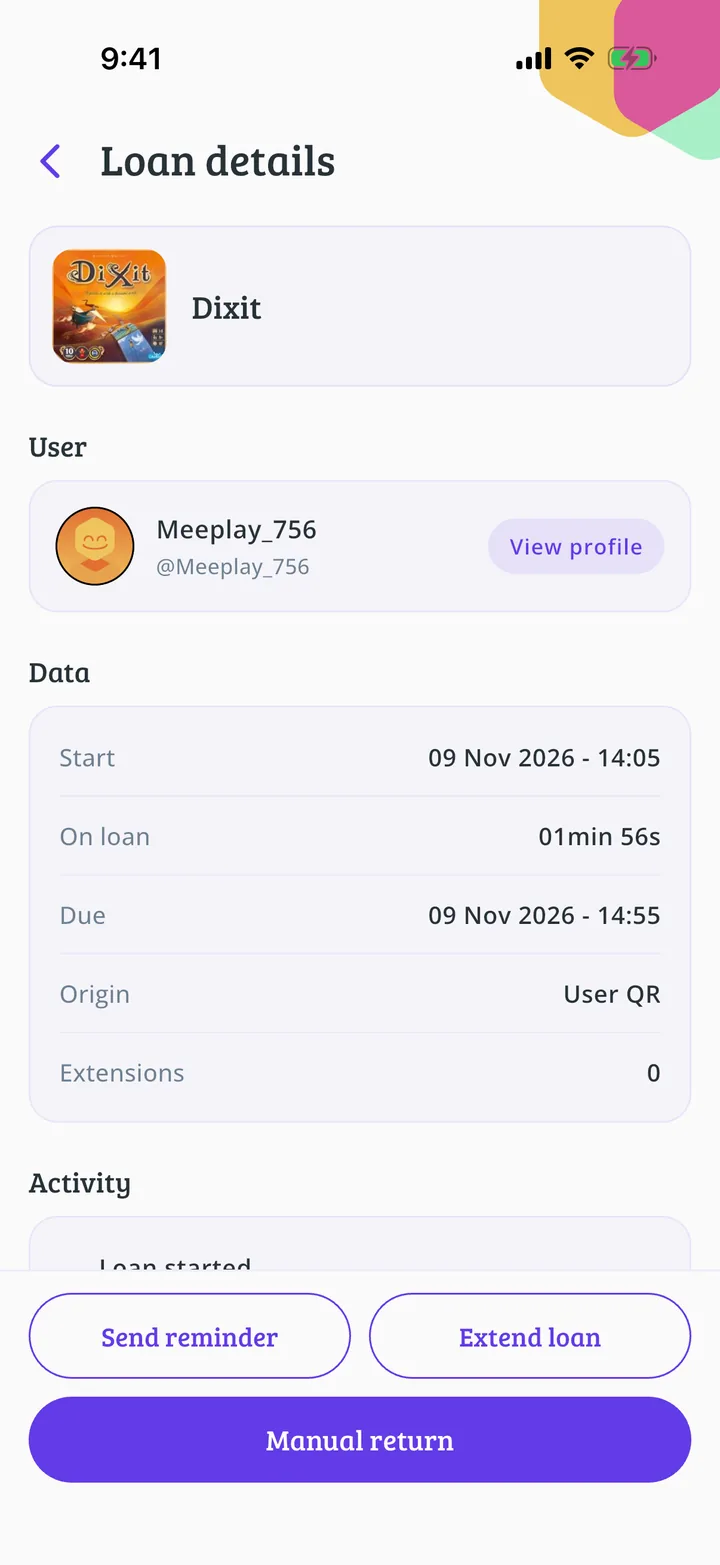 How to record a game return10 steps
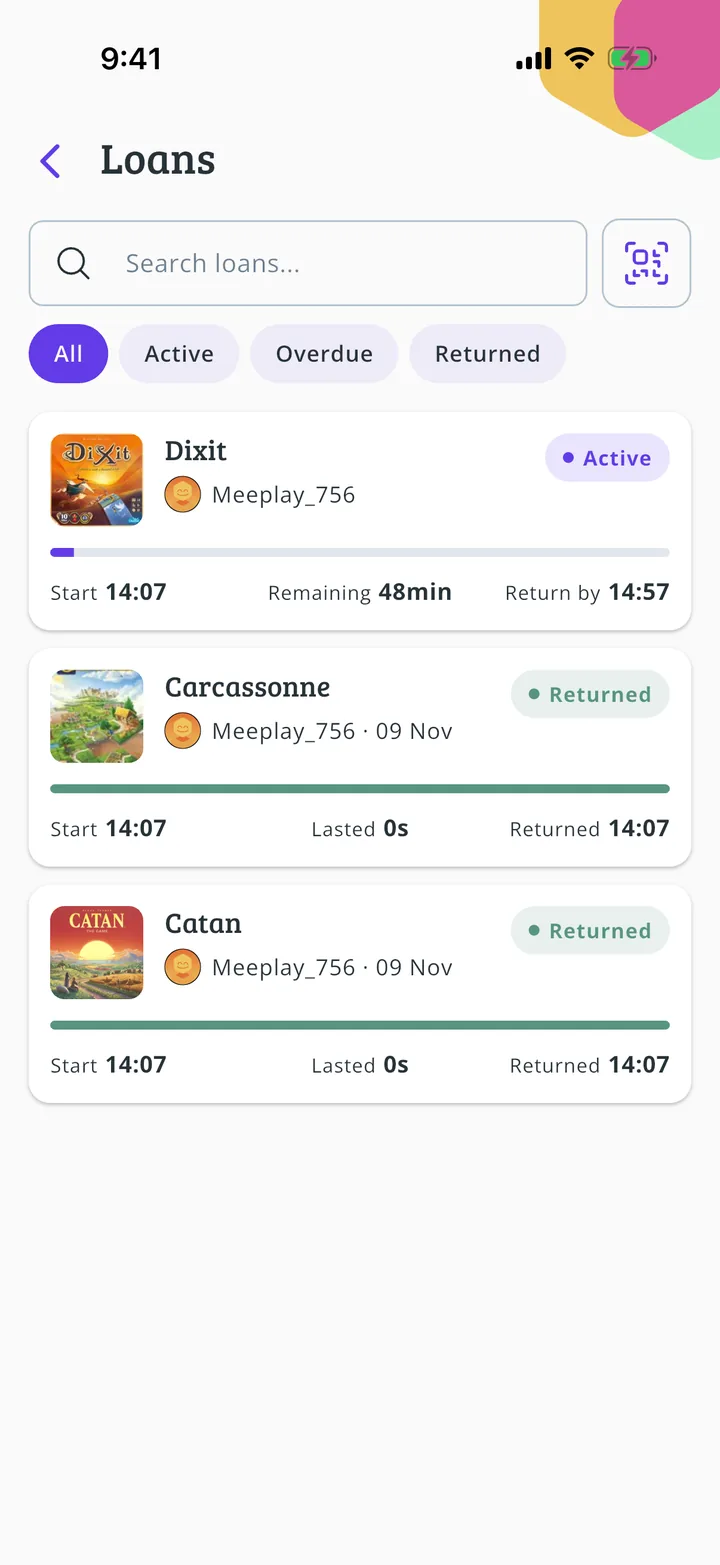 How to check the loan history9 steps
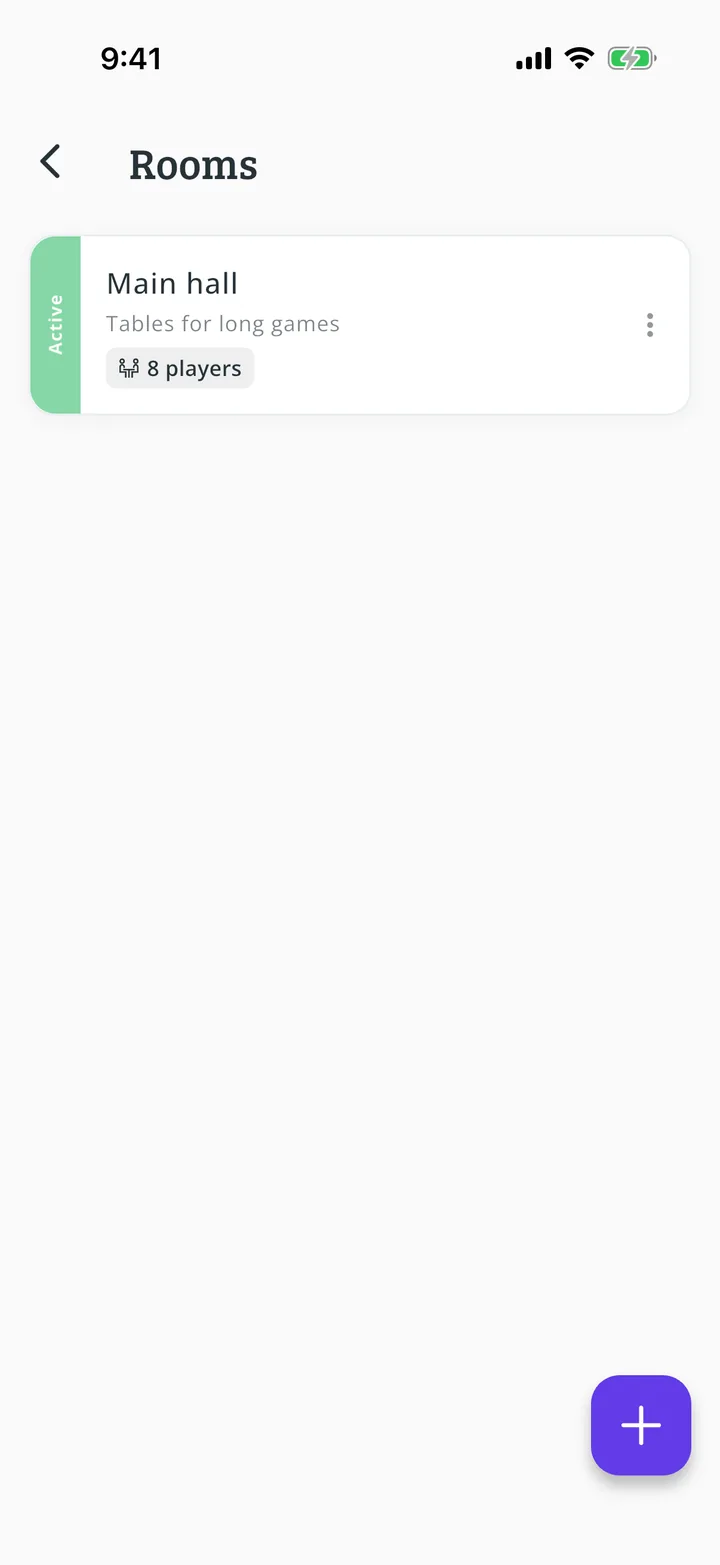
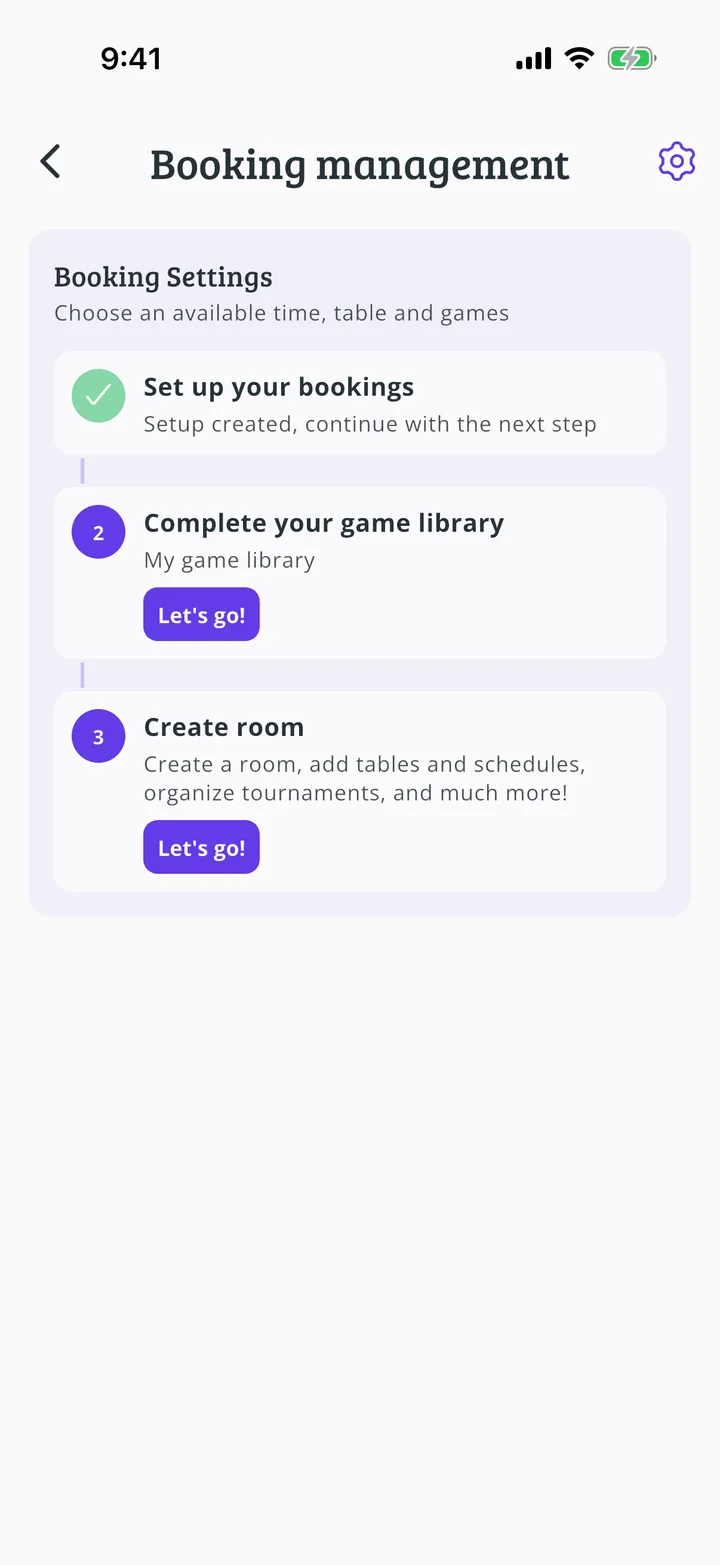
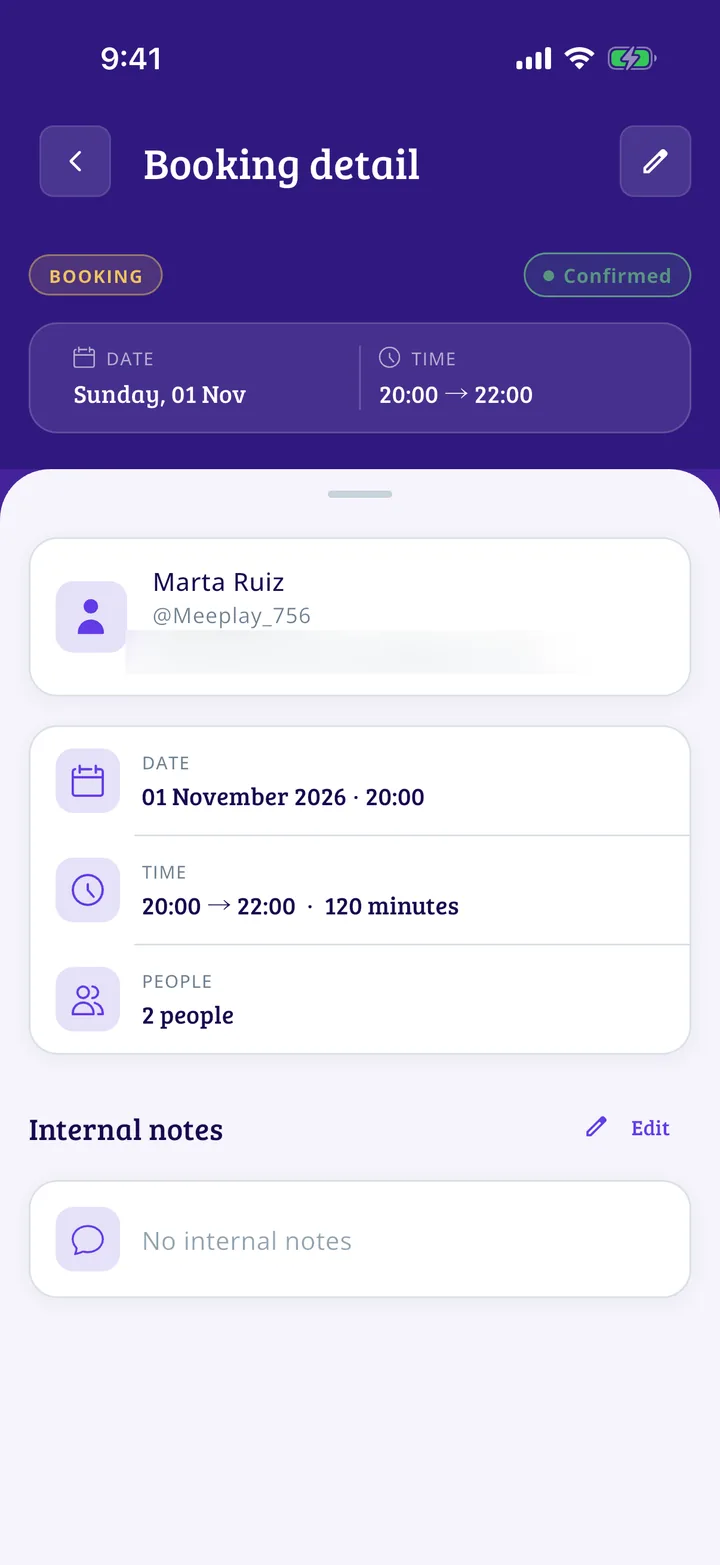
Rooms and bookings
So people can book a spot at your venue.
Promotion and audience
Releases, campaigns and how your audience responds.
Can't find what you are looking for?
Tell us what you want to do and we will help you. Contact us