
Help · For organizers
How to lend and return games as library staff
From the library panel, lend a game to someone with or without an account, and record returns.
← All guides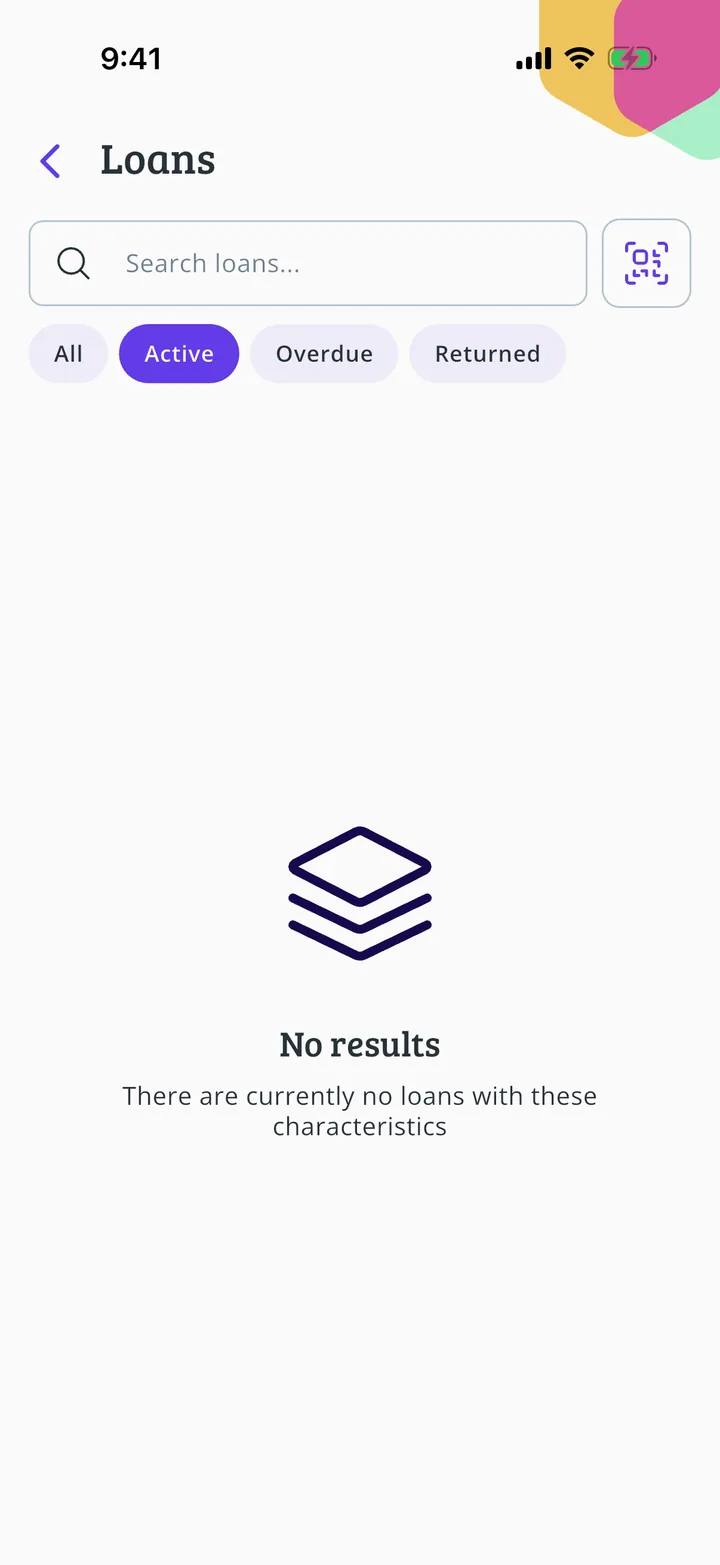
What you will end up with
Before you start
9 steps with screenshots of the app
If you run a library, the panel has what you need: scan the QR code of whoever wants a game or do everything by hand.
- Have the Meeplay app installed and be logged in to your account.
- Manage an organization on Meeplay. If you don't have one yet, follow the How to create your organization guide first.
- Have a flea market with items. If you don't have one yet, follow How to create a flea market in your Meeplay.
In each screenshot, what you need to tap is outlined in yellow and pointed out with an arrow.