
Help · For organizers
How to add a game library to a Meeplay
Create a library just for your Meeplay: open its advanced settings, choose the games and publish it.
← All guides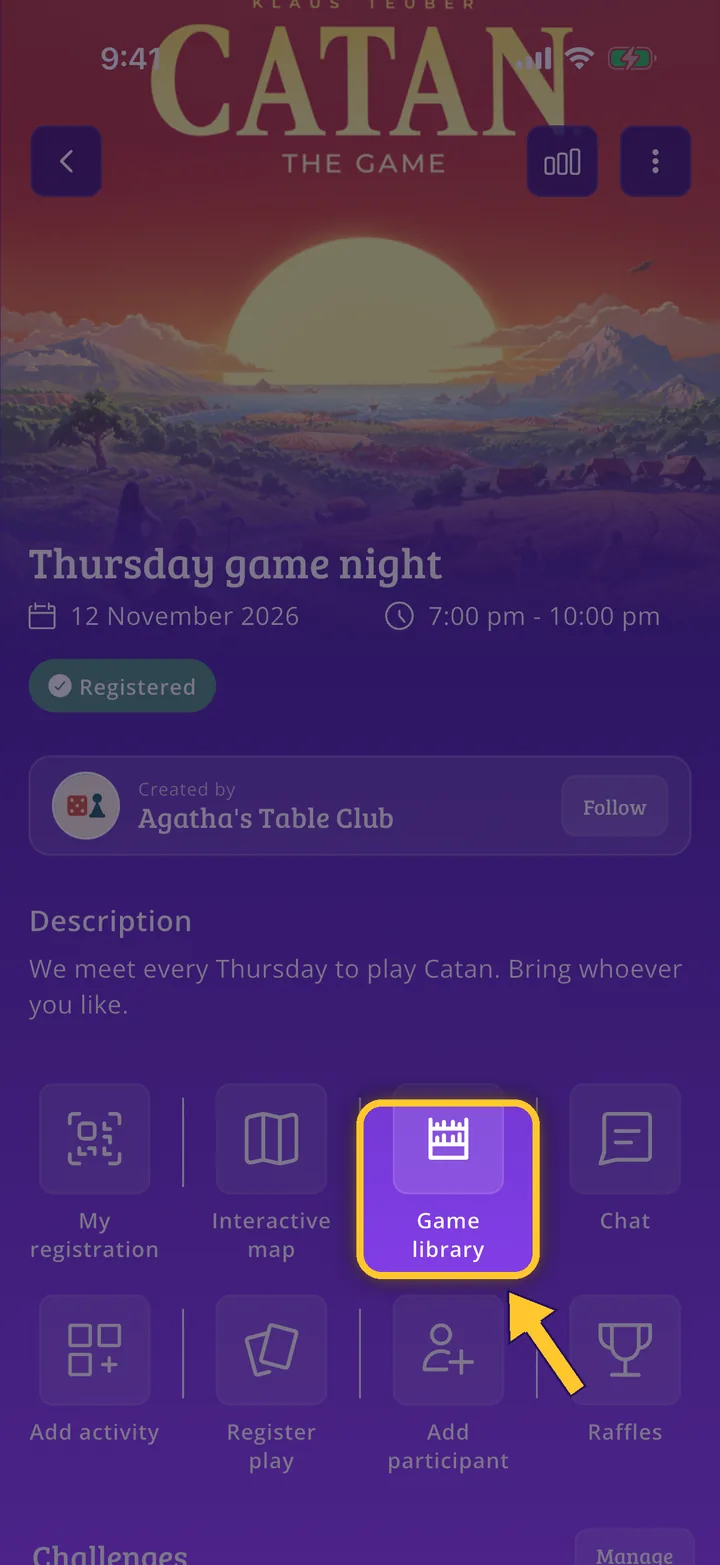
What you will end up with
Before you start
13 steps with screenshots of the app
A Meeplay can have its own library, with the games available at that event. This guide adds one to an existing Meeplay, with two games.
- Have the Meeplay app installed and be logged in to your account.
- Manage an organization on Meeplay. If you don't have one yet, follow the How to create your organization guide first.
- Have the Meeplay created: see How to create Meeplays from your organizer account.
In each screenshot, what you need to tap is outlined in yellow and pointed out with an arrow.