
Help · For organizers
How to approve flea market stalls
Review who wants to sell at your flea market, approve or reject each request and register people who don't use the app.
← All guides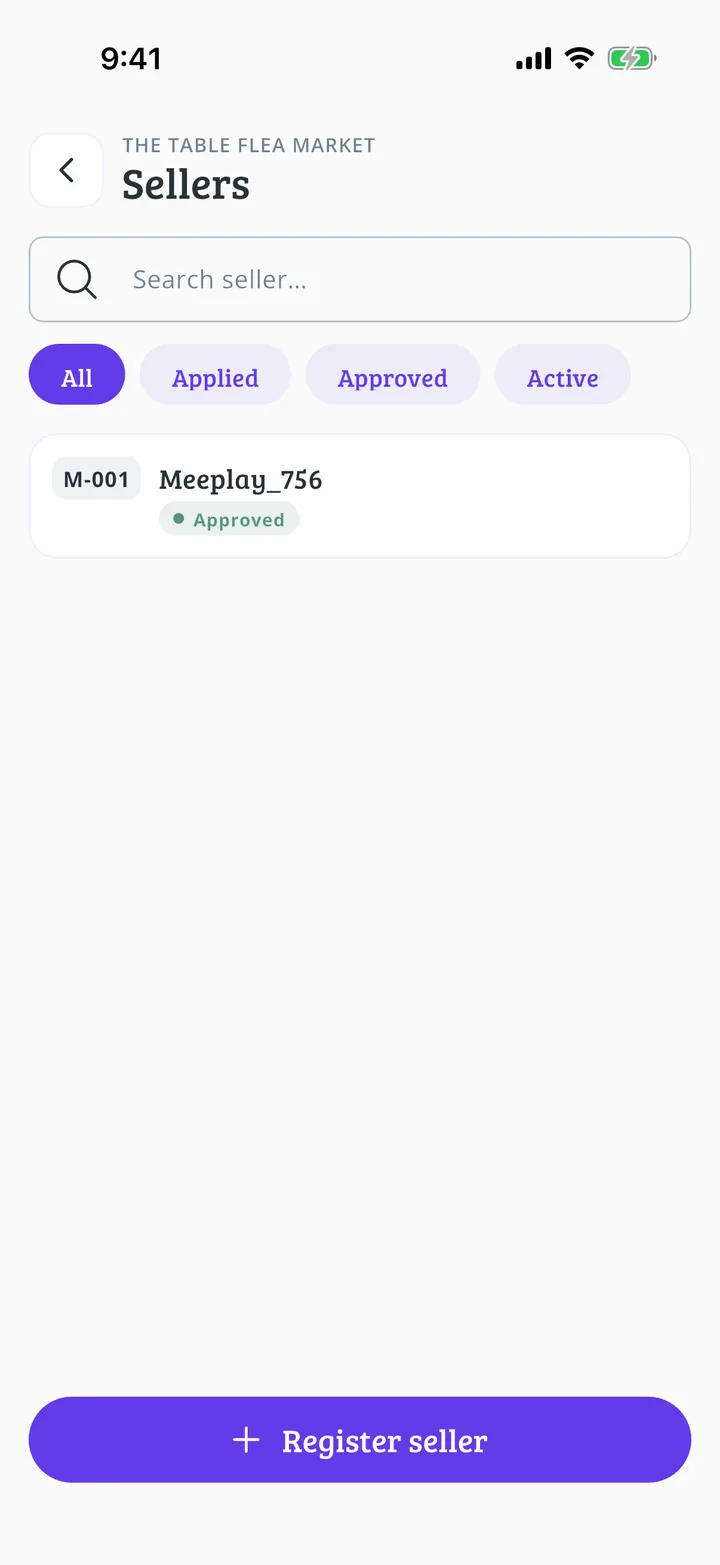
What you will end up with
Before you start
10 steps with screenshots of the app
When someone asks for a stall, you receive a request. Once approved, that person gets their seller code and can register their games.
- Have the Meeplay app installed and be logged in to your account.
- Manage an organization on Meeplay. If you don't have one yet, follow the How to create your organization guide first.
- Have a flea market with items. If you don't have one yet, follow How to create a flea market in your Meeplay.
In each screenshot, what you need to tap is outlined in yellow and pointed out with an arrow.