
Help · For organizers
How to receive games at the flea market desk
Check the games each stall hands in by scanning their label or typing their code, and record the delivery.
← All guides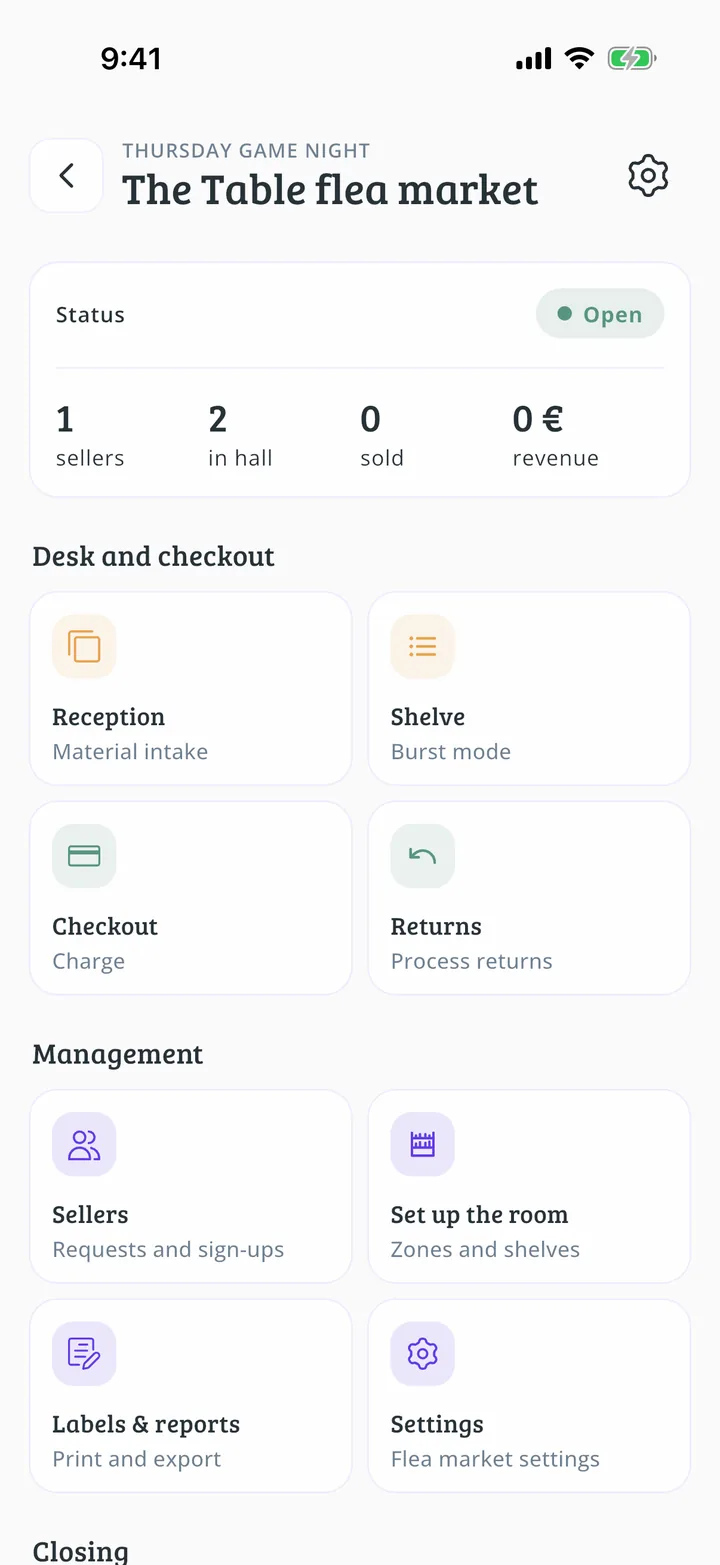
What you will end up with
Before you start
12 steps with screenshots of the app
When someone brings their games, you need to check they are handing in what they registered. That way each game is in the flea market's care and ready to sell.
- Have the Meeplay app installed and be logged in to your account.
- Manage an organization on Meeplay. If you don't have one yet, follow the How to create your organization guide first.
- Have a flea market with items. If you don't have one yet, follow How to create a flea market in your Meeplay.
In each screenshot, what you need to tap is outlined in yellow and pointed out with an arrow.