
Help · For organizers
How to set up the flea market room
Create the flea market's zones, tables, shelving units and shelves so you know where each game is.
← All guides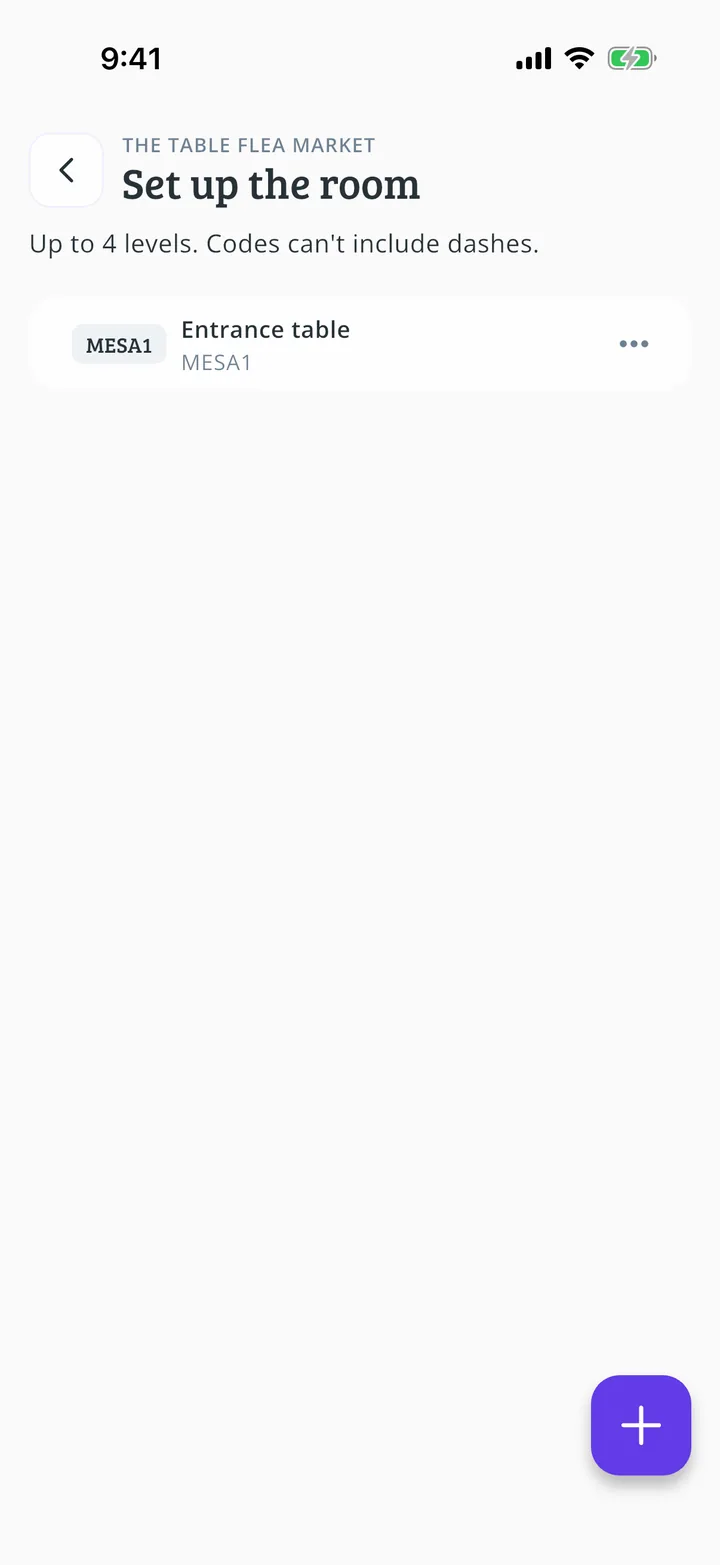
What you will end up with
Before you start
11 steps with screenshots of the app
If you define how the room is laid out, each game is linked to a place and it is easier to find when someone asks for it.
- Have the Meeplay app installed and be logged in to your account.
- Manage an organization on Meeplay. If you don't have one yet, follow the How to create your organization guide first.
- Have a flea market with items. If you don't have one yet, follow How to create a flea market in your Meeplay.
In each screenshot, what you need to tap is outlined in yellow and pointed out with an arrow.