How to see a Meeplay's game library
See which games are in a Meeplay's library and how many copies are free, and search or filter for the one you want.
3 steps with screenshots of the app
If a Meeplay has a game library, you can browse its games from the app, see how many copies are free and decide what to play. To take one, follow How to borrow a game from the library.
- Have the Meeplay app installed and be logged in to your account.
- Have joined a Meeplay with a game library. See How to join a Meeplay.
In each screenshot, what you need to tap is outlined in yellow and pointed out with an arrow.
- Step 1 of 3
Open the library
On the Meeplay page, tap Game library. It only appears if the Meeplay has a published library.
- Step 2 of 3
Browse the games
Each game shows the players, the duration and how many copies are free. You can search, filter or see only the Available ones. My loans shows what you've taken.
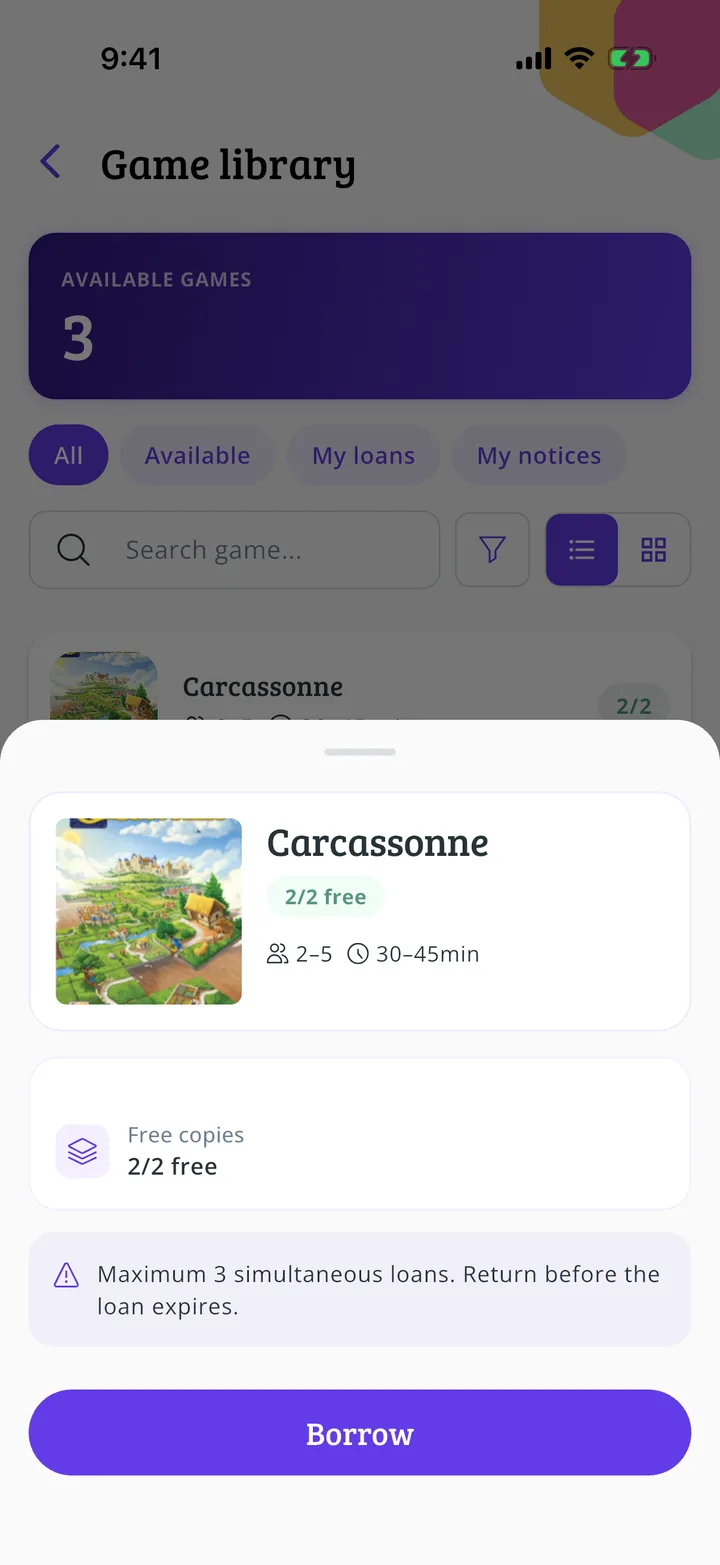
- Step 3 of 3
Open a game
Tap a game to see its free copies and the loan terms.
All done!
You have finished the guide. If something did not go as in the screenshots, tell us which step you got stuck on and we will help you.
Next in «For players»How to borrow a game from the library →