Help
For associations
Create your association, manage members, load your game library and run your activities, step by step.
← All guides
41 guides with a screenshot of every screen. Follow them in order or go straight to what you need.
Create your association
The profile and who helps you run it.
Members
Sign-ups, and Meeplays just for the association or open to everyone.
Game library
Load it once and lend it at your events.
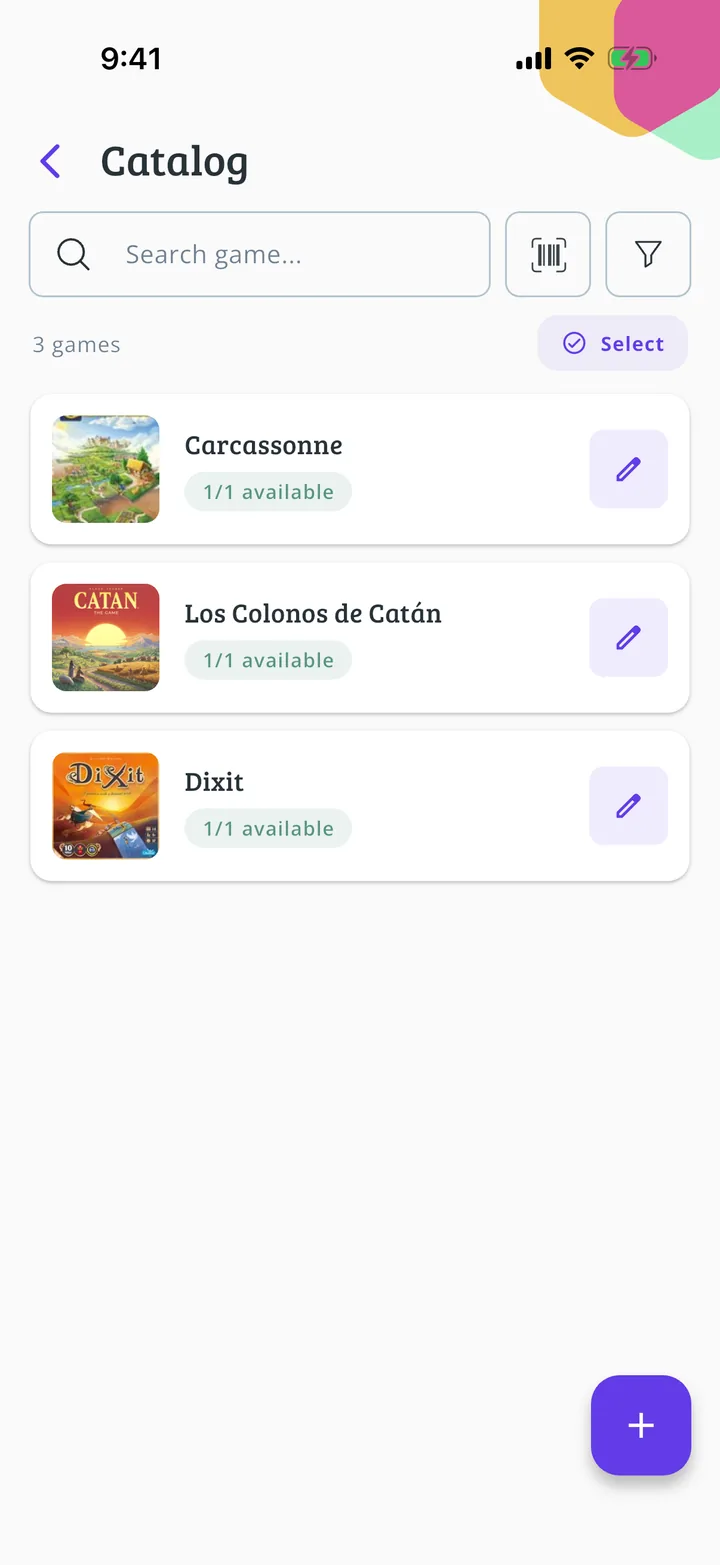 How to load your club's game library one game at a time12 steps
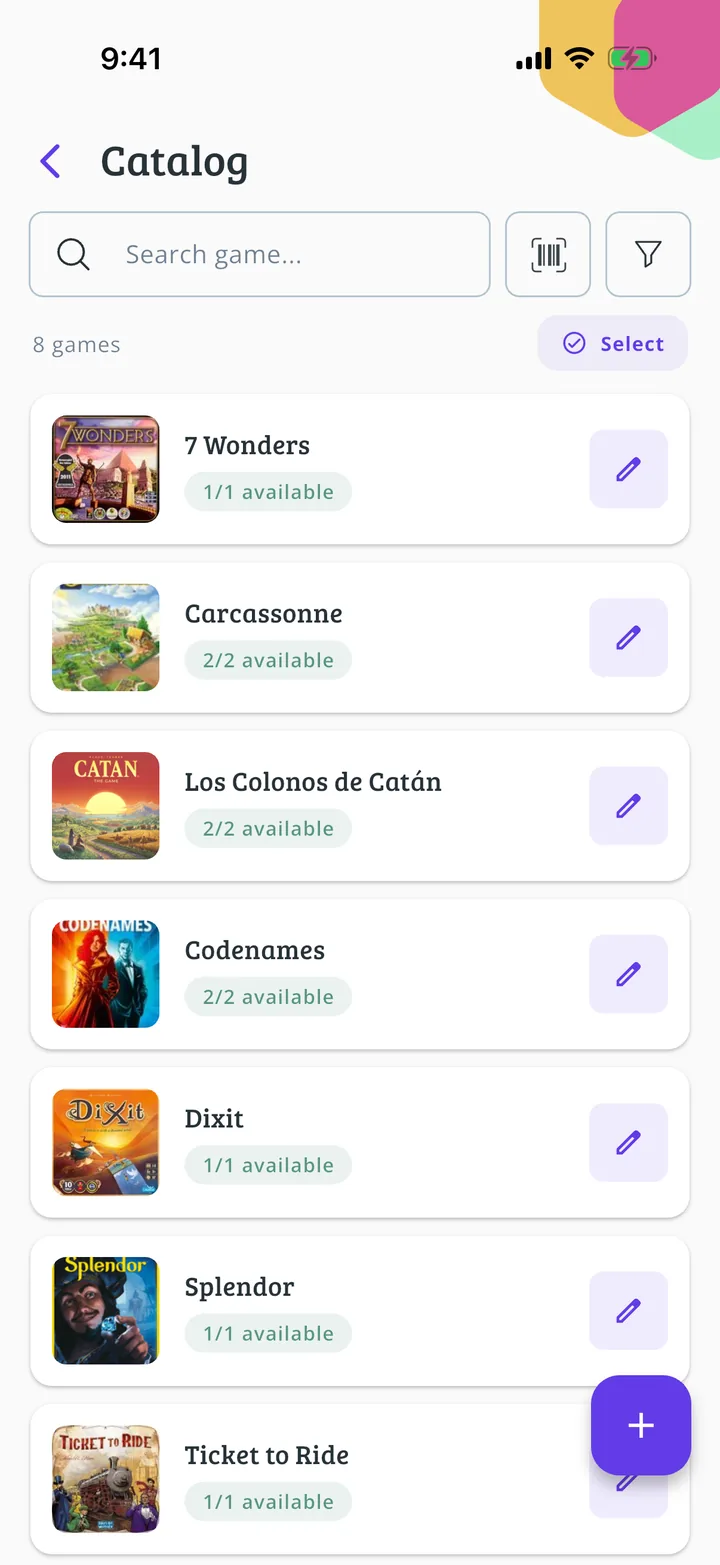 How to load your club's game library from an Excel template12 steps
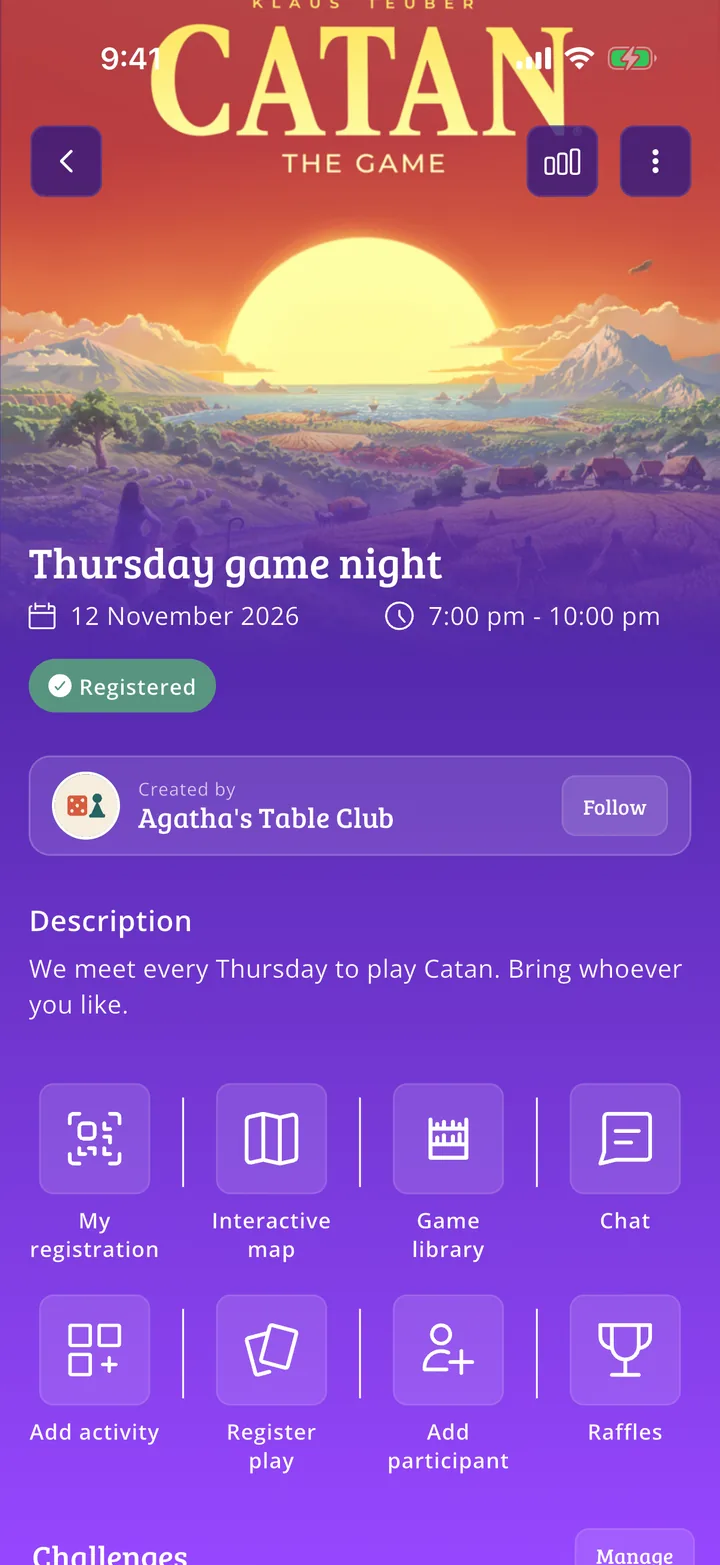 How to add a game library to a Meeplay13 steps
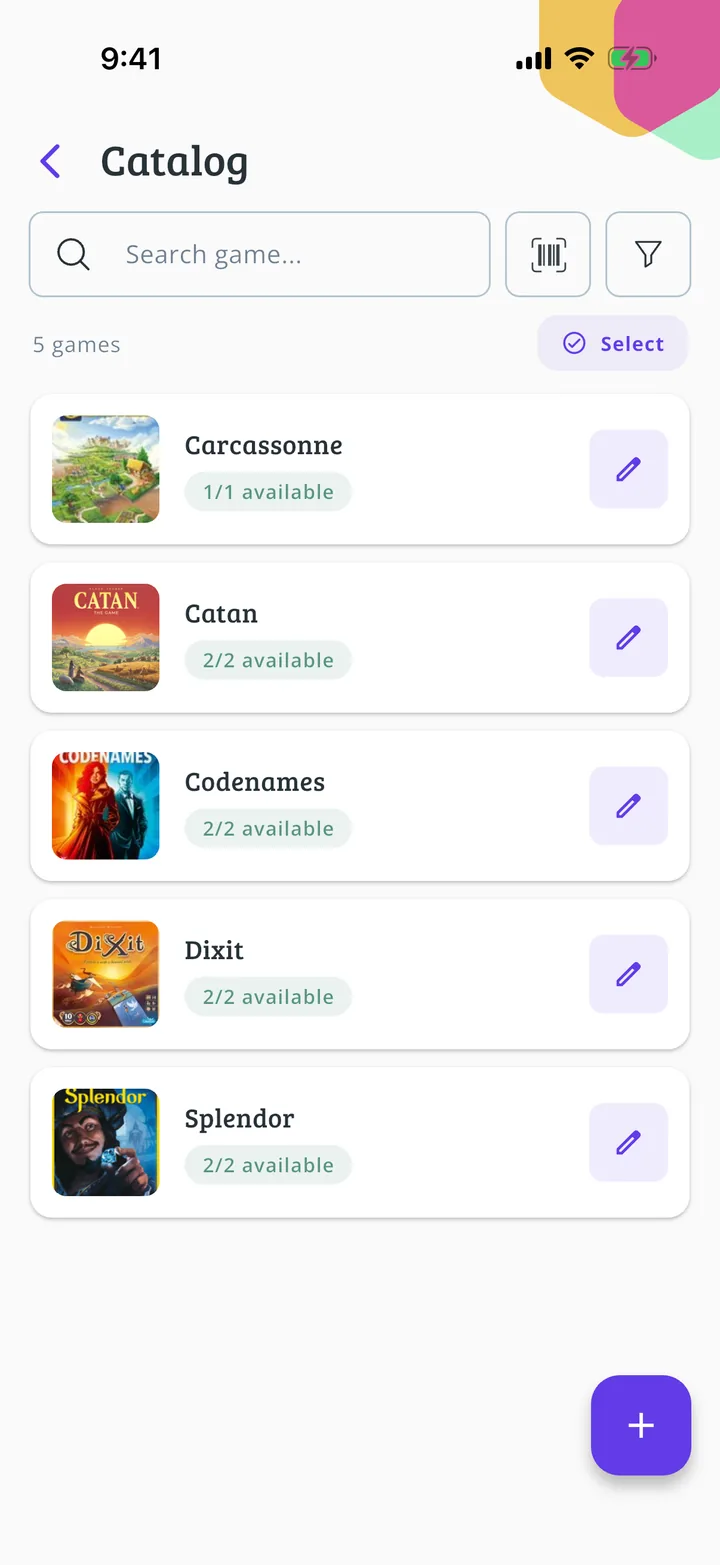 How to add a new game to your game library10 steps
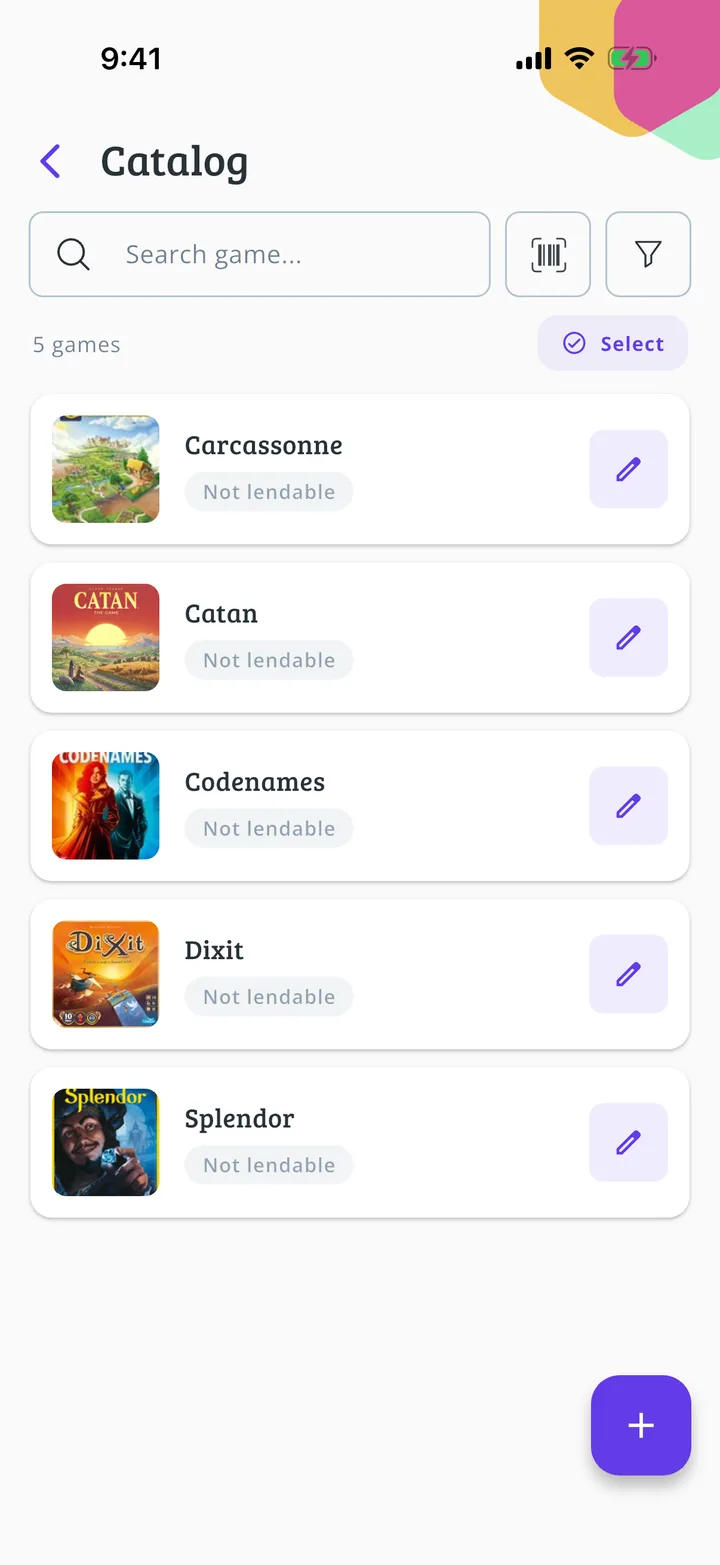 How to make your game library browse-only9 steps
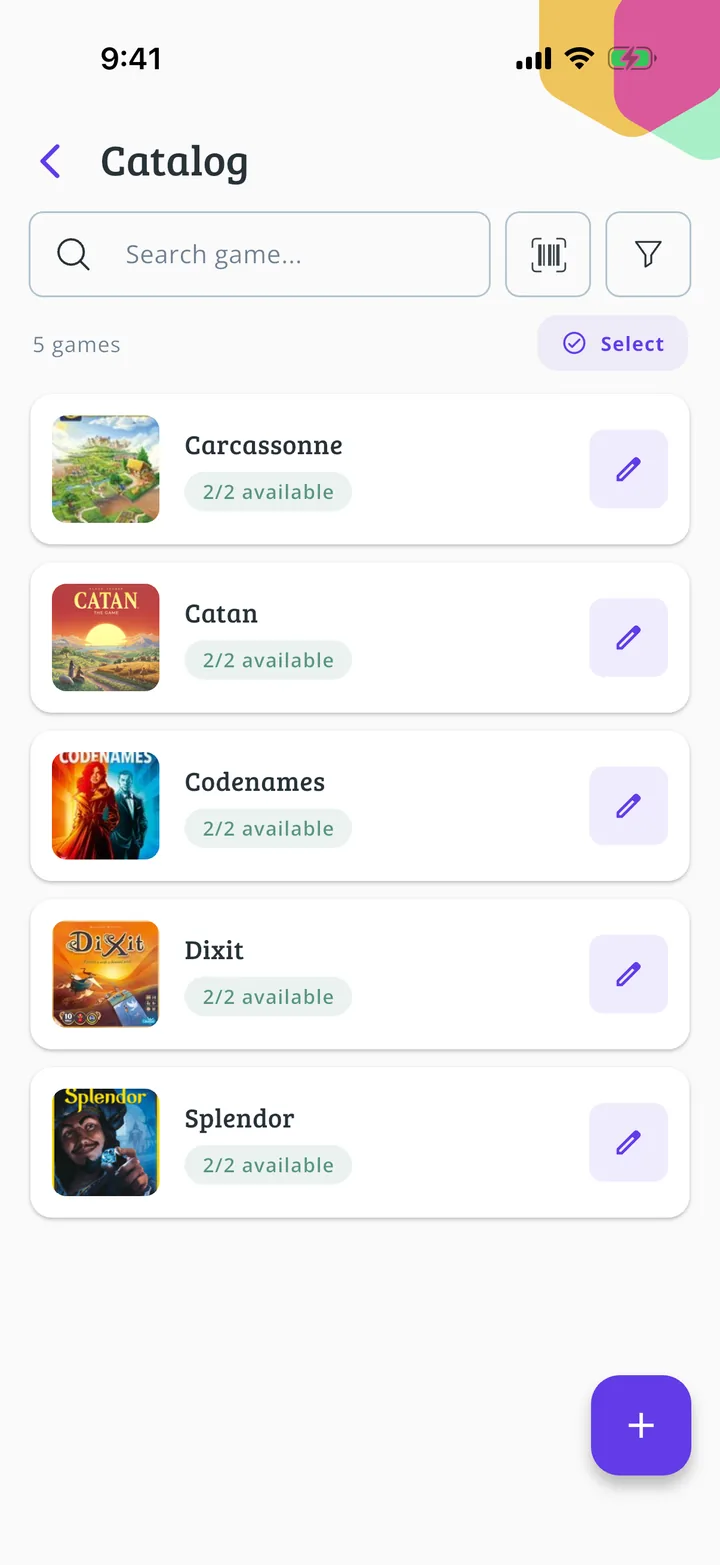 How to turn on loans in a game library11 steps
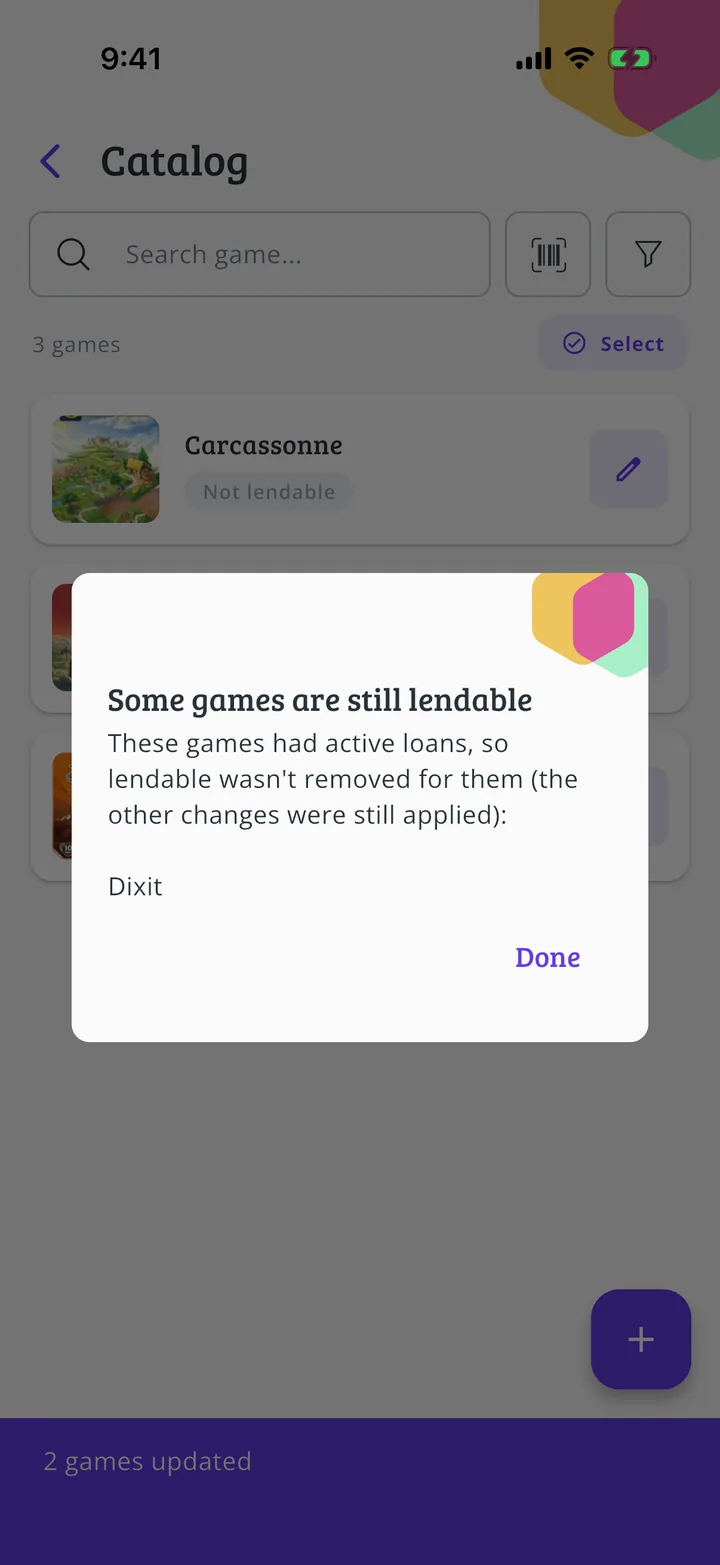 How to switch a game library from lending to browse-only12 steps
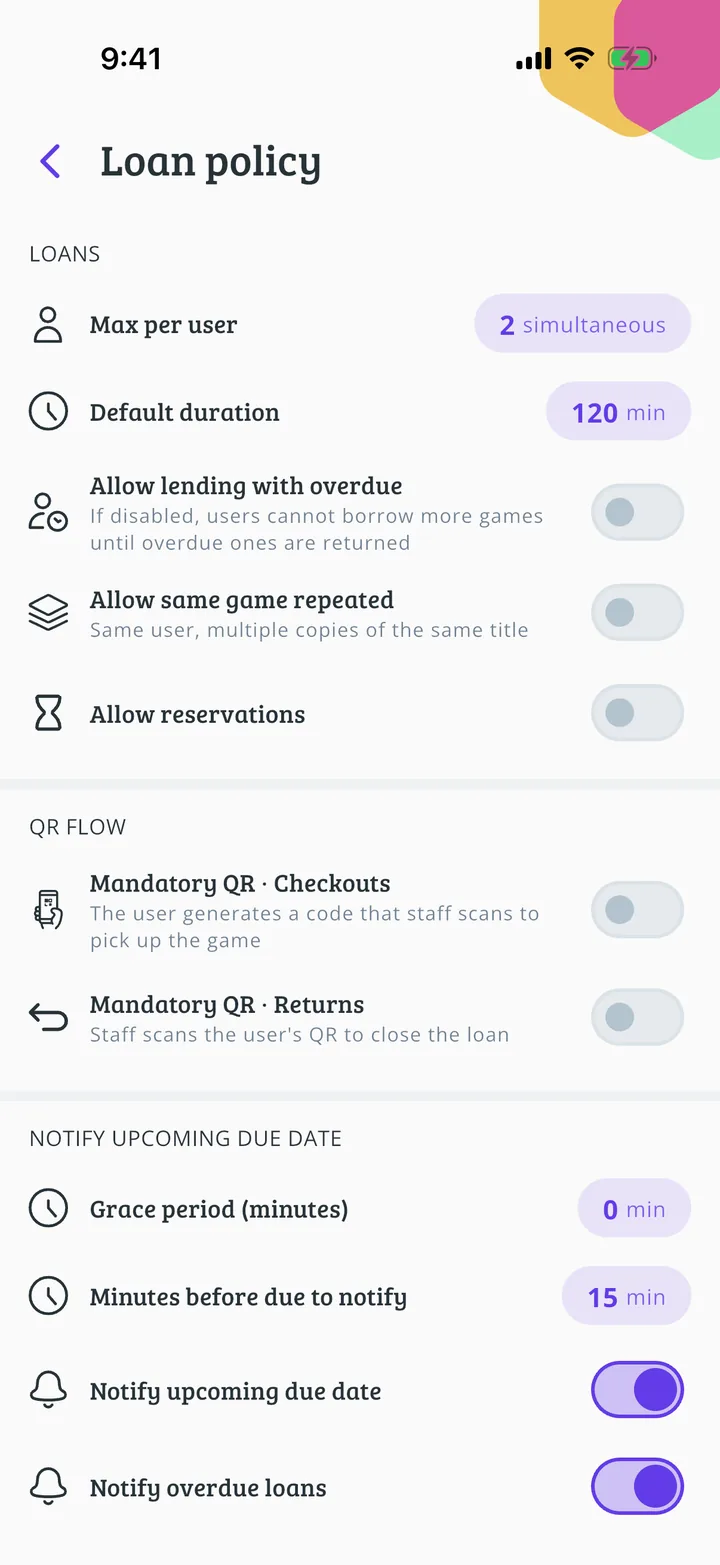 How to set the maximum number of games per person8 steps
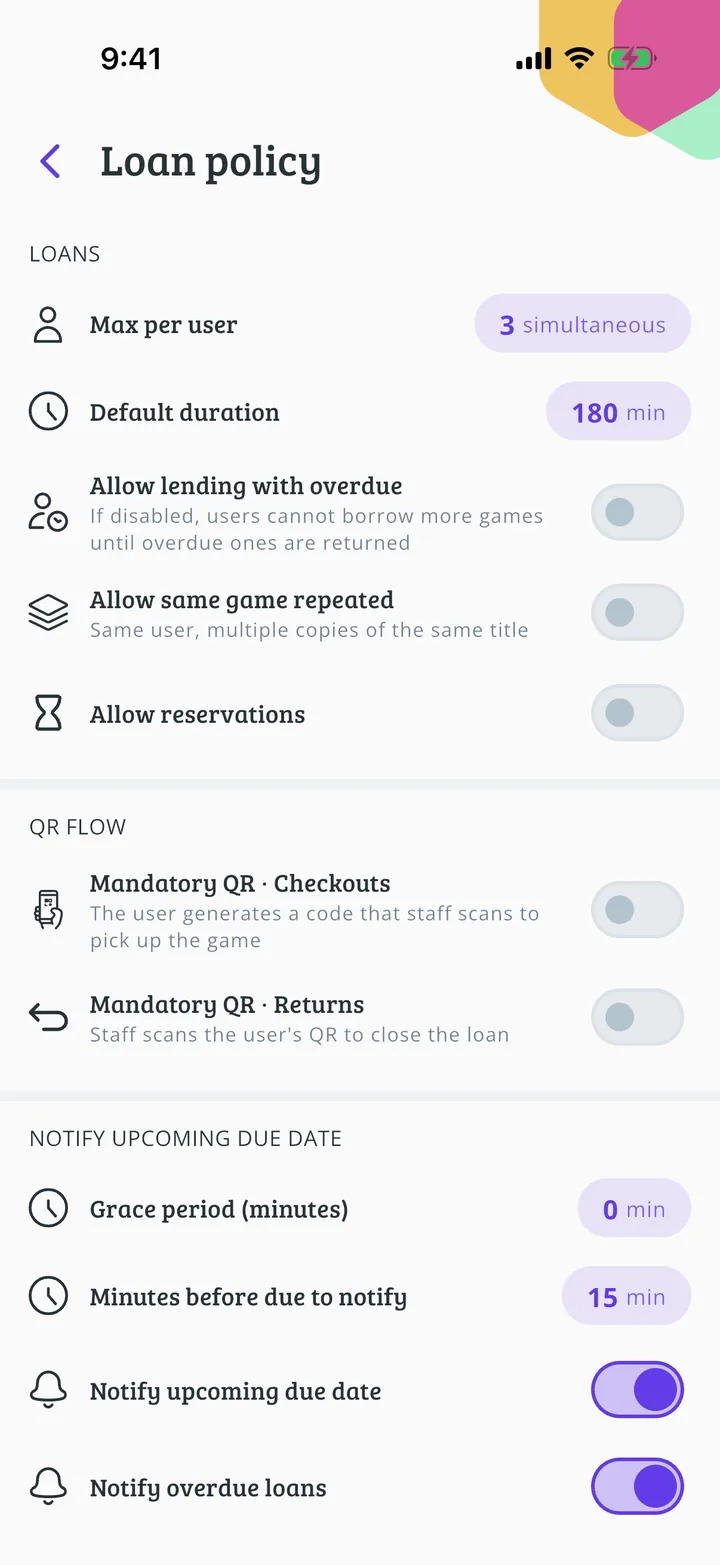 How to set the loan duration11 steps
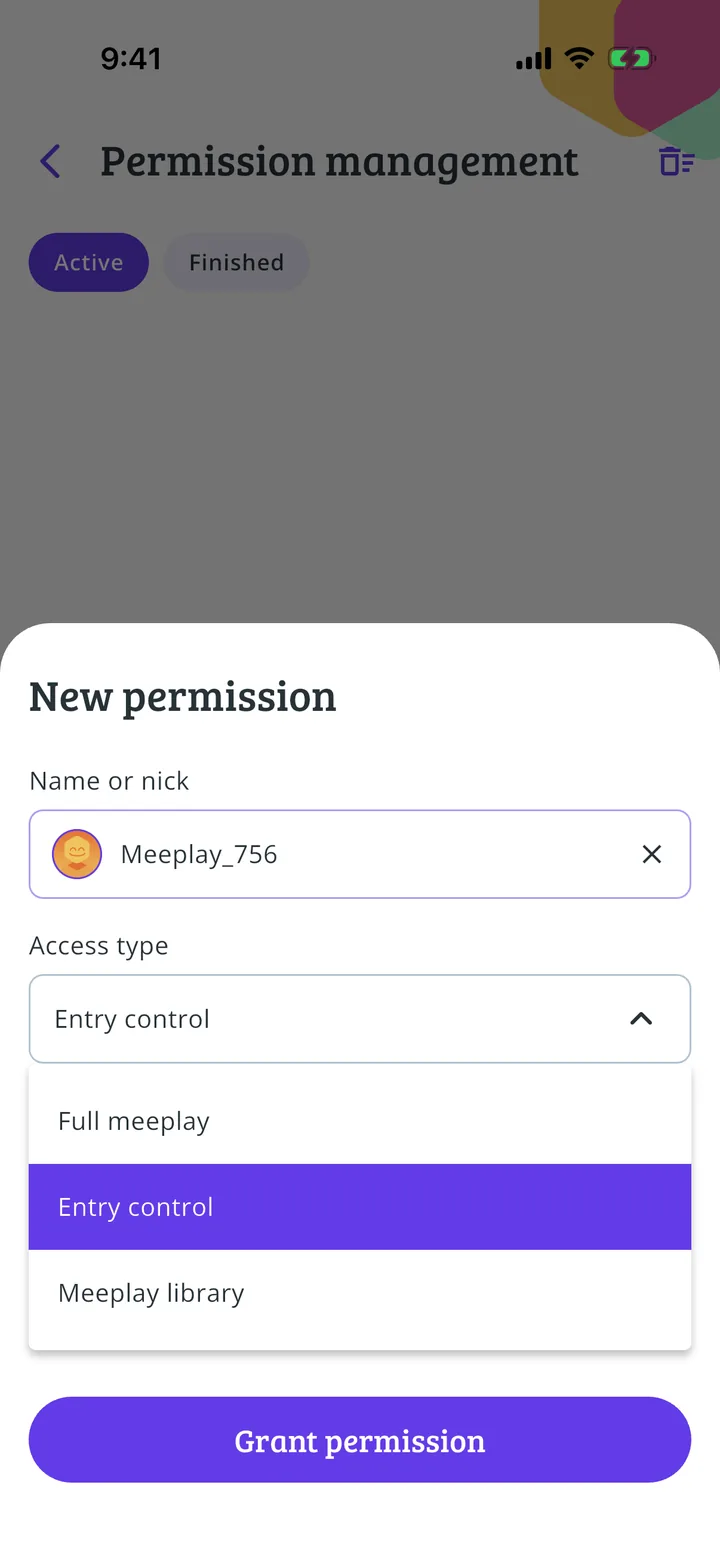 How to add staff to your game library12 steps
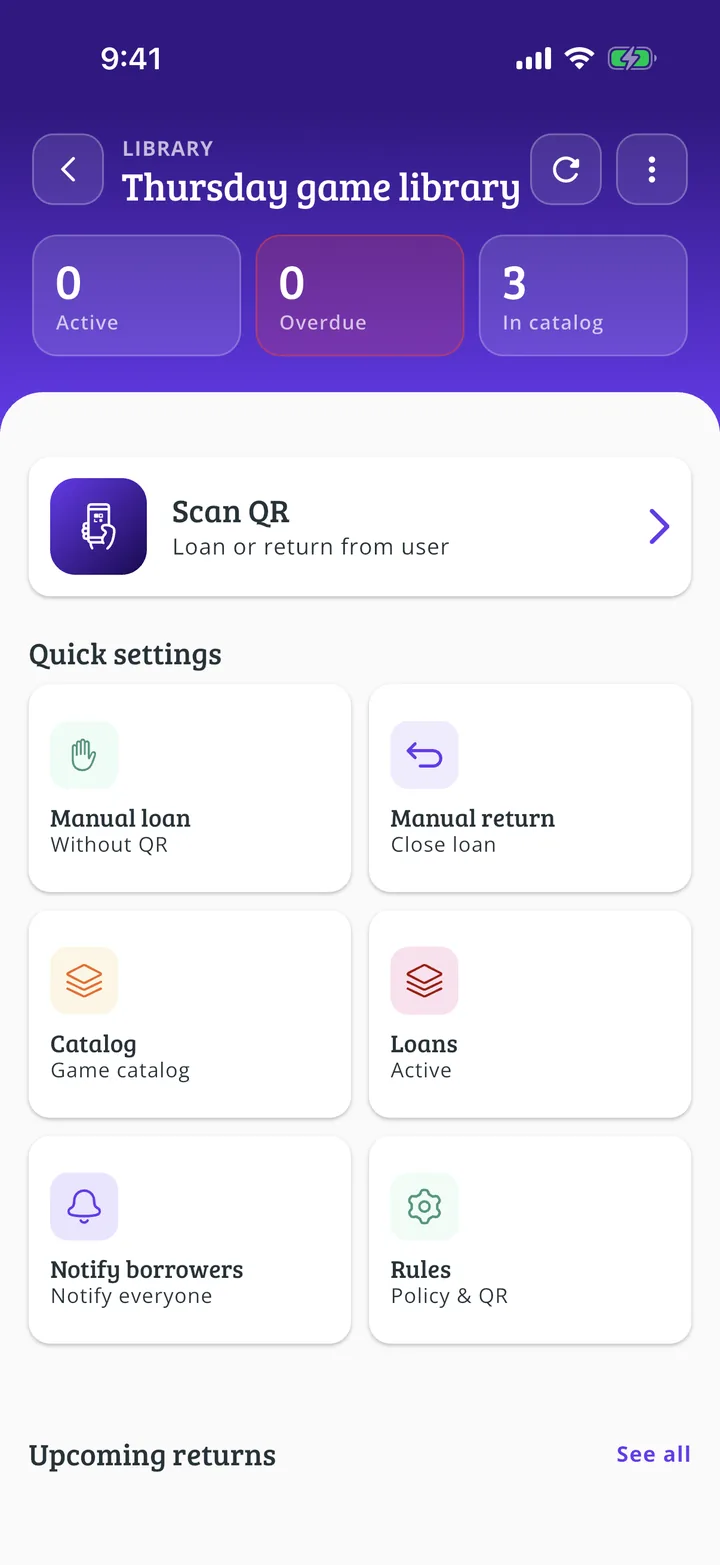 How to lend and return games as library staff9 steps
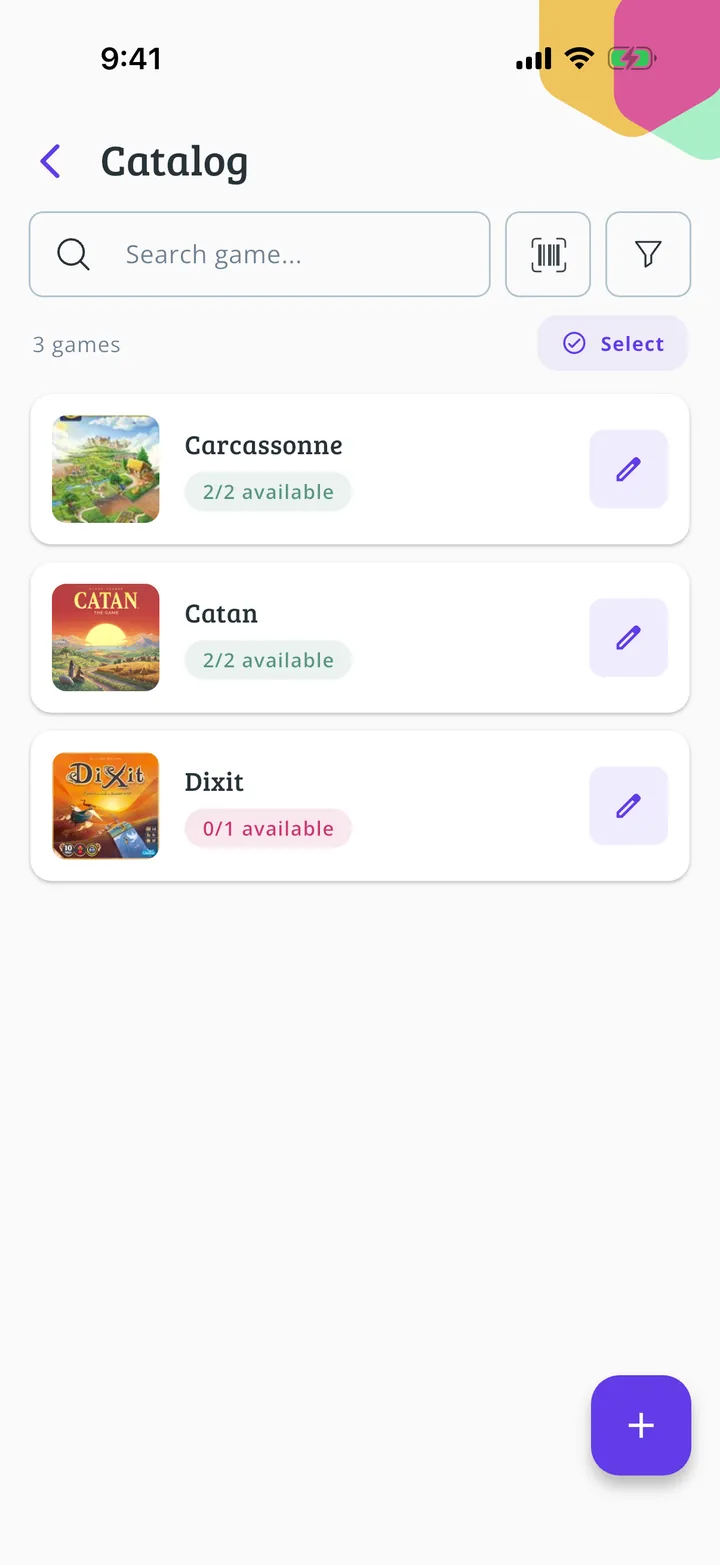 How to check whether a game is available9 steps
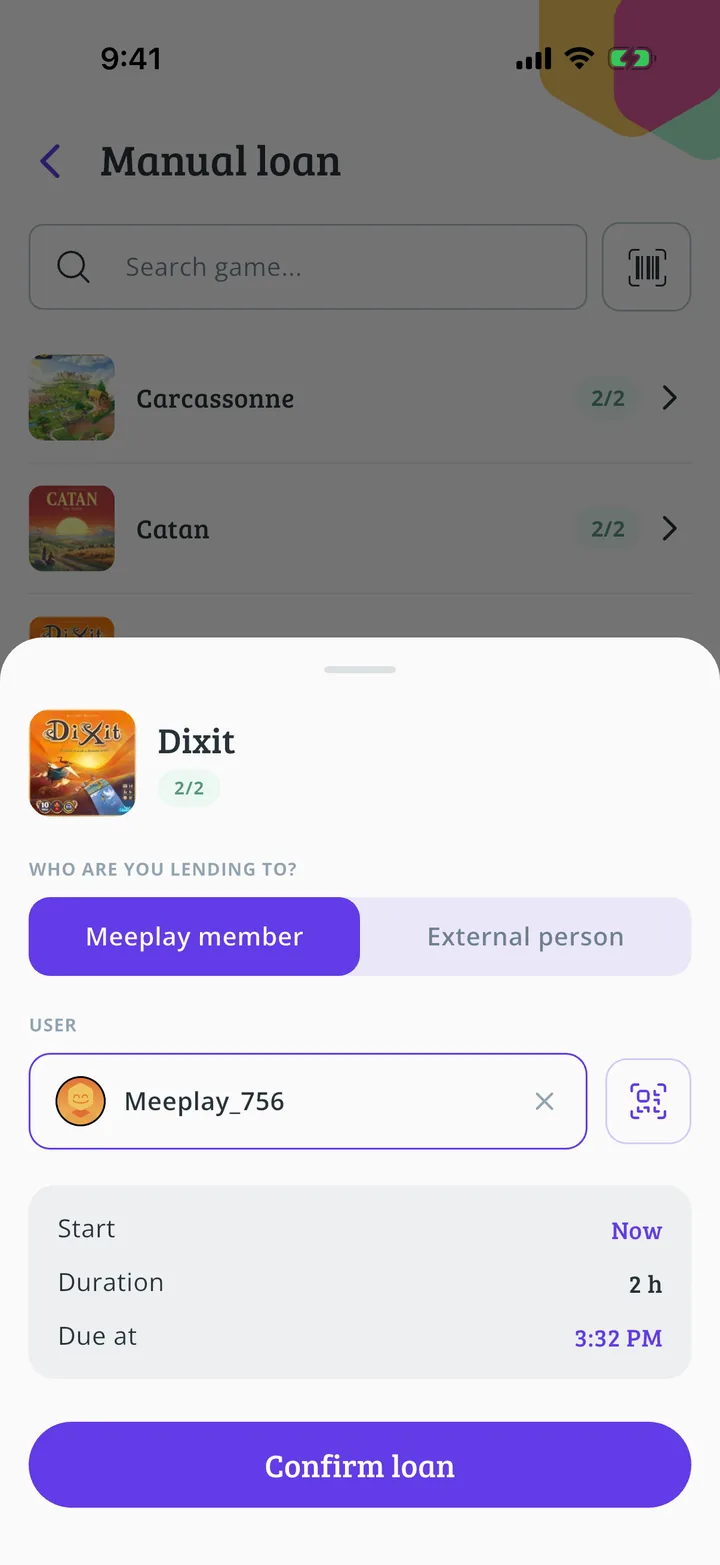 How to record a loan in your game library12 steps
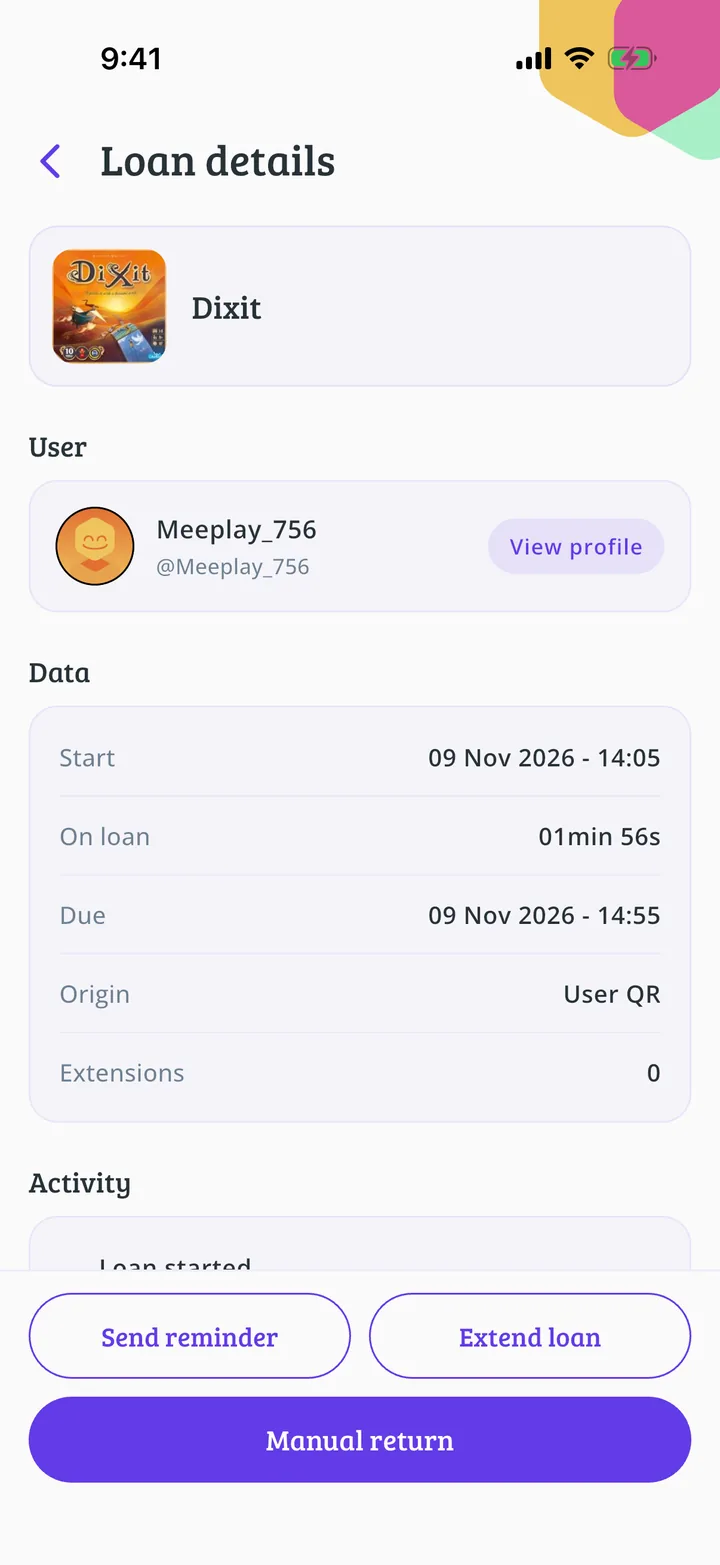 How to record a game return10 steps
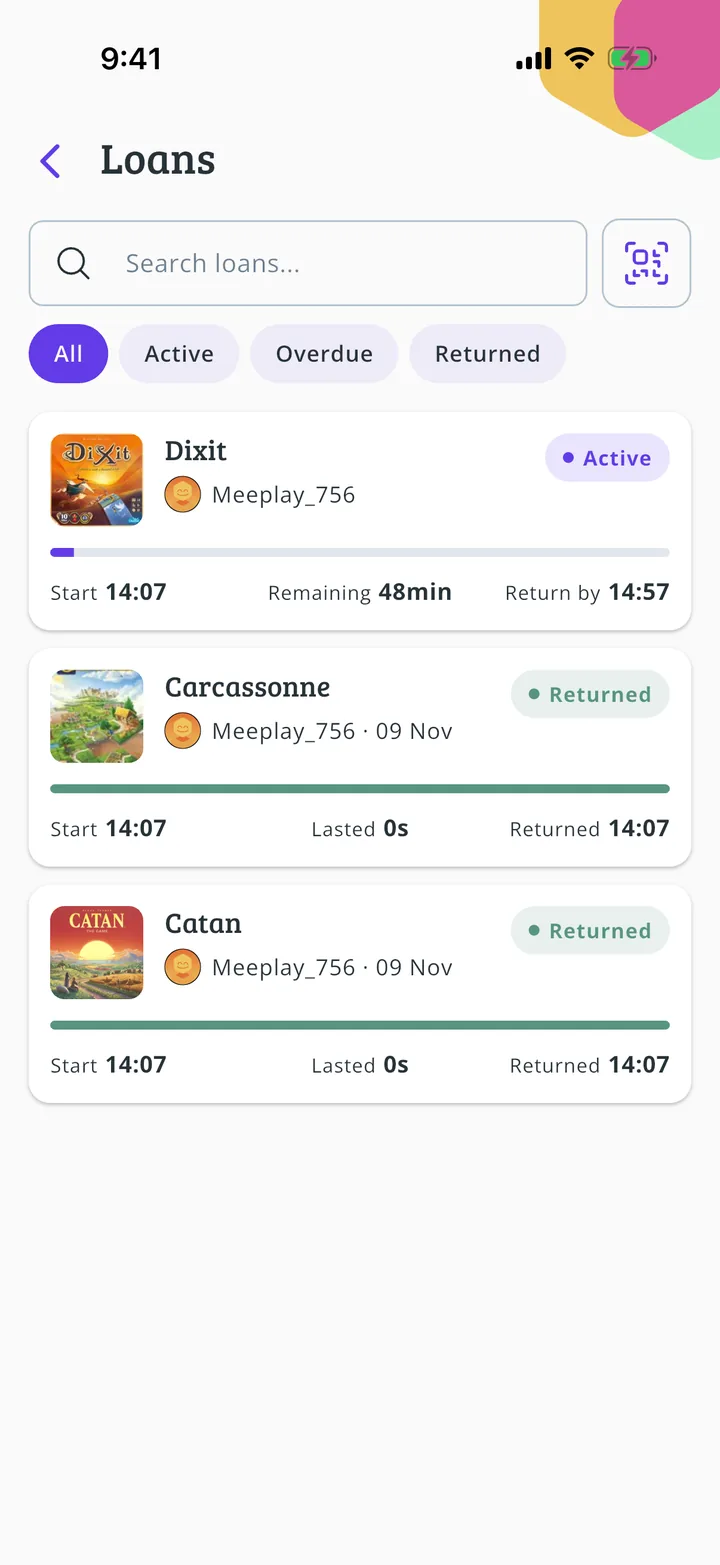 How to check the loan history9 steps
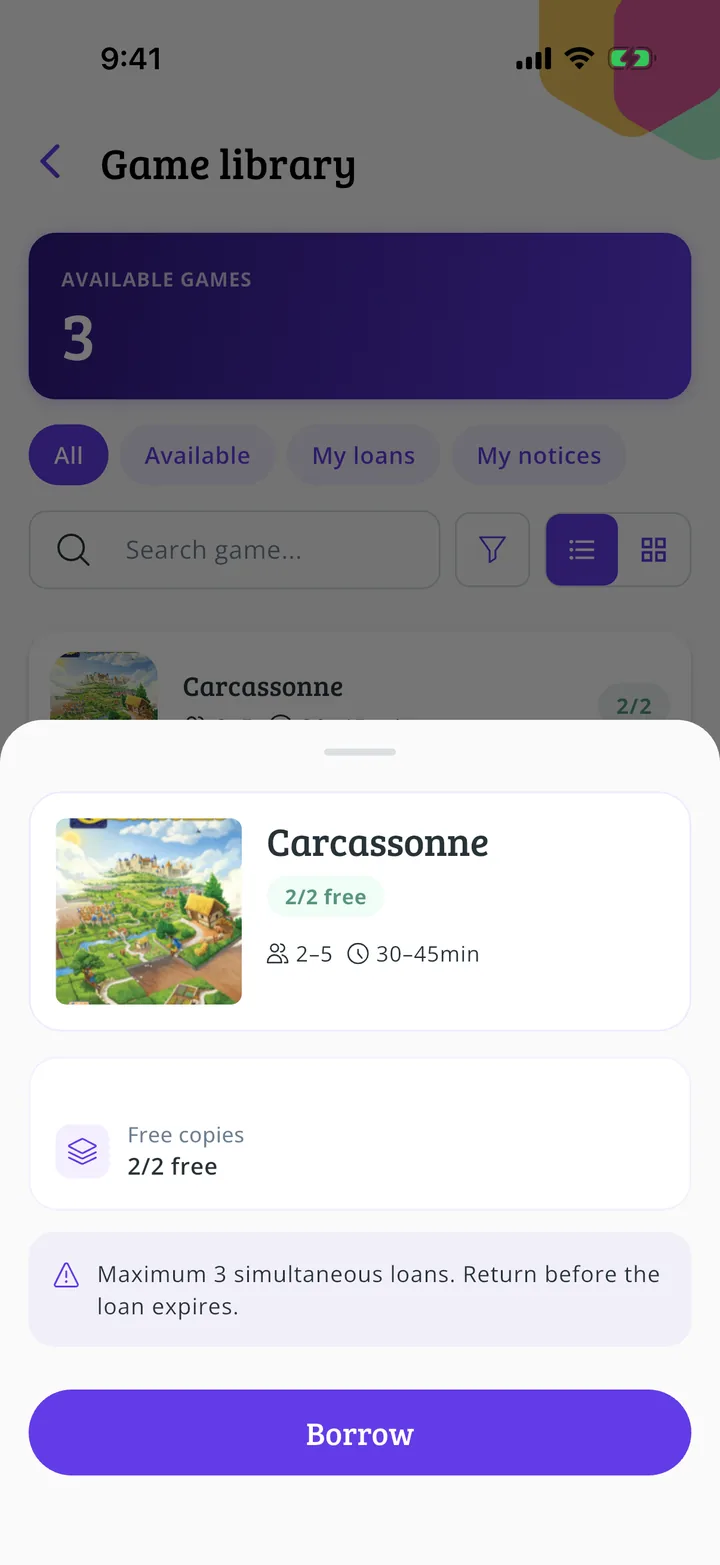 How to see a Meeplay's game library3 steps
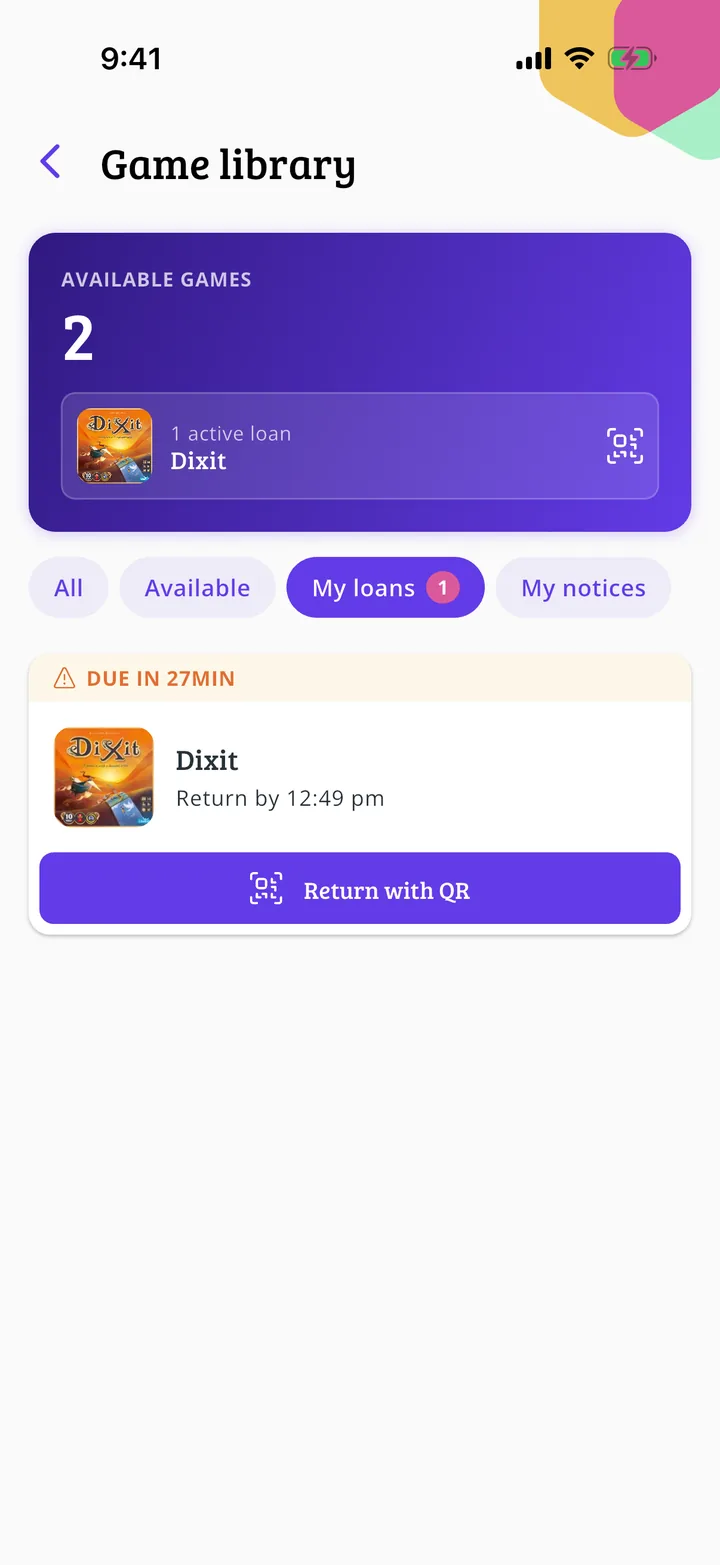 How to borrow a game from the library5 steps
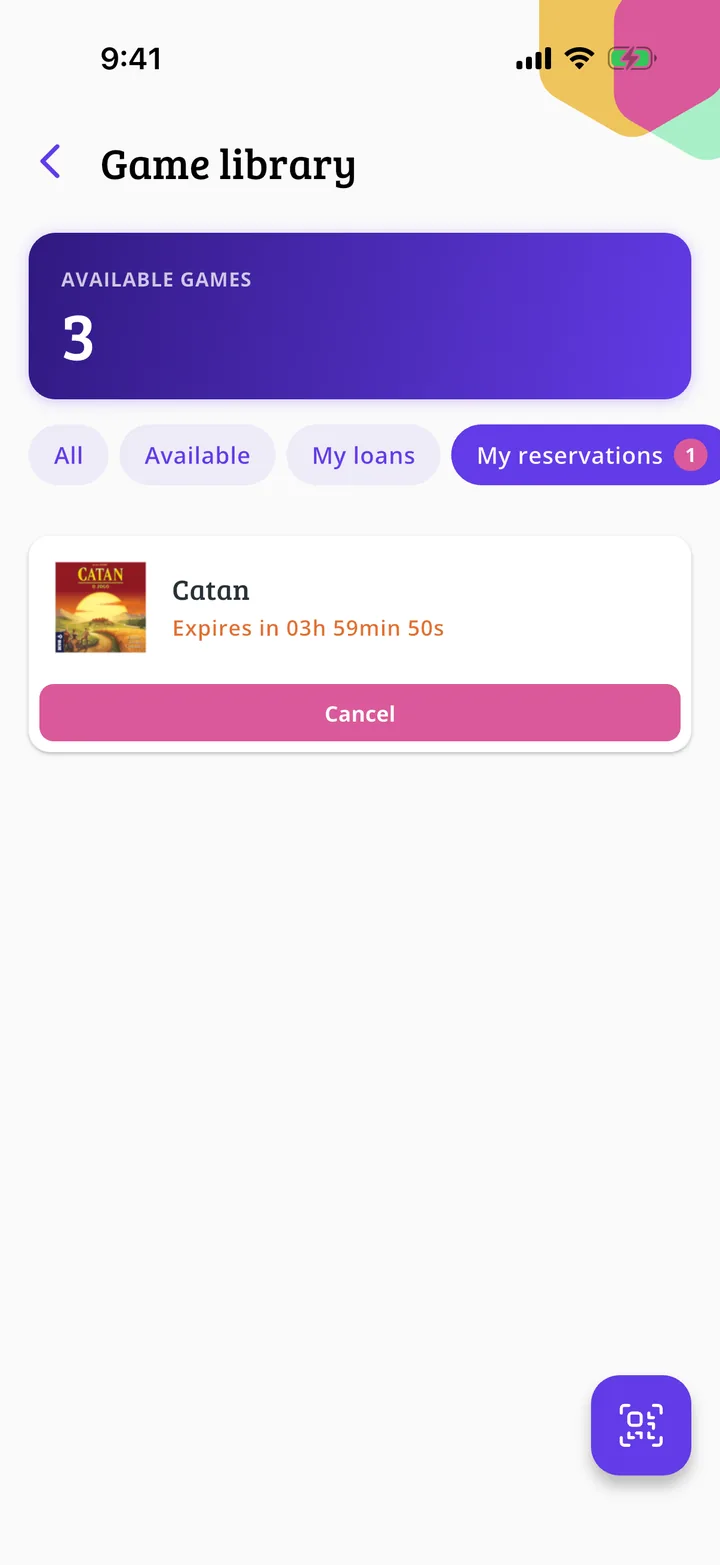 How to reserve a game from the library6 steps
Venue and bookings
Rooms, tables and bookings for your space.
Activities
Regular meetups, tournaments and awards.
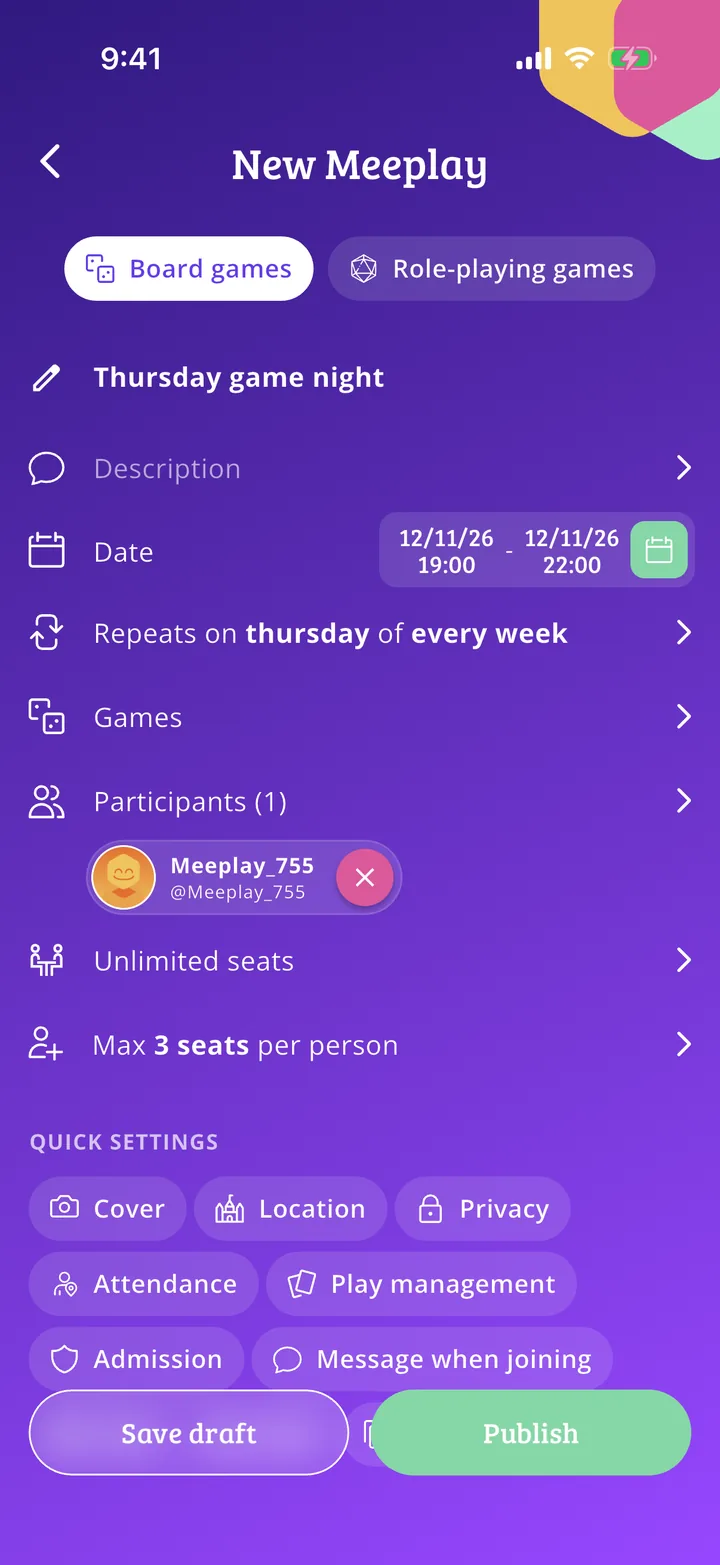 Recurring Meeplays: how to schedule them automatically7 steps
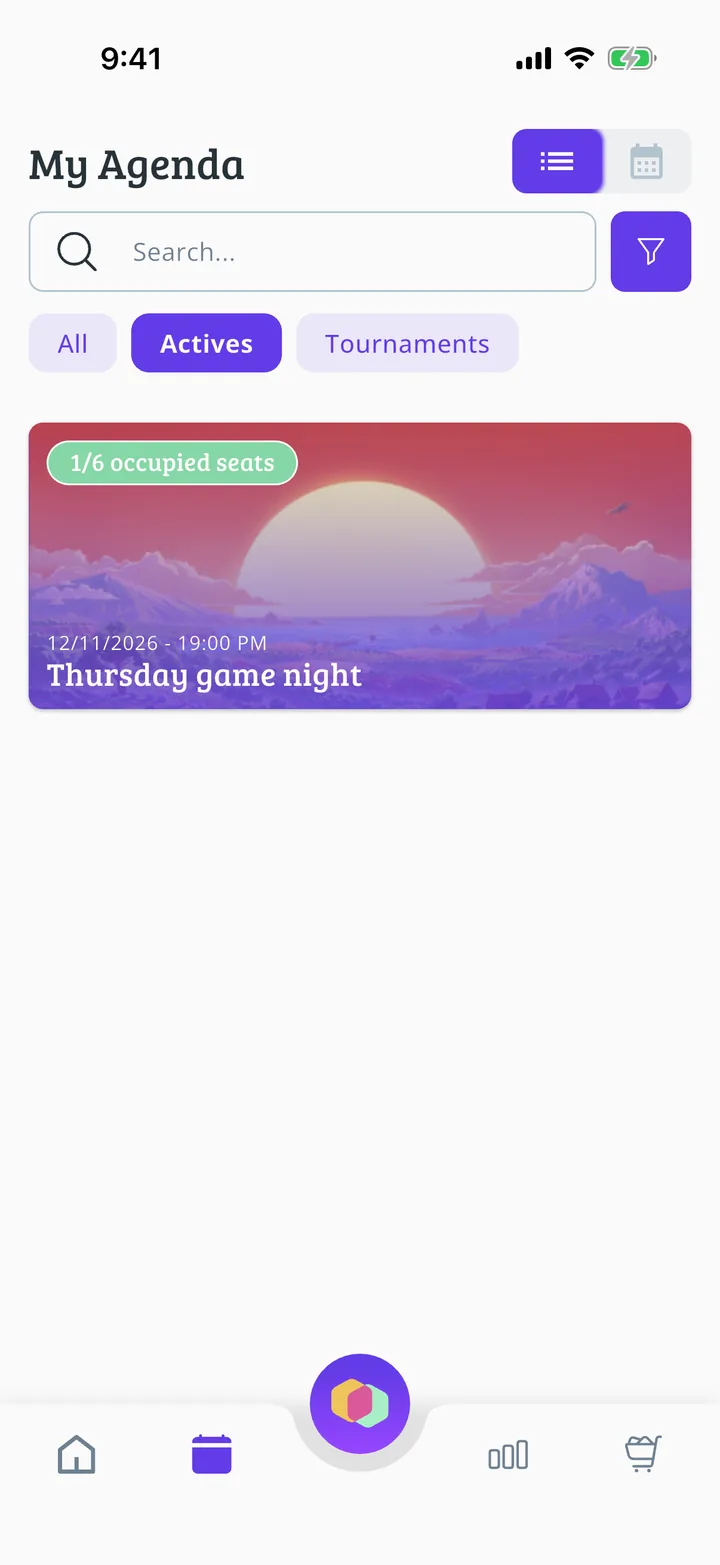 Where to see all your Meeplays as an organizer5 steps
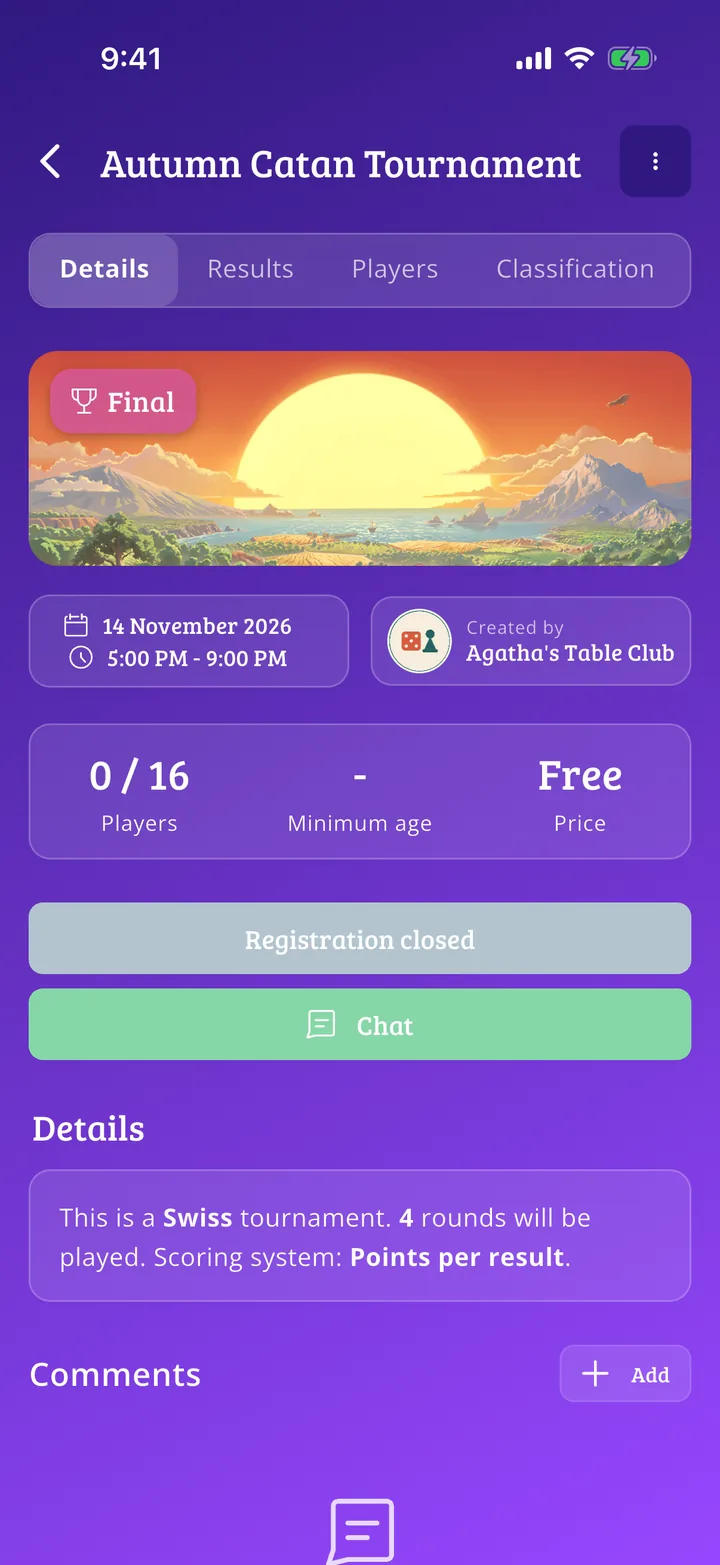 How to create a tournament17 steps
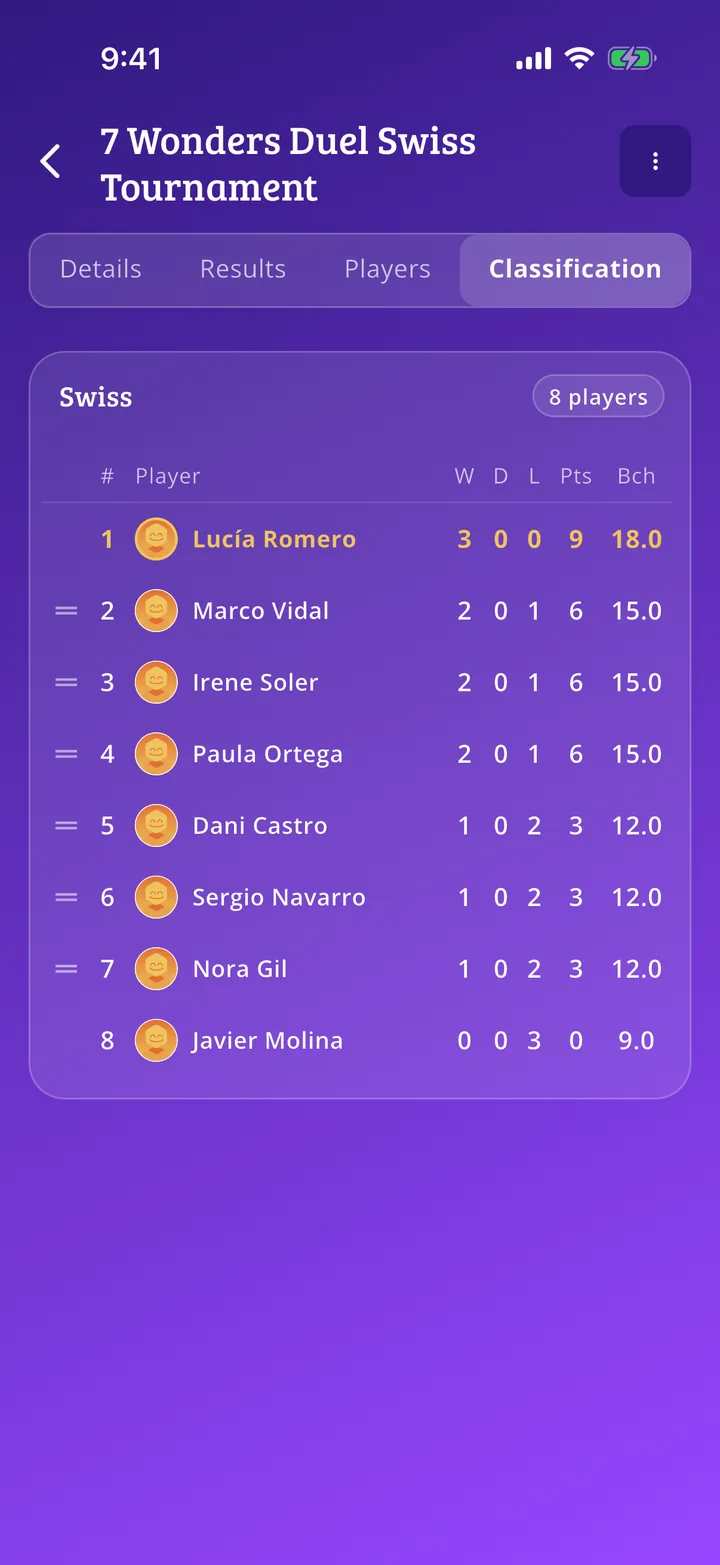 How to run a Swiss tournament18 steps
 How to run a group stage and knockout tournament21 steps
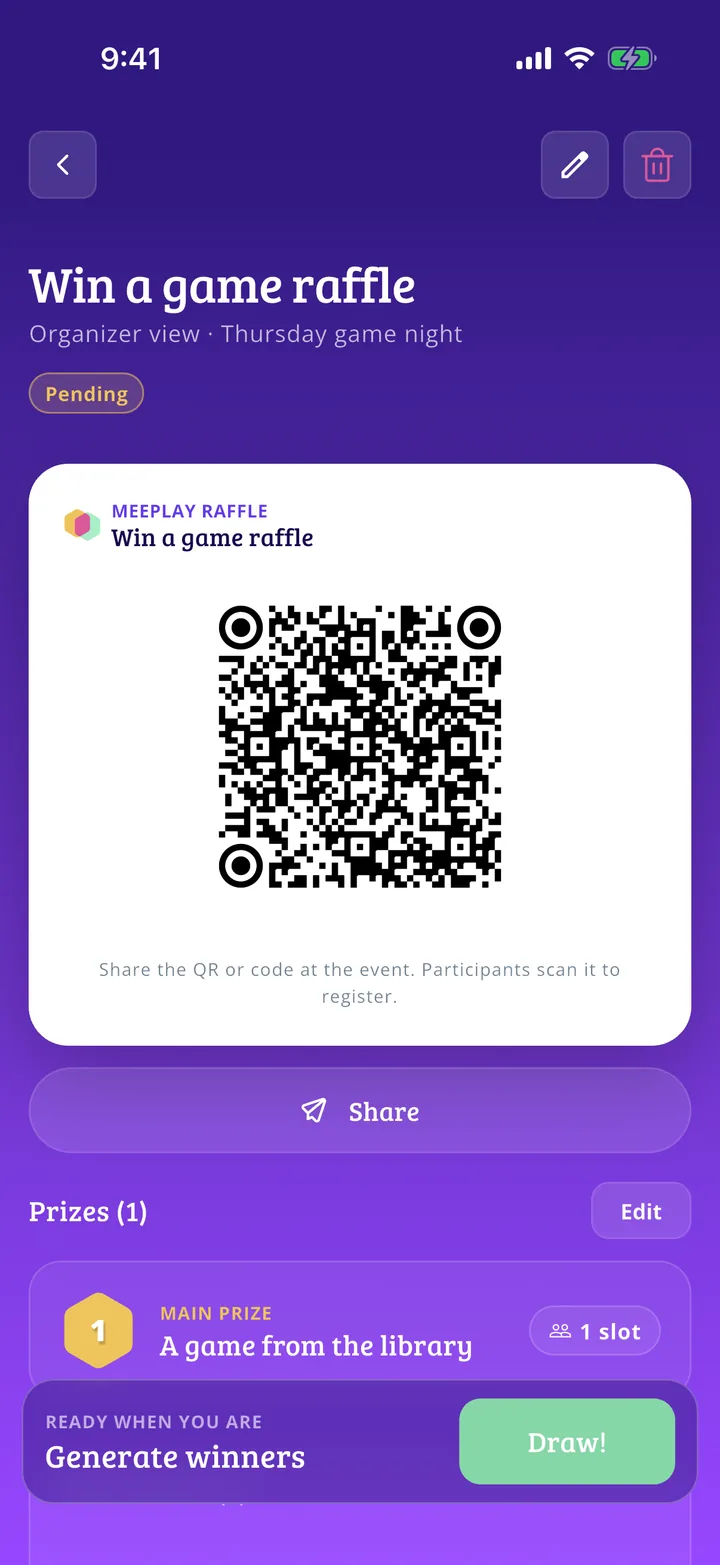 How to set up a prize or raffle in a Meeplay9 steps
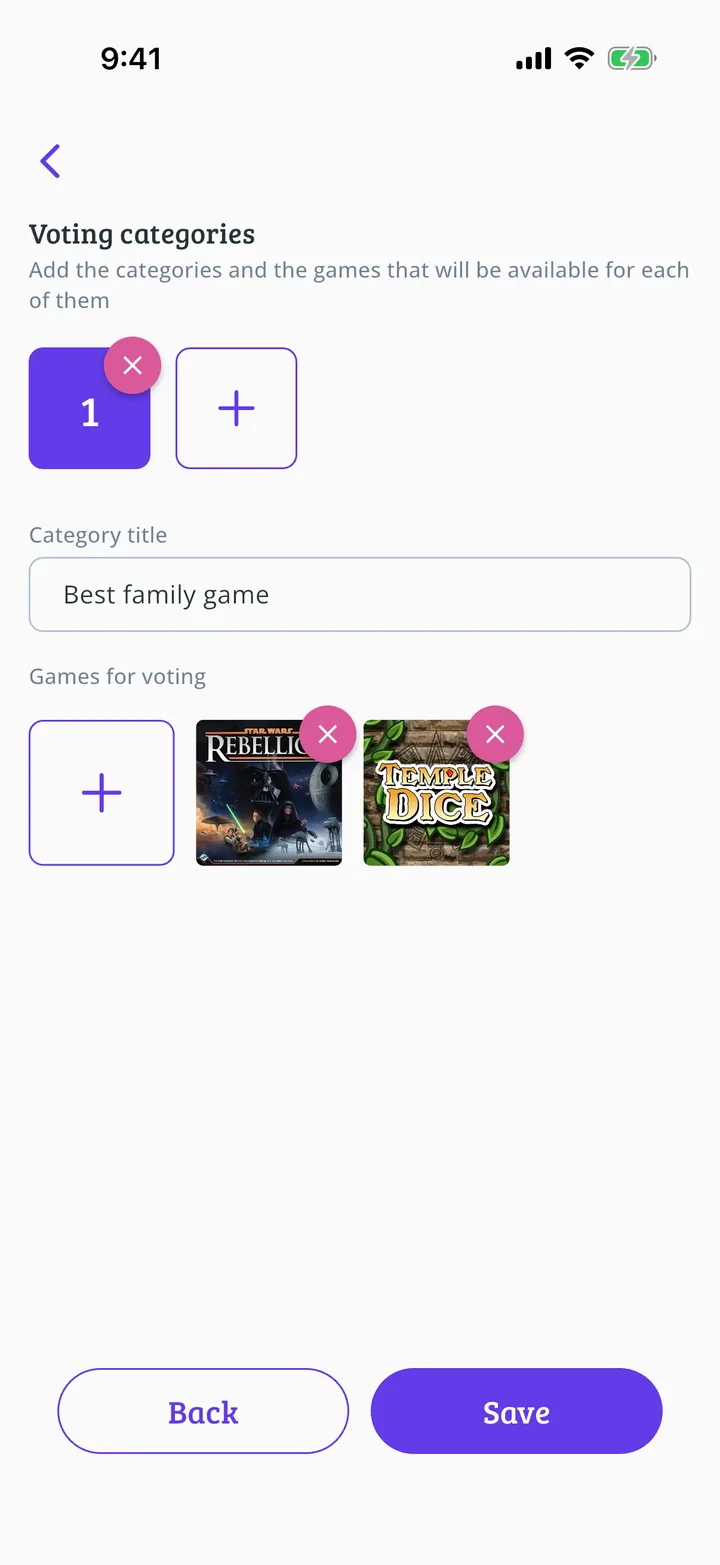 How to create awards with voting15 steps
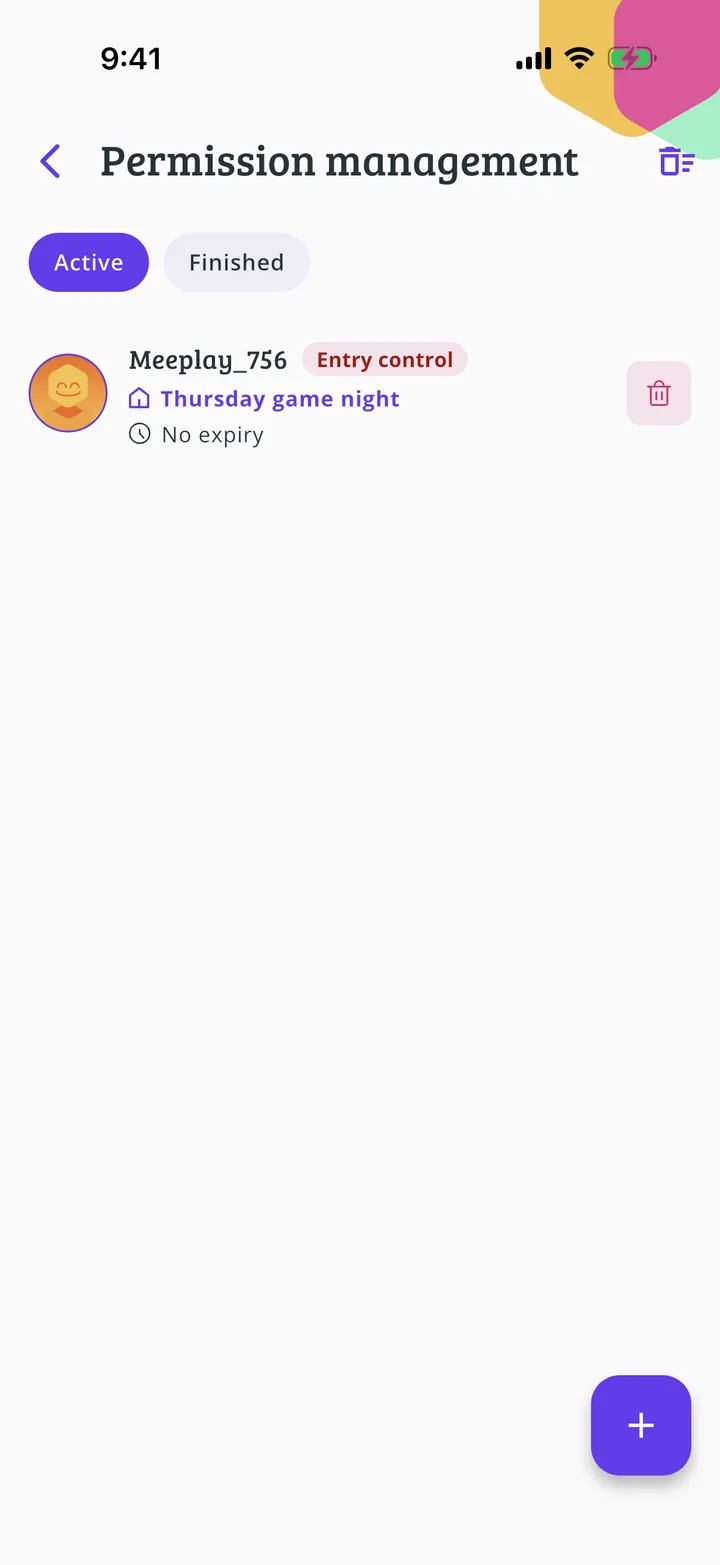 How to give specific permissions at an event12 steps
Spread the word
Posts and reviews from your visitors.