
Help · For organizers
How to manage your venue's bookings
See each day's bookings, change their status, add internal notes and create bookings by hand.
← All guides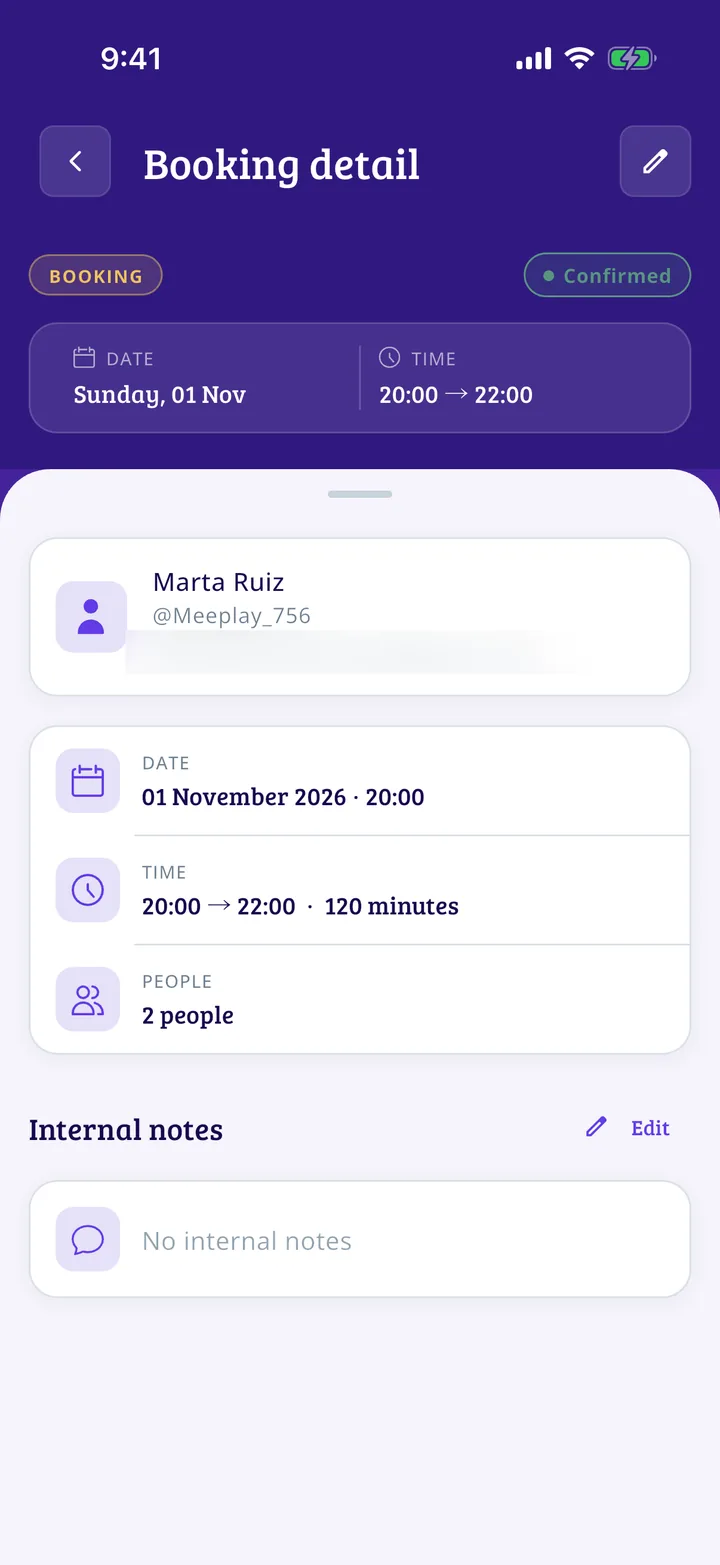
What you will end up with
Before you start
5 steps with screenshots of the app
When your organization has bookings open, the panel shows who is coming each day and lets you confirm, cancel or mark arrivals.
- Have the Meeplay app installed and be logged in to your account.
- Manage an organization on Meeplay. If you don't have one yet, follow the How to create your organization guide first.
In each screenshot, what you need to tap is outlined in yellow and pointed out with an arrow.