Add your venue's rooms with their capacity and create their tables in one go, with the seats and shape of each.
If your organization has its own venue, you can add it to Meeplay: each room with its capacity and tables. This guide creates a room with two four-seat tables.
In each screenshot, what you need to tap is outlined in yellow and pointed out with an arrow.
On the home screen, tap the two arrows button to the right of your name.
Under Select an organizer, tap your organization's name.
On the dashboard, tap the Manage rooms icon.
Tap New room. Once you have rooms, you add more with the + button.
Type the Room name and the Description, and set the Capacity (number of people) with the − and + buttons. Then tap Create tables.
Choose how many tables you want, the people per table and, if needed, the shape. Tap Create tables.
The buttons on each table let you edit or delete it. When everything is ready, tap Create room.
Tap Create.
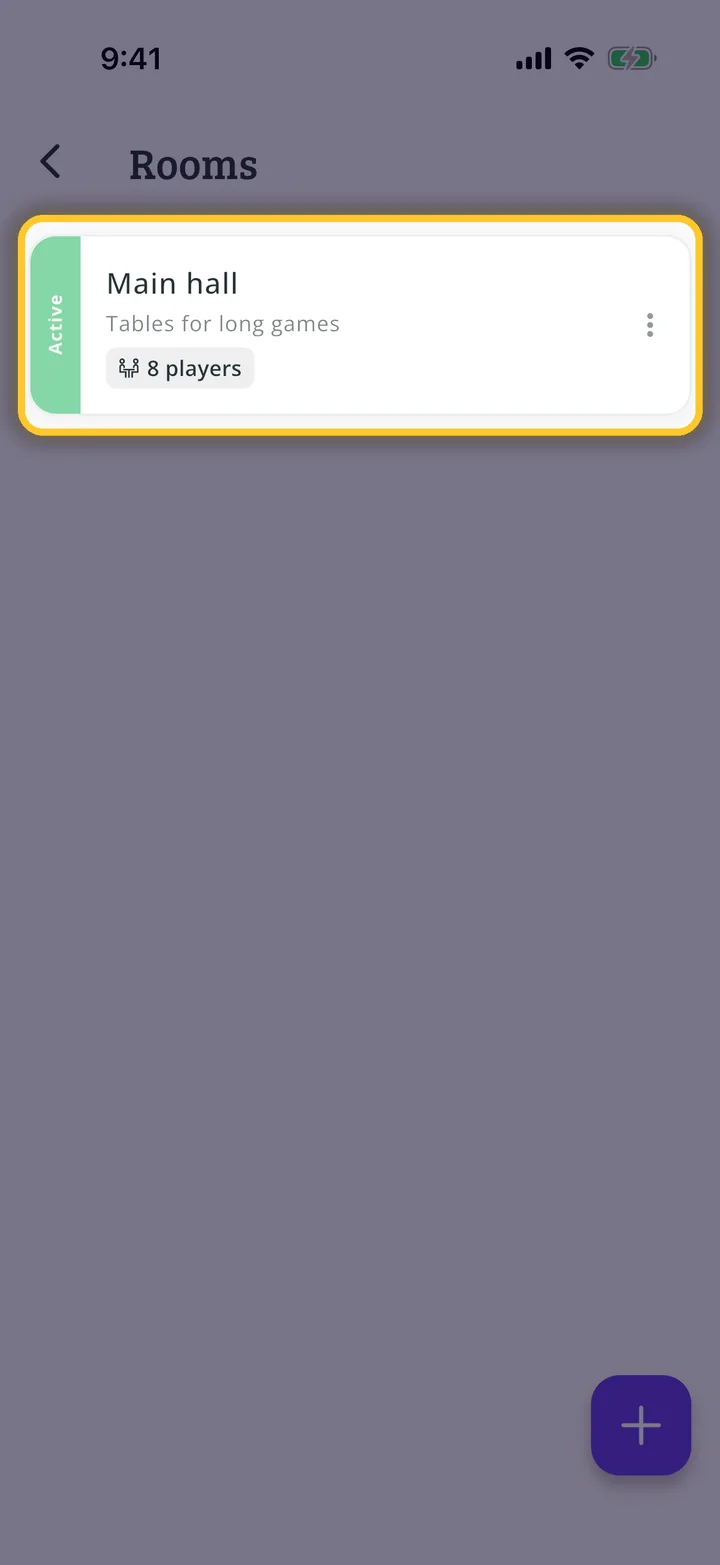
The room appears on the list as active. Tap it to edit it, or use the three dots to change its status or delete it.
You have finished the guide. If something did not go as in the screenshots, tell us which step you got stuck on and we will help you.