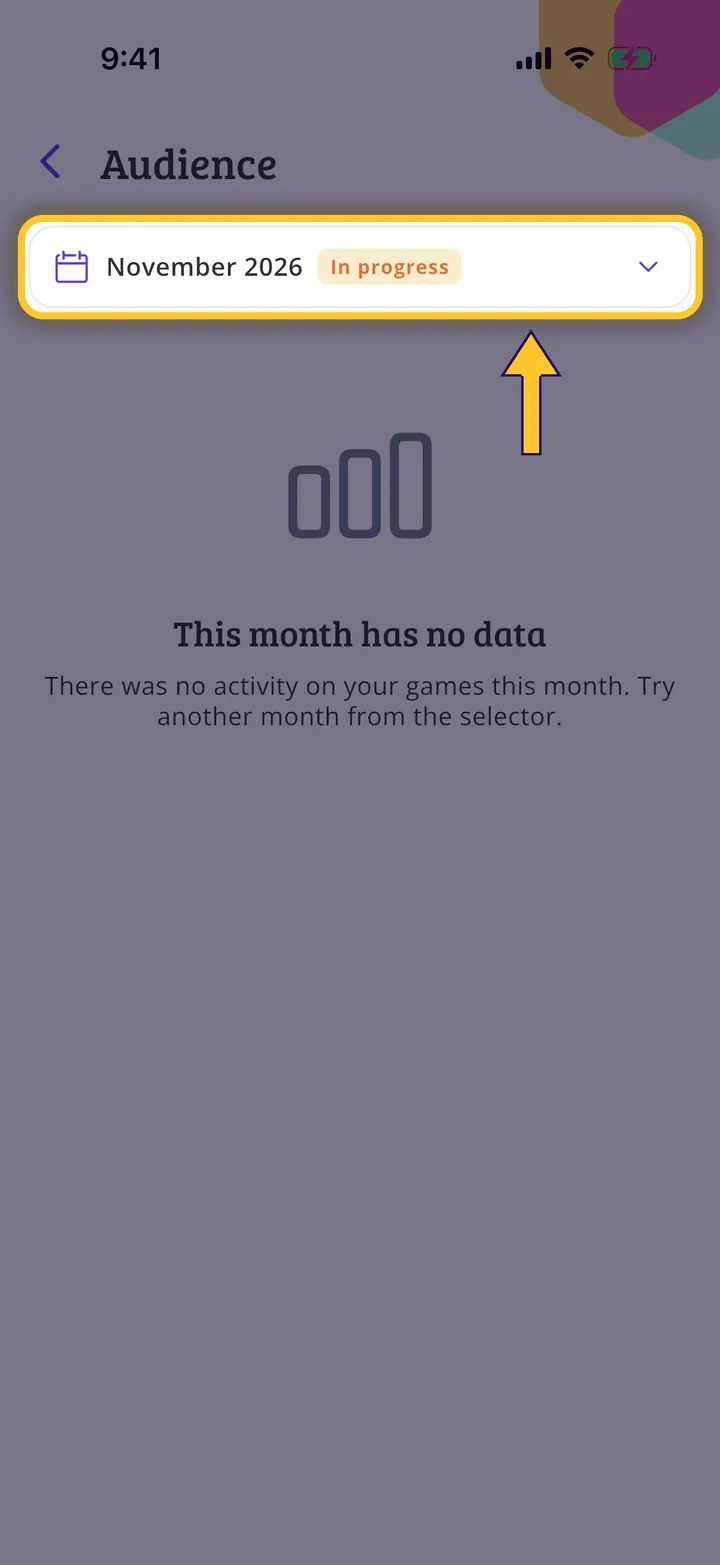
In each screenshot, what you need to tap is outlined in yellow and pointed out with an arrow.
Step 1 of 5
Switch to your organization's profile
On the home screen, tap the two arrows button to the right of your name.
Step 2 of 5
Choose your organization
Under Select an organizer, tap your organization's name.
Step 3 of 5
Go to settings
On your organization's profile, tap Settings.
Step 4 of 5
Open your audience
Tap My audience. It is available for publishers and shops, for account managers.
Step 5 of 5
Choose a month
Choose the month at the top. When there is activity, you will see blocks such as Your games, Your profile, Your posts and Your advertising. The organization in this screenshot has no data yet.
Guide completed
All done!
You have finished the guide. If something did not go as in the screenshots, tell us which step you got stuck on and we will help you.