
Help · For organizers
How to set up your Meeplay's interactive map
Upload the venue's floor plan and draw the stands and areas on it, so people can find what they're looking for during the event.
← All guides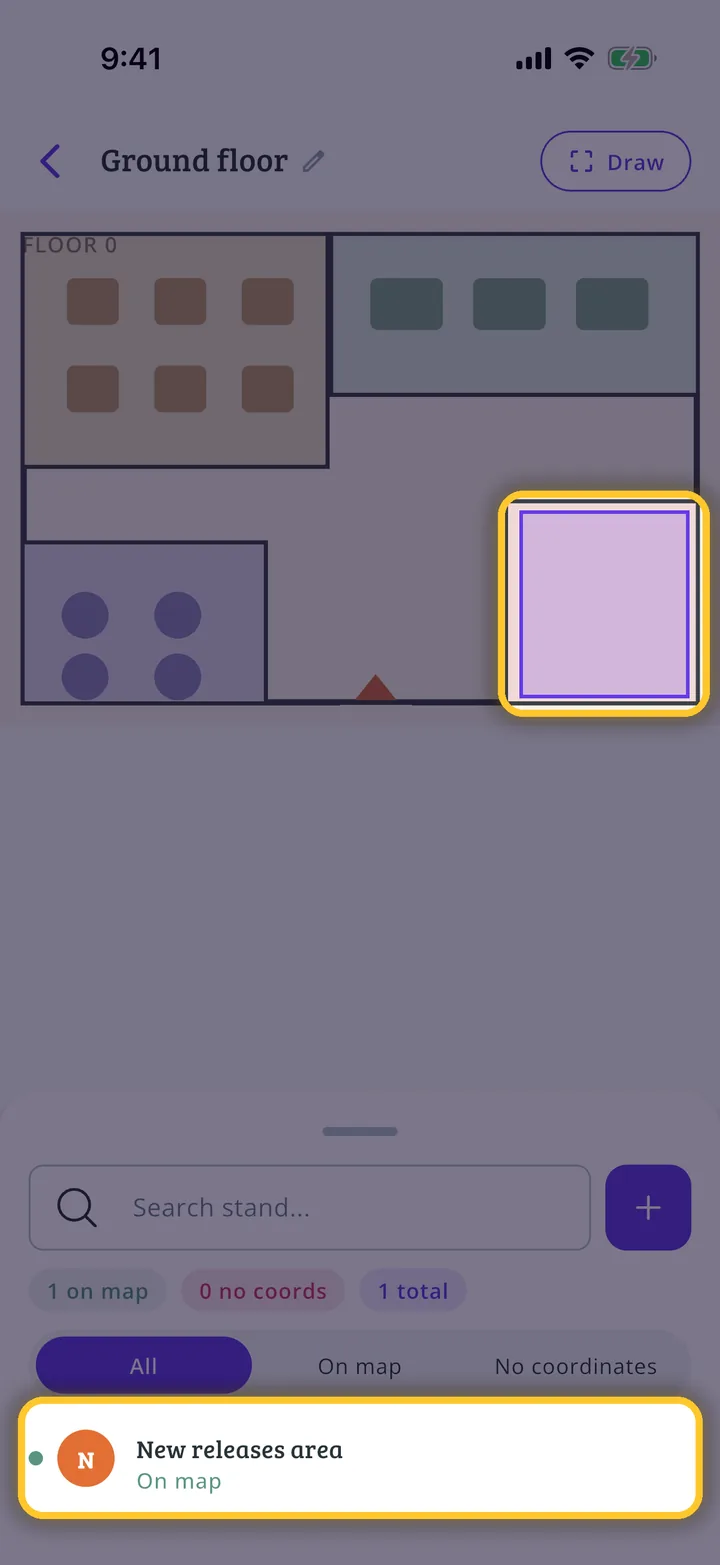
What you will end up with
Before you start
14 steps with screenshots of the app
The interactive map helps people find their way around an event: you upload a picture of each floor and draw the stands and areas on top. This guide creates a floor with one stand.
- Have the Meeplay app installed and be logged in to your account.
- Manage an organization on Meeplay. If you don't have one yet, follow the How to create your organization guide first.
- Have the Meeplay created: see How to create Meeplays from your organizer account.
- Have a picture of the venue's floor plan on your phone.
In each screenshot, what you need to tap is outlined in yellow and pointed out with an arrow.