If you always meet on the same day, there is no need to create the Meeplay every time: when you create it you say how often it repeats and until when, and the app publishes the next ones by itself. This guide schedules a game every Thursday.
Have the Meeplay app installed and be logged in to your account.
Be creating a Meeplay with its name and the date of the first one. If you don't know how, follow the How to create your first Meeplay guide first.
In each screenshot, what you need to tap is outlined in yellow and pointed out with an arrow.
Step 1 of 7
Open repeat
With the name and the date of the first Meeplay already set, tap Repeat under Quick settings.
Step 2 of 7
Choose how often it repeats
At the top you choose whether it repeats by days, weeks or months, and under Repeats every how many. For a weekly meetup, keep the week and tap the day under Repeats on days: here, the T for Thursday.
Step 3 of 7
Set the start time
Tap the Start time clock, set the time with the wheels and tap Accept. Set it even if it is the same as the first Meeplay: the app suggests the time you opened the form, and the next ones would be created at that time.
Step 4 of 7
Set the end date
Tap the End date calendar, find the last day with the arrows at the top, tap it and tap Accept.
Step 5 of 7
Confirm the repeat
Check the details and tap Accept. As the app points out, each scheduled Meeplay is created automatically a month before its date.
Step 6 of 7
Publish the Meeplay
The repeat is summed up on the form; tap it if you want to change it. Finish the Meeplay and tap Publish, as in How to create your first Meeplay.
Step 7 of 7
The next ones, already created
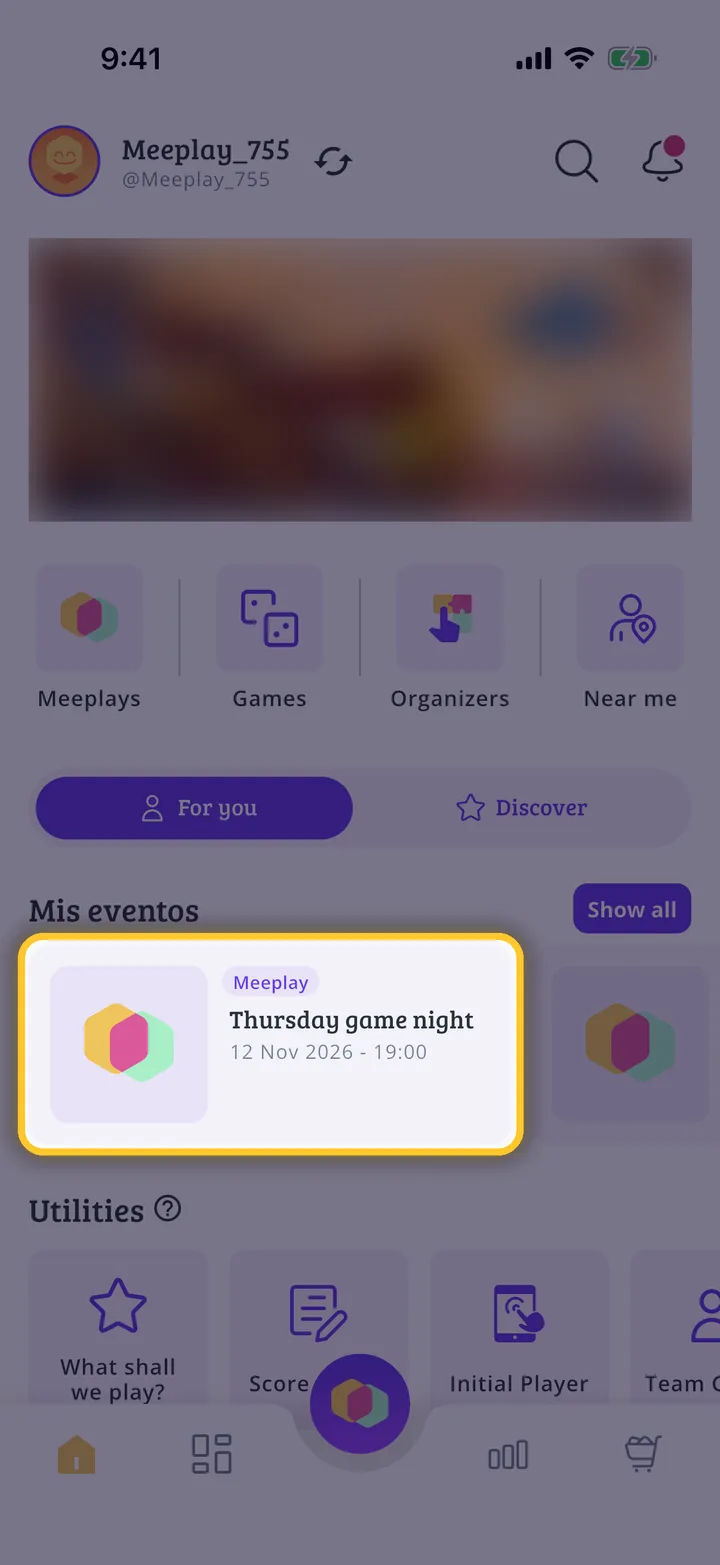
As soon as you publish it, the app creates the following dates for the next month, and the rest appear on their own a month ahead. You will see them under Mis eventos on the home screen.
Guide completed
All done!
You have finished the guide. If something did not go as in the screenshots, tell us which step you got stuck on and we will help you.