
Help · For organizers
How to process a flea market return
Return an item sold at your flea market: find the ticket, mark what comes back, give the reason, check the item and complete the refund.
← All guides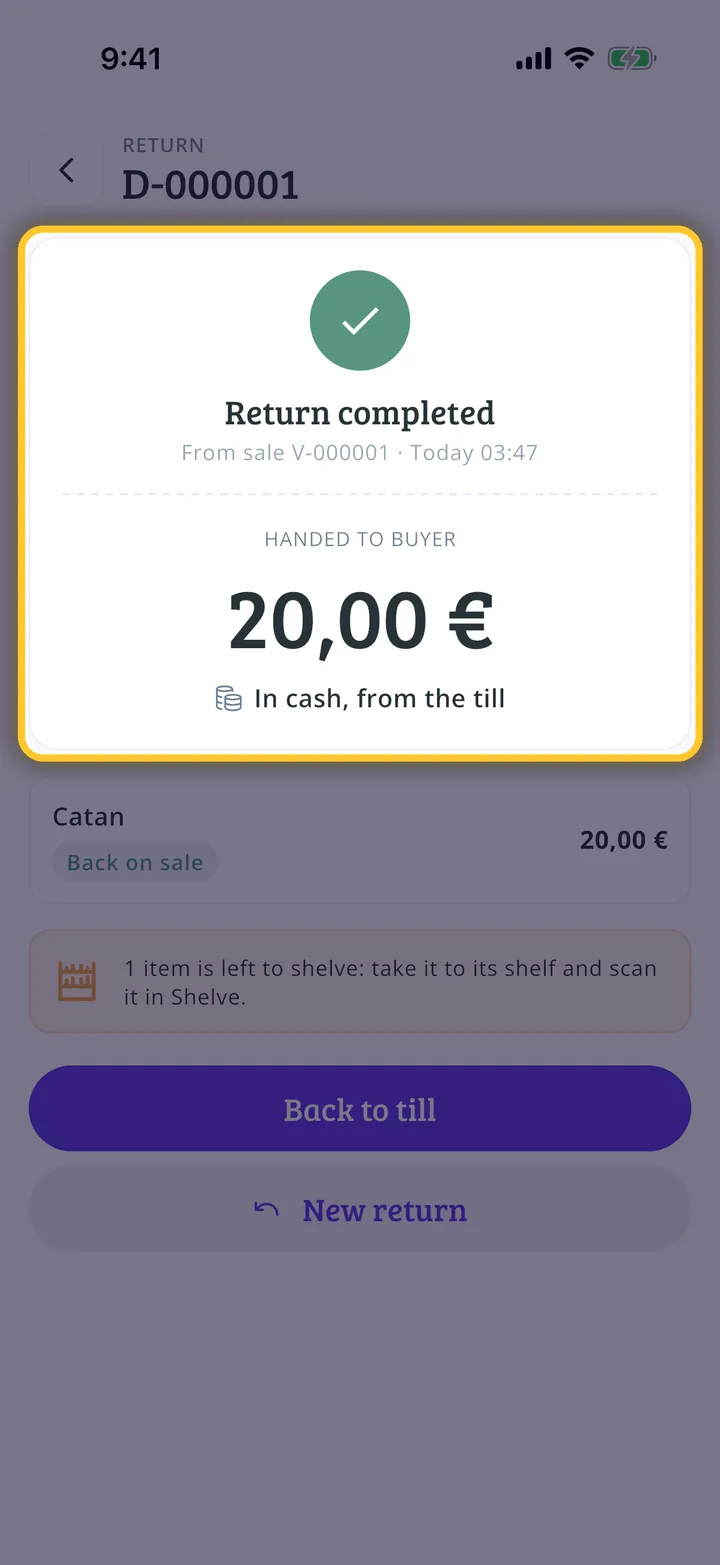
What you will end up with
Before you start
13 steps with screenshots of the app
If someone brings back something they bought at your flea market, you handle it from the till. This guide returns a game in cash and gets it ready to go back on sale.
- Have the Meeplay app installed and be logged in to your account.
- Manage an organization on Meeplay. If you don't have one yet, follow the How to create your organization guide first.
- Have returns turned on: in the flea market settings, open Returns. If you don't have a flea market yet, follow How to create a flea market in your Meeplay.
In each screenshot, what you need to tap is outlined in yellow and pointed out with an arrow.