How to add players who don't use Meeplay to a game
Add someone who played with you to a game even if they don't have the app: create them as a player with their name or count them as an anonymous player.
5 steps with screenshots of the app
To log a game, not everyone needs an account. You can create a player with that person's name (it stays saved for next time) or, if it doesn't matter who it was, count them as an anonymous player.
- Have the Meeplay app installed and be logged in to your account.
- Be logging a game: see How to log a game.
In each screenshot, what you need to tap is outlined in yellow and pointed out with an arrow.
- Step 1 of 5
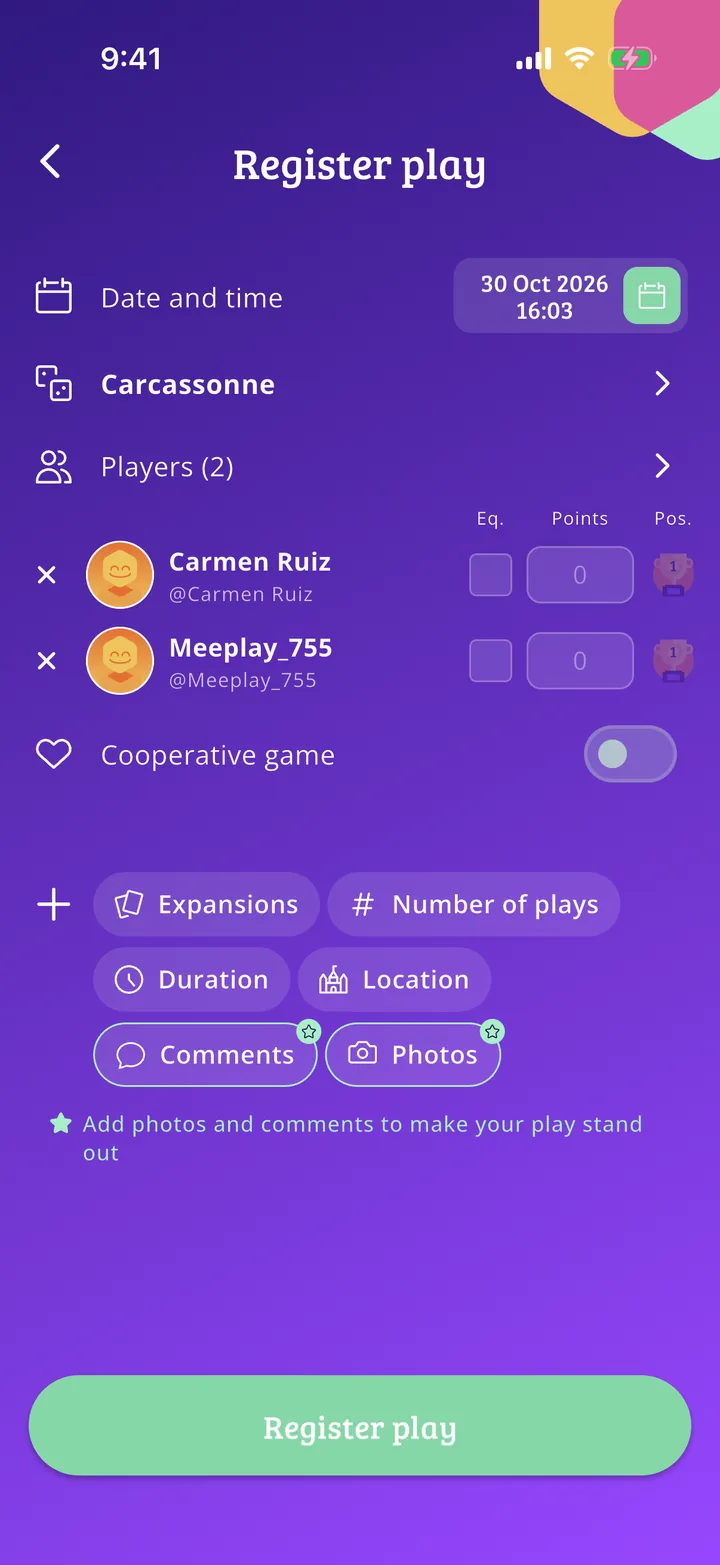
Open the players
With the game already chosen, tap Players.
- Step 2 of 5
Create a player
Tap Create player. If you would rather not enter a name, raise the number of Anonymous players with the + button.
- Step 3 of 5
Type their name
Type the person's name and tap Add.
- Step 4 of 5
Add them to the game
The new player appears selected at the top of the list. Select the others who played and tap the Add button at the bottom.
- Step 5 of 5
They are in the game
The person is now among the players. Finish entering the result and log the game as usual. Next time you will find them on the list as Player created.
All done!
You have finished the guide. If something did not go as in the screenshots, tell us which step you got stuck on and we will help you.