On the day of the event, check who is registered at the door. The app tells you whether the person is signed up or on the waiting list, and keeps track of who is inside.
Have the Meeplay app installed and be logged in to your account.
In each screenshot, what you need to tap is outlined in yellow and pointed out with an arrow.
Step 1 of 7
Switch to your organization's profile
On the home screen, tap the two arrows button to the right of your name.
Step 2 of 7
Choose your organization
Under Select an organizer, tap your organization's name.
Step 3 of 7
Open the agenda
Tap the calendar on the bottom bar.
Step 4 of 7
Open the Meeplay
In list view, tap the Meeplay that has the flea market.
Step 5 of 7
Open the menu
On the Meeplay page, tap the three dots at the top right.
Step 6 of 7
Open the scanner
Tap Scan entry.
Step 7 of 7
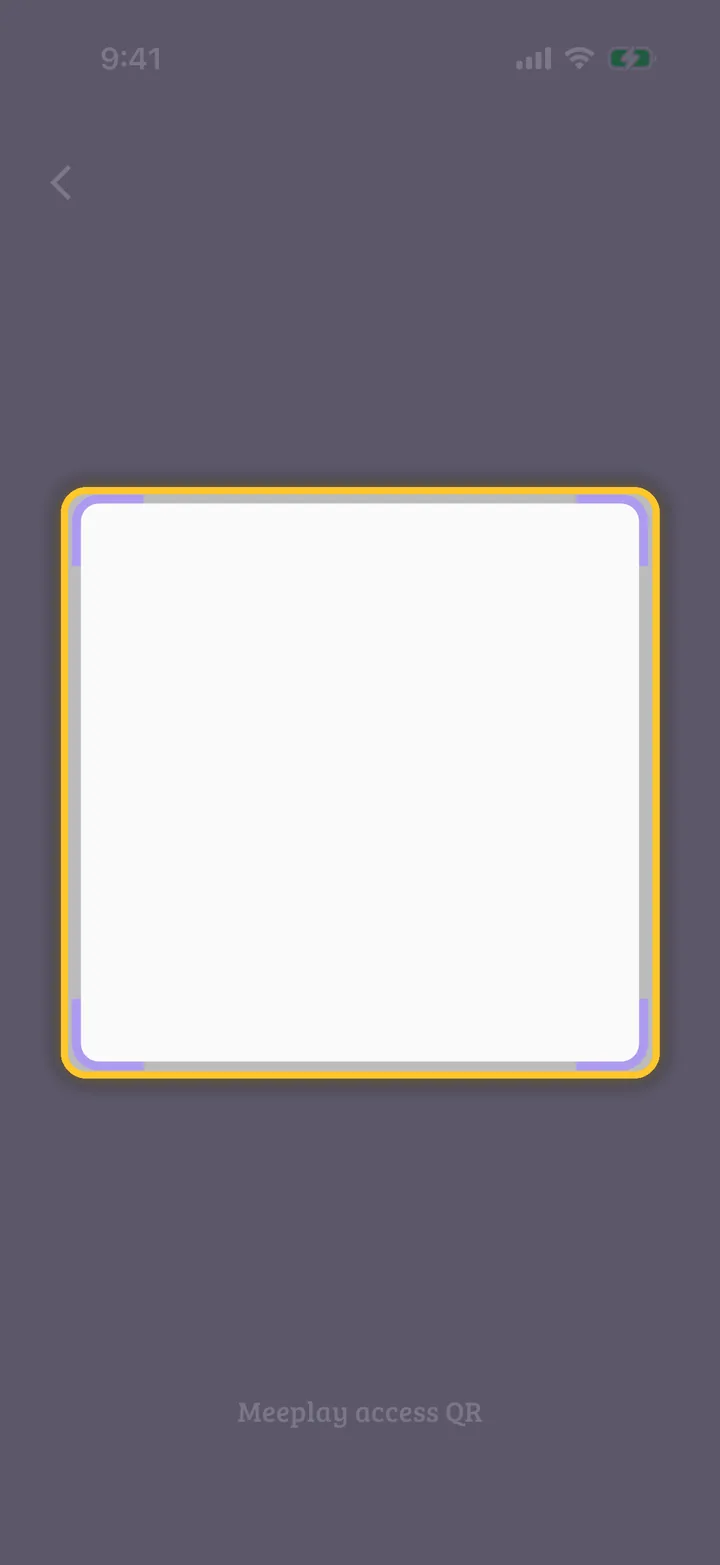
Scan the QR code
Point the camera at the QR code the person shows you, from Your registration and QR code. The app tells you whether they are registered and you can tap Register check-in, or Register check-out when they leave.
Guide completed
All done!
You have finished the guide. If something did not go as in the screenshots, tell us which step you got stuck on and we will help you.