
Help · For organizers
How to create awards with voting
Create awards in your Meeplay: choose the voting type, the dates, the categories and the games competing.
← All guides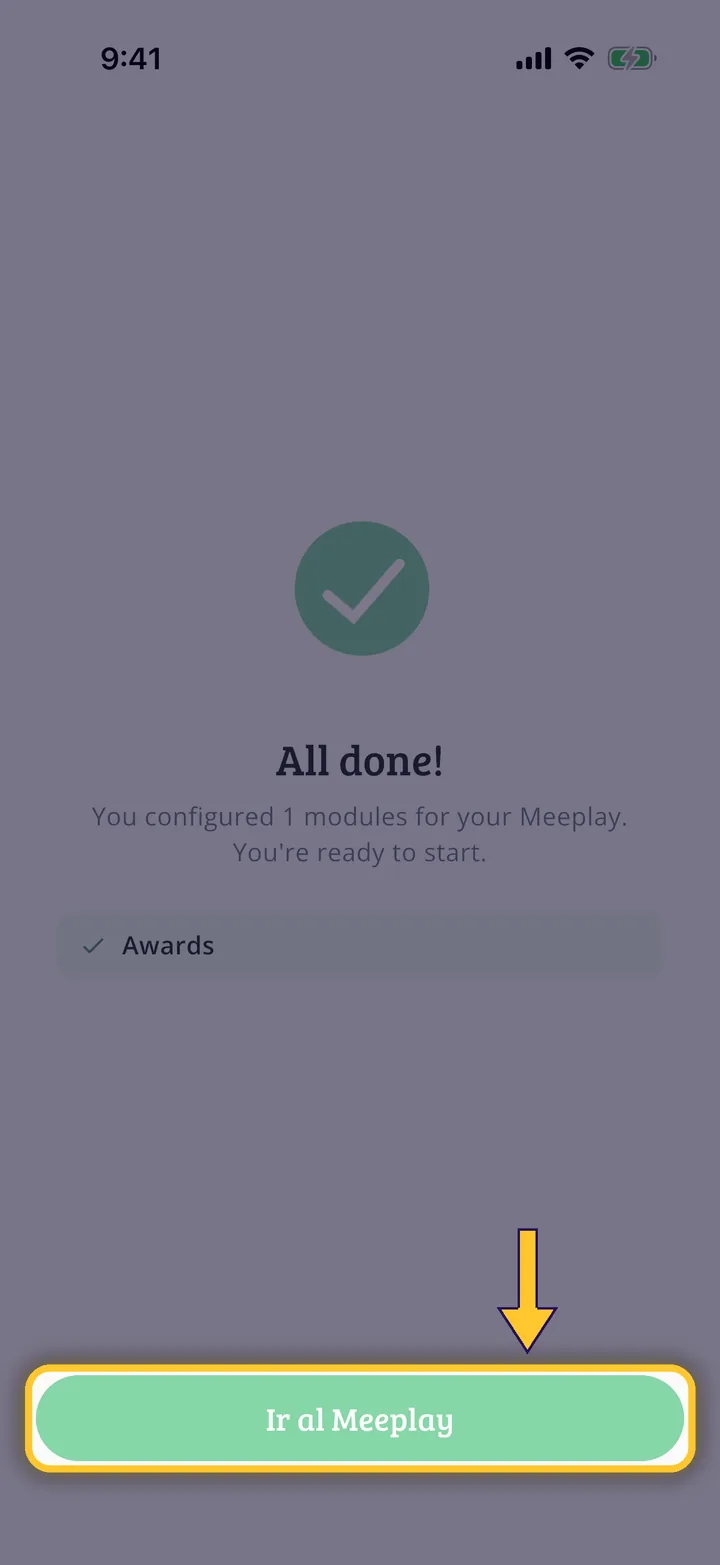
What you will end up with
Before you start
15 steps with screenshots of the app
With awards, the people at your event vote for their favourite games by category. You turn them on when creating the Meeplay and set them up right after publishing it.
- Have the Meeplay app installed and be logged in to your account.
- Manage an organization on Meeplay. If you don't have one yet, follow the How to create your organization guide first.
- Have the links to your cancellation policy and terms and conditions ready: they are required as soon as you ask for any detail.
In each screenshot, what you need to tap is outlined in yellow and pointed out with an arrow.