
Help · Personalization and notifications
Your notifications: where to see them and what to do with them
Check your notifications and answer requests directly from the notification inbox.
← All guides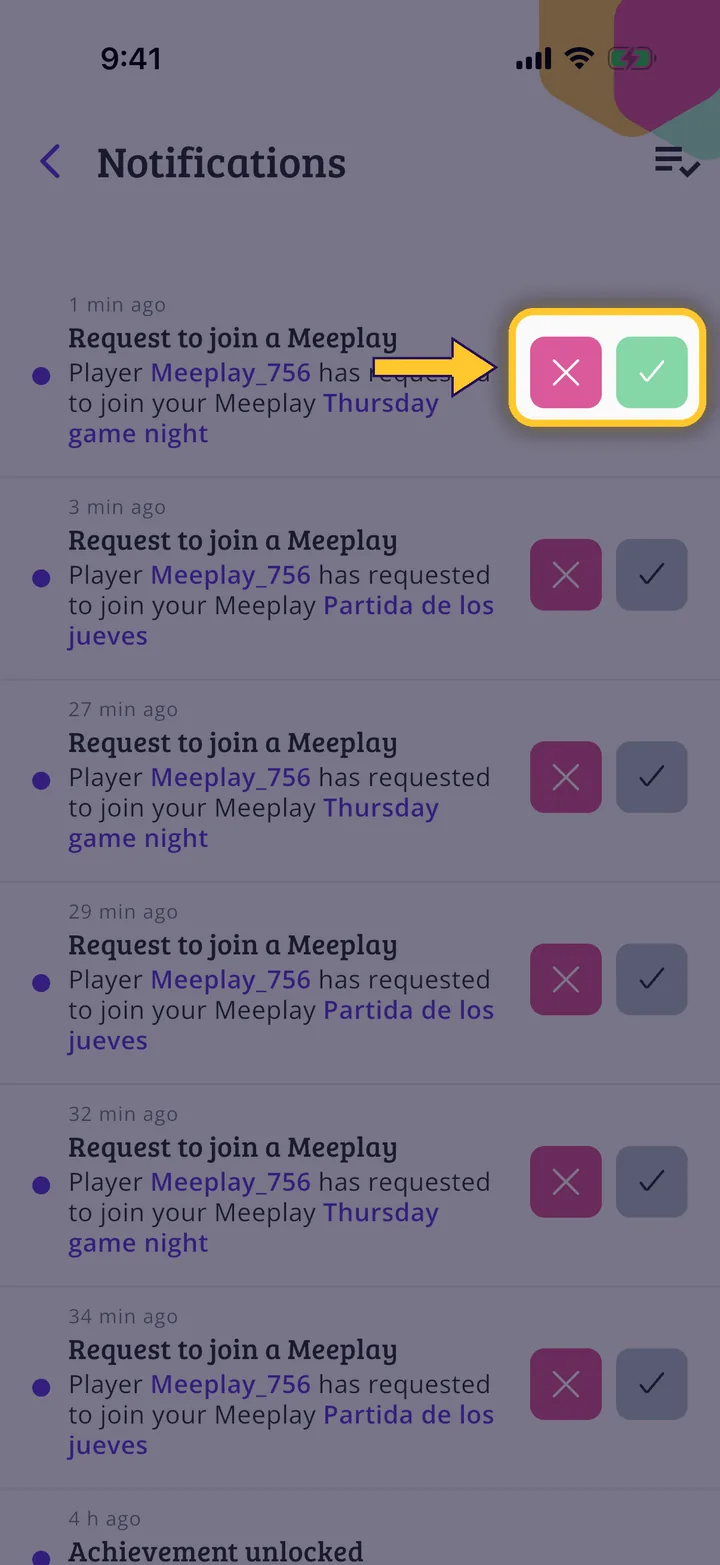
What you will end up with
Before you start
2 steps with screenshots of the app
The bell on the home screen brings together all your notifications: requests, messages, badges and more.
- Have the Meeplay app installed and be logged in to your account.
In each screenshot, what you need to tap is outlined in yellow and pointed out with an arrow.