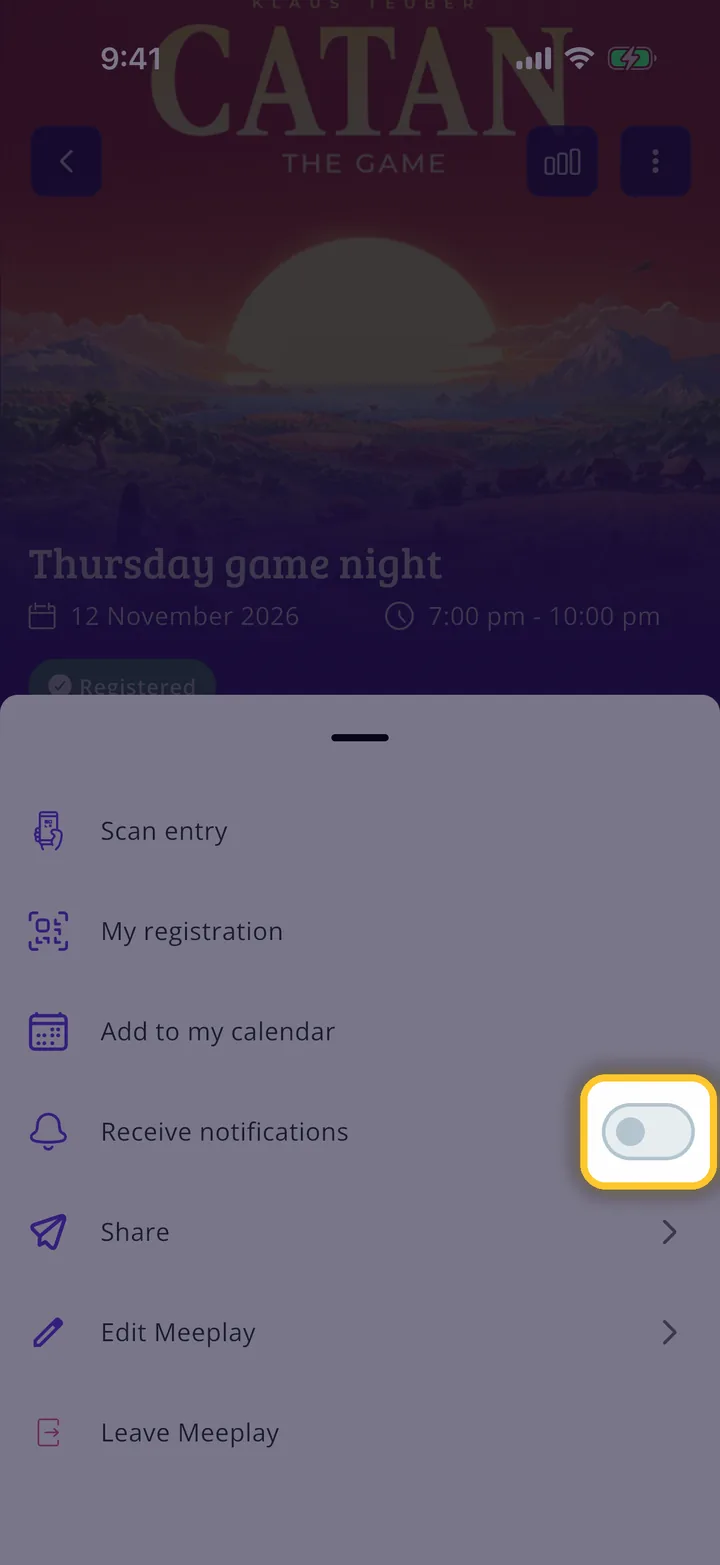
If a Meeplay sends you too many alerts, you can mute it and still take part. Your other Meeplays will keep notifying you as usual.
Have the Meeplay app installed and be logged in to your account.
Be signed up to the Meeplay.
In each screenshot, what you need to tap is outlined in yellow and pointed out with an arrow.
Step 1 of 4
Open your Meeplay
On the home screen, under Mis eventos, tap your Meeplay.
Step 2 of 4
Open the menu
Tap the three dots button at the top right.
Step 3 of 4
Turn off notifications
Tap the Receive notifications switch to turn it off.
Step 4 of 4
Meeplay muted
With the switch off you will no longer get alerts from this Meeplay. To get them again, turn it back on. If you only want to mute the messages, open the Meeplay's Chat and tap the bell at the top right.
Guide completed
All done!
You have finished the guide. If something did not go as in the screenshots, tell us which step you got stuck on and we will help you.