What Meeplay syncs with BoardGameGeek
What data moves between your BoardGameGeek account and Meeplay: your collection and its statuses, your ratings and comments, and your plays, and when they are also sent to BGG.
4 steps with screenshots of the app
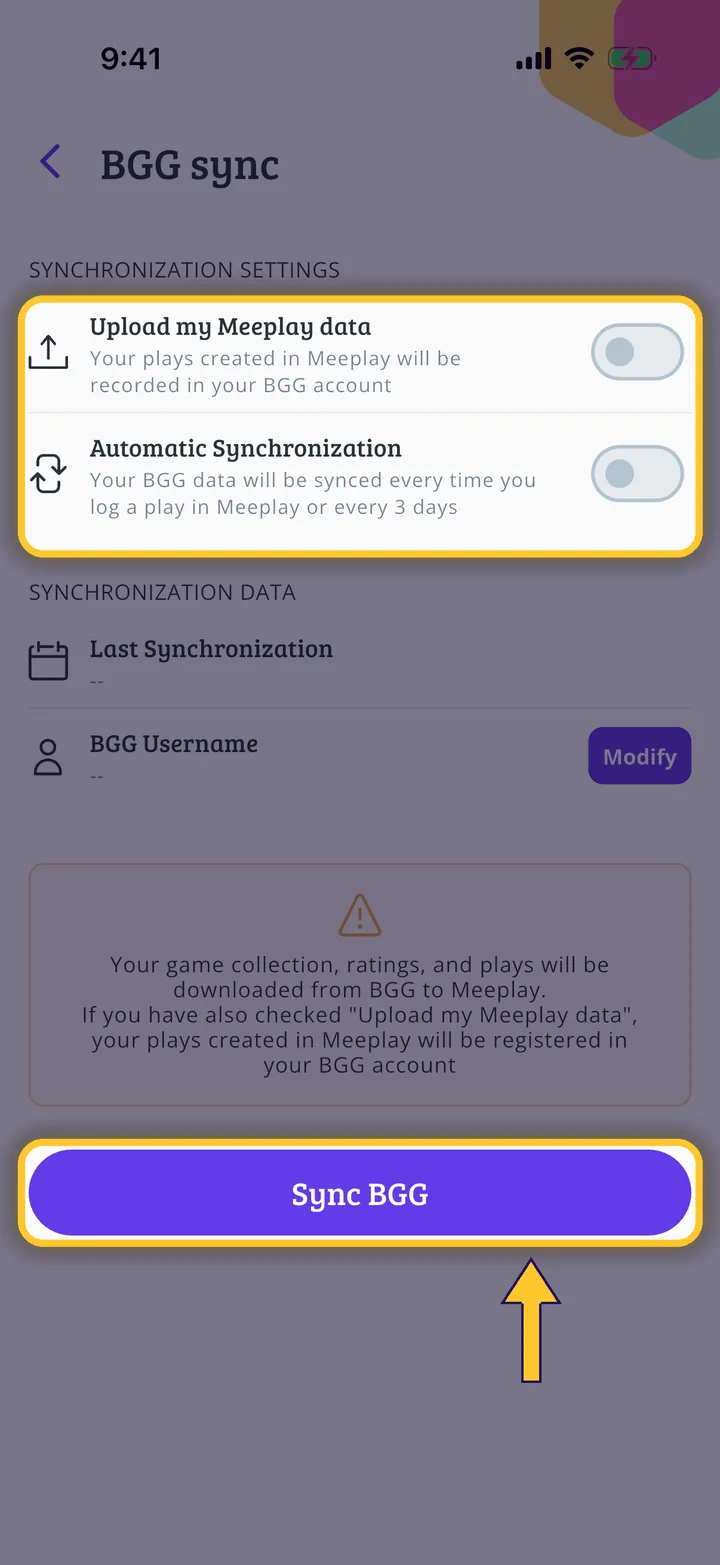
If you connect your BoardGameGeek (BGG) account, Meeplay downloads your collection with its statuses (own, wishlist, want to play, want to buy, for trade), your ratings and comments, and your plays. If you also turn on "Upload my Meeplay data", the plays you log on Meeplay and the games in your collection are also sent to BGG. If you remove a game from your collection on BGG, it stops showing as yours on Meeplay, but you keep its rating and history. Meeplay is not an official BGG app: it uses BGG's API to bring in the information.
- Have the Meeplay app installed and be logged in to your account.
- Have a BoardGameGeek account, if you want to connect it.
In each screenshot, what you need to tap is outlined in yellow and pointed out with an arrow.