
Help · For organizers
How to share your organizer profile
Get the QR code and link to your organization's profile to print it or send it.
← All guides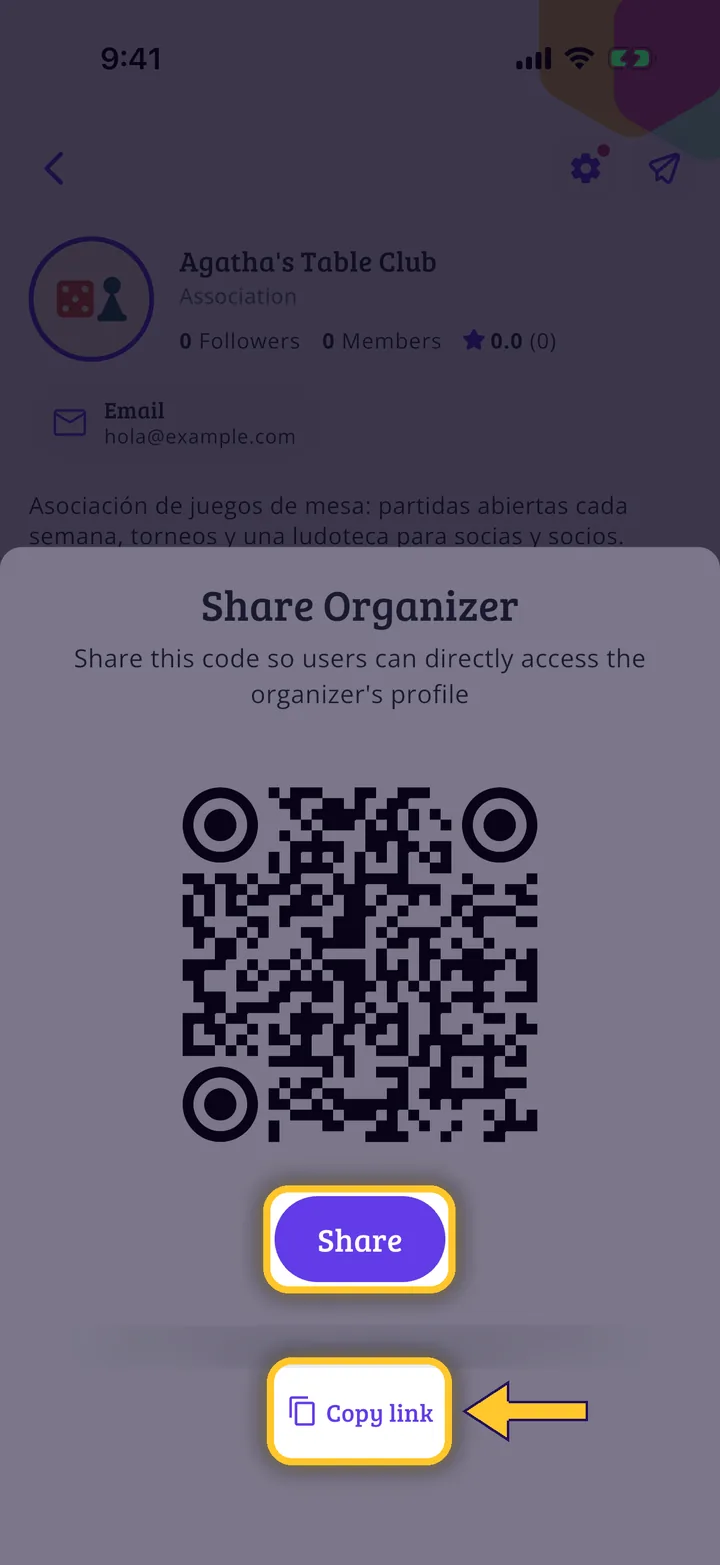
What you will end up with
Before you start
5 steps with screenshots of the app
Your organization's profile has its own QR code and link: useful for the shop counter, a poster or social media.
- Have the Meeplay app installed and be logged in to your account.
- Manage an organization on Meeplay. If you don't have one yet, follow the How to create your organization guide first.
In each screenshot, what you need to tap is outlined in yellow and pointed out with an arrow.