
Help · Activity and profile
How to manage the players you created
Review the players you created for people without an account, rename them or merge two that are the same person.
← All guides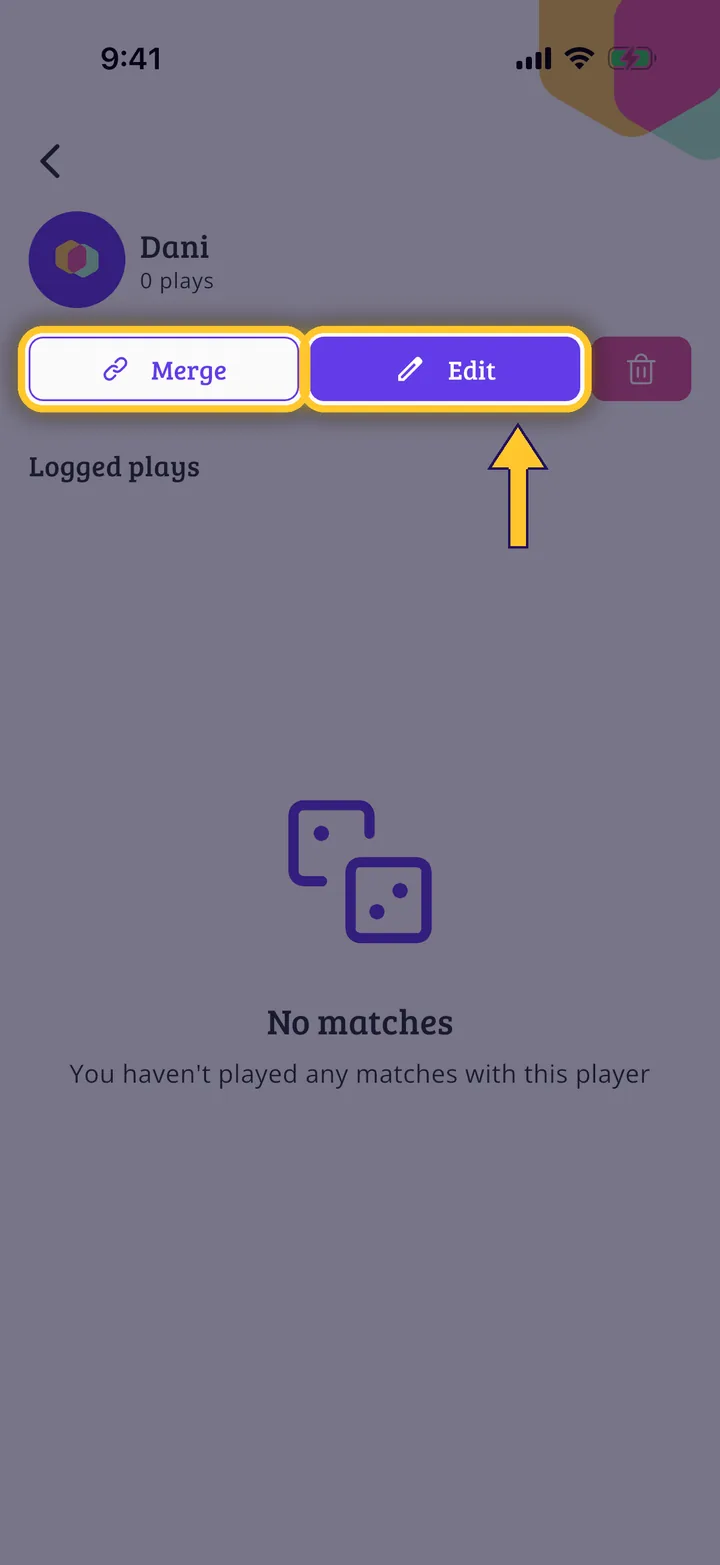
What you will end up with
Before you start
6 steps with screenshots of the app
When you add people without an account, you create players that stay saved. From here you review them, see each one's games and fix them.
- Have the Meeplay app installed and be logged in to your account.
- Have created a player: see How to add people who don't use Meeplay.
In each screenshot, what you need to tap is outlined in yellow and pointed out with an arrow.