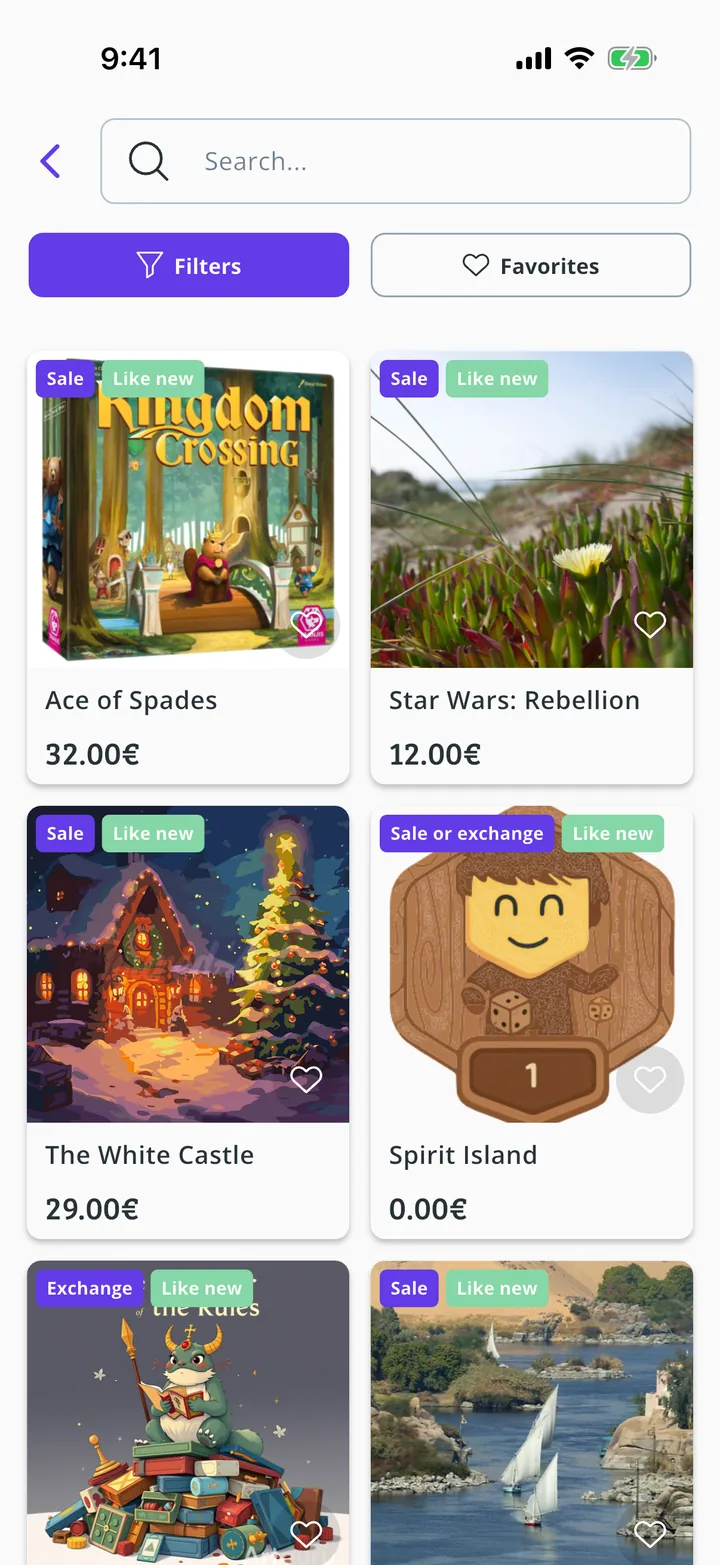
The Meeplay market brings together the games other players are selling or swapping. You can search by name and filter by condition, price and distance.
Have the Meeplay app installed and be logged in to your account.
In each screenshot, what you need to tap is outlined in yellow and pointed out with an arrow.
Step 1 of 5
Open the market
Tap the cart on the bottom bar.
Step 2 of 5
Go to second hand
Under Used games tap the button to see all the ads. You can also search directly at the top.
Step 3 of 5
Search or filter
Type the game's name in the search box at the top. Favorites shows the ads you have saved and Filters narrows the list. Tap Filters.
Step 4 of 5
Choose the filters
You can filter by Type, Status, Price range and Distance (km). When you are done, tap Apply.
Step 5 of 5
Open an ad
The list shows only what matches. Tap an ad to see its photos, the description and the seller's area.
Guide completed
All done!
You have finished the guide. If something did not go as in the screenshots, tell us which step you got stuck on and we will help you.