The Meeplay catalogue has a huge number of games. With the filters you can keep only the ones you are interested in and sort them the way you prefer.
Have the Meeplay app installed and be logged in to your account.
In each screenshot, what you need to tap is outlined in yellow and pointed out with an arrow.
Step 1 of 6
Open the catalogue
On the home screen, tap Games.
Step 2 of 6
Open the filters
Tap More filters.
Step 3 of 6
Choose what you are looking for
Tap the options you want, such as the Type or the Difficulty. You can select several.
Step 4 of 6
Narrow it down and apply
Scroll down to search by Categories, Mechanics, Designer or Publisher, and adjust Rating, Number of players and Recommended age with the sliders. Tap Apply.
Step 5 of 6
Check the results
The list only shows the games that match the filters, and the active ones appear at the top: tap the X on one to remove it. To change the order, tap Highest rated.
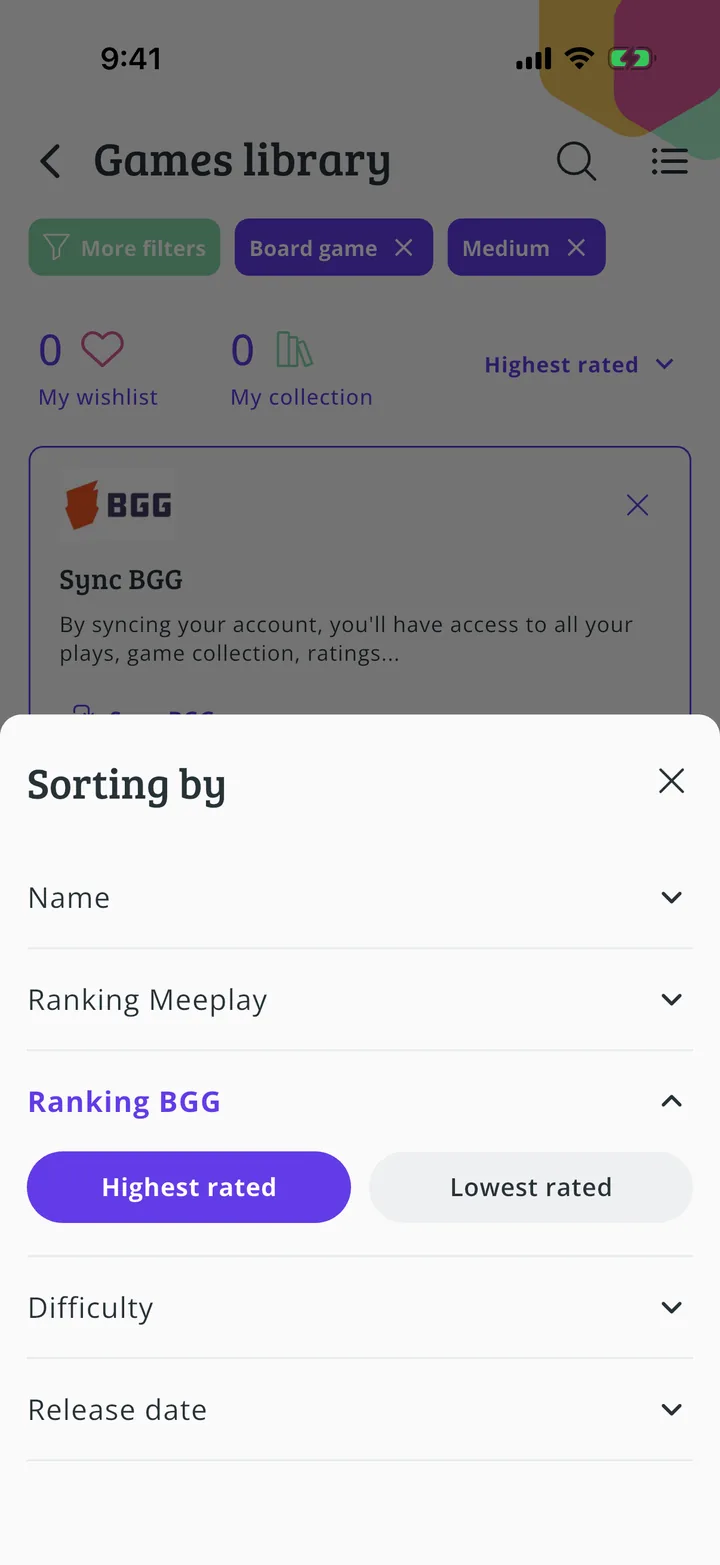
Step 6 of 6
Choose the order
Choose what you want to sort by and in which direction. To remove all the filters at once, go back to More filters and tap Clean.
Guide completed
All done!
You have finished the guide. If something did not go as in the screenshots, tell us which step you got stuck on and we will help you.