Every game has a page with everything you need to decide whether you fancy playing it: score, basic details, expansions, videos, files and reviews. From there you can also add it to your collection or log a play.
Have the Meeplay app installed and be logged in to your account.
In each screenshot, what you need to tap is outlined in yellow and pointed out with an arrow.
Step 1 of 6
Open search
On the home screen, tap the magnifying glass at the top.
Step 2 of 6
Search for the game
Type the name, choose the Games tab and tap the game.
Step 3 of 6
Check the main details
At the top you have the average score and the votes. Add this game saves it to your collection and My stats takes you to your stats for this game.
Step 4 of 6
Check the details
Scroll down to see Information, Meeplay stats with what the community does with this game, its creators, publishers, images and Expansions.
Step 5 of 6
Videos, files and reviews
At the end you have Videos, Files and Reviews. Tap See all on any of them to see the full list.
Step 6 of 6
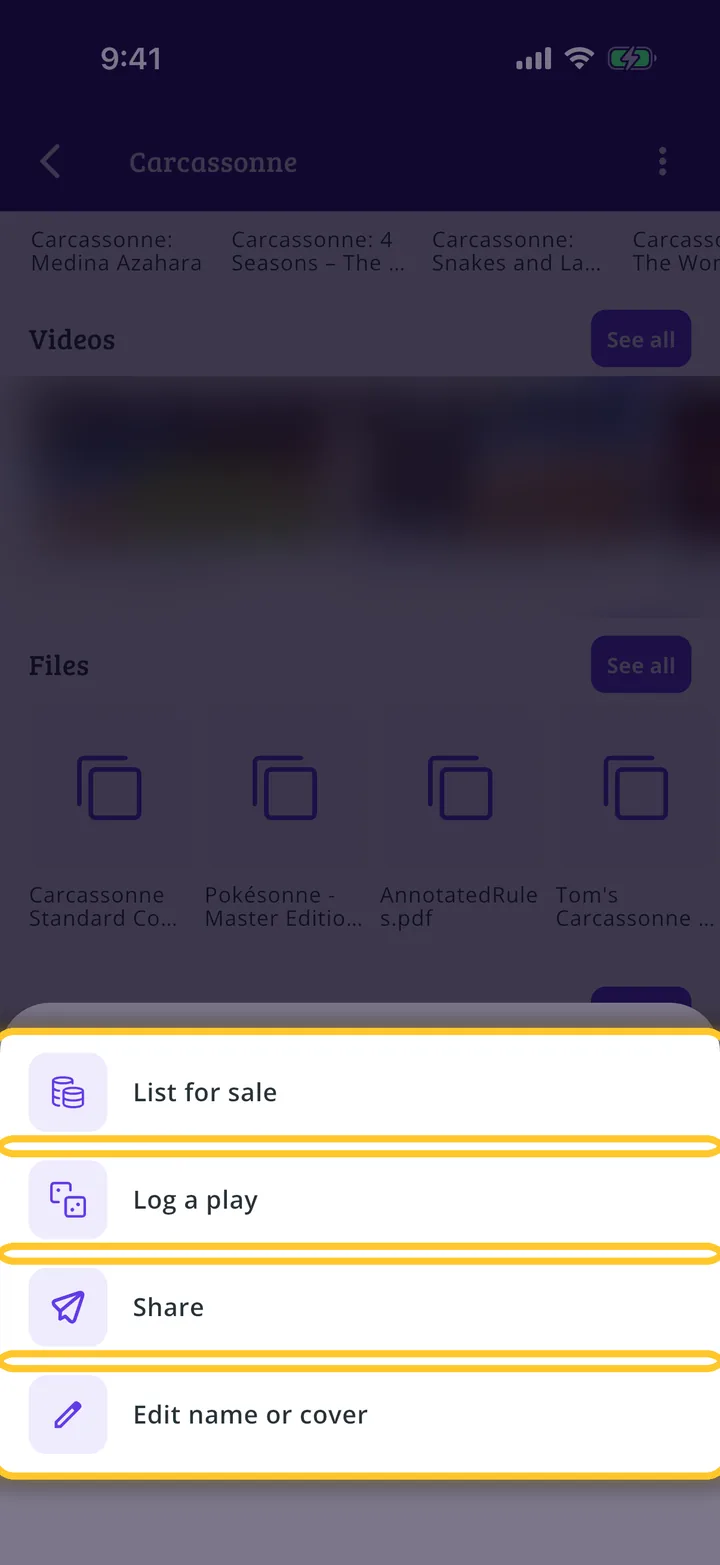
More options
Tap the three dots at the top to List for sale, Log a play, Share or Edit name or cover.
Guide completed
All done!
You have finished the guide. If something did not go as in the screenshots, tell us which step you got stuck on and we will help you.