Roleplaying Meeplays have their own settings: who runs the game, whether it is a campaign or a one-shot, the table languages and the safety tools.
Have the Meeplay app installed and be logged in to your account.
In each screenshot, what you need to tap is outlined in yellow and pointed out with an arrow.
Step 1 of 5
Open the create menu
On the home screen, tap the + button in the middle of the bottom bar.
Step 2 of 5
Choose "New Meeplay"
Tap the New Meeplay icon.
Step 3 of 5
Choose "Role-playing games"
At the top, tap Role-playing games. Fill in the name, date and game as in any Meeplay and choose who runs it under Select Game Master.
Step 4 of 5
Check the roleplaying settings
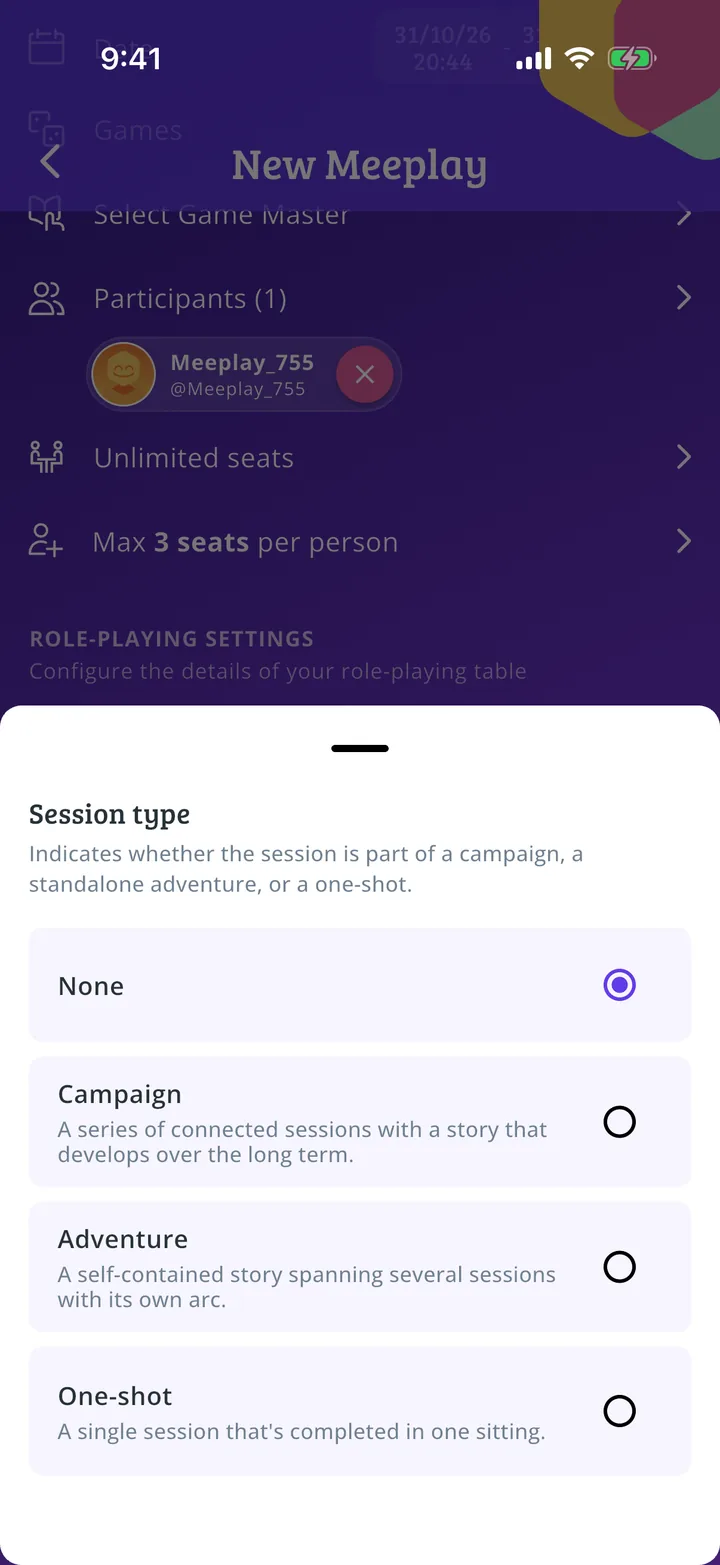
Under Role-playing settings you say what the table will be like. Tap Session type.
Step 5 of 5
Choose the session type
Campaign, Adventure or One-shot: choose one. Complete the rest of the roleplaying settings and publish the Meeplay as in How to create your first Meeplay.
Guide completed
All done!
You have finished the guide. If something did not go as in the screenshots, tell us which step you got stuck on and we will help you.