
Help · For associations
How to create a members-only Meeplay
Create a Meeplay that only your association's members can see and join.
← All guides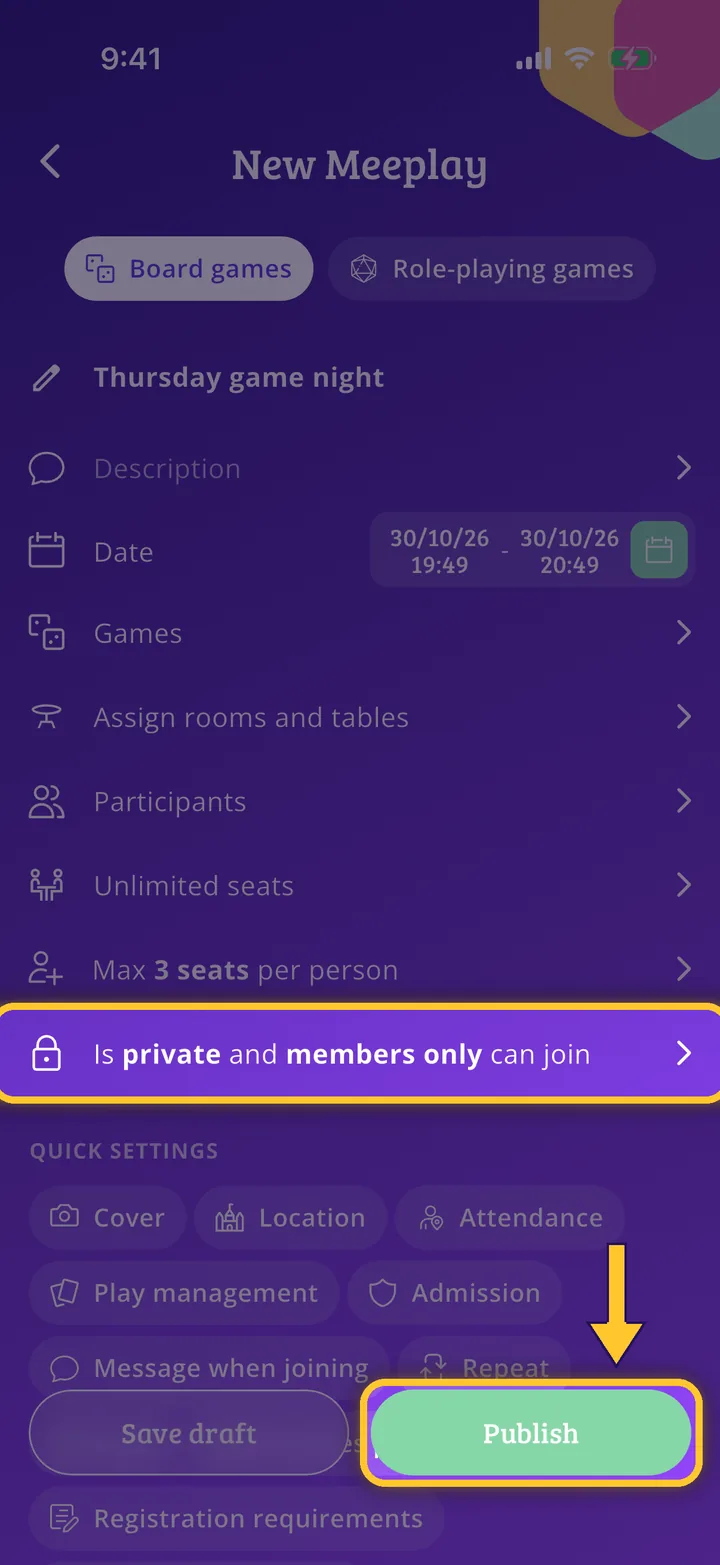
What you will end up with
Before you start
7 steps with screenshots of the app
Associations can reserve a Meeplay for their members: everyone else neither sees it in searches nor can join.
- Have the Meeplay app installed and be logged in to your account.
- Manage an organization on Meeplay. If you don't have one yet, follow the How to create your organization guide first.
In each screenshot, what you need to tap is outlined in yellow and pointed out with an arrow.