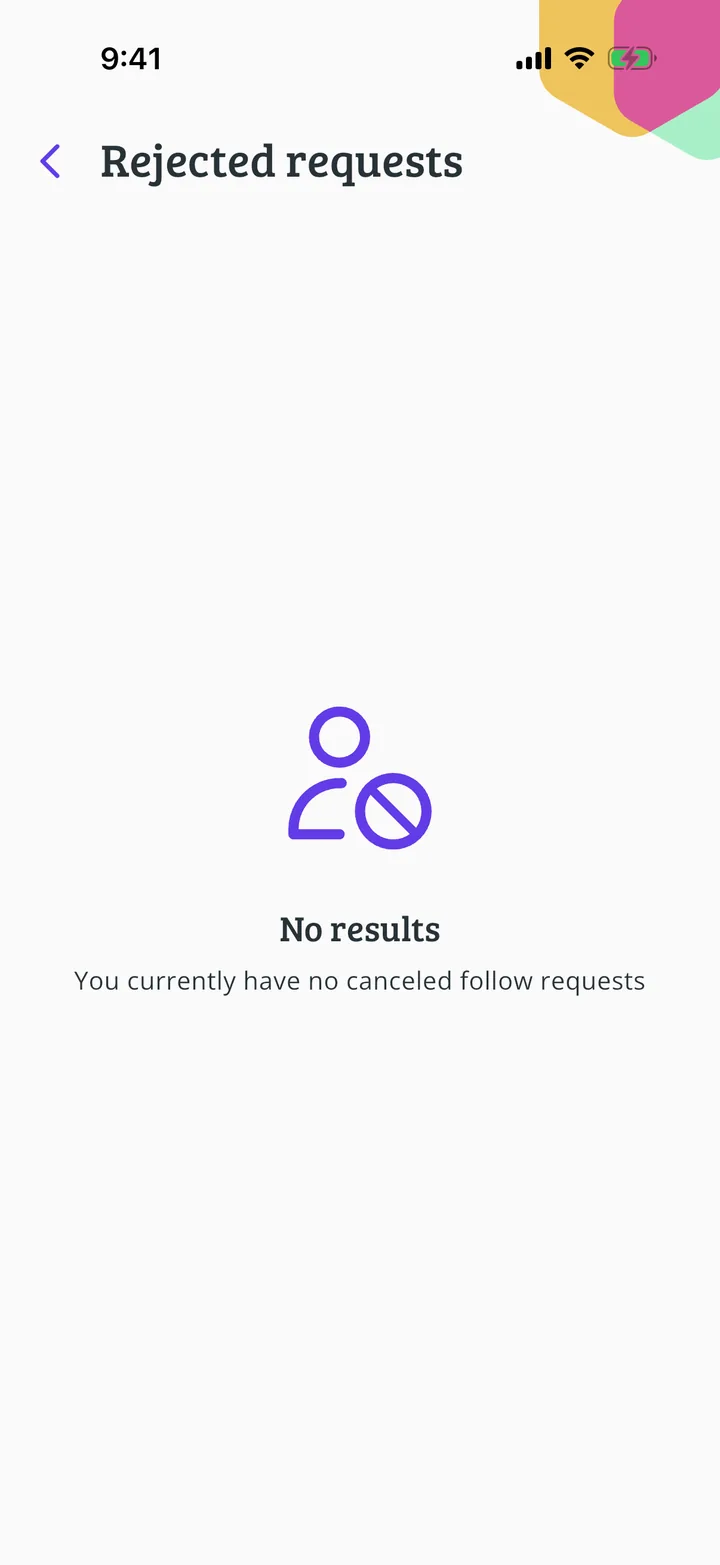
If your profile is private and you rejected someone by mistake, find their request and allow them to follow you.
With a private profile you decide who follows you. If you rejected someone and change your mind, their request is still saved: they don't need to ask again.
In each screenshot, what you need to tap is outlined in yellow and pointed out with an arrow.
On the home screen, tap your name at the top left.
Tap Settings.
Tap Manage profile.
Scroll down to Rejected requests and tap it.
These are the requests you've rejected. Tap Allow next to the person.
Do you really want to allow this user to follow you and view your profile? Tap Allow.
The person disappears from the list and can now follow you and see your profile.
You have finished the guide. If something did not go as in the screenshots, tell us which step you got stuck on and we will help you.