
Help · Activity and profile
How to support the project
If you want to help Meeplay, choose an amount or enter the one you prefer from the app settings.
← All guides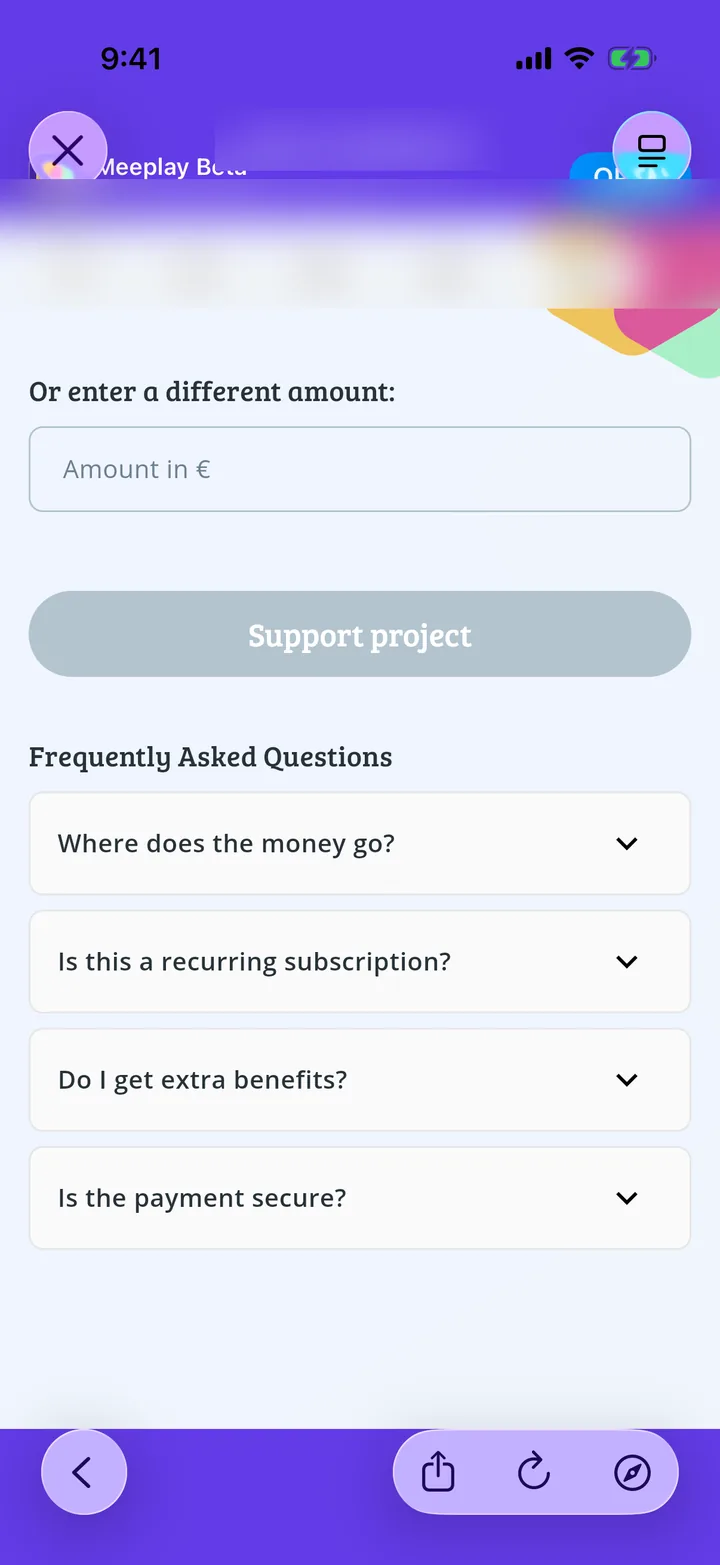
What you will end up with
Before you start
5 steps with screenshots of the app
Meeplay is maintained and improved by a small team. If you would like to help, you can make a contribution whenever you want.
- Have the Meeplay app installed and be logged in to your account.
In each screenshot, what you need to tap is outlined in yellow and pointed out with an arrow.