Help · Your account and profile
How to recover your password if you forgot it
If you can't remember your password, ask the app for an email to create a new one and get back into your account.
Before you start
3 steps with screenshots of the app
If you can't log in because you don't remember your password, the app sends you an email with instructions for creating a new one.
- Have the Meeplay app installed and an account. If you don't have one yet, follow How to create your Meeplay account.
- Have the inbox you signed up with at hand.
In each screenshot, what you need to tap is outlined in yellow and pointed out with an arrow.
- Step 1 of 3
Open password recovery
On the login screen, tap Forgot password?.
- Step 2 of 3
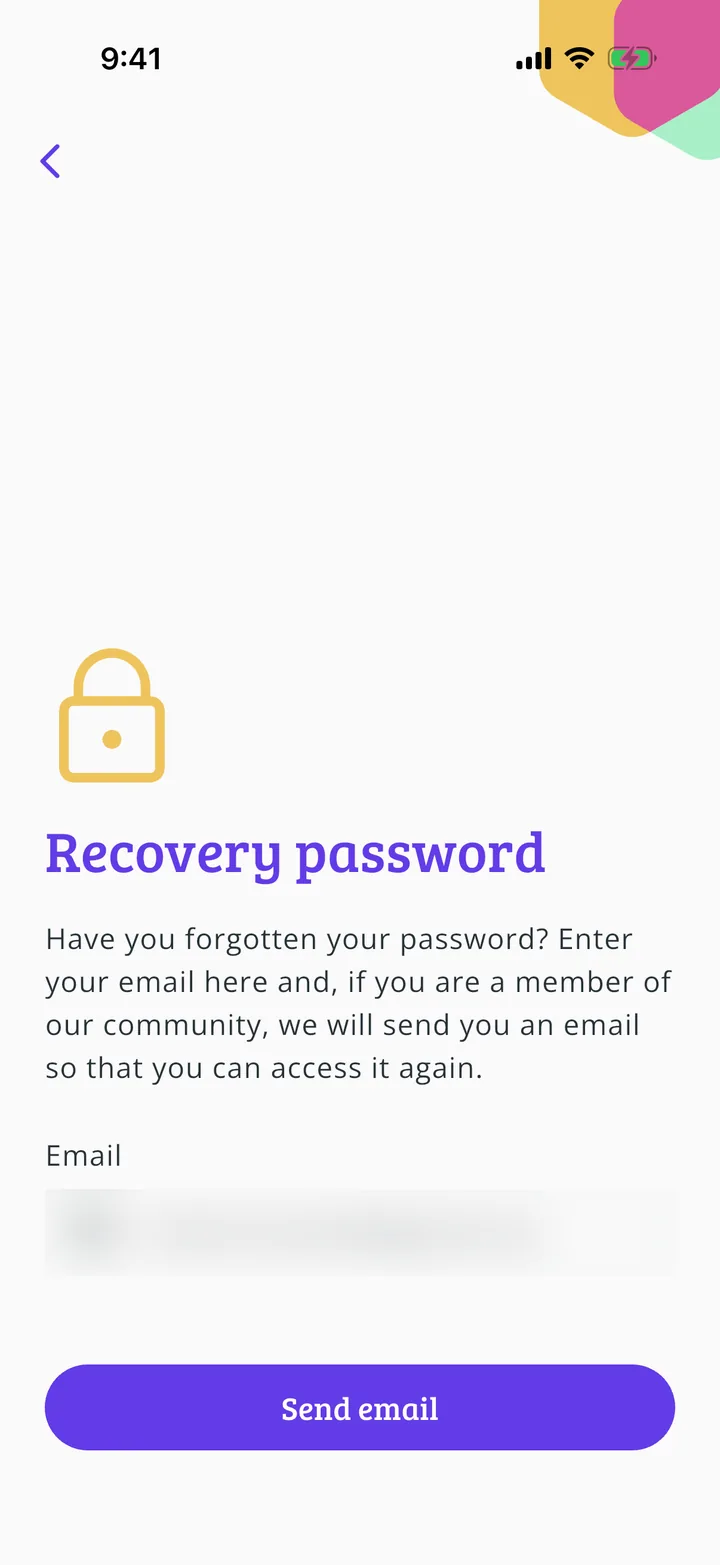
Enter your email
Enter your account's email and tap Send email.
- Step 3 of 3
Check your inbox
Open the email we sent you and follow the instructions to create your new password. If you can't see it, check your spam folder. Then go back to the app and log in.
Guide completed
All done!
You have finished the guide. If something did not go as in the screenshots, tell us which step you got stuck on and we will help you.